Nox APP Player 7.0.6.2 for Windows
Free Android emulator for playing mobile games on a PC
You are on macOS — this is the Windows version. See the macOS version
Screenshots
Description
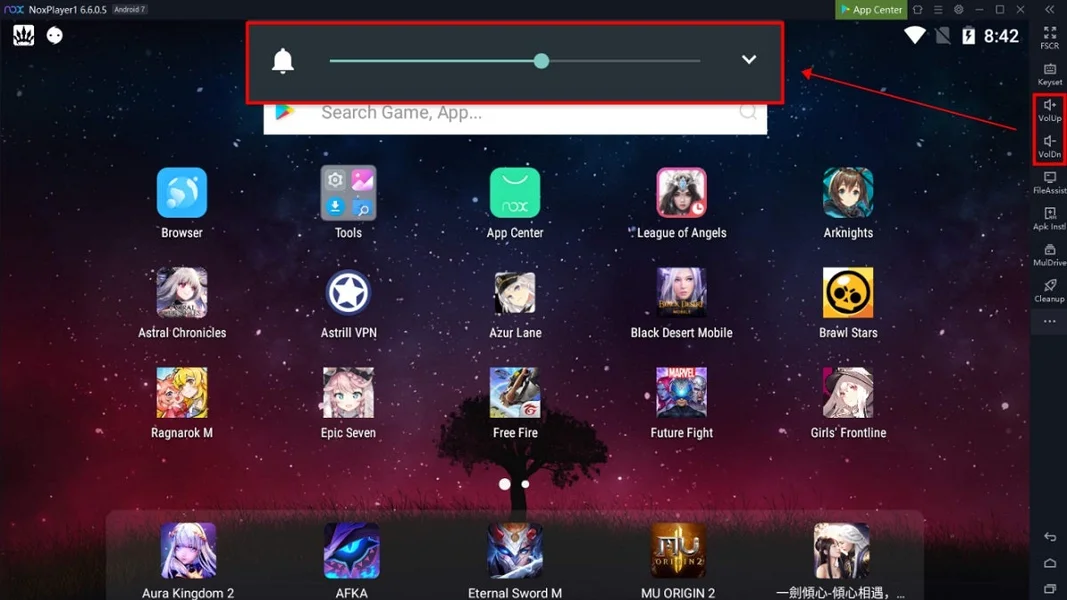
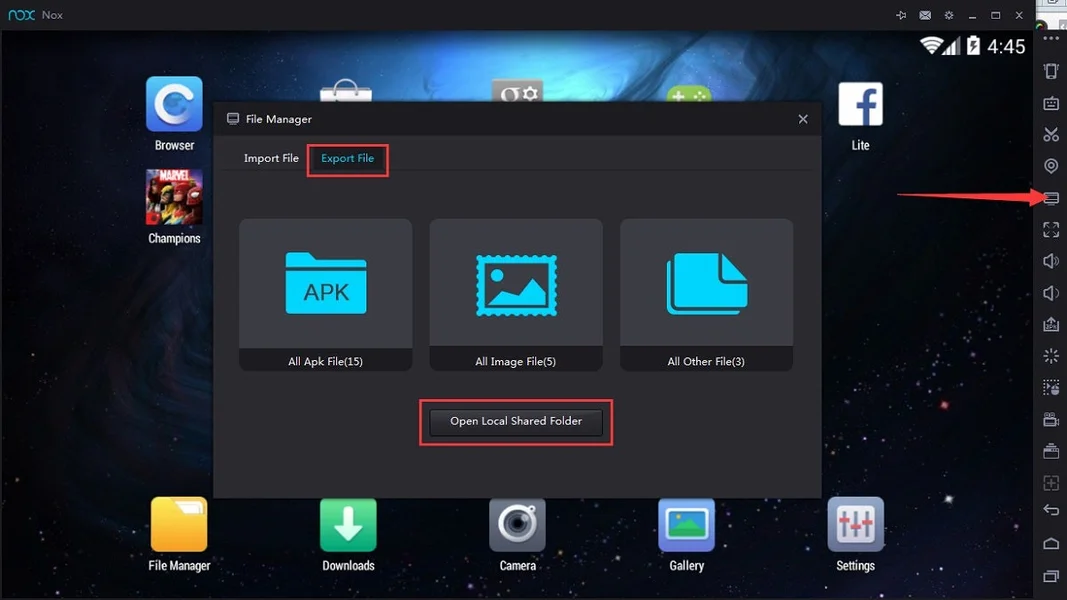
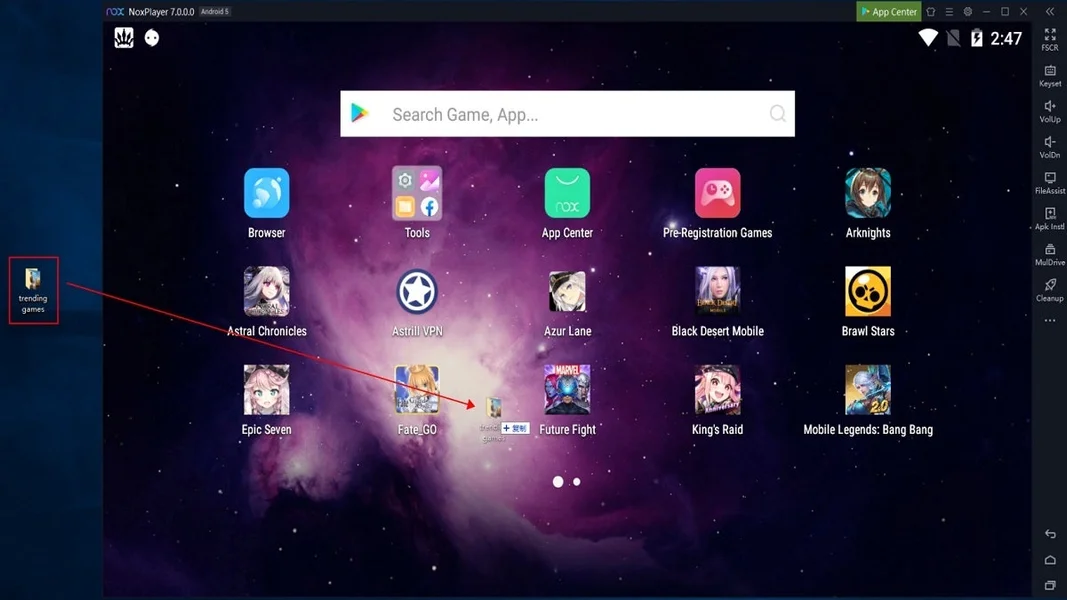
Nox APP Player is a free Android emulator for Windows, built mainly for playing mobile games on a computer. A macro recorder captures your actions and replays them with one click. You can install your own mobile apps and games on the PC. Games run on a widescreen display with keyboard input and improved audio. The emulator supports both x86 and AMD processors, and performance depends on the capabilities of the host PC.
Keyboard setup
The keyboard setup has 12 keys. Among the key types are a D-pad, single-click and multistrike entries, move control and G-sensor. You can combine keys and adjust them for each game and your own preference. An OnMic feature allows in-game voice chat with other players. It works with Android engine versions 5.1, 7.1 and 9, and is available in nine languages.
Download files
f76637ba2680feb8d30a413cdbf6335ded749bbedcd2da08f3791db46ea99cc1
Signed by Nox Limited · valid until Aug 24, 20251fcee7a581206f5a3656ddd8e7c5d780f6a3a0712304ac482d4b76f79c9caabb
Signed by Beijing Duodian Online Science and Technology Co.,Ltd · valid until Dec 19, 201852a63b1050a2a5ef963419943b9d41b9327b90c33695a7b11ac513967d761d70
Signed by Nox Limited · valid until Nov 15, 20198bf1a06535d6eb75008a782d41313d71c5fc1aeeb12343eebc75c44bd4956949
Signed by Duodian Online Technology Co. Ltd. · valid until Jul 20, 201852a63b1050a2a5ef963419943b9d41b9327b90c33695a7b11ac513967d761d70
Signed by Nox Limited · valid until Nov 15, 2019System requirements
Available on:
Minimum OS:
Windows Vista or later
Additional information
Latest release
Size
File type
SHA-256
f76637ba2680feb8d30a413cdbf6335ded749bbedcd2da08f3791db46ea99cc1
Digital signature
Price
Platform
Report a problem
Nothing here yet.