NVIDIA App 11.0.9.251 for Windows
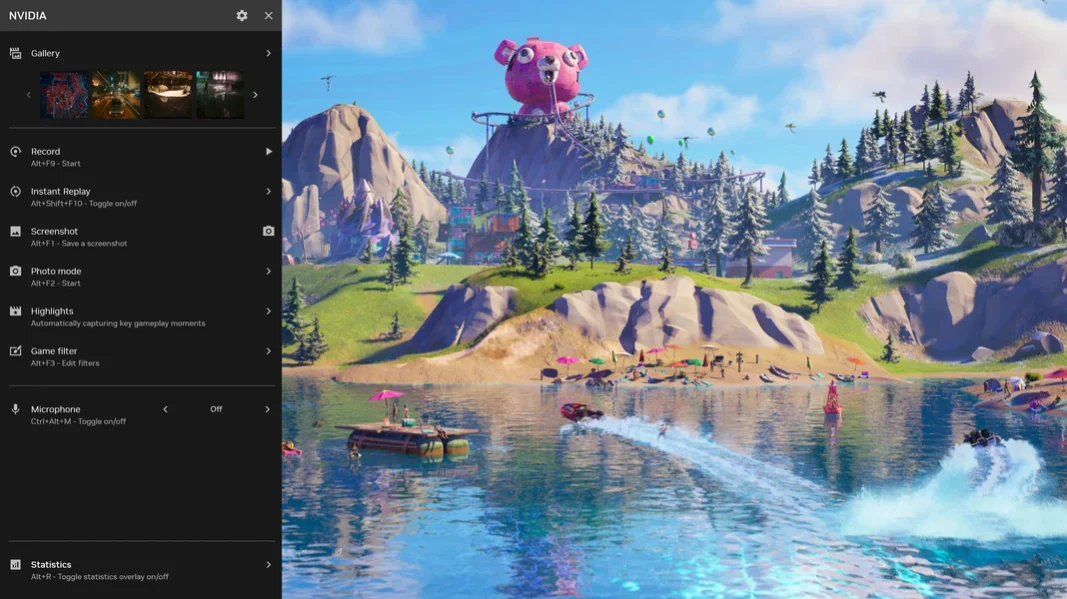
Alt+Z opens an in-game menu for capture, filters and performance stats
Screenshots
Description
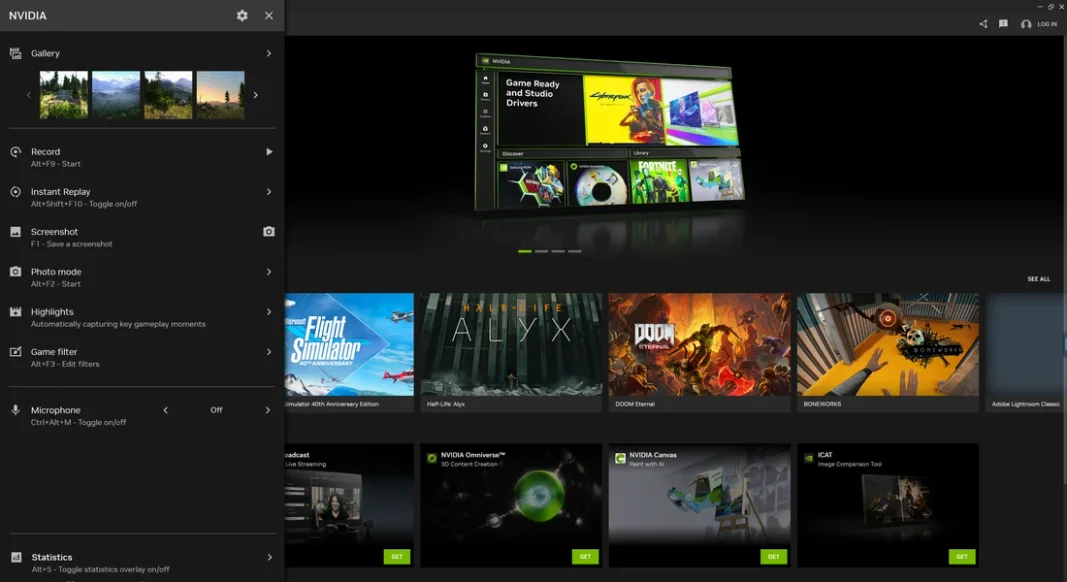
Pressing Alt+Z in a game opens a redesigned menu down the side of the screen. From there NVIDIA App handles recording, instant replay, screenshots, photo mode, highlights and image filters. Recording has minimal impact on FPS, and filters can be applied to improve image quality. The program is NVIDIA's official tool for managing its graphics cards on desktops and notebooks.
What it replaces
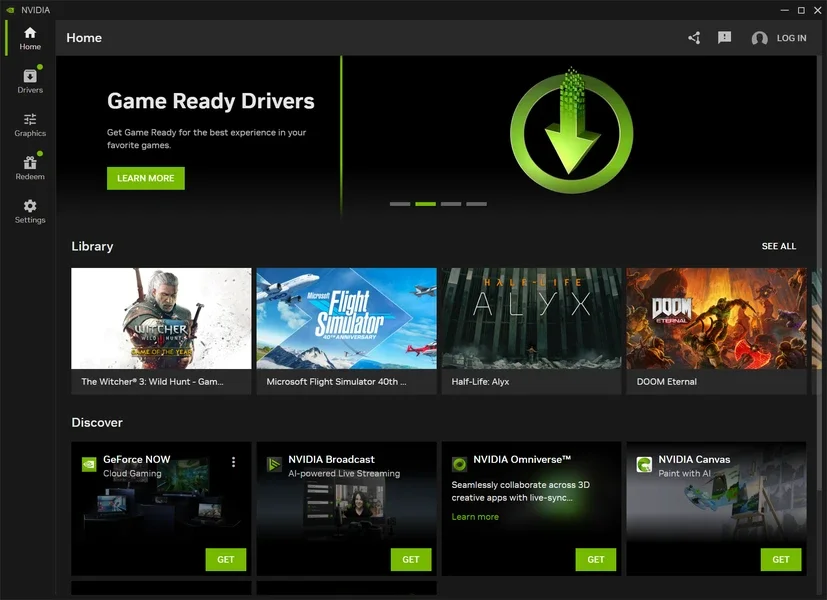
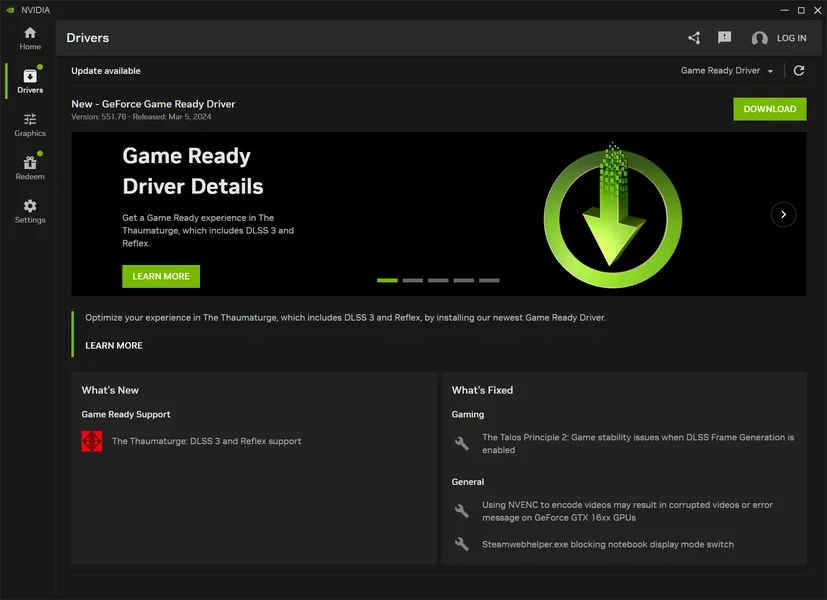
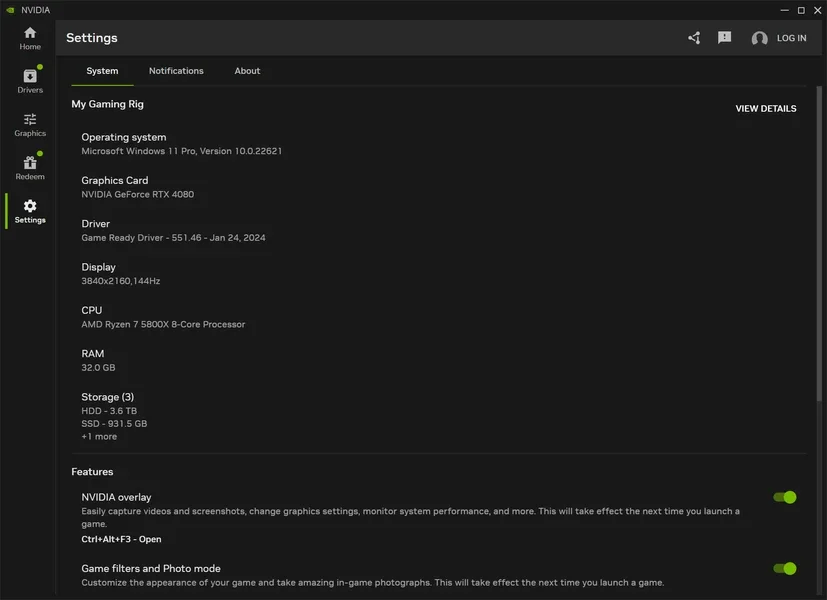
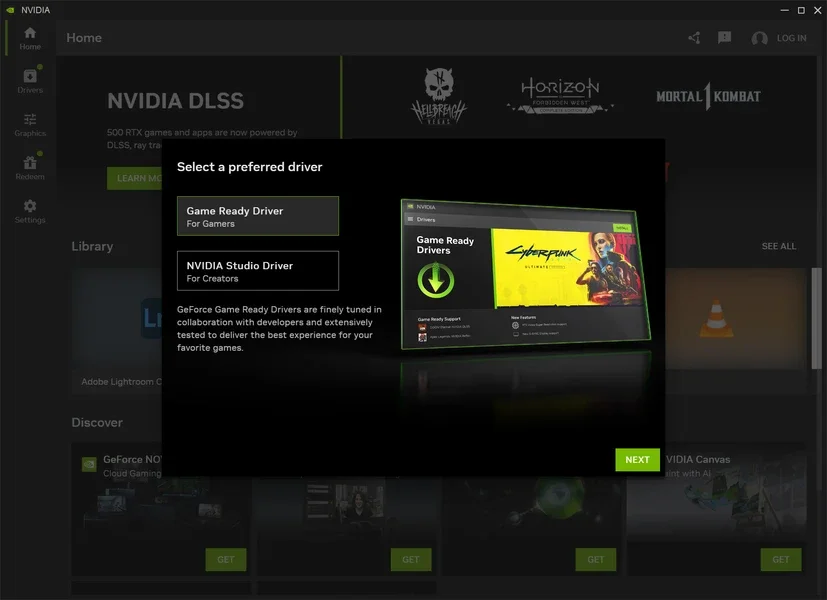
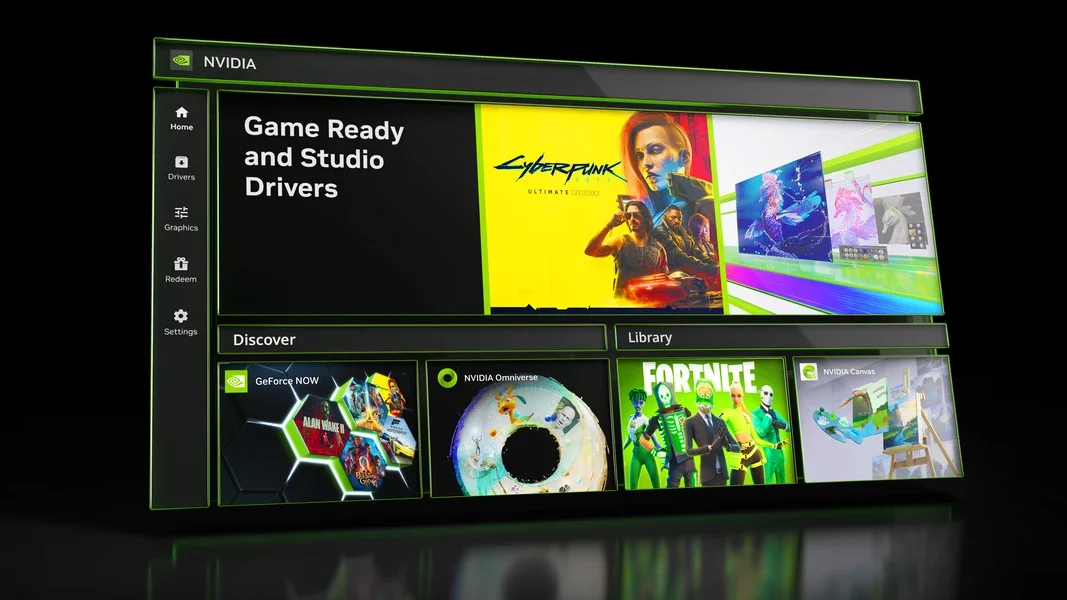
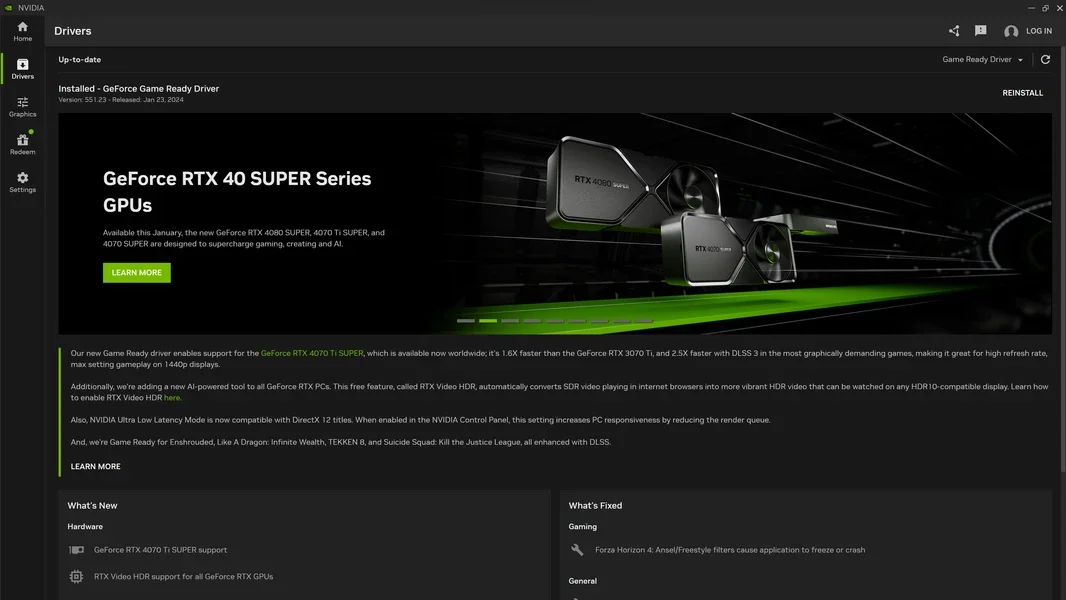
The NVIDIA Control Panel, GeForce Experience and RTX Experience are merged into this one program. It also gives access to the latest graphics drivers, GeForce Now, NVIDIA Broadcast and NVIDIA Omniverse. A dedicated section shows what is new in the latest driver version and which bugs were fixed.
Graphics and display options
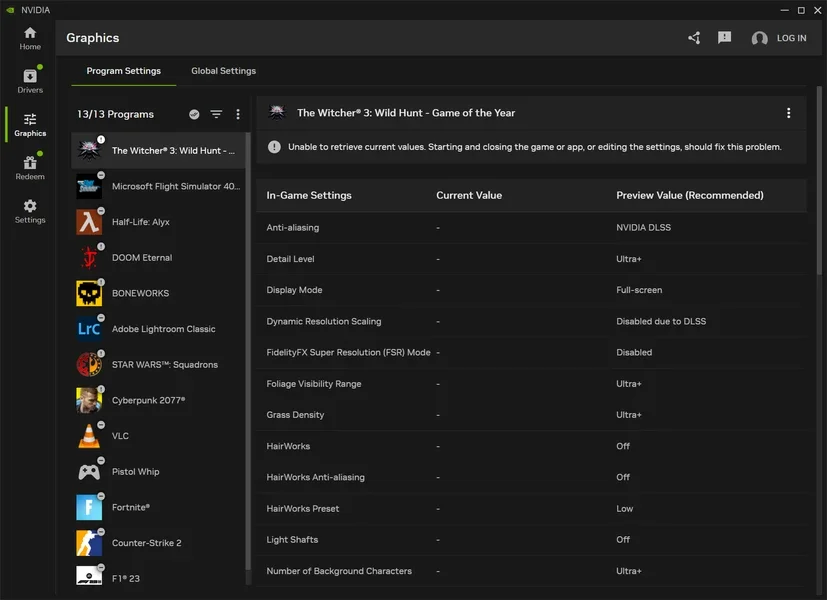
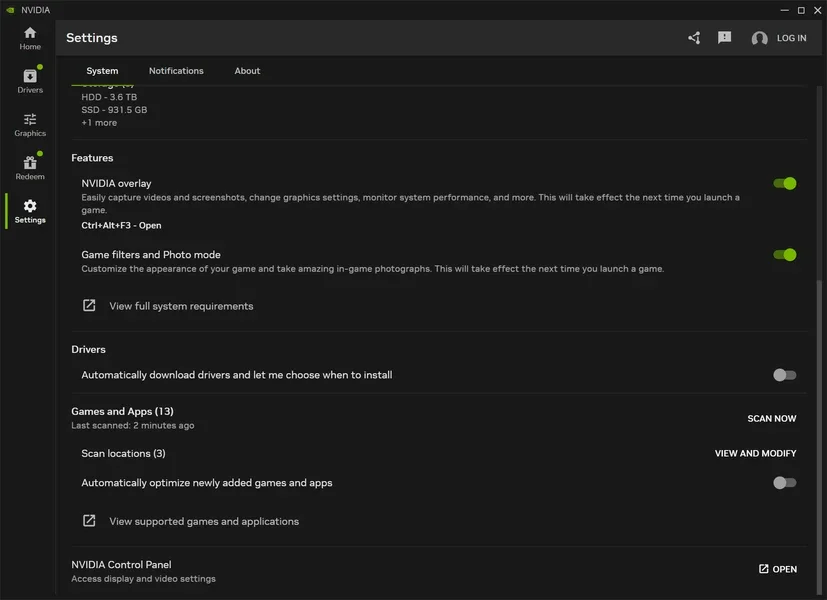
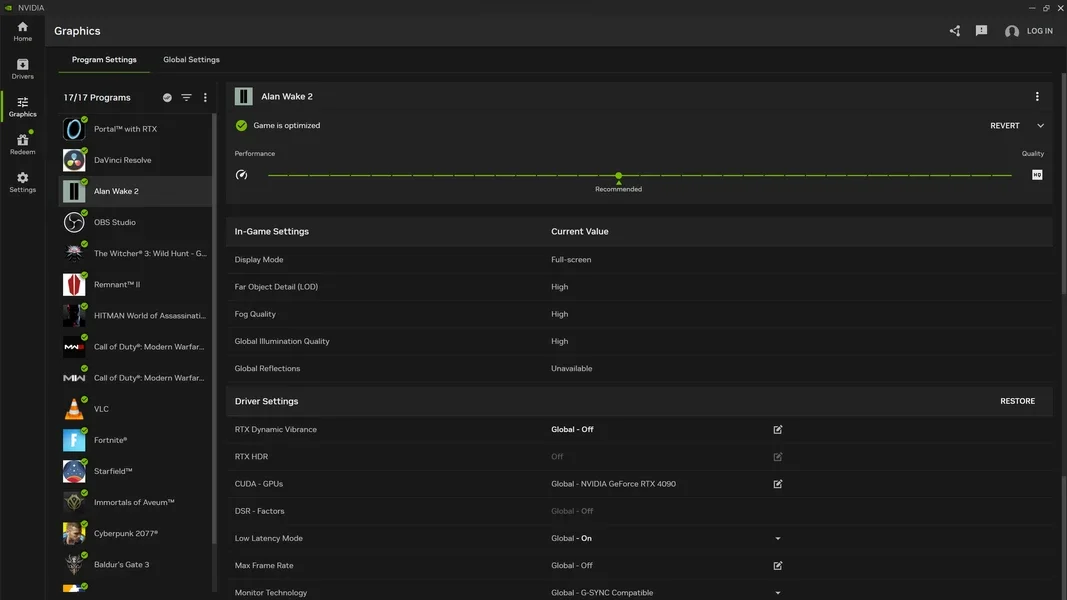
Graphical elements can be forced on or off in any game. The options include forcing full screen display, optimizing graphics settings for performance or quality, enabling HDR, using DSR, forcing low latency mode and enabling G-Sync. RTX HDR can be applied to games that do not support HDR, so an HDR monitor gets used anyway.
Filters and monitoring
Freestyle applies AI filters in real time in thousands of games, and the filters include RTX Dynamic Vibrance, which enhances image quality and color. Real-time component performance such as GPU temperature or clock speed can be monitored. Statistics toggle with one click, and the microphone can be forced on or off. Every option has an assigned command that can be changed in the settings.
Rewards
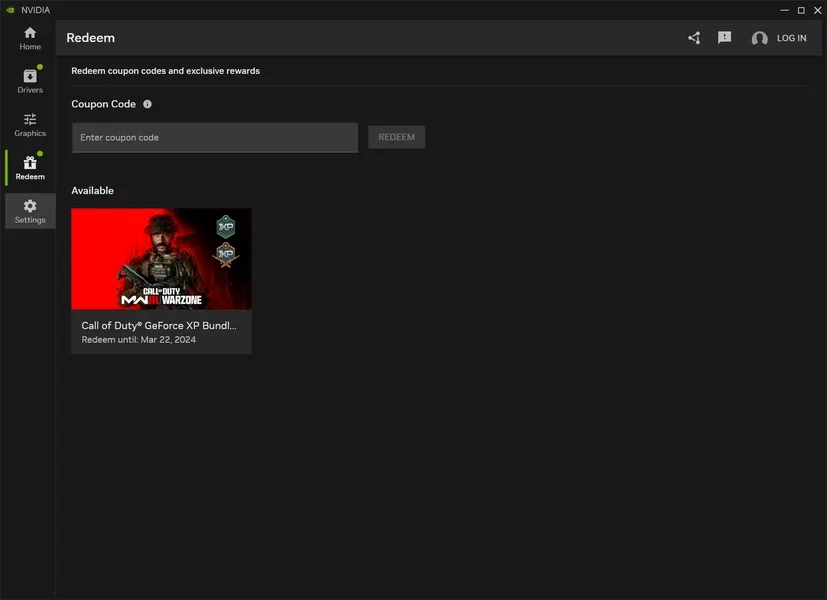
Exclusive rewards are available for various NVIDIA games and products, GeForce Now among them.
Download files
0a43d4bd1b676b85816f893d345fa130bc7c00453d09654317799147f3b61d9c
Signed by NVIDIA Corporation · valid until Jul 29, 2028df54c76346a8c4b3d9cc2d65b31d92e68bc0fef73ba0a775ddb53264d7ee75d6
Signed by NVIDIA Corporation · valid until Jul 29, 2028e75bd1153d2c40b7467b908b928aced04eb4cfa1c9ecdc45dd057e9a96f27216
Signed by NVIDIA Corporation · valid until Jul 29, 2028bb0dcc80e30a4d807e6e87c1f879146a117ce57cebe1f79cfd8de7dd1563b111
Signed by NVIDIA Corporation · valid until Jul 29, 2028ce4cb43a778b177973dbeea9c3ffef5cfd6d04769cf106bc07ee11257e99e098
System requirements
Additional information
Developer
Latest release
Size
Category
File type
SHA-256
0a43d4bd1b676b85816f893d345fa130bc7c00453d09654317799147f3b61d9c