Open Generative AI 1.0.2 for Windows
Generates AI images and videos in one place, with hundreds of models to pick from
You are on macOS — this is the Windows version. See the macOS version
Screenshots
Description
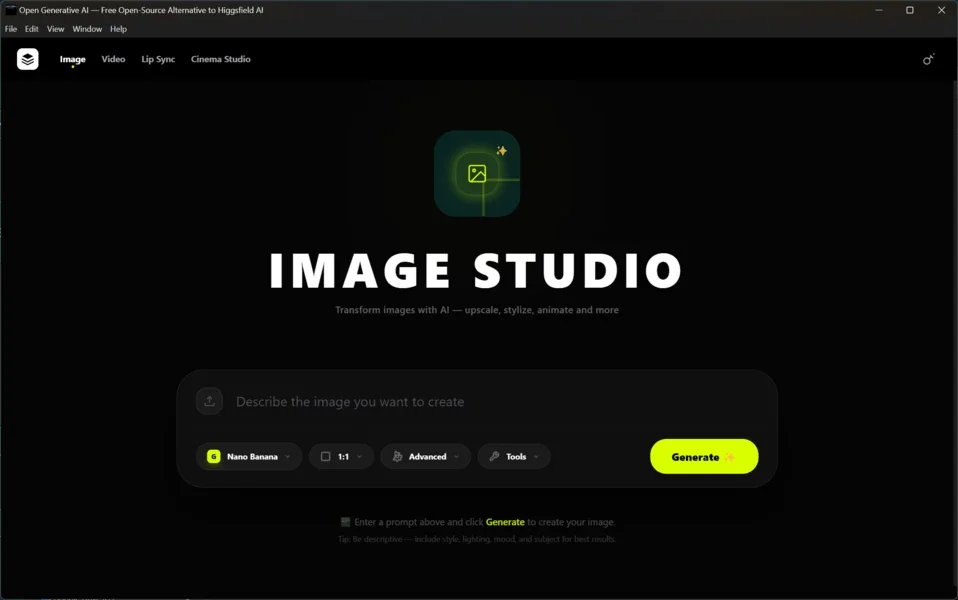
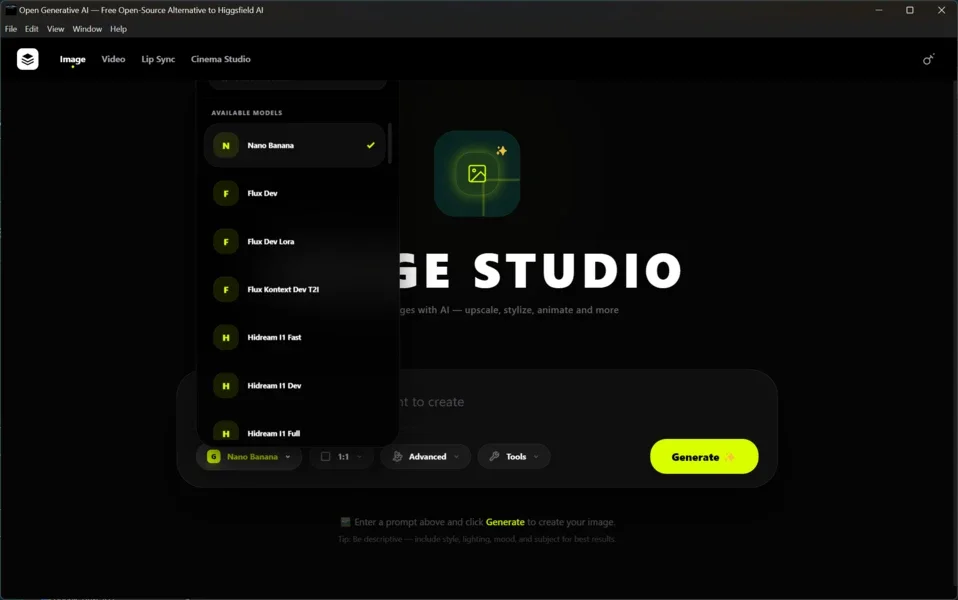
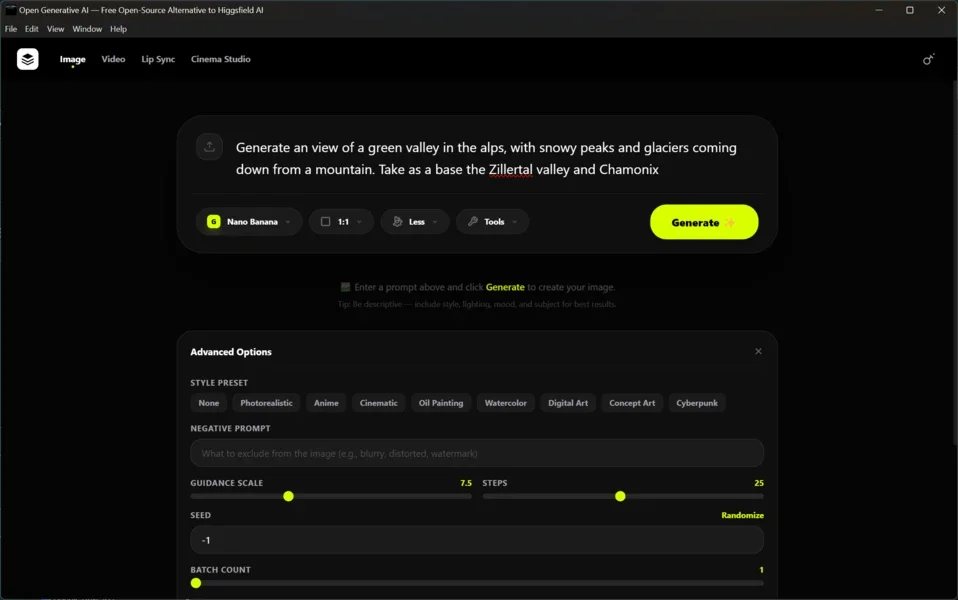
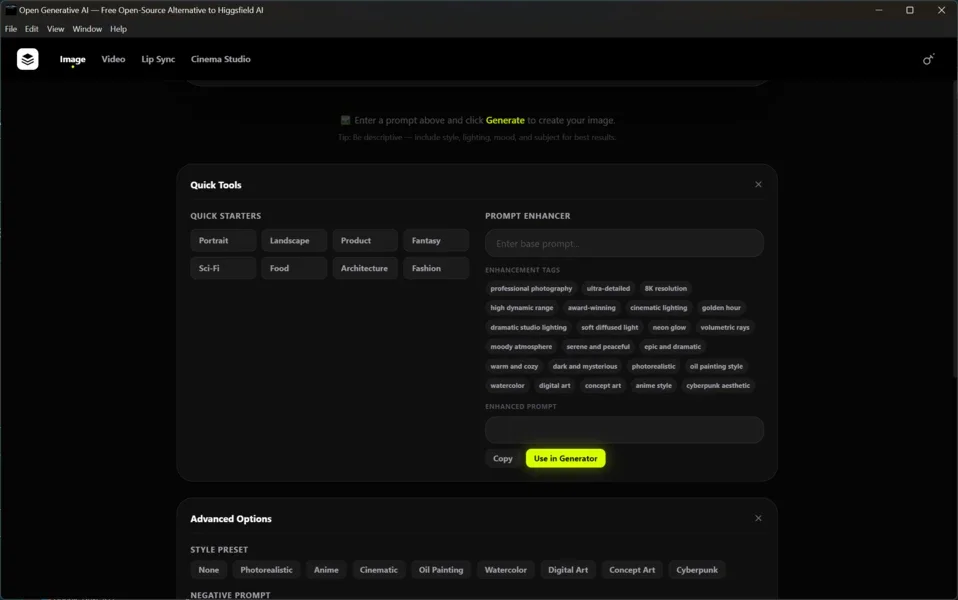
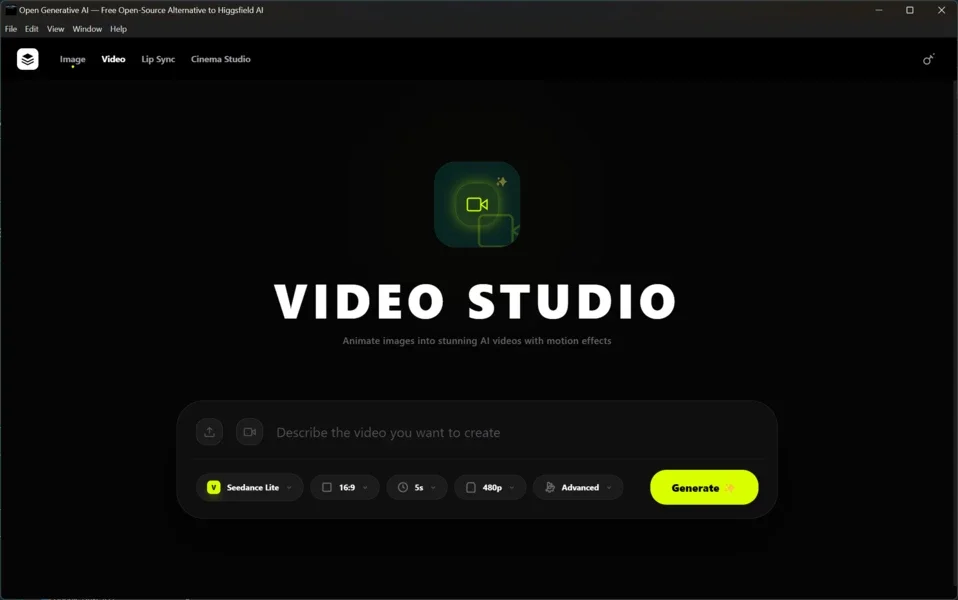
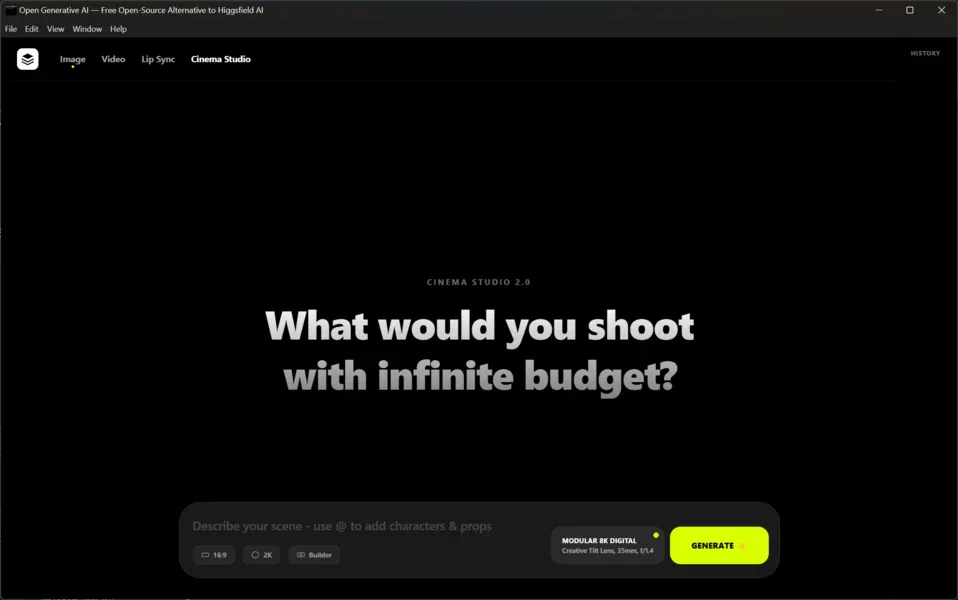
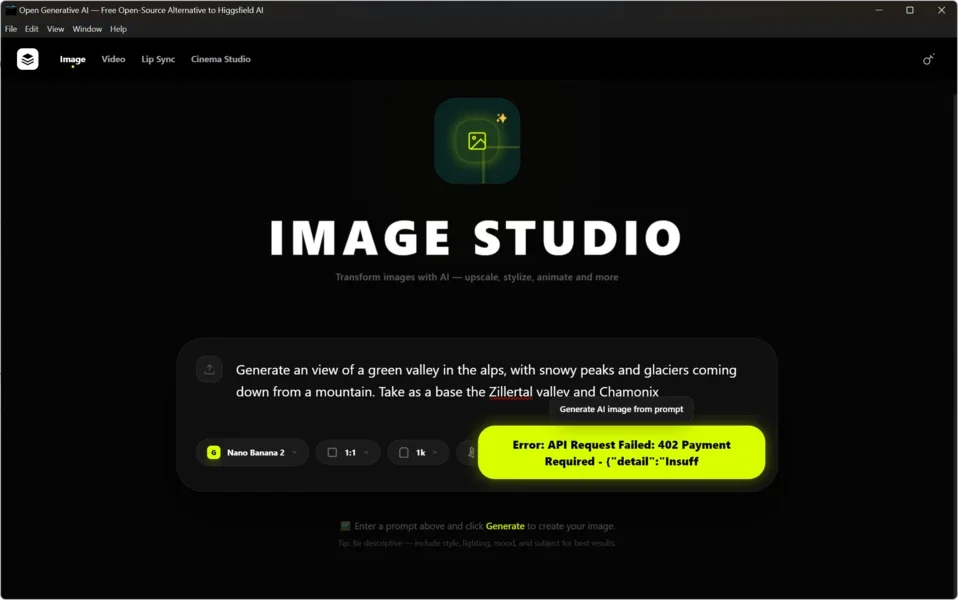
Open Generative AI starts with a prompt. You write one with the style and details you want, pick a model from the library, and get a still image. From the same interface you can also make a video, so going from a picture to a moving one does not mean switching tools.
- Images: concept art, social media thumbnails, commercial visuals, with no preset to start from
- Video: short animations, scenes with movement, and conceptual clips where the look and the pace are set together
- Styles: photography, illustration, anime, cinematic realism, and generative video
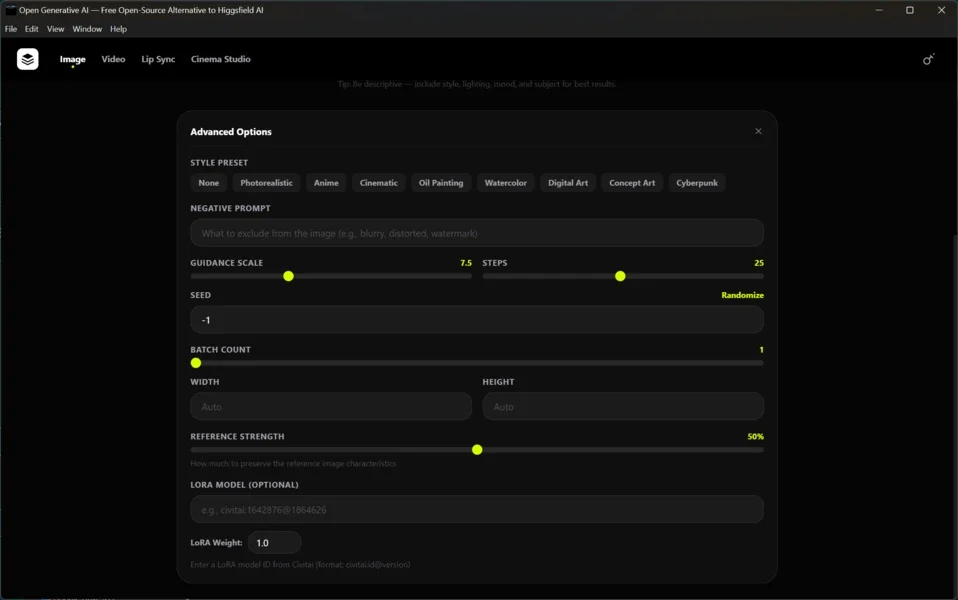
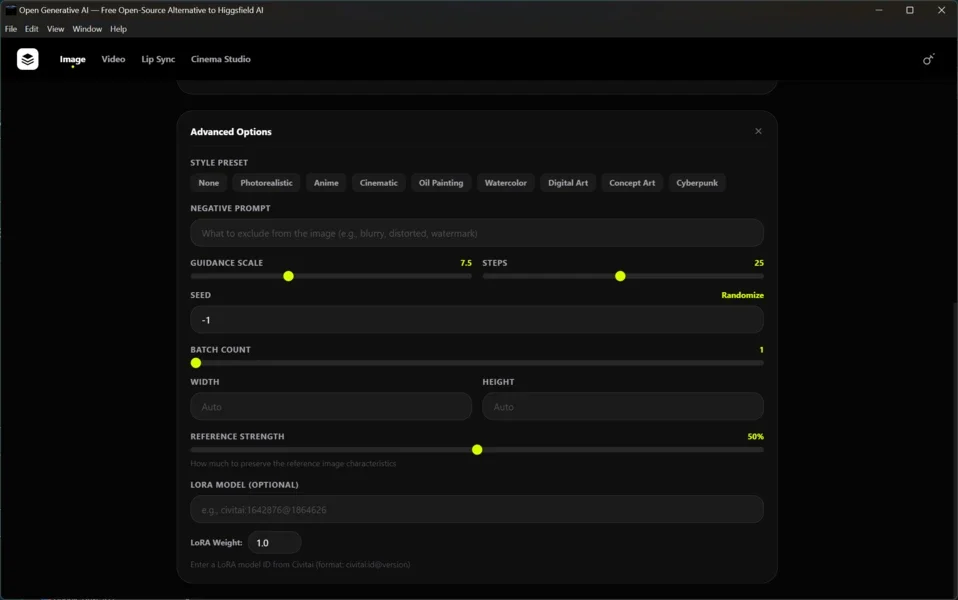
The library has hundreds of models, and you are not tied to one engine. You can try other models with new prompts and different output settings, and adjust parameters, generating several versions until you get what you want. The same idea can be reworked by changing the lighting, the framing or the look without starting from scratch. Processes can be repeated with different parameters, which suits quick testing. In the reviewer's test an image cost 5 cents and a video 75 cents; all models are paid, so each generation carries a cost, usually small. The app is open source and needs no platform subscription. The reviewer found the number of modifiable parameters sometimes overwhelming, and wanted local generation models added for testing without paying.
Download files
06283c8013cb025778b3825947ca29ca64b82743fdf282d92ee4daff3195c4f7
No digital signatureSystem requirements
Available on:
Minimum OS:
Windows XP or later
Additional information
Developer
Latest release
Size
Category
File type
SHA-256
06283c8013cb025778b3825947ca29ca64b82743fdf282d92ee4daff3195c4f7