
Comic and manga reader for CBR, CBZ and PDF files
You are on macOS — this is the Windows version. See the macOS version
Screenshots
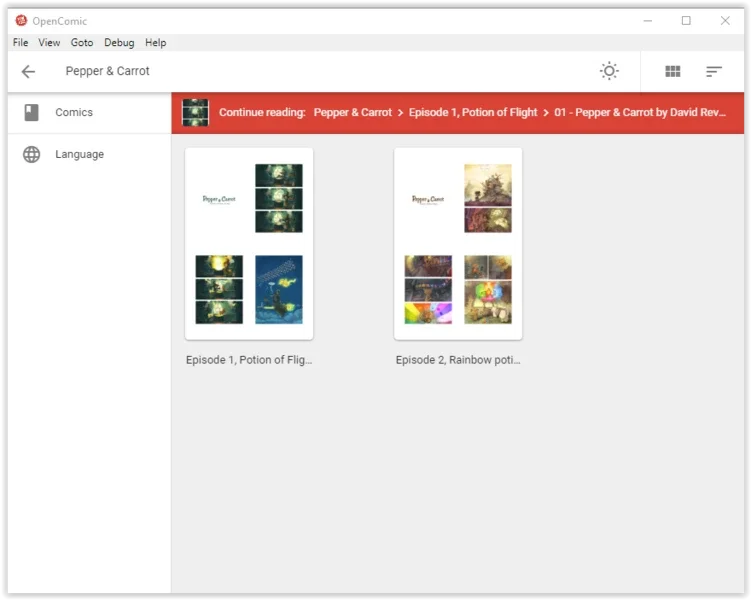
Description
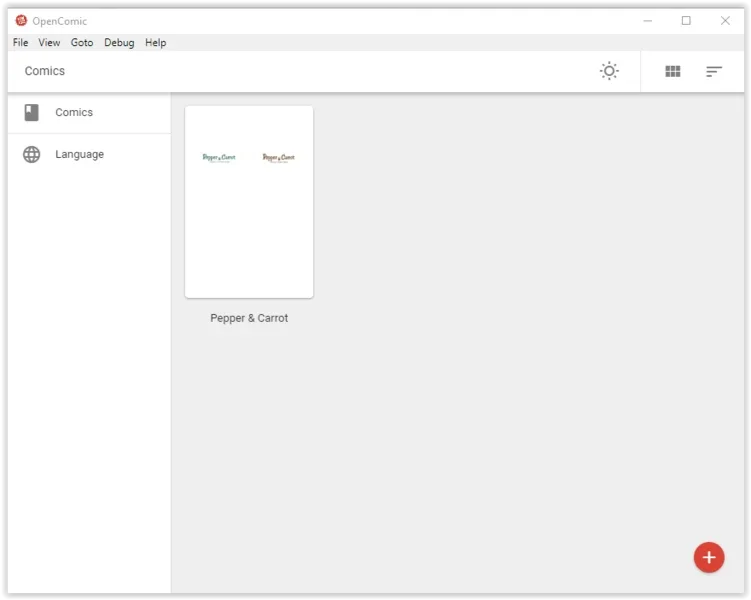
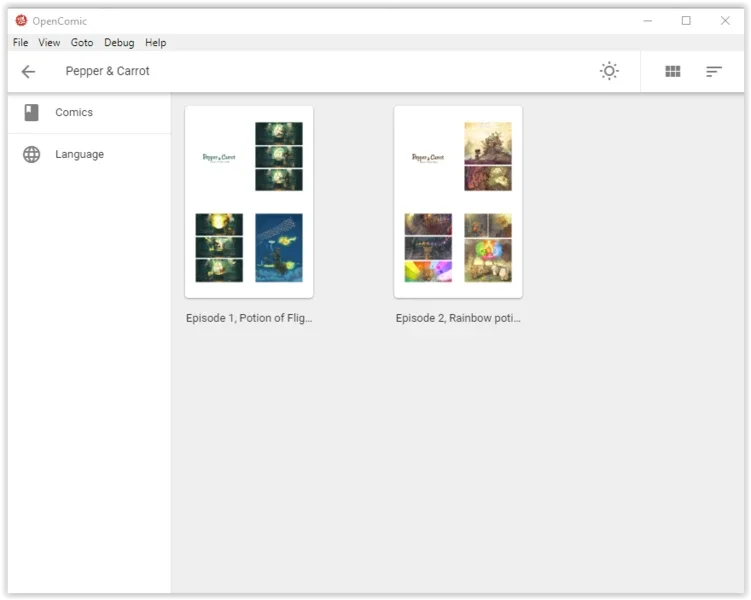
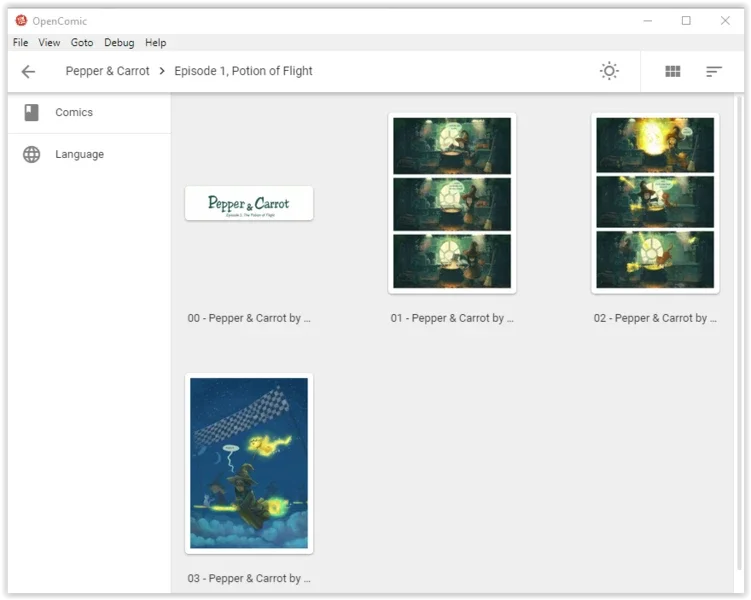
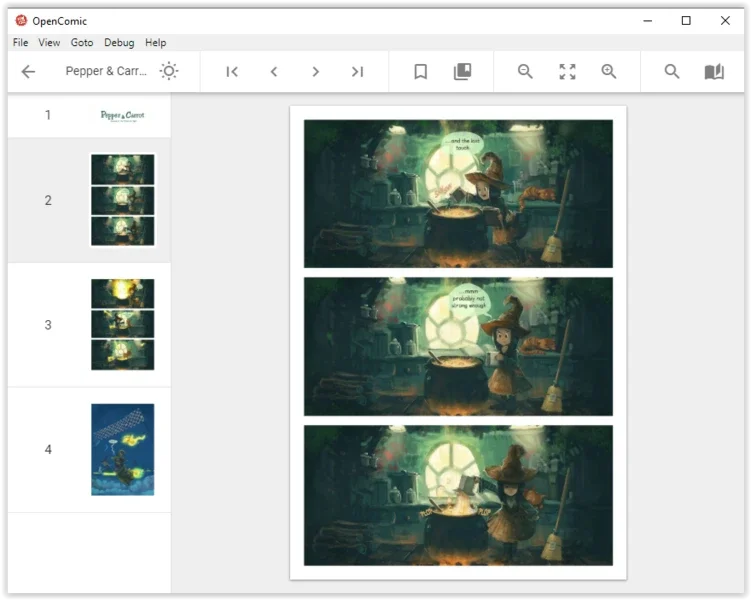
OpenComic is an application for reading digital comics, manga, and graphic novels. The comic collection sits in a sidebar, and each volume opens with one click.
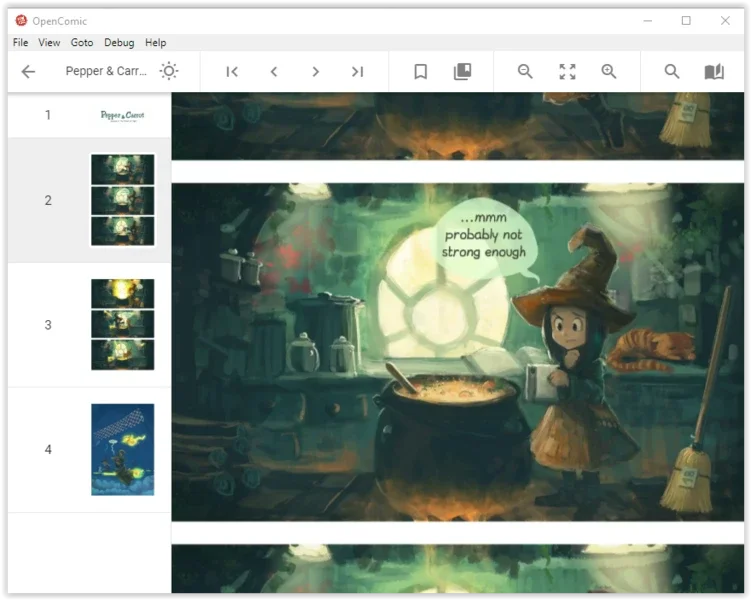
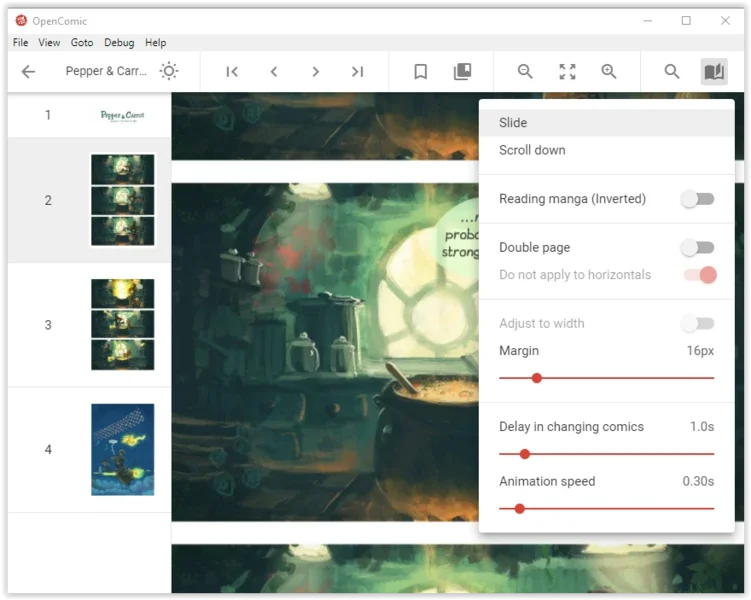
The reading area can be customized with zoom, double-page view, margin adjustment, and page transition speed settings. Manga mode reorders pages from right to left. Night mode automatically adjusts brightness and contrast. Bookmarks save key scenes, and a magnifying glass tool shows detailed artwork up close. Keyboard shortcuts handle navigation and switching views. Supported image formats are JPG, PNG, GIF, WEBP, and SVG. Supported archive formats are CBR, CBZ, ZIP, RAR, and 7Z, and PDF files work as well.
The program runs on Windows. It is free to download.
Download files
1ffe1f0a321e383a9491afc5ab9969f6aa89ac3fbecf946e2b26d9dfe8bf225b
No digital signature8e6aec54d42a17e130d1b439a8c9aac67ddd7ce8a0af5794c73e173a8503b172
No digital signature8fd648f6b2b0d85fb14e565330f0cd8896b0e415a4c98ede2163a638bf8f4768
8087197f49e36f8f3bd27570081f0497cde78b5184571794b8195d23b674e749
System requirements
Available on:
Additional information
Developer
Latest release
Size
File type
SHA-256
1ffe1f0a321e383a9491afc5ab9969f6aa89ac3fbecf946e2b26d9dfe8bf225b