
OpenShot Video Editor 4.1.1 for Windows
Free open-source video editor for movies and long videos
You are on macOS — this is the Windows version. See the macOS version
Screenshots
Description
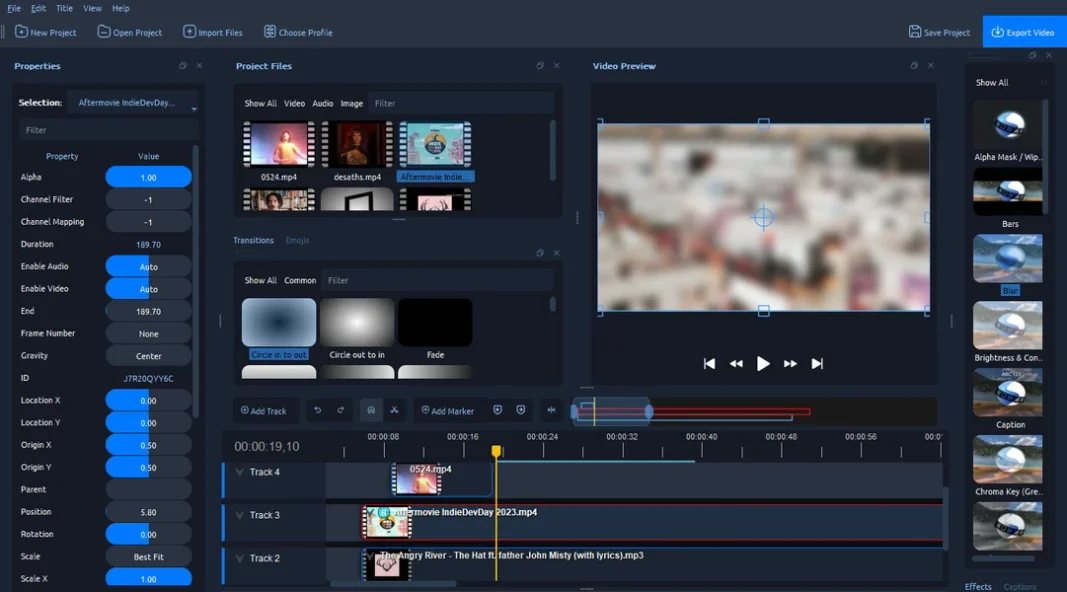
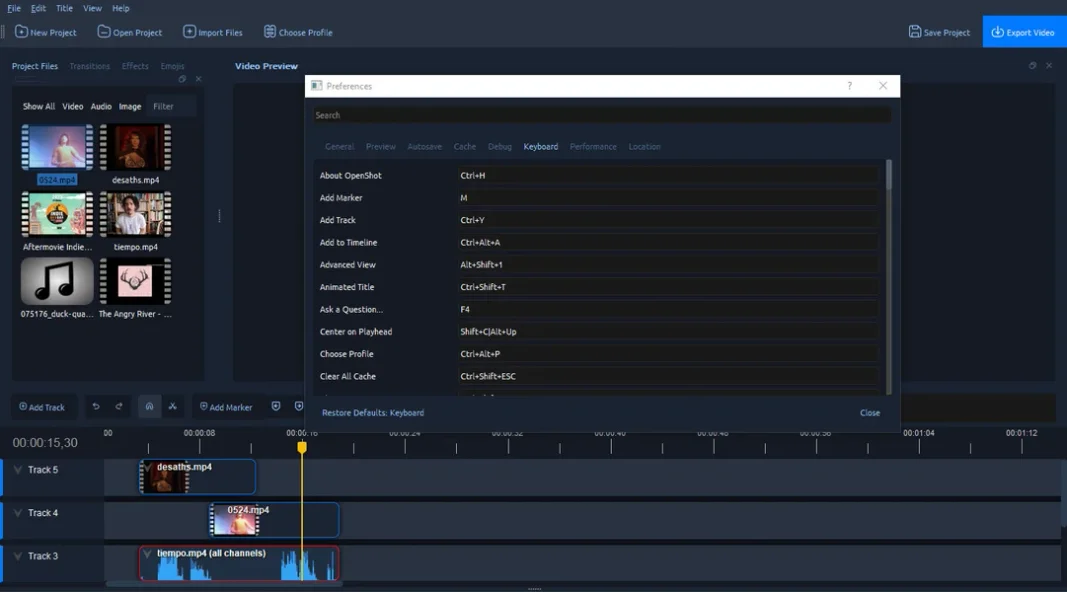
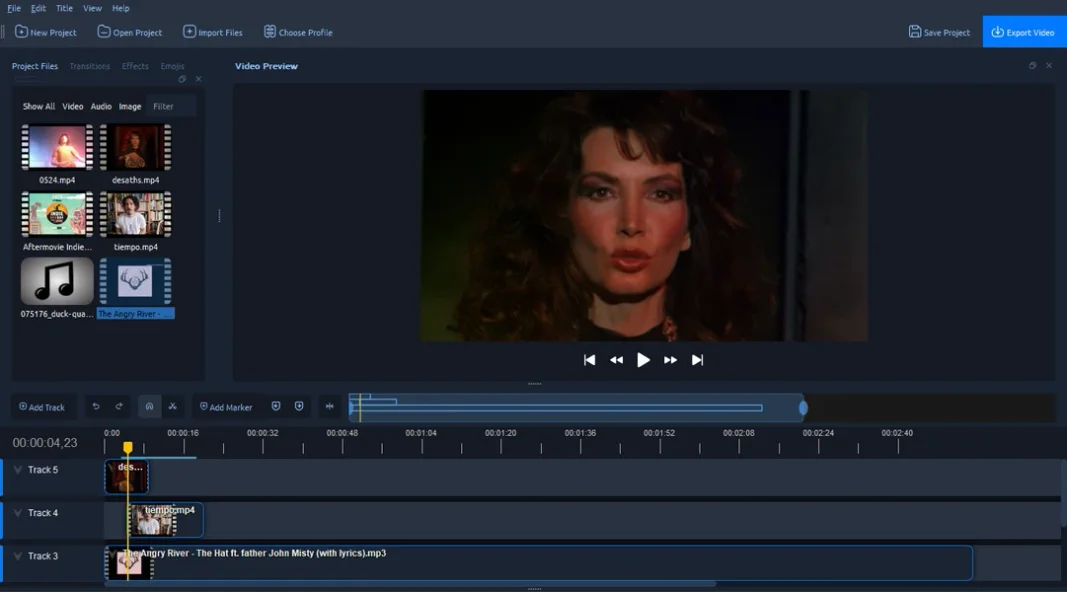
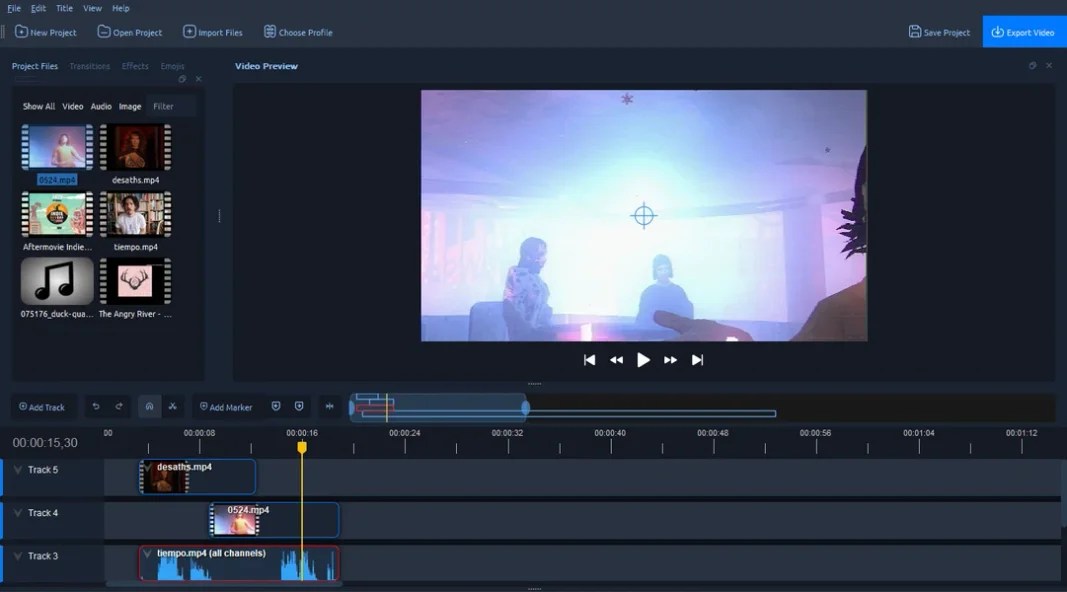
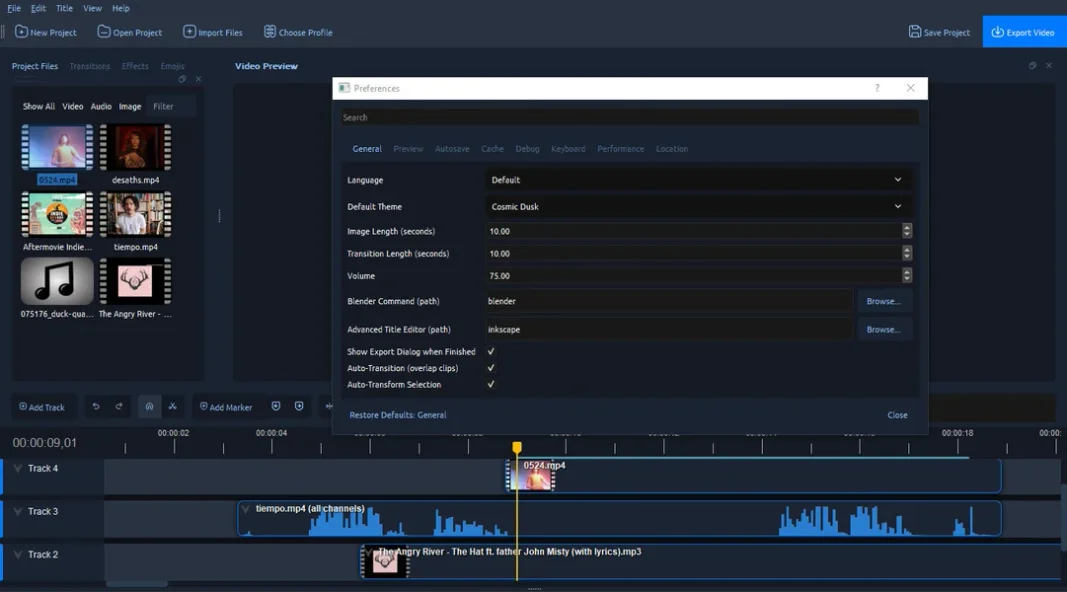
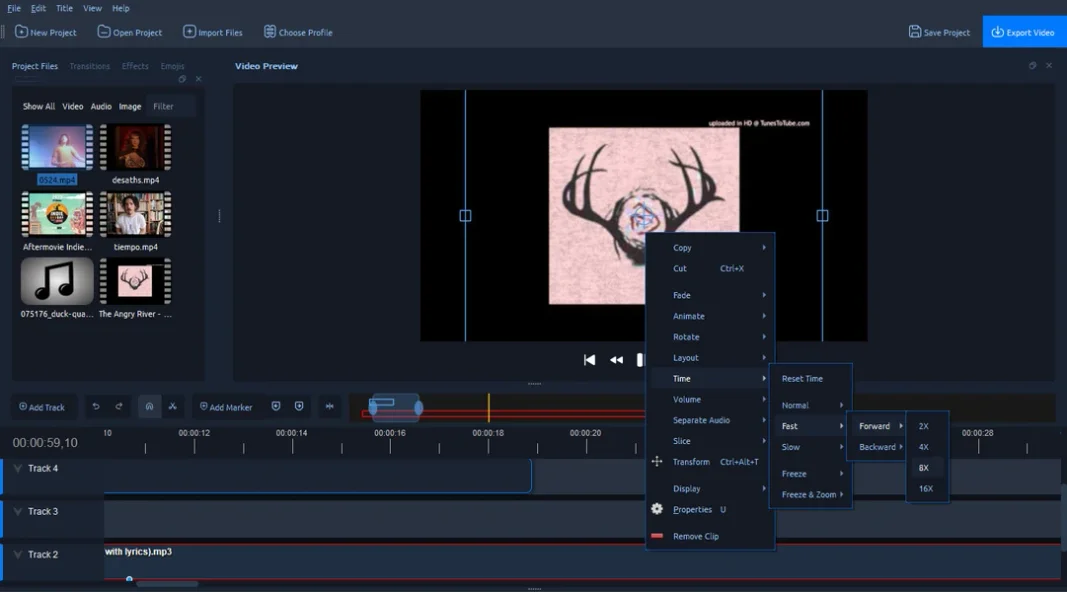
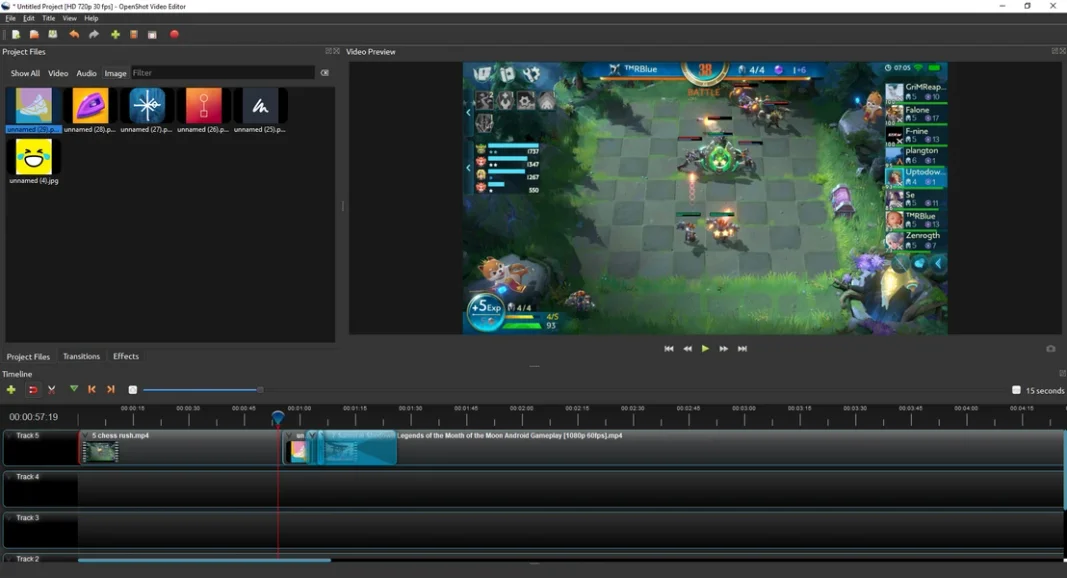
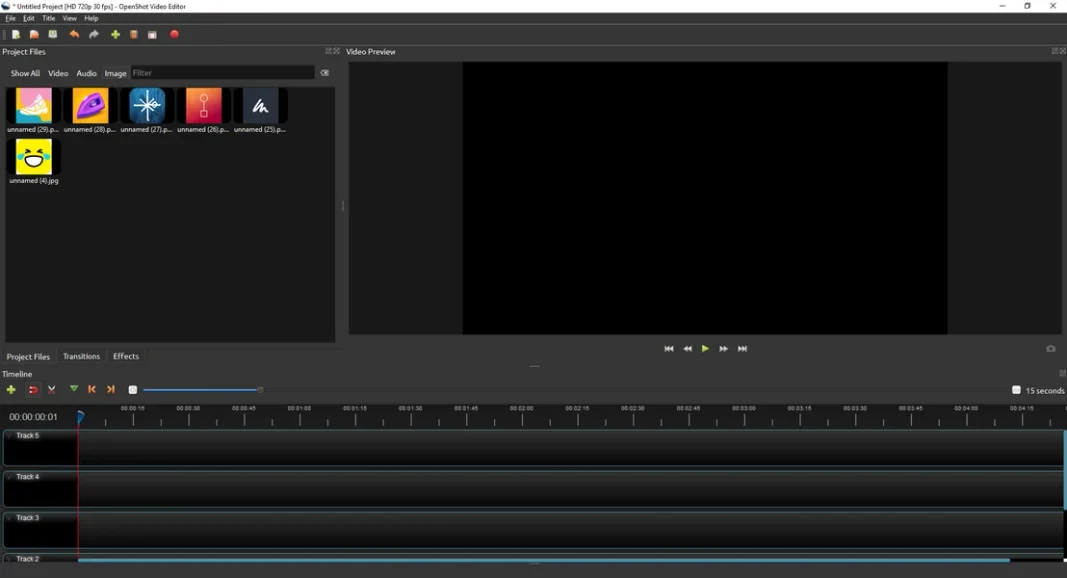
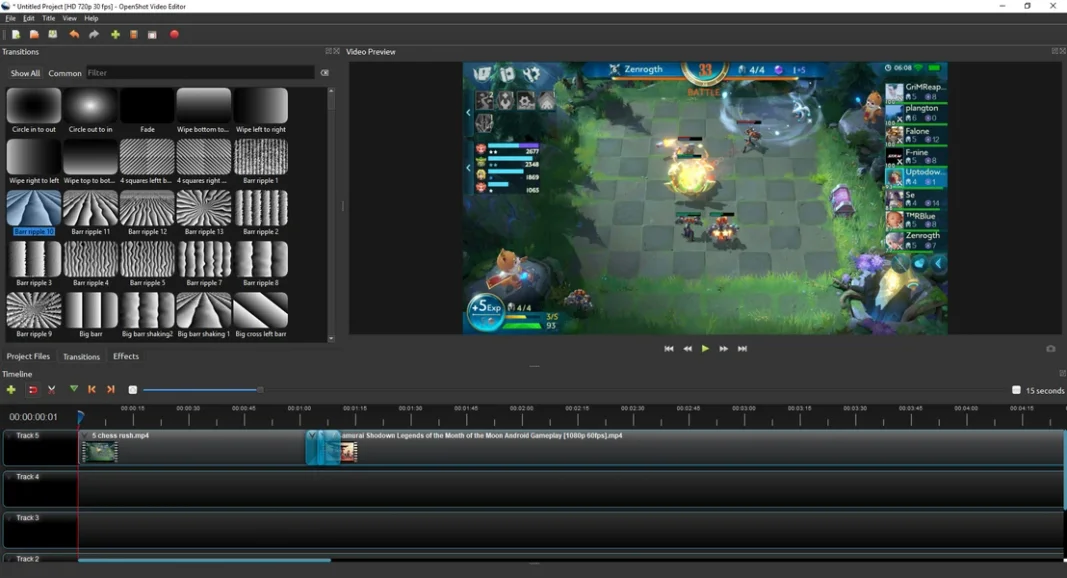
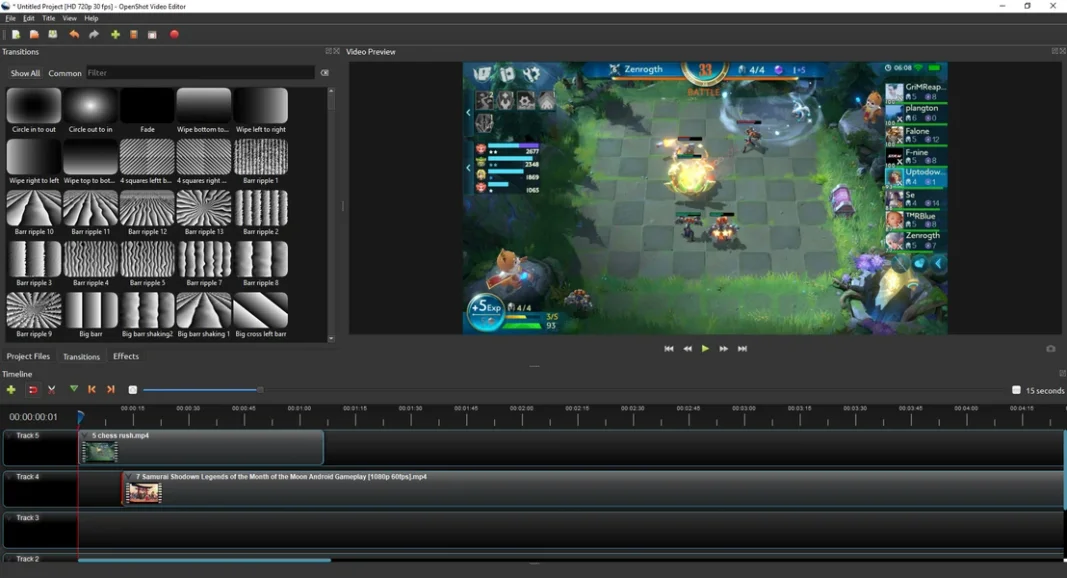
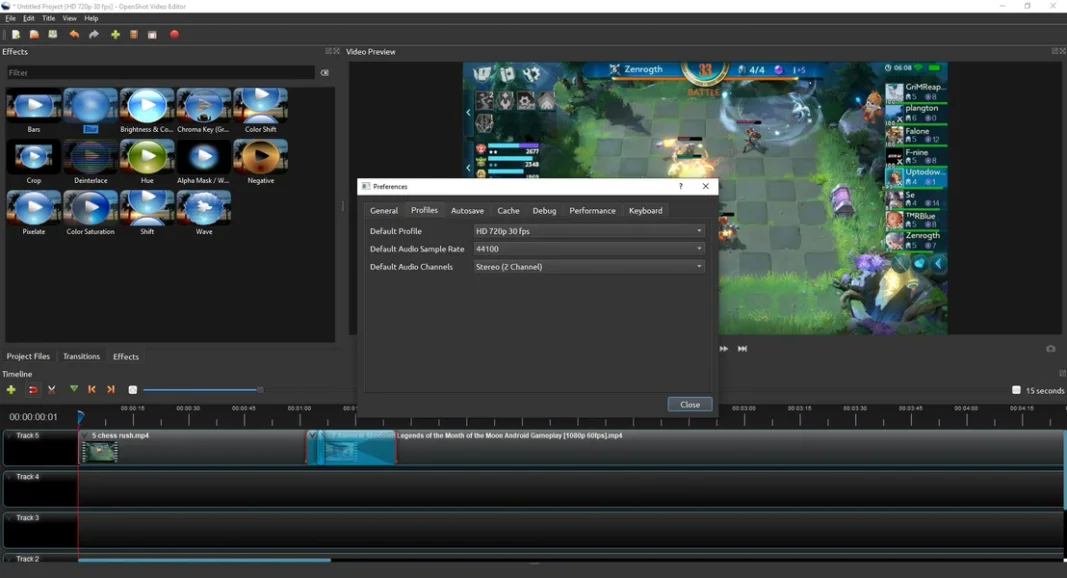
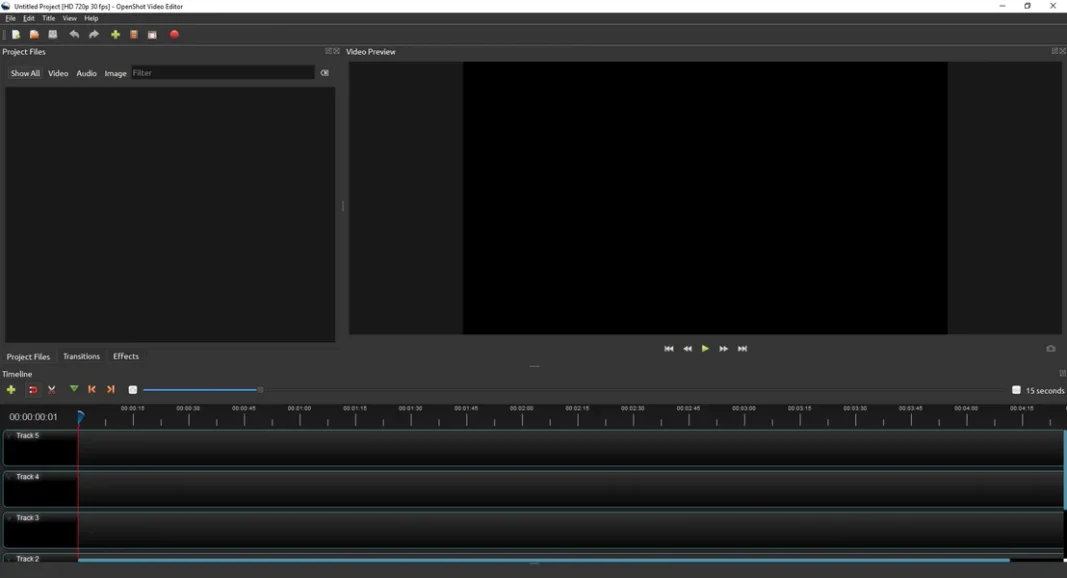
OpenShot Video Editor starts you off with a tutorial pop-up the first time you open it. The tutorial explains the basics, and you can skip it and reopen it later. The program opens in standard interface mode by default; that mode handles several files at once, cutting and combining clips, separating audio tracks, simple transitions, and volume. Switch to the advanced interface and you get extra tools, including filters and effects on any track.
Tracks are unlimited, which helps when you need subtitles, watermarks, or a lot of transitions. Specific templates let a whole track be dedicated to subtitles. You can import video files, images, and songs, and anything the FFmpeg library can read works too.
It is used to edit movies and long videos. The official website has a full user guide and video tutorials.
Download files
6c18abf951a798b536b07aa88f78d62eb55345903699b429b08322323c049690
No digital signature41e518f86cc453c65c40ce571668fd30749372d55c4ce7d1f5146f9cc28606a5
No digital signature8ba8f67bc7d275a5b0bda11d29a7ba6f264b0794f58a1b945ab1e5dc3e0c0e4e
No digital signature70eacf59edef65cfb0c73678a1195ebd1cef3a328d202e4d915b7feeb4294416
No digital signature0b06acf0d1b1c75a053dd34975be15202400aa3f1fa1de12d69894ce3e3fb3f2
No digital signatureSystem requirements
Available on:
Additional information
Developer
Latest release
Size
Category
File type
SHA-256
6c18abf951a798b536b07aa88f78d62eb55345903699b429b08322323c049690