
OperaCacheView 1.31 for Windows
SHA-256 listed
Searches and lists what the Opera browser has cached
All ages
Age rating
Screenshots
Description
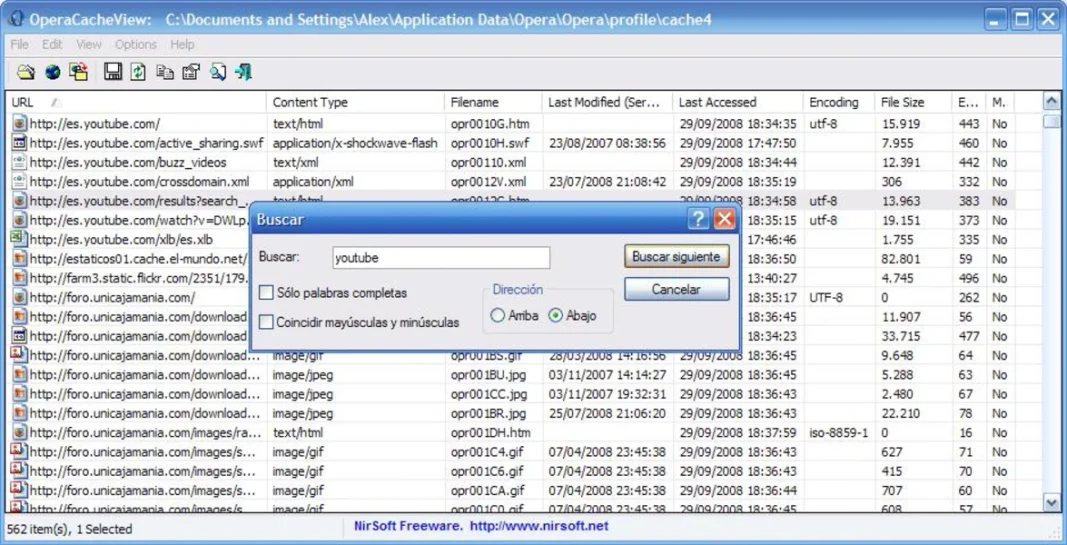
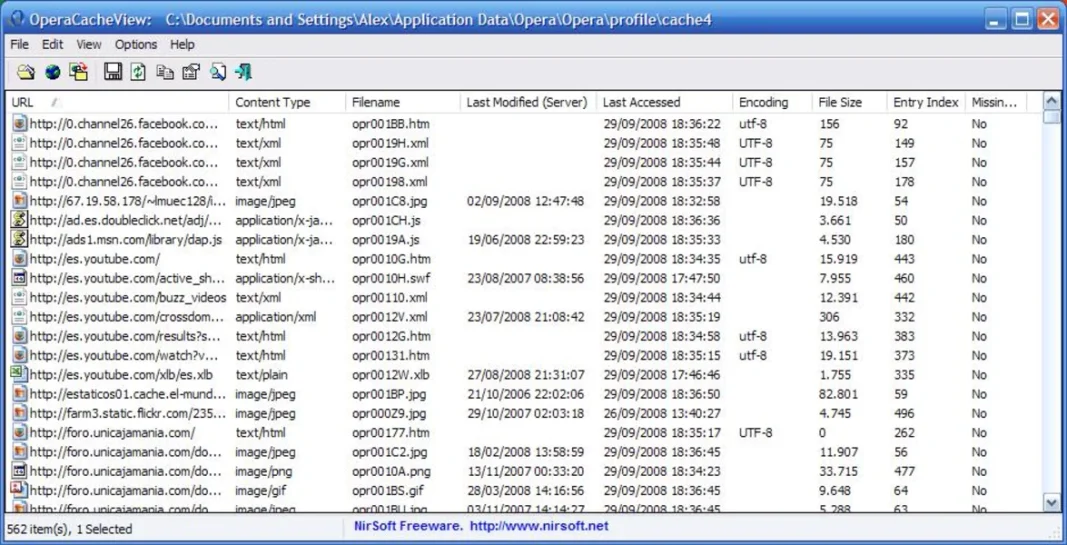
OperaCacheView searches the cache of the Opera browser and shows a large list of everything saved there. Sorting and finding items by various parameters keeps the list workable. Copying a URL to the Windows clipboard takes one action, and any link in the list can be opened in the browser.
- Copy URLs to the Windows clipboard
- Open any link in the browser
- Save the whole report as HTML, or just the rows you pick
It helps when you need to track down a flash animation, an image, or other content recently opened in Opera. The program is free, and it is unlikely to be used daily.
Download files
File1.31ZIP
Version1.31
ReleasedSep 14, 2009
Size46.0 KB
SHA-256
Get
2a7543116d4f37ec8db5a51fb137d5dfeb63f2dd7301ad2cc8ed6af24f0d002a
System requirements
Available on:
Additional information
Developer
Latest release
1.31 · Sep 14, 2009
Size
46.0 KB
Category
File type
ZIP
SHA-256
2a7543116d4f37ec8db5a51fb137d5dfeb63f2dd7301ad2cc8ed6af24f0d002a