
Password Door 9.0.1 for Windows
Locks individual Windows apps behind a password, with a separate one for each program
Screenshots
Description
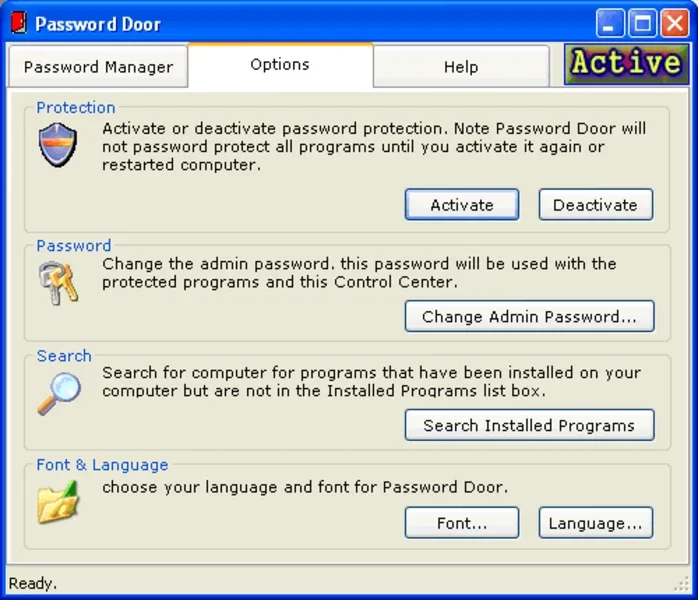
Password Door asks you to set a default password during installation, and that password is what gets you into the configuration panel. The same default is preset for every program and Windows tool you choose to protect.
Per-program control
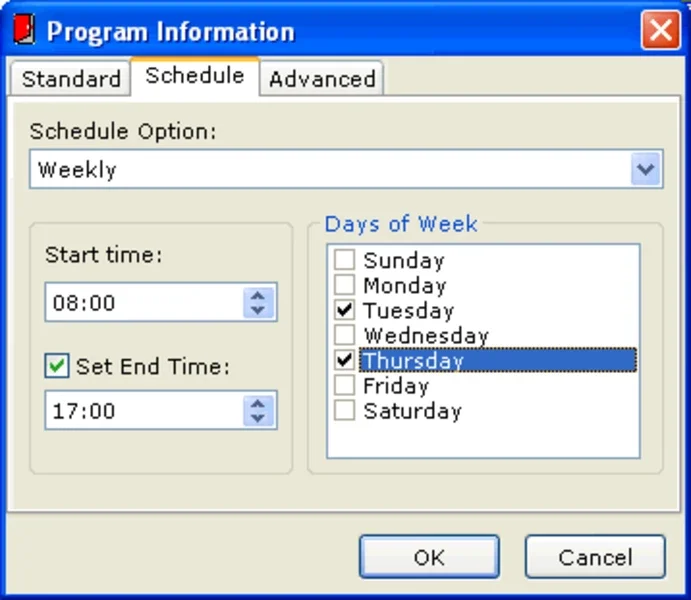
Open a program's information panel and you can give it its own password instead, which applies only to that program. You can also set whether the block on that application can be overridden at any time.
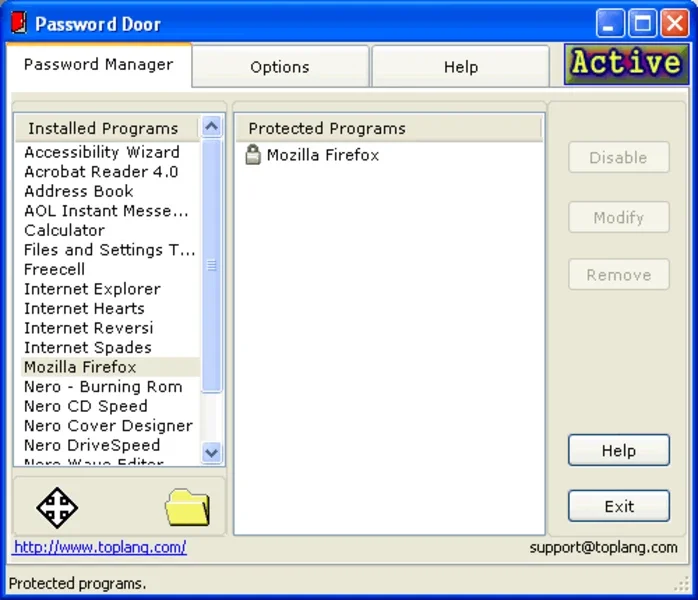
The tool builds a search list of installed programs automatically. If something you want to protect isn't on that list, you can point the tool to the application yourself, as long as you know which folder it's in. Access restrictions cover installed programs along with Windows applications and tools that hold sensitive information.
Download files
bca7d44ca77387cea73b574067c7cb7a5327be443166a3f608f3b03b30600bb0
51efaeed5d8f4b40513d50516c96502440d8bbd48e7f26c4df8b027238799798
Signed by TopLang Software · valid until Dec 31, 2039720700aa2c19df1871f166578c2c7c272138a673adfff96c609d5f7c263a0e86
b7076abfd7240f26a561b1b705ff50122903cbef3858ecf132c1e2758441920d
System requirements
Available on:
Minimum OS:
Windows Windows 11 or later
Additional information
Developer
Latest release
Size
File type
SHA-256
bca7d44ca77387cea73b574067c7cb7a5327be443166a3f608f3b03b30600bb0