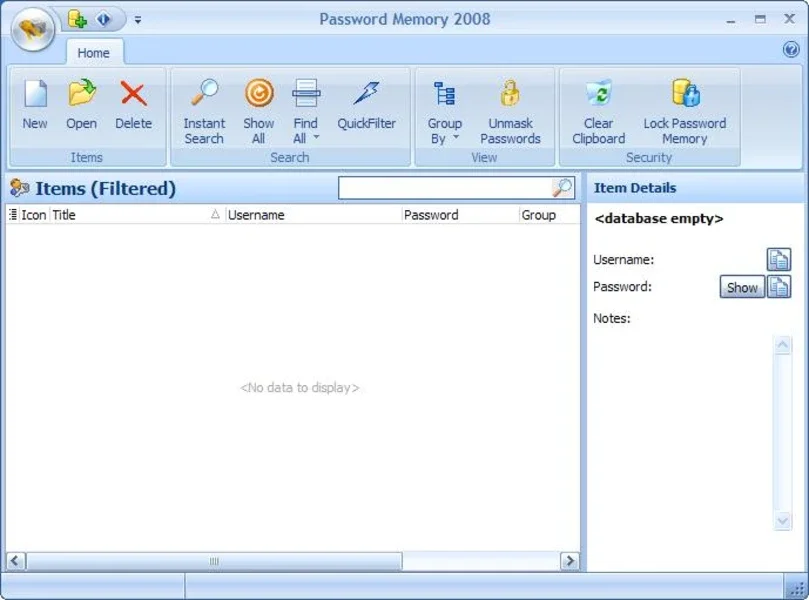
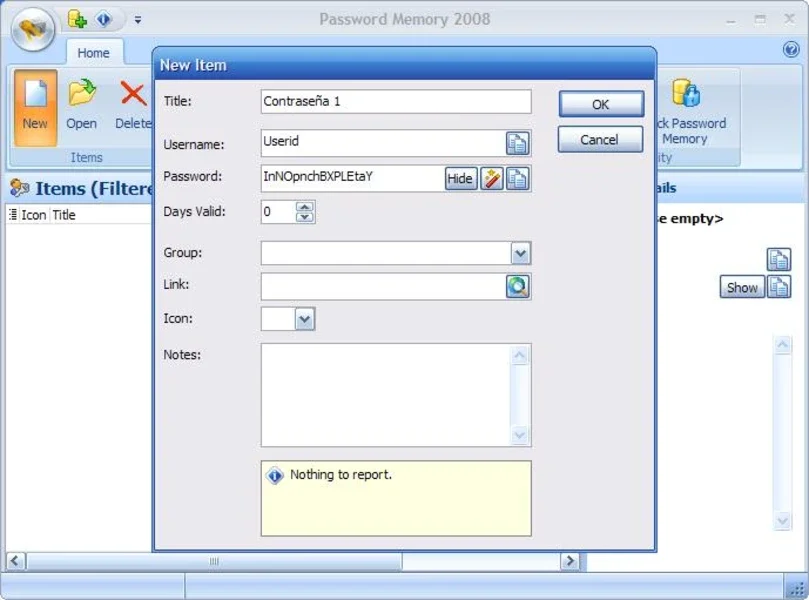
Screenshots
Description
Password Memory stores passwords so you can look them up and use them later. It runs on Windows.
Everything you enter is encrypted, and only someone with the password can get at the stored data. You can install the program on a USB drive, which lets you use your passwords on any computer. That way the password list travels with you rather than staying on one machine. The encryption is what protects the list if the drive is lost or the file is copied.
Code Aero makes it. Version 6.1 is the current release, and a trial is available.
Download files
Filepm_setup_free.exeEXE
Version8.1
ReleasedOct 21, 2025
Size11.1 MB
SHA-256
Get
590d0525a6d28a3d13e3fd76465616fb2019da9b4973082a86cd5ac90a733e5e
No digital signatureFile6.1EXE
Version6.1
ReleasedJul 19, 2017
Size8.2 MB
SHA-256
Get
346f4fb387b95510e9d606702b4a960fca44150433b7efbceed8b32e45546c8e
No digital signatureFilepassword-memory-5.1.exeEXE
Version5.1
ReleasedOct 2, 2014
Size8.5 MB
SHA-256
Get
050dd8890501e8891f19abb9d1fdb15d1f3510ad52b2bb4d68cb737f1da5e450
Filepassword-memory-4.1.1.exeEXE
Version4.1.1
ReleasedNov 4, 2011
Size7.5 MB
SHA-256
Get
696ba1c59bf6d4e145f5593a875520b974ccd5a0622718f1af4a24af5914bca1
Filepassword-memory-2010-3.0.3.exeEXE
Version2010-3.0.3
ReleasedSep 23, 2010
Size6.3 MB
SHA-256
Get
e9e7bb85386f096ecc0d2a5c250aefa1e54c61e8634431559136118627389508
System requirements
Available on:
Minimum OS:
Windows Windows NT or later
Additional information
Developer
Latest release
8.1 · Oct 21, 2025
Size
11.1 MB
File type
EXE
SHA-256
590d0525a6d28a3d13e3fd76465616fb2019da9b4973082a86cd5ac90a733e5e
Digital signature
No digital signature