
Password protector 4.12 for Windows
SHA-256 listed
Locks individual Windows programs behind a password you set
All ages
Age rating
Screenshots
Description
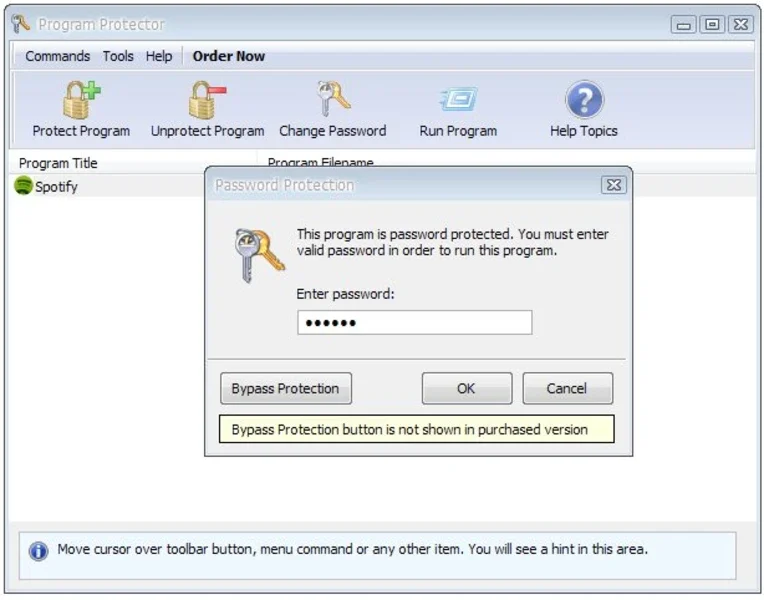
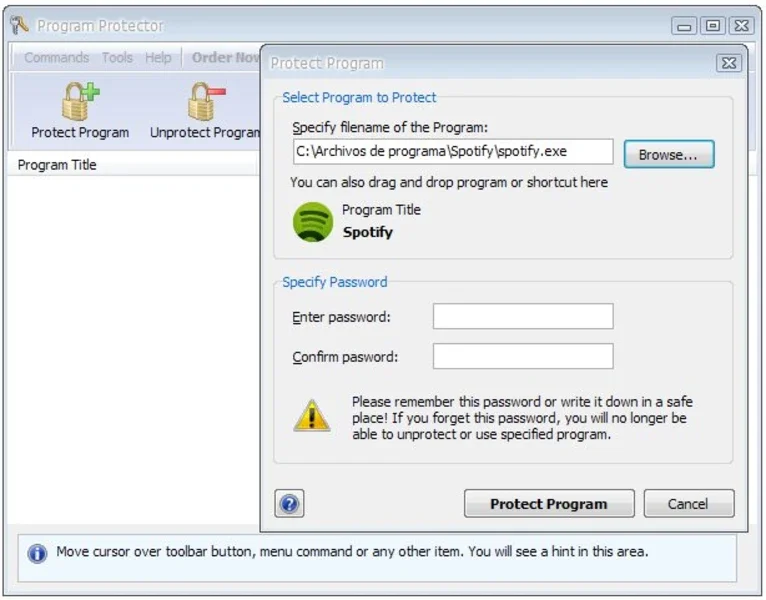
Password Protector puts a password on any program on your computer. You drag the program's icon into its window to add it to the protected list. After that, you have to enter the password each time you want to run that program.
Acting as a launcher
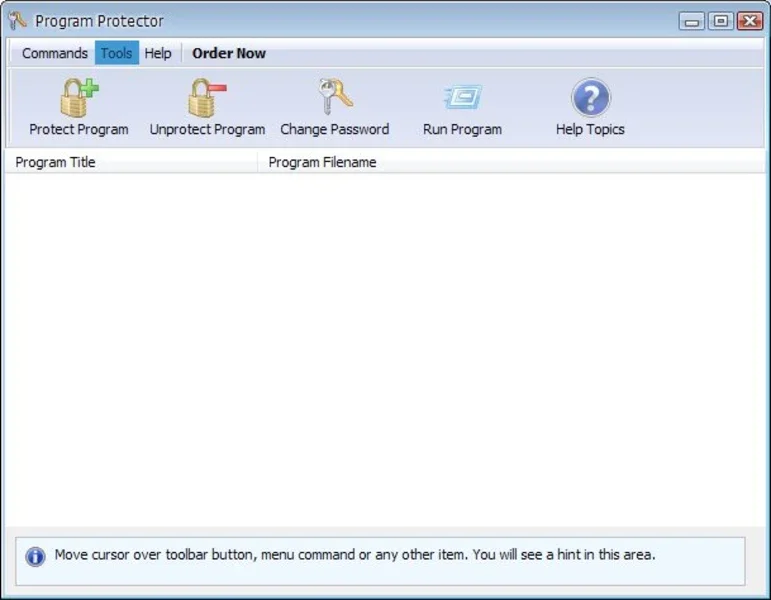
The main menu lists every protected application, so you can start them from there instead of hunting for shortcuts. Password Protector can be protected with its own password as well, so others cannot get at the list. It is meant for people who share a computer and want to keep certain programs off limits.
Download files
File4.12EXE
Version4.12
ReleasedJul 9, 2020
Size2.0 MB
SHA-256
Get
46ddd7cf8b189902548d5b28ded89d2ce75a2d7cc9445ecf13cf11d26b4f9f74
Signed by Blumentals Solutions SIA · valid until Apr 24, 2020Filepassword-protector-4.8.exeEXE
Version4.8
ReleasedJul 27, 2016
Size2.0 MB
SHA-256
Get
012294e192ed782d5778c15e47a9fcb925d10ee98c6379d7b9fe5aade846c46a
Filepassword-protector-4.4.exeEXE
Version4.4
ReleasedNov 16, 2012
Size1.6 MB
SHA-256
Get
d6a8aafc9692e197e790c6f0753b0b262a7902f23f44fa3bc33793982e67ede7
Filepassword-protector-4.2.exeEXE
Version4.2
ReleasedNov 30, 2011
Size1.7 MB
SHA-256
Get
3d027343175794576a982cae18959834a2f3191ff54030c6ed04dd106d445cbe
Filepassword-protector-4.0.exeEXE
Version4.0
ReleasedOct 27, 2010
Size1.7 MB
SHA-256
Get
8ff3f1296fa6761622bfffaf995797dbce305d080ca4c6e0f4ec2af782d3ab3a
System requirements
Available on:
Minimum OS:
Windows XP or later
Additional information
Developer
Latest release
4.12 · Jul 9, 2020
Size
2.0 MB
File type
EXE
SHA-256
46ddd7cf8b189902548d5b28ded89d2ce75a2d7cc9445ecf13cf11d26b4f9f74
Digital signature
Signed by Blumentals Solutions SIA · valid until Apr 24, 2020