
Password Reset Ultimate 1.0.0.0 for Windows
Makes a boot disk so you can get into Windows without the password
Screenshots
Description
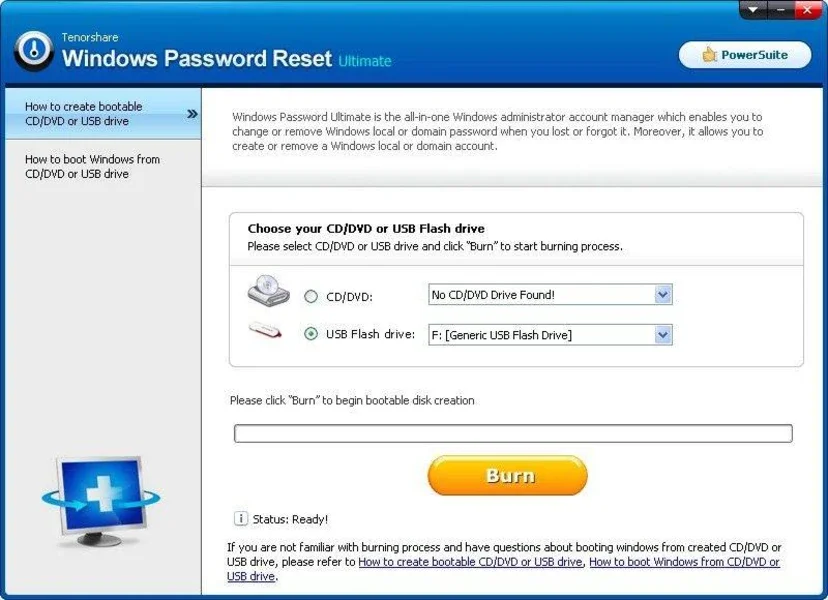
Password Reset Ultimate gets you back into a Windows computer when the password is gone. It is a Windows application for regaining access to a machine you have been locked out of. The way in is to boot from external memory instead of the internal disk, since starting from the internal disk is what asks for the forgotten password.
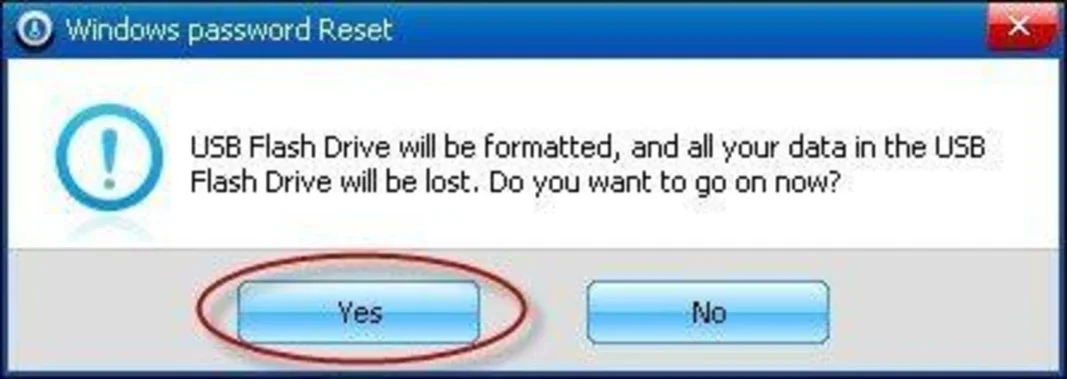
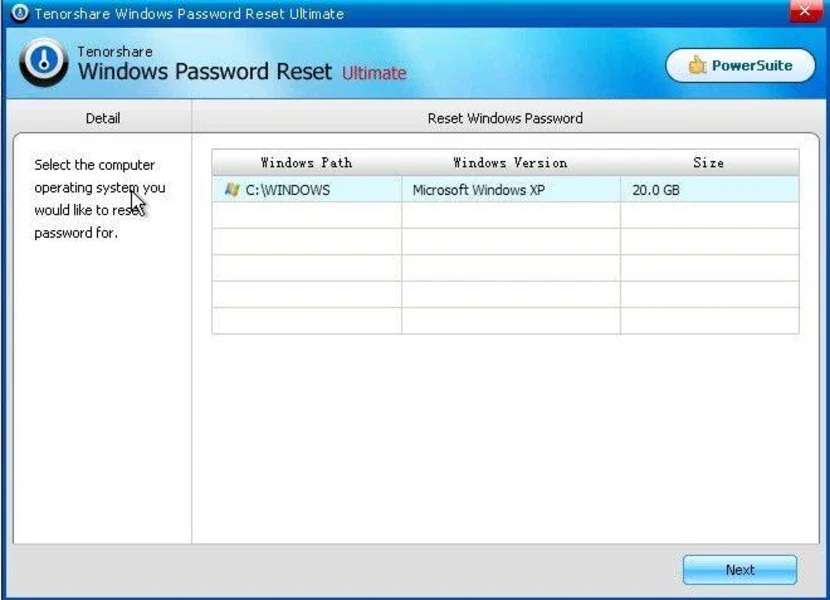
It works by creating an ISO boot disk image that is used to restart the computer. You first pick what kind of memory device will hold the boot image: a USB pen drive or a CD/DVD. With the device chosen, you click the burn button and the image is written to it. The mounted ISO image is then connected to the computer, which boots from the external memory via the BIOS. Once it comes up that way, the program lets you access Windows without entering the forgotten password.
It runs on Windows. Version 1.0.0.0 is the current one, and it comes as a trial from Tenorshare.
Download files
ac80c759abff06442f1dd243d8459cddf611b83d28ff1578de8f87e3956a491a
No digital signatureSystem requirements
Available on:
Additional information
Developer
Latest release
Size
File type
SHA-256
ac80c759abff06442f1dd243d8459cddf611b83d28ff1578de8f87e3956a491a