
PDF 995 10.1 for Windows
SHA-256 listed
Prints any document to a PDF file through a virtual printer
All ages
Age rating
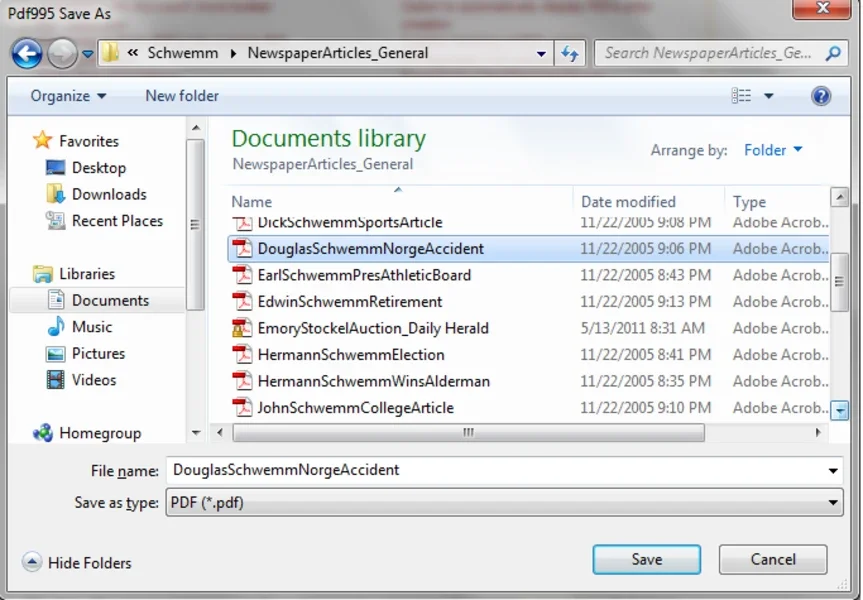
Screenshots
Description
PDF 995 installs a virtual printer. To convert a document, you print it the usual way and choose PDF995 in the printer window instead of your regular printer. The PDF file is produced automatically. Any document that can be printed can be converted this way. The utility is free and runs on Windows.
How conversion works
There is no separate converter window to learn. You open the document, print it, and pick PDF995 from the list of printers; the output is a PDF file. Because printing is the only step, the source document's own print command is all you need.
Download files
File10.1EXE
Version10.1
ReleasedAug 26, 2011
Size1.3 MB
SHA-256
Get
7676b395eb3f90d13b7cb3cbb76f1b0fb2c8e952082ac4e814f3f88c9fd7c841
Signed by Software995 Inc. · valid until Jun 20, 2013Filepdf-995-9.2.exeEXE
Version9.2
ReleasedMar 24, 2009
Size5.5 MB
SHA-256
Get
6bb8a5c881fe6bcda65455a6799abc9c65c96d6b37d525a4dedb797535f1ccb8
System requirements
Available on:
Additional information
Developer
Latest release
10.1 · Aug 26, 2011
Size
1.3 MB
Category
File type
EXE
SHA-256
7676b395eb3f90d13b7cb3cbb76f1b0fb2c8e952082ac4e814f3f88c9fd7c841
Digital signature
Signed by Software995 Inc. · valid until Jun 20, 2013





