
PDF Candy for Windows
Toolkit for editing, converting, splitting and protecting PDF files
You are on macOS — this is the Windows version.
Screenshots
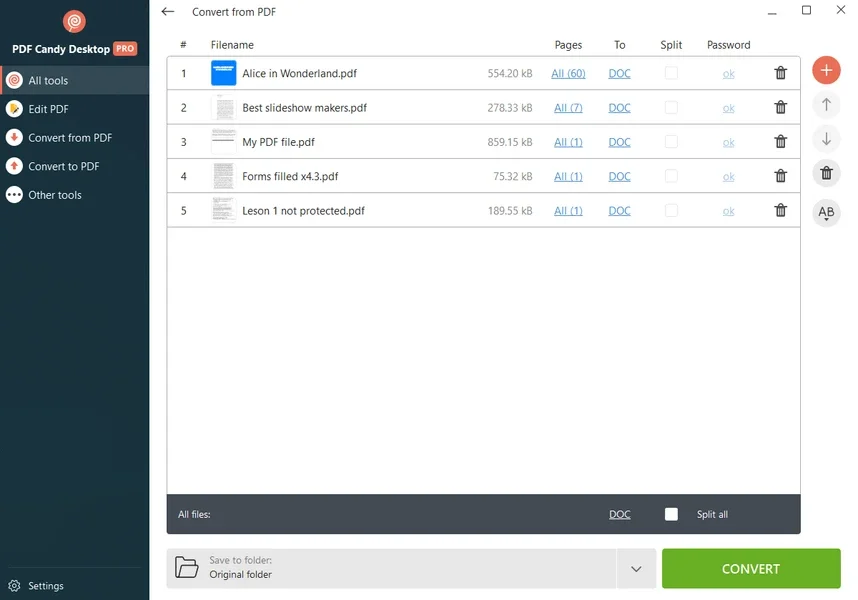
Description
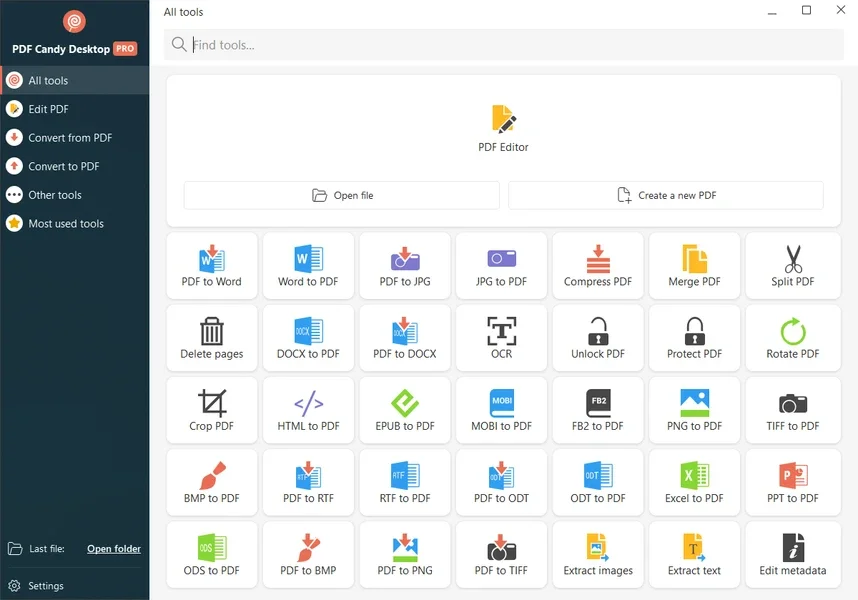
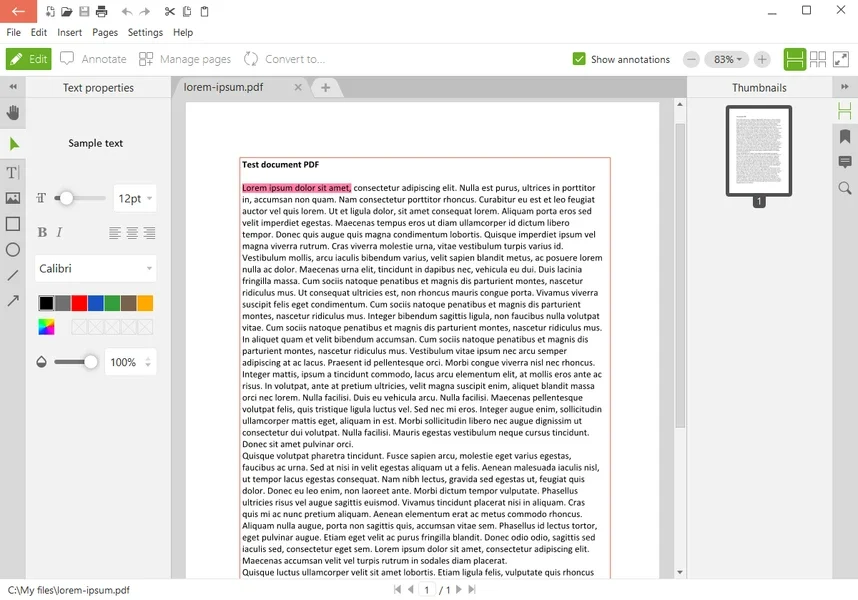
PDF Candy is a Windows utility for working with PDF files, and it includes a fully functional PDF editor for text, images and other objects. Files can be dragged and dropped into the program, and every added PDF can be previewed.
Converting files in and out
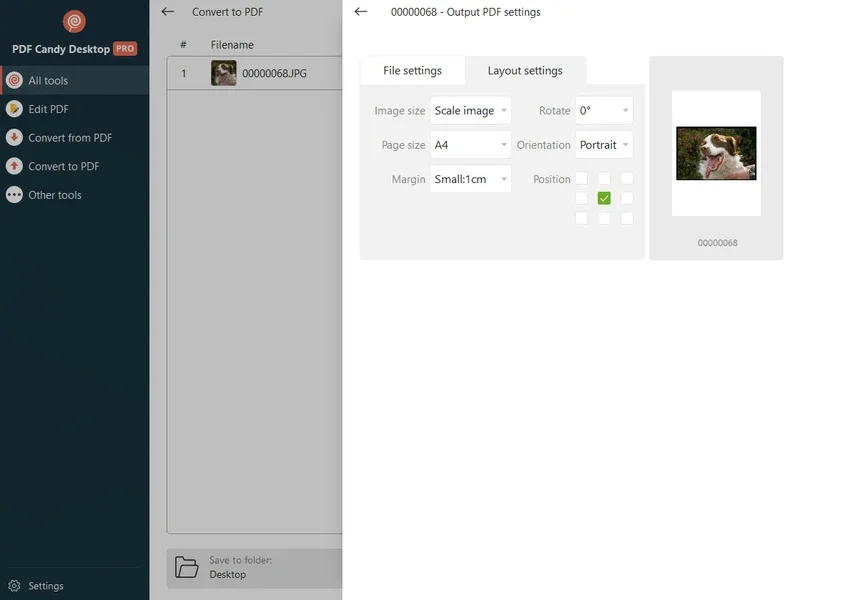
Convert to PDF mode takes DOCX, XLS, XLSX, ODT, ODS, HTML, HTM, ePub, MOBI, FB2 and images in JPG, PNG, BMP and TIFF, with advanced options for the output PDF; queued files can optionally be merged into one PDF. Convert from PDF mode turns PDFs into DOC, DOCX, RTF, ODT, JPG, BMP, TIFF, GIF, EPS and WMF. OCR PDF digitizes scanned documents to DOC, DOCX, RTF or ODT, and the OCR language can be selected to improve results.
Editing and arranging pages
The editor handles text, images and other objects. Split PDF has four modes: single pages, page ranges, groups of pages, and deleting pages. Merge PDF combines files and has advanced settings for the output. Rotate PDF sets 90, 180 or 270 degrees. Cropping means the file is supplied first, then the new borders are positioned by hand.
Protection, metadata and size
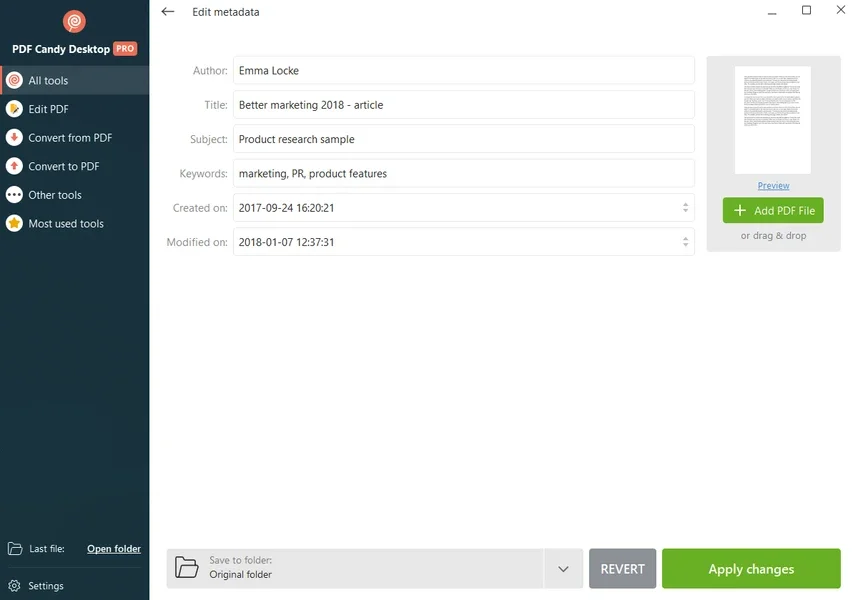
Protect PDF applies a password. Unlock PDF removes protection once a valid password is entered, and password-protected files can be queued as long as each one gets its valid password. Edit metadata mode covers author, title, subject, keywords and the creation and modification dates. Compress PDF shrinks an added file with one click.
Download files
00e8bacd96b8d74342aa6827eae742756cbbd331a05c7d196b185c0b53540f68
c1bf555031c260ab28e6b489f85adef16eff6ad425da7e1f35cdfbe8a88d01c3
7b2f5b8bf24d405bc926ea06aa4864f148d6fada929401fa8491e774a0e5b9f8
0e0d8f42cce257bef7b877b293087a59fef8f8728faf4c90e2db9db63cc825c0
1a8a4f9e0e8c9ff30b02f608e247b50388f47a8f6e7f134fa99bf9f16b57a0a7
System requirements
Available on:





