PDF to X 19.1 for Windows
SHA-256 listed
Converts PDFs while keeping layout, fonts and images in place
All ages
Age rating
Screenshots
Description
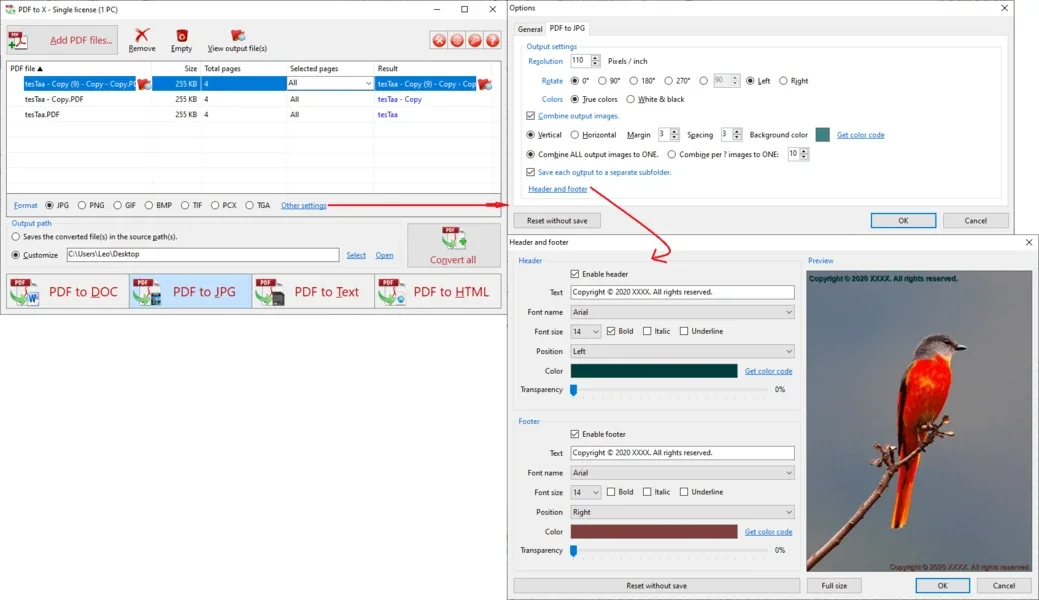
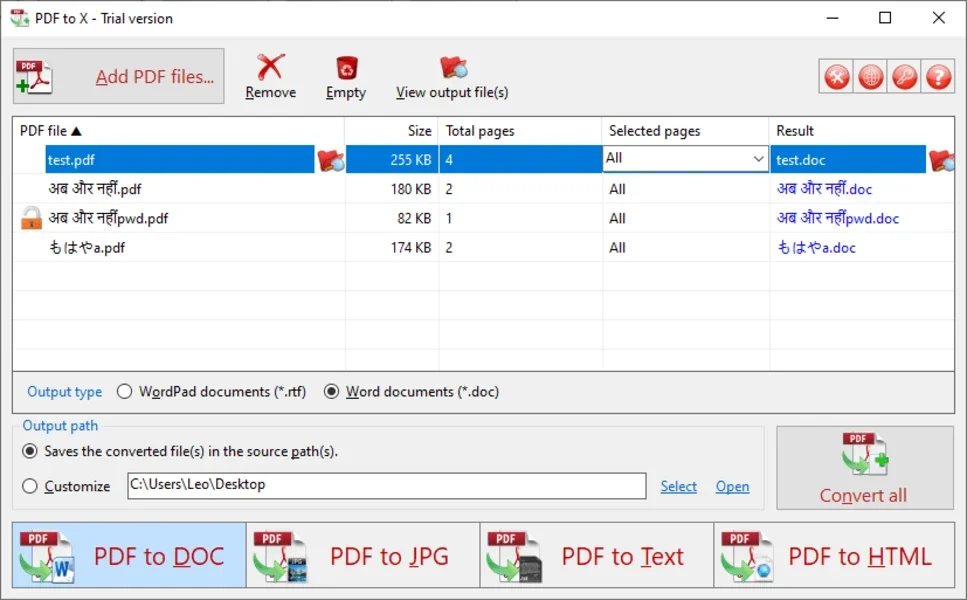
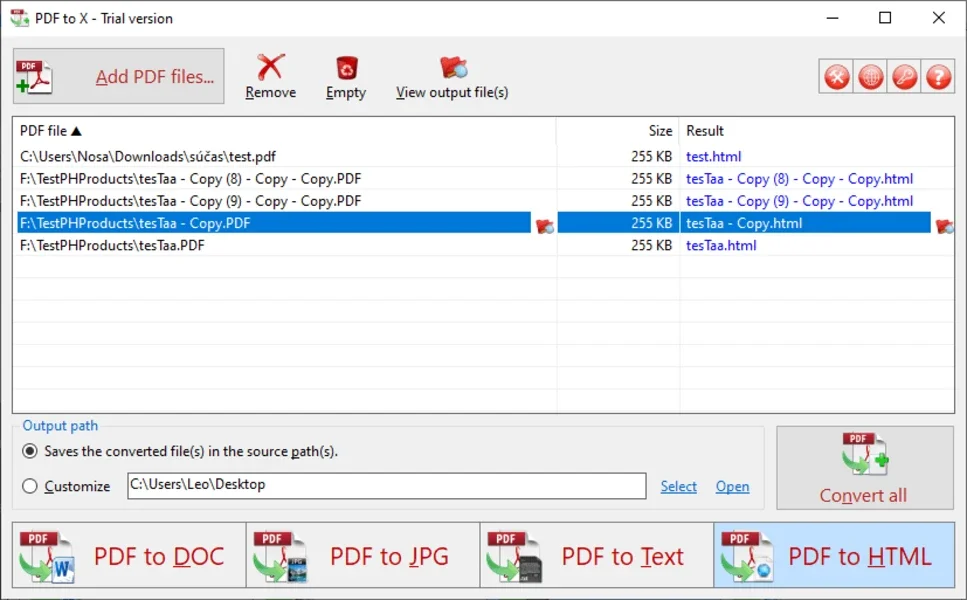
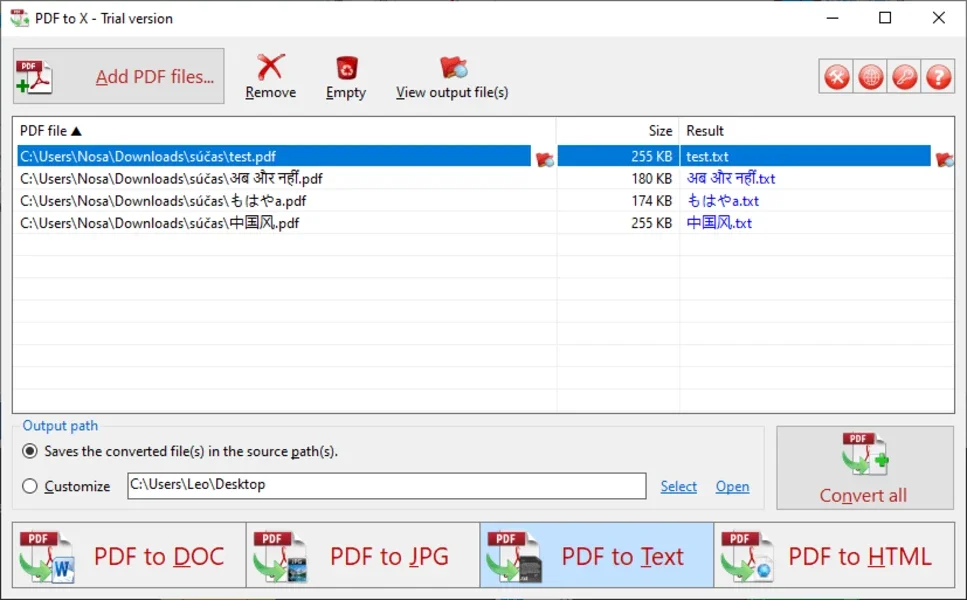
Drag the PDFs you want to convert into the main window of PDF To X, then press 'Convert all' to start. Several files can go through at once. After processing, icons at the bottom of the screen let you choose the output format.
- Metadata, image positions, document layout and fonts are preserved during conversion.
- Quality and resolution are kept.
- The same icons change the folder where converted documents are exported.
It runs on Windows.
Download files
Filepdf-to-x-stc.exeEXE
Version19.1
ReleasedMay 24, 2023
Size3.6 MB
SHA-256
Get
a0143575cd00be6a7bf49ff103aee644c6e006e00989faba494780b9e70c6c95
Signed by TriSun Software Limited · valid until Jun 24, 2023File19.1EXE
Version19.1
ReleasedOct 26, 2021
Size3.7 MB
SHA-256
Get
c8c01f07354838bd4deaaed5a3d3cbe6f38e285a77fdb3807925aaac9dc36cdc
Signed by TriSun Software Limited · valid until Jun 24, 2023Filepdf-to-x-19.0.exeEXE
Version19.0
ReleasedOct 1, 2021
Size3.7 MB
SHA-256
Get
a9919dab535b108e48ecd89b0a4c4e6069b063acd8fc086953219c65e108e3e1
Filepdf-to-x-18.0.zipZIP
Version18.0
ReleasedSep 13, 2021
Size3.5 MB
SHA-256
Get
8f6aa8ba5094b083bbd19608630696b612563c151920dc91470b165be4c5bb79
Filepdf-to-x.zipZIP
Version8.0
ReleasedUnknown
Size3.3 MB
SHA-256
Get
573355116b7d8413619b40486351530fced3f3deefb230f646fbf905ceace3e1
System requirements
Available on:
Additional information
Developer
Latest release
19.1 · May 24, 2023
Size
3.6 MB
Category
File type
EXE
SHA-256
a0143575cd00be6a7bf49ff103aee644c6e006e00989faba494780b9e70c6c95
Digital signature
Signed by TriSun Software Limited · valid until Jun 24, 2023





