
PDFCreator 6.3.0 for Windows
Creates PDFs on Windows through a virtual printer
Screenshots
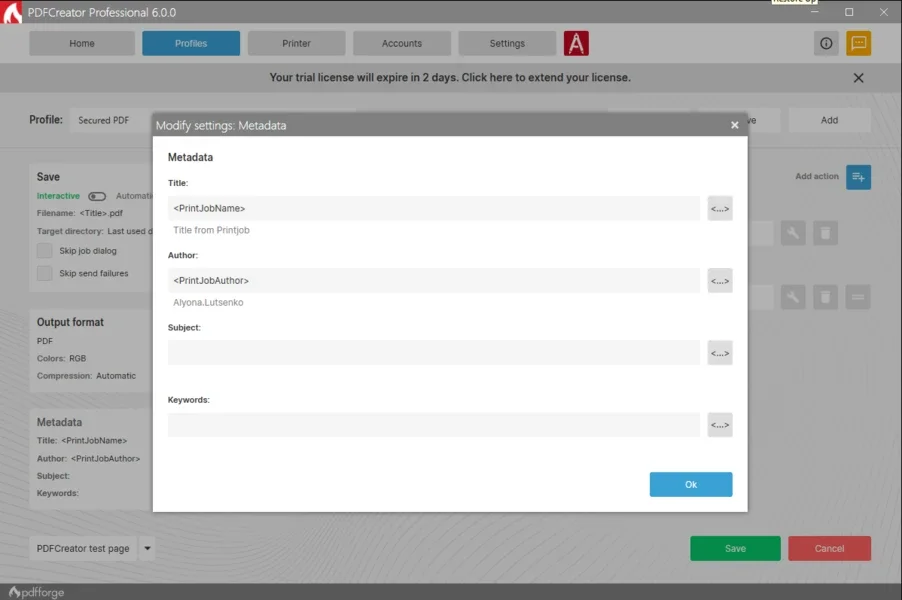
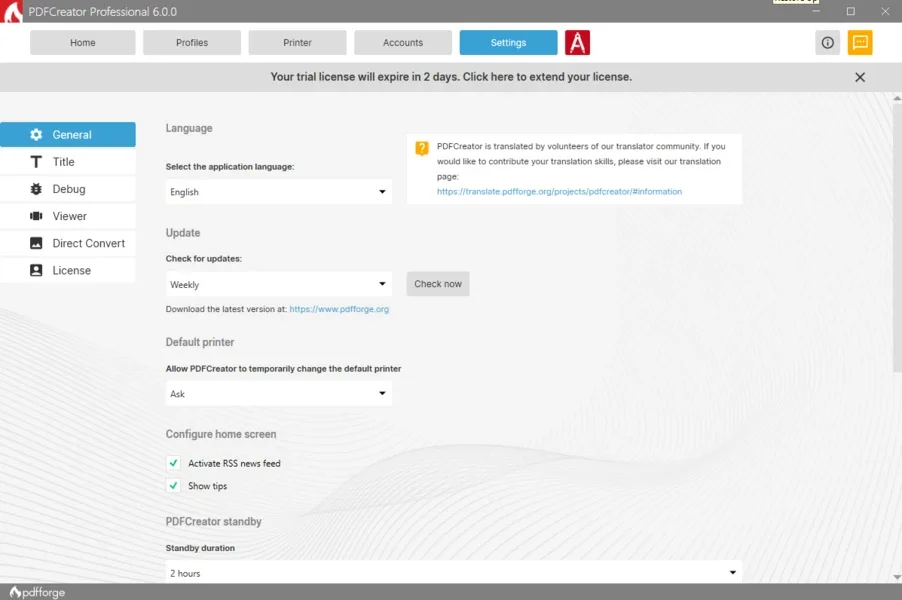
Description
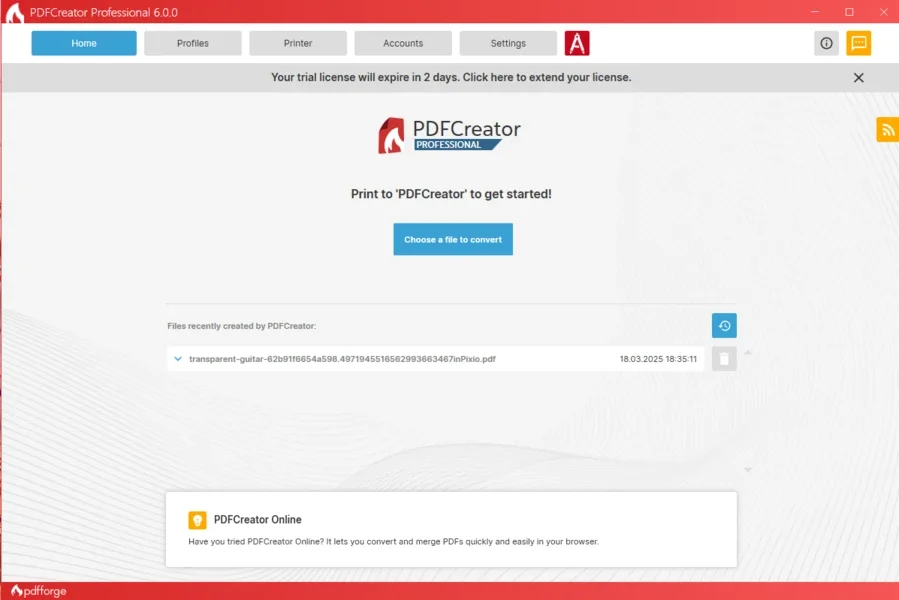
PDFCreator makes PDFs on Windows PCs. It works as a virtual printer: open a file in a program that can print, click Print, and choose PDFCreator as the printer. You can also open PDFCreator, pick Add Document from the toolbar, choose All Files and a destination folder. Either way the file lands in a folder you set, and the program can autosave to specified destinations and sort saved files by username, timestamp, date and similar criteria.
- Create, compress, password-protect and encrypt PDFs, with encryption levels to choose from
- Merge several files into one document without converting them one by one
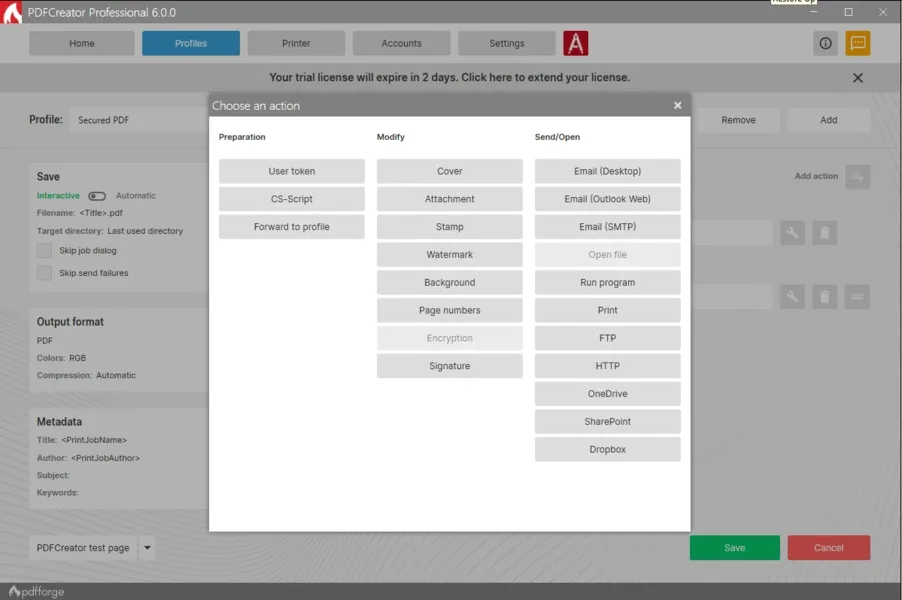
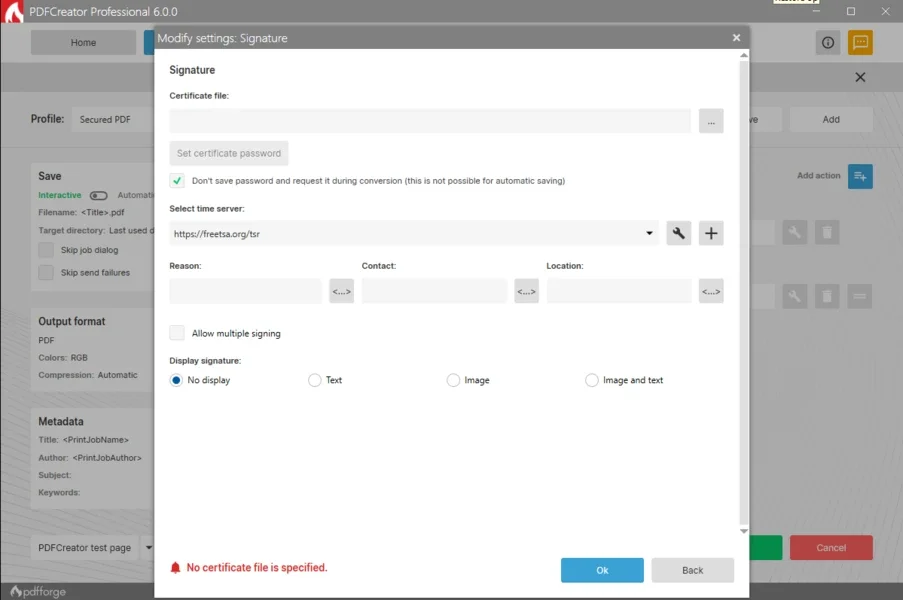
- Add cover pages and apply digital signatures to verify authorship
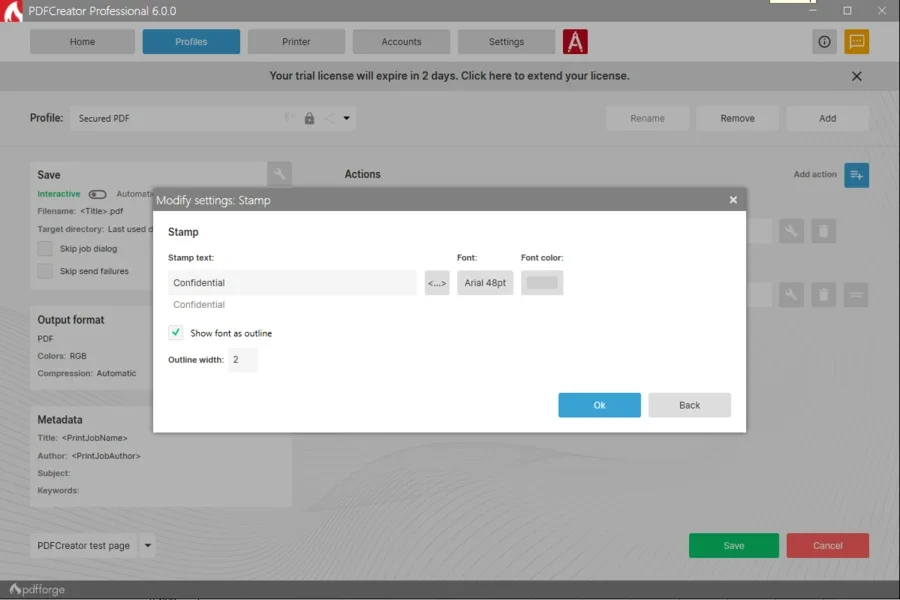
- Rotate pages and customize PDFs from the setup menu
- Convert to other formats through a process almost identical to making a PDF, with presets for quick conversion
- Convert PDFs back to RAW, BMP, TXT, PNG and JPEG
- Share output by email, send it to a printer or upload it over FTP
PNG, EPS, TIFF, PCX, BMP and JPG are supported, and common formats like DOC, BMP and JPG go through without trouble. Some file types can trigger errors. Profiles are adjustable: several come preset for different skill levels and preferences, and a new user profile takes a couple of clicks. There is a basic COM interface for driving jobs and settings from an application or script, including choosing the destination folder, waiting on the print job, merging, converting, viewing PDFs and sharing by email, and custom scripts are supported too. It was designed by PDF Forge and runs on Windows 11, 10, 8.1, 8 and 7.
Download files
7dd7b27c8706e5470ebe120eb6707773d149c48e79d5c85be87ef4e8805453ff
Signed by Avanquest Software SAS · valid until Oct 30, 2026ffbb4ead935bc77a98350d391ee4e92f914420c00805ab3184e7a8f2077102e1
Signed by Avanquest Software SAS · valid until Oct 30, 202633f67362c61e2db592357155246b338627dbec793c7d4abd5247cfdfb254758f
Signed by Avanquest Software SAS · valid until Oct 30, 2026edd2526be007593983acc8c9fa32ab08b2f0f60ae0b538923099b2349d9b4545
0b3911c78324d5c00c195909f289d8615638c9d3f1162bc57c6c780ecb660656
Signed by Philip Chinery · valid until Nov 9, 2012System requirements
Available on:
Minimum OS:
Windows Windows 11 or later
Additional information
Developer
Latest release
Size
Category
File type
SHA-256
7dd7b27c8706e5470ebe120eb6707773d149c48e79d5c85be87ef4e8805453ff





