PDFtoImage Converter 4.2.2.1 for Windows
SHA-256 listed
Drag in PDFs, pick a folder, click start, get separate JPGs
All ages
Age rating
Screenshots
Description
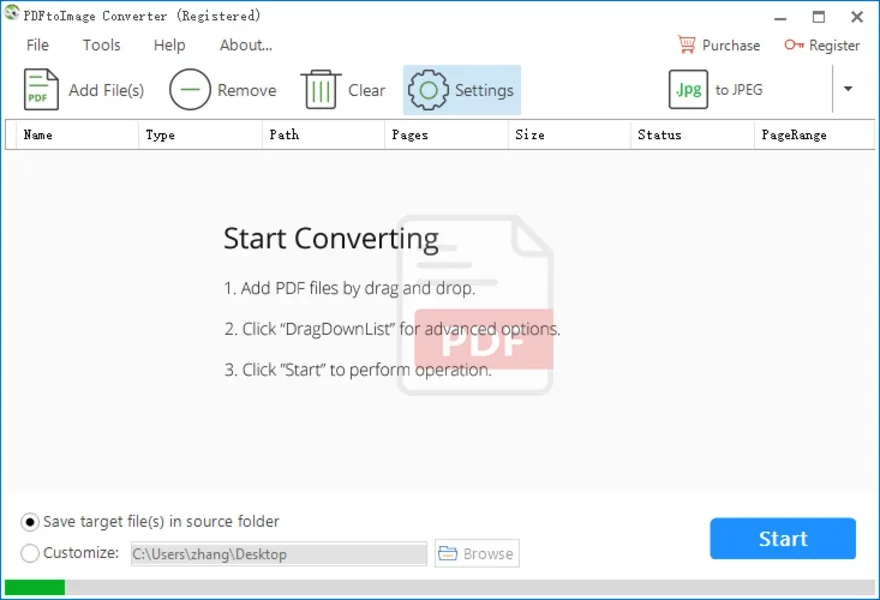
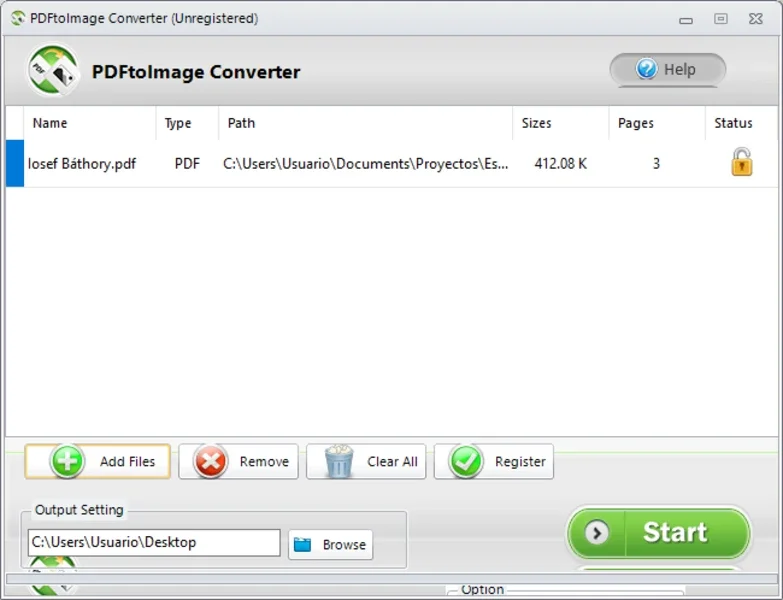
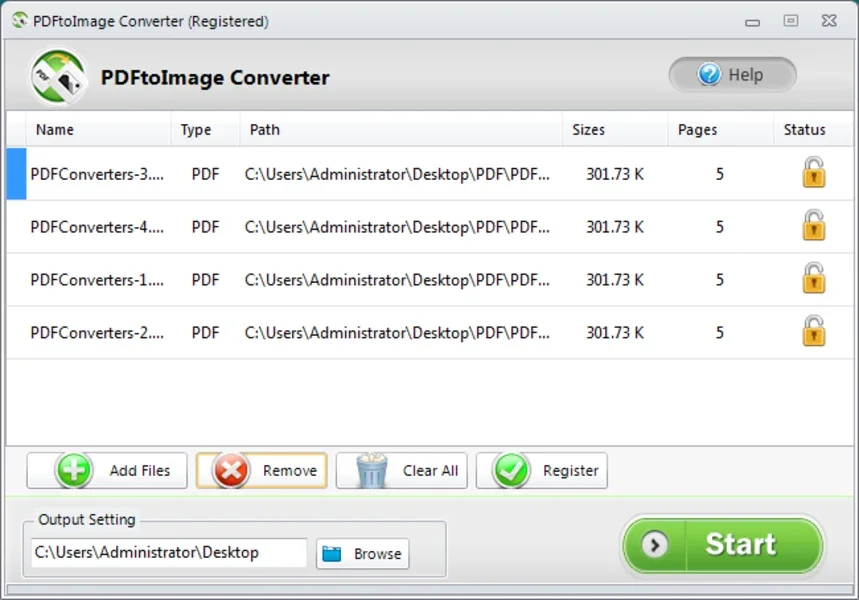
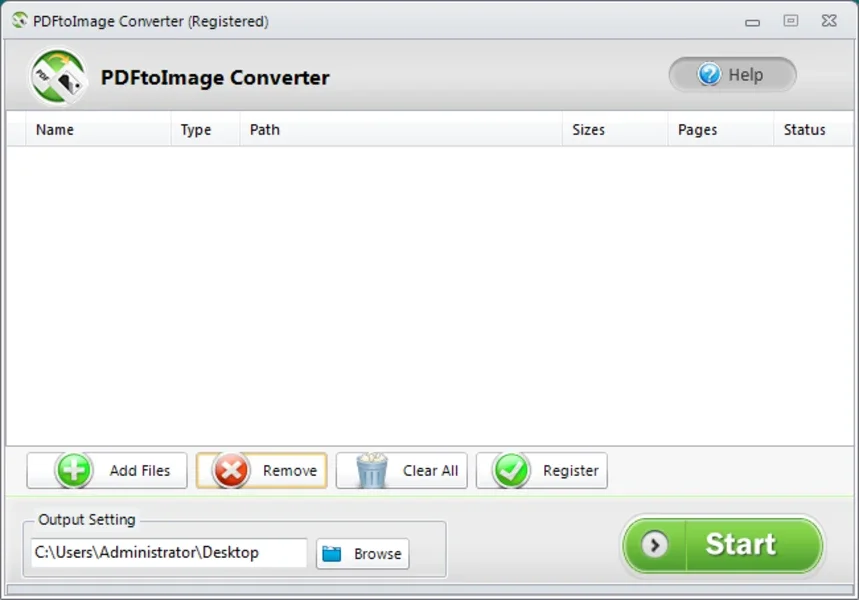
Drag your PDF documents into the main window of PDFtoImage Converter, choose where the JPG files should go, and click start. Conversion finishes in seconds, with each page of a document saved as its own JPG image file.
- Converts complete PDF pages to JPG
- Converts images embedded in a PDF to JPG
- Exports specific images from a document, leaving out unwanted content
The interface is simplified and intuitive, so no guides or tutorials are needed to get through a conversion. The program runs on Windows and is free.
Download files
File4.2.2.1EXE
Version4.2.2.1
ReleasedDec 5, 2017
Size27.6 MB
SHA-256
Get
28729afe0e7a9ecd07dc8f9e738585999cb61da81da6e0ad9bf3031e4b1e15b9
No digital signatureFilepdftoimage-converter-3.1.1.exeEXE
Version3.1.1
ReleasedNov 2, 2017
Size18.0 MB
SHA-256
Get
46b29cb23fccb4cdbbee7eb4fe52f89c0646683557871e9560291e353ff4744d
System requirements
Available on:
Additional information
Developer
Latest release
4.2.2.1 · Dec 5, 2017
Size
27.6 MB
Category
File type
EXE
SHA-256
28729afe0e7a9ecd07dc8f9e738585999cb61da81da6e0ad9bf3031e4b1e15b9
Digital signature
No digital signature





