
PhotoBulk 1 for Windows
Watermarks, resizes, optimizes, and renames images in batches
You are on macOS — this is the Windows version. See the macOS version
Screenshots

Description
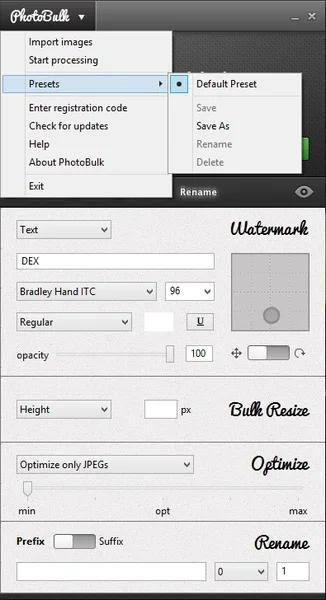
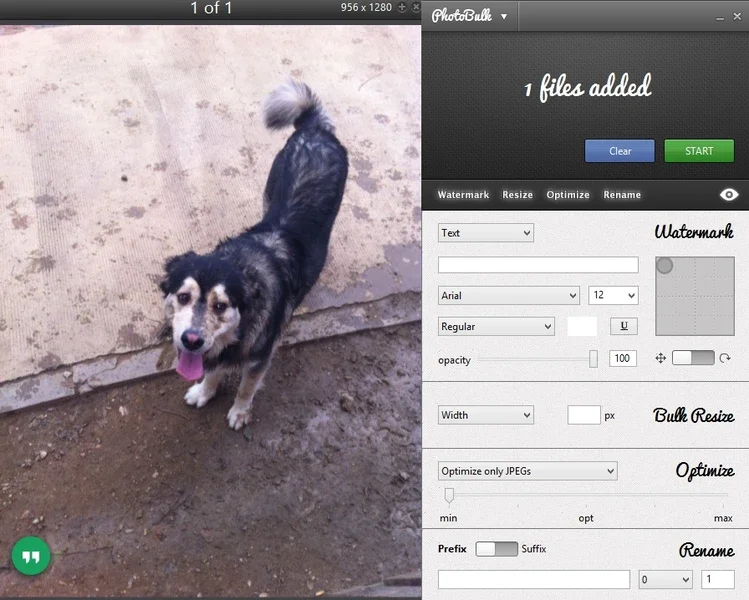
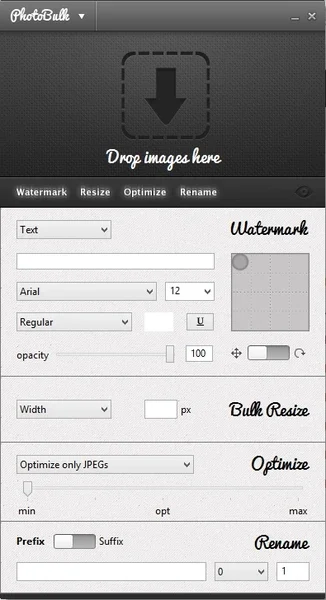
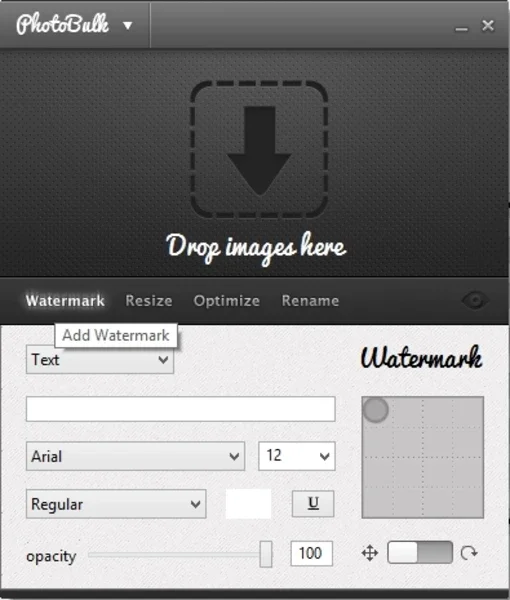
Open PhotoBulk and you see four options: watermark, change size, optimize, and rename. Each opens only when clicked.
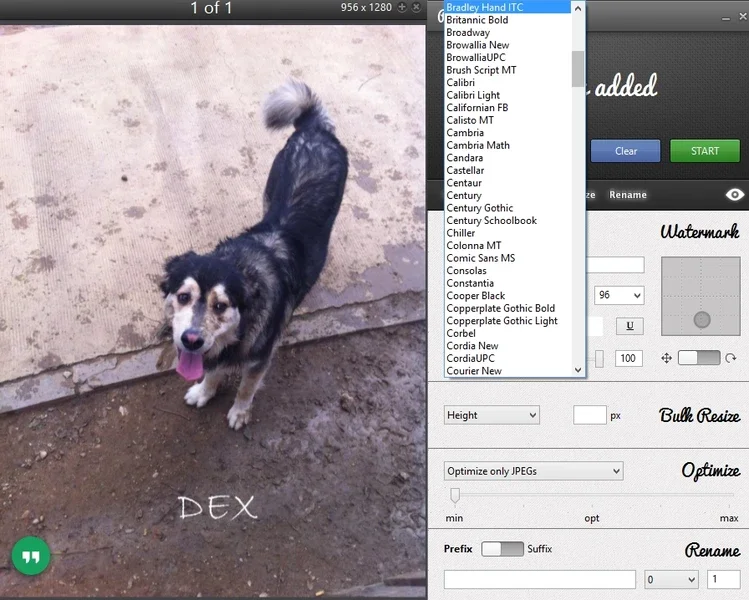
The watermark tab accepts both text and images. You can place the mark with a four by four centimeter preview square, adjust its size and position, and set opacity with a bar. Watermark sources run into the dozens. The other three options make smaller adjustments to size and file name. The program has a small set of basic functions that are somewhat limited. Finished images save as JPEG or PNG files. PhotoBulk adds a simple watermark to pictures to protect them from unauthorized use.
Everything runs on Windows.
Download files
714323787db27d2d2392f0aa1495affdde393faaf9e96c47476a874ac52712ea
Signed by Eltima Software · valid until May 18, 2015714323787db27d2d2392f0aa1495affdde393faaf9e96c47476a874ac52712ea
Signed by Eltima Software · valid until May 18, 2015System requirements
Available on:
Minimum OS:
Windows Windows Vista or later
Additional information
Developer
Latest release
Size
Category
File type
SHA-256
714323787db27d2d2392f0aa1495affdde393faaf9e96c47476a874ac52712ea