
Photoscape 3.7 for Windows
Edits, views and catalogs photos from one folder view
Screenshots
Description
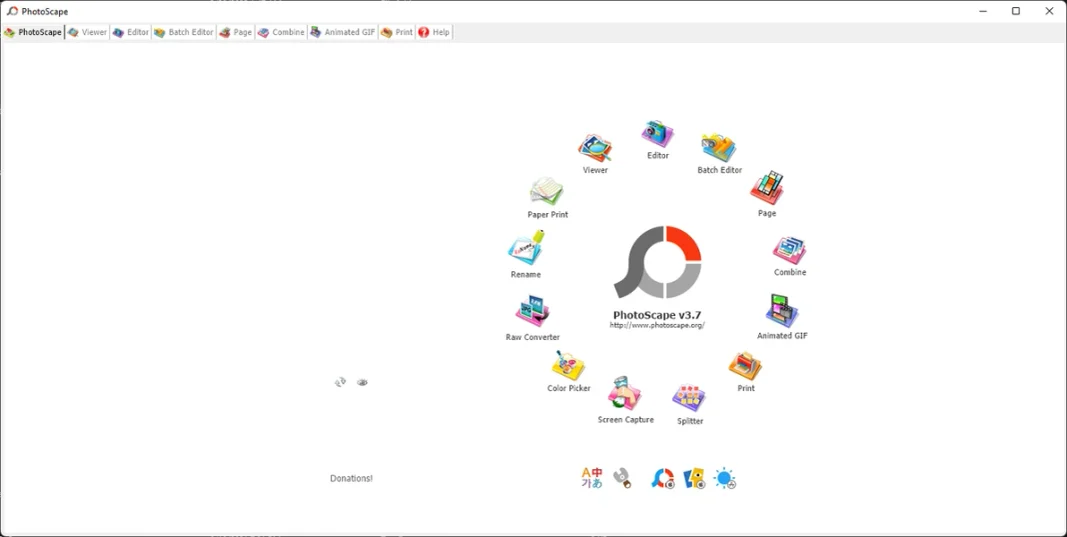
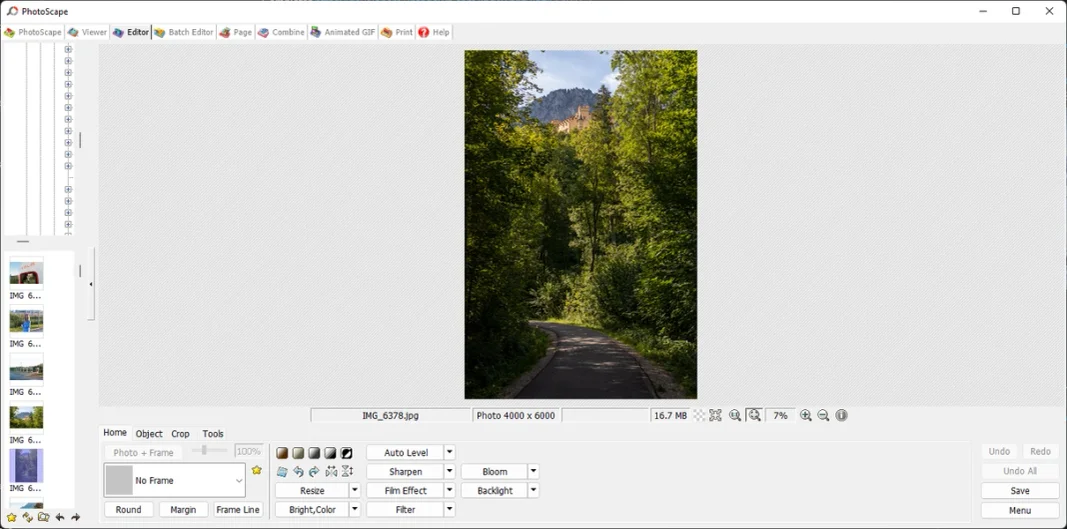
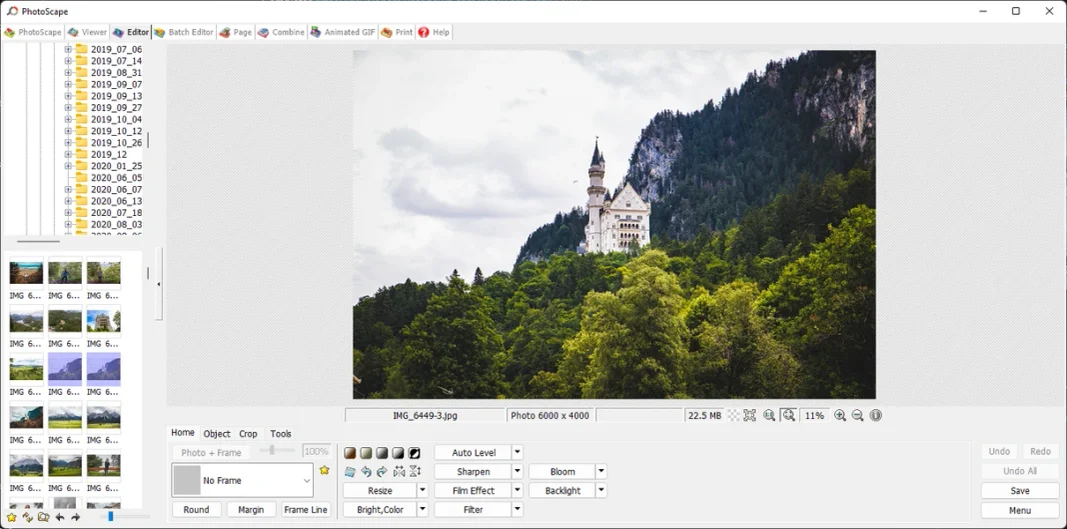
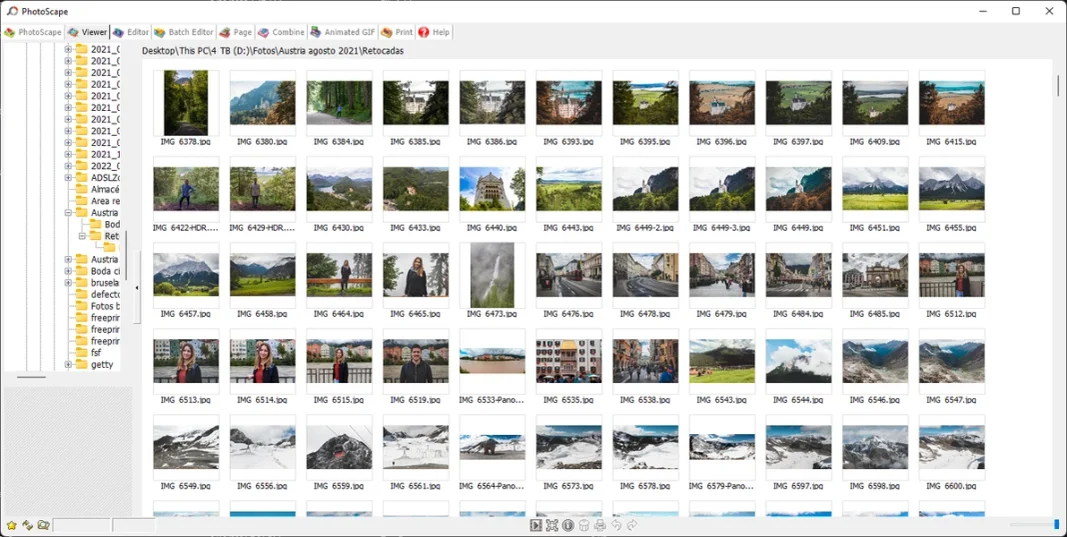
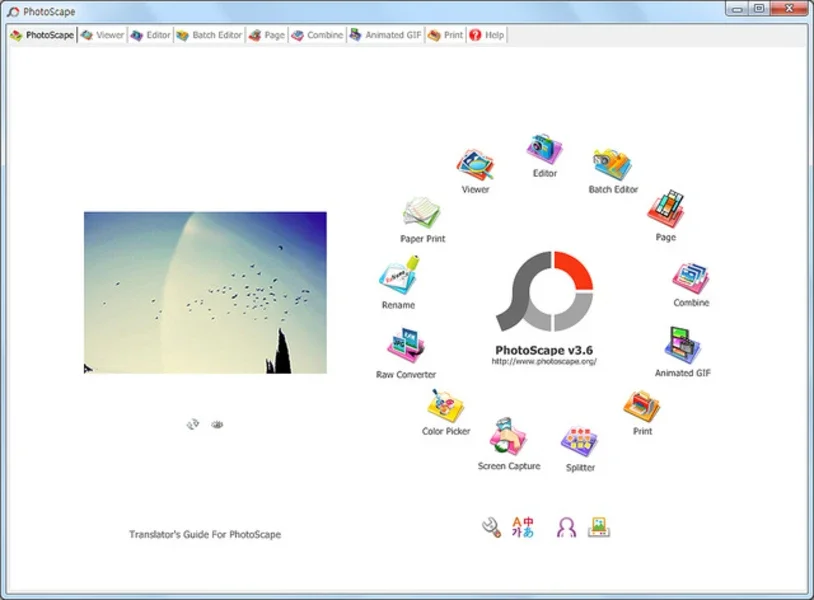
Photoscape opens on a wheel that lets you pick any of its features, and most of them are also reachable through tabs at the top of the screen. The main display area shows all the images in a folder. Double-click one and it goes full screen; the mouse or the keyboard moves you to the next photo. It works as a photo viewer and as a photo editor, and it bundles work that would otherwise need two or more separate programs.
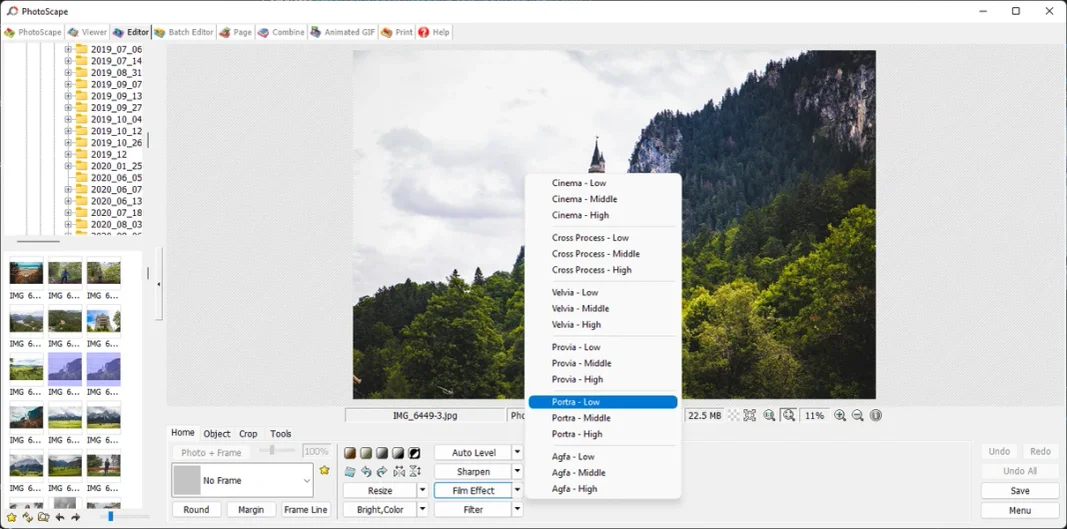
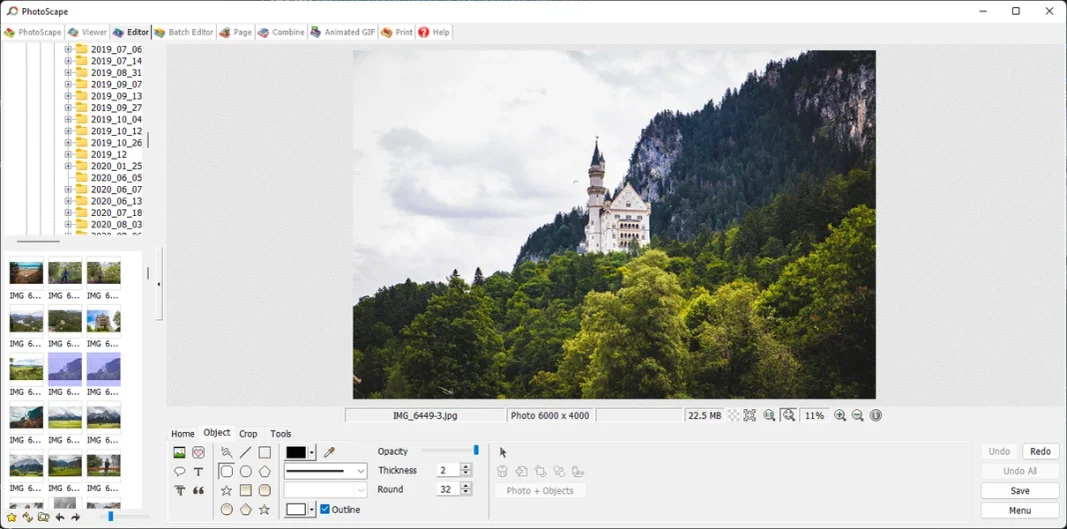
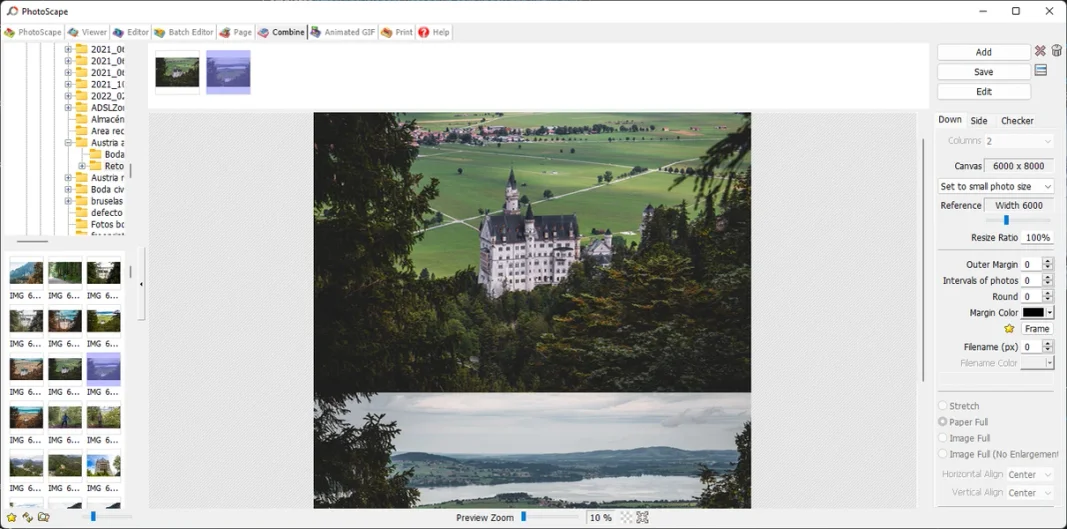
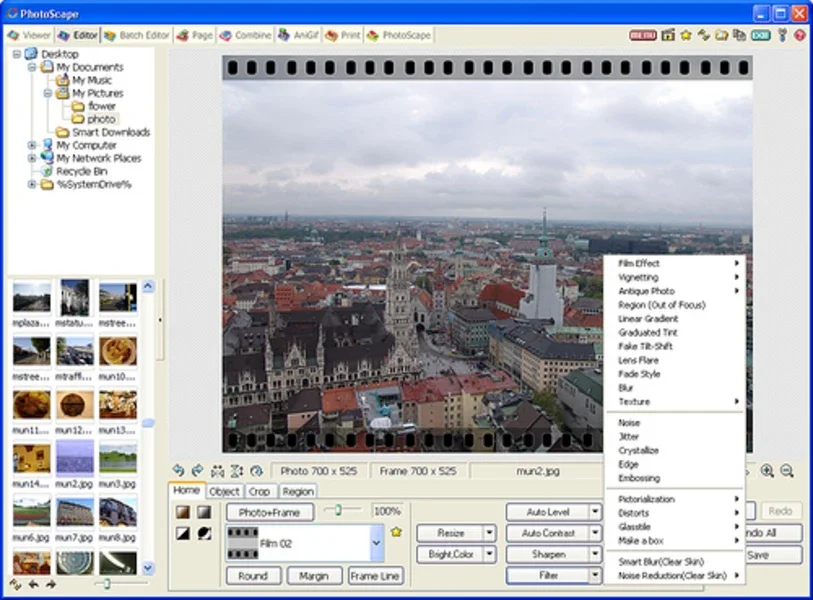
The editor crops, levels, adjusts contrast and brightness, adds filters and frames, and increases detail. Edits can go to a single photo, or one set of adjustments can be applied across a batch of pictures. Two photos can be combined into one, and files can be merged. RAW files can be turned into JPGs in bulk, and files can be renamed.
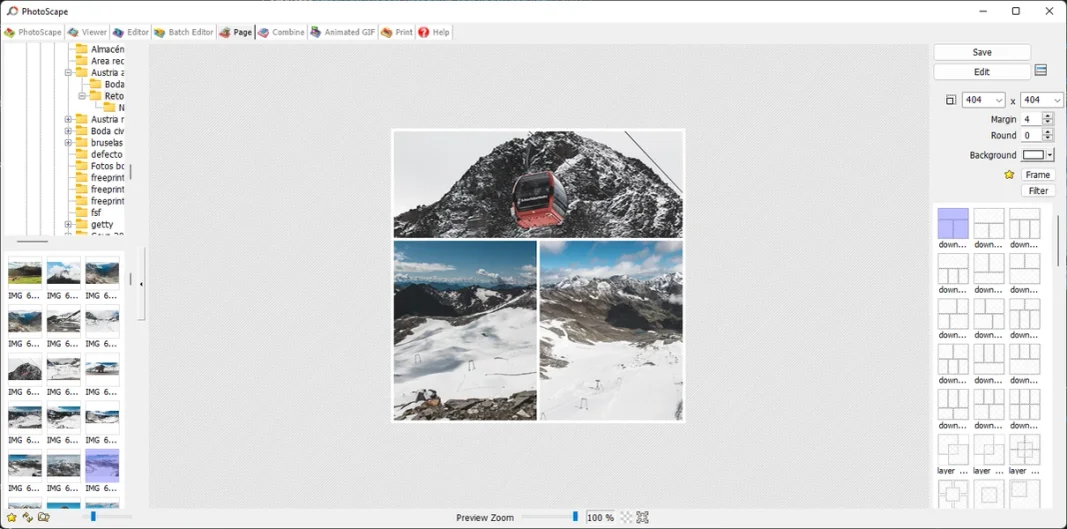
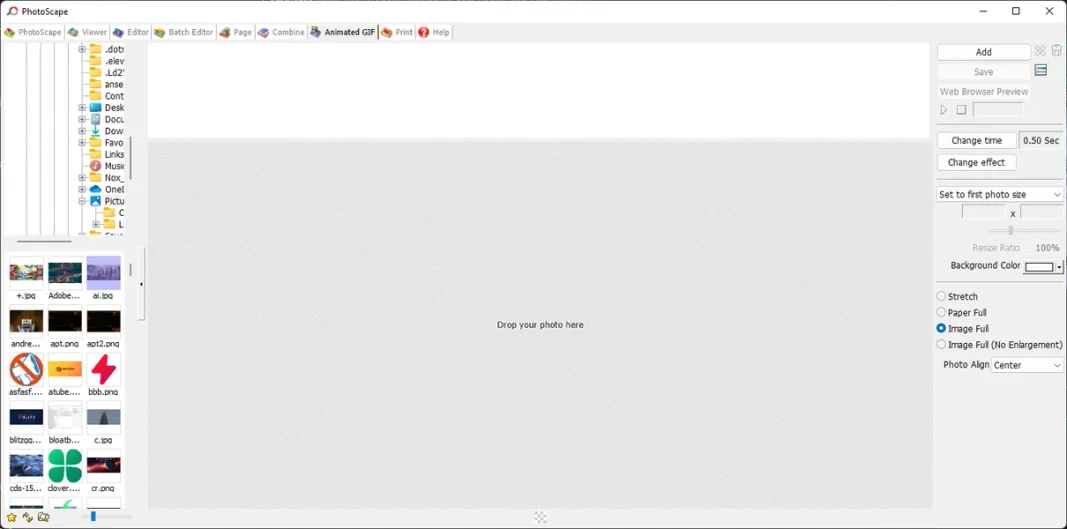
Beyond editing, it makes collages with different alternatives, creates catalogs, adds icons and elements, and builds animated GIFs. It prints photos organized in a grid and takes screenshots, with information about the screenshot appearing at the bottom. It is free and lightweight.
Download files
dd37f4ea7133c48f5181b2d0b9ead52fb05cf64bd4180eb35cb1530e4aac3ce4
Signed by Mooii Tech co.,ltd. · valid until Sep 8, 2018a2059592ca8b287ba072b0aedbbcd303d5660201915cbfc4e4cbdebfb49c444d
826b7b7b1220542e1e45ec17d1642739fefad11c9aa0eee4fe109a4bc3ce9cf5
5f3f2a295aa8f736f8374808962b675d6d8d64097d47be011b989984f17a5a78
523e506e324da02a28f2588cee6f336ea69590a08651809b4231e1beb5eedba1
System requirements
Available on:
Minimum OS:
Windows XP or later
Additional information
Developer
Latest release
Size
Category
File type
SHA-256
dd37f4ea7133c48f5181b2d0b9ead52fb05cf64bd4180eb35cb1530e4aac3ce4