
PlayStation Plus 12.7.0 for Windows
Stream PlayStation Plus games on a PC without installing them
Screenshots
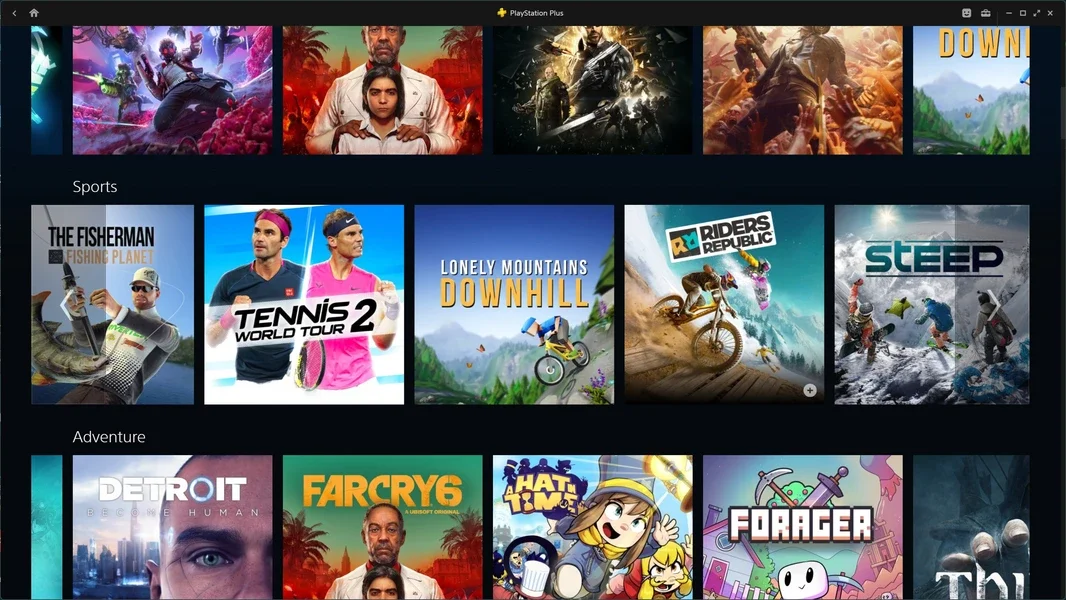
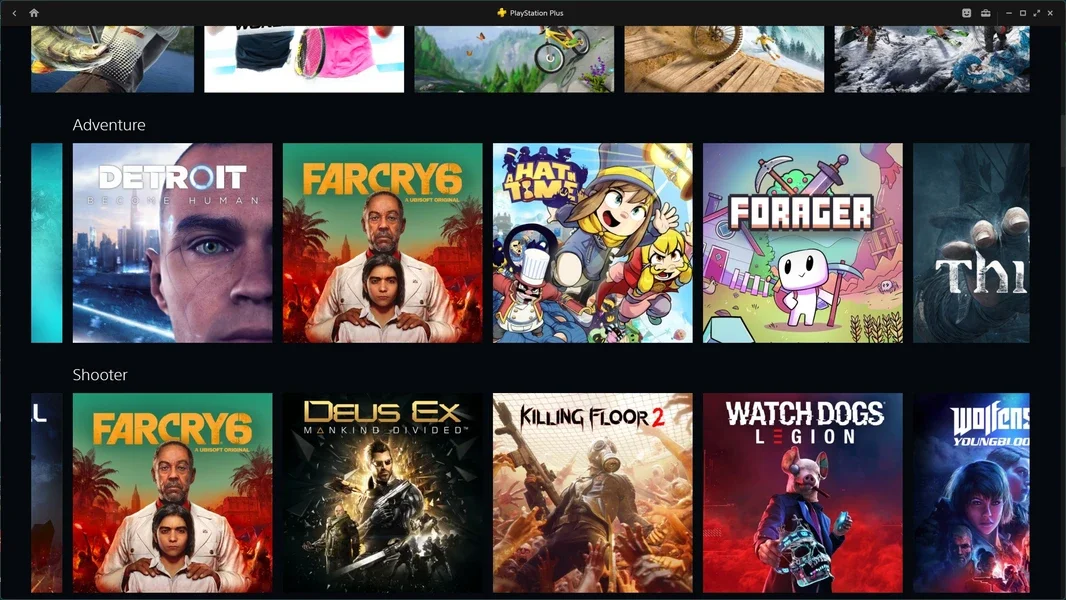
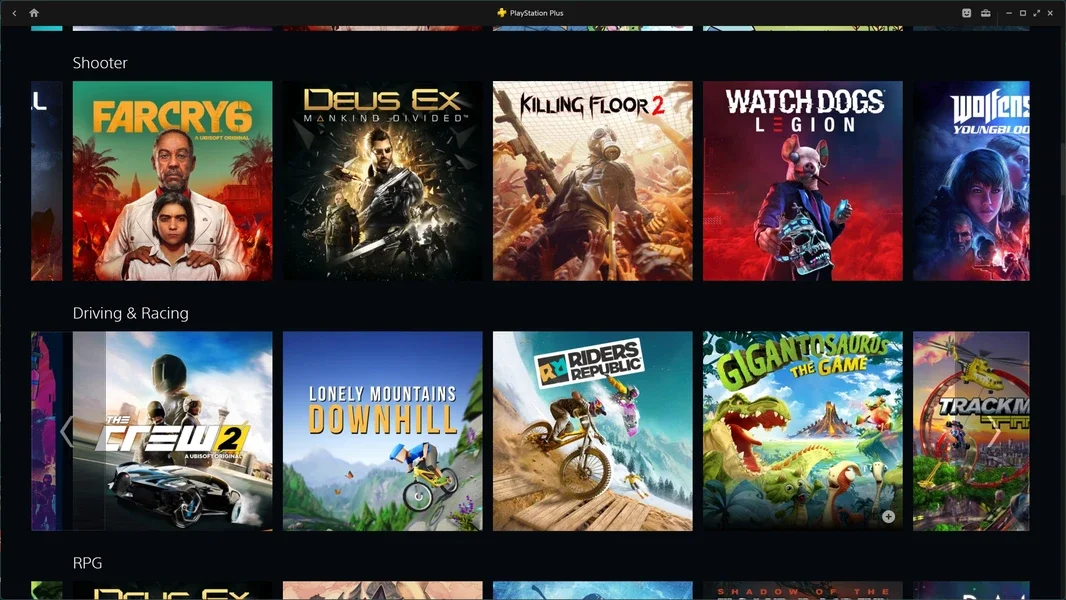
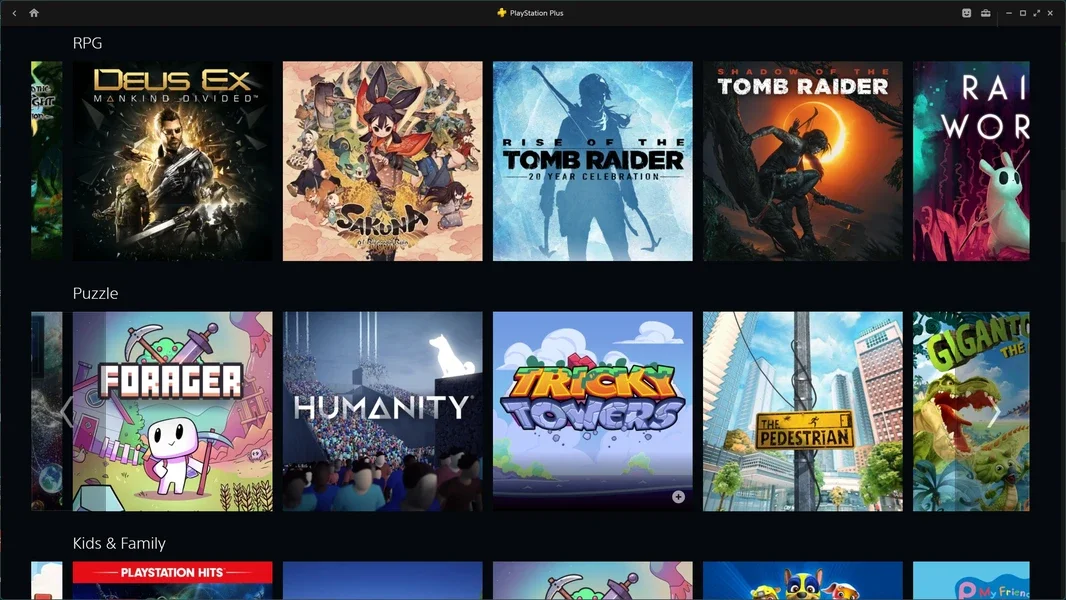
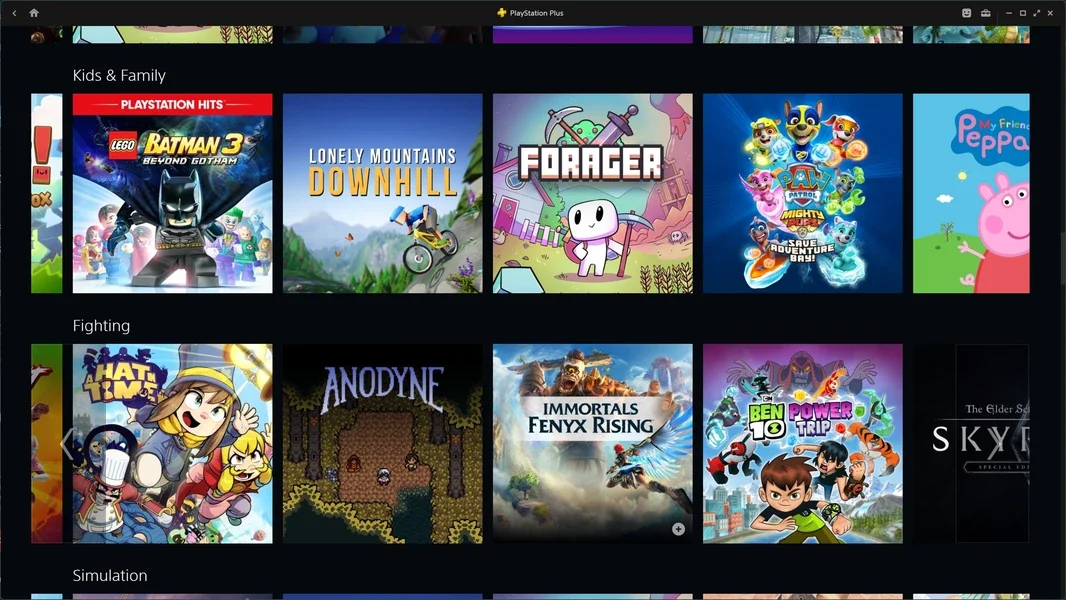
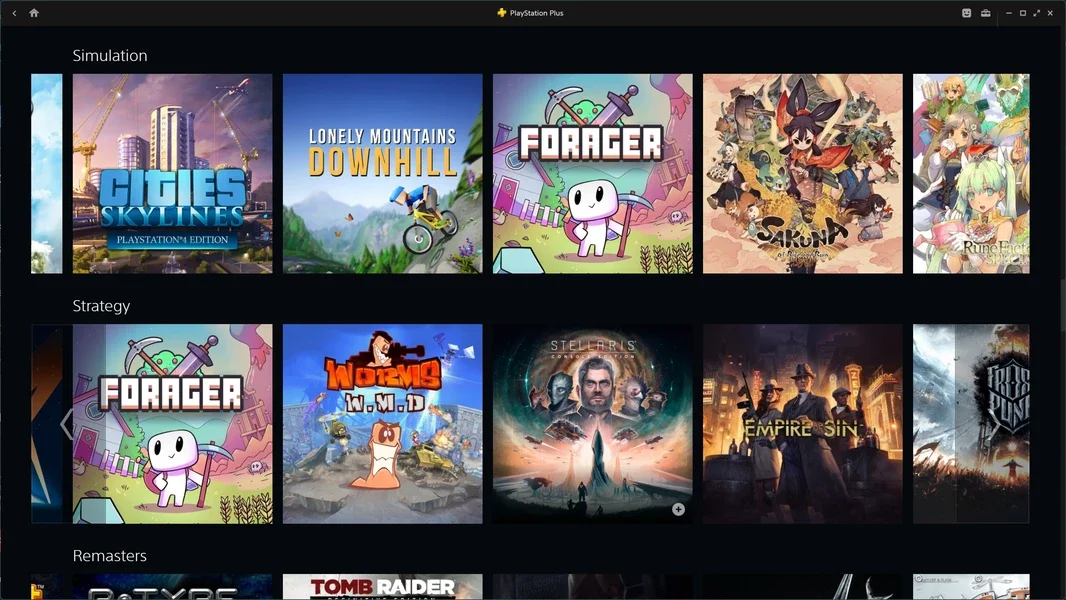
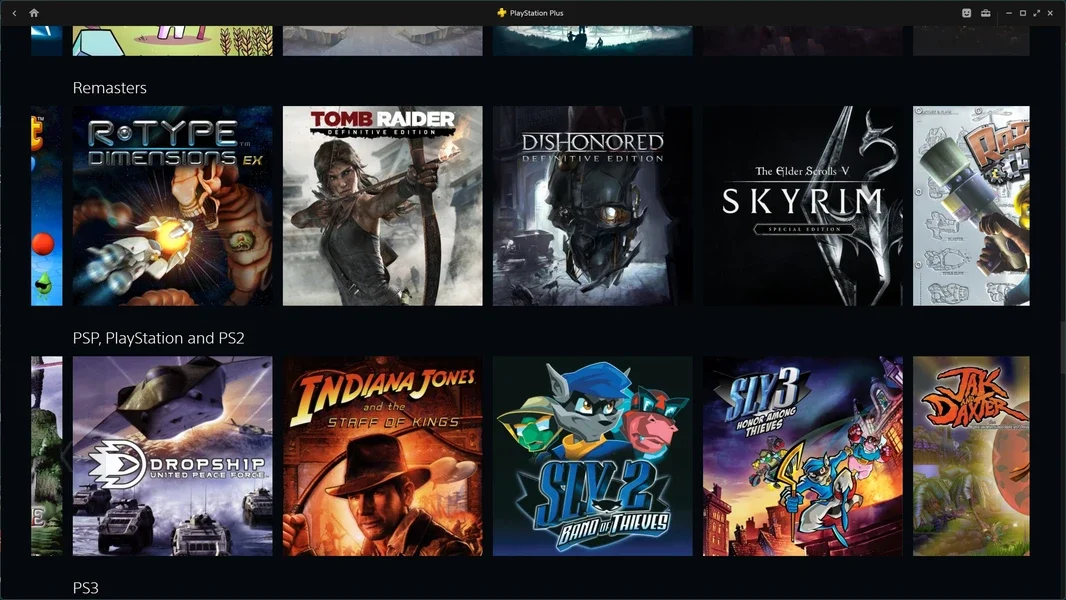
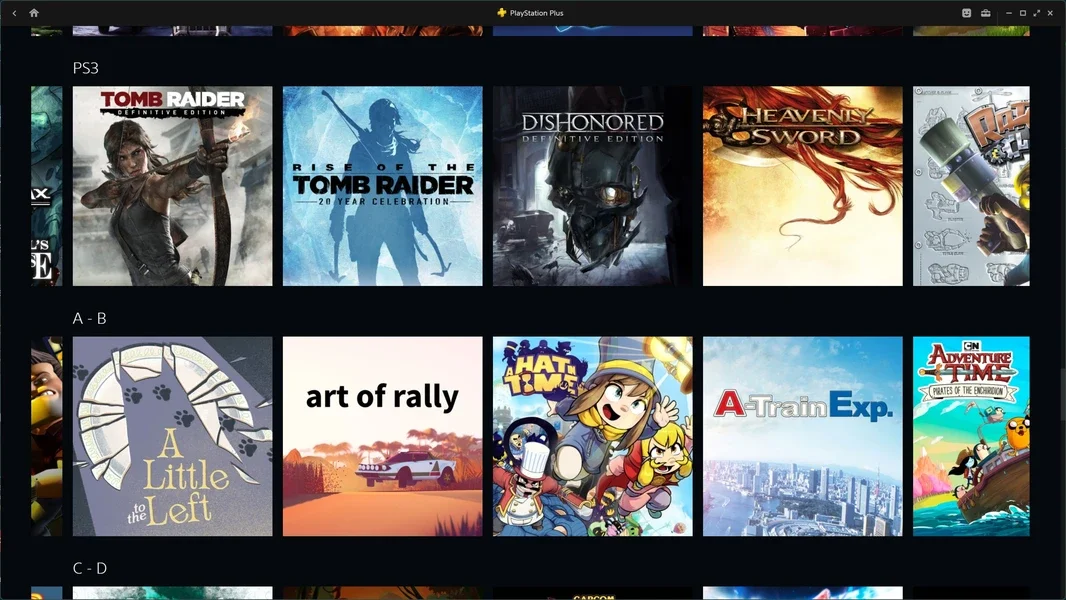
Description
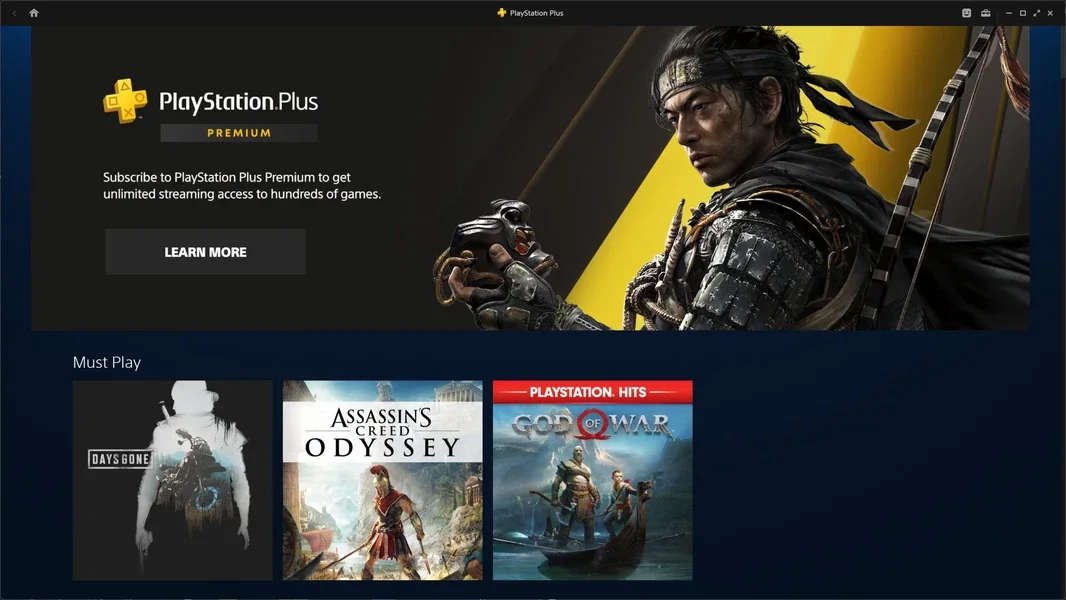
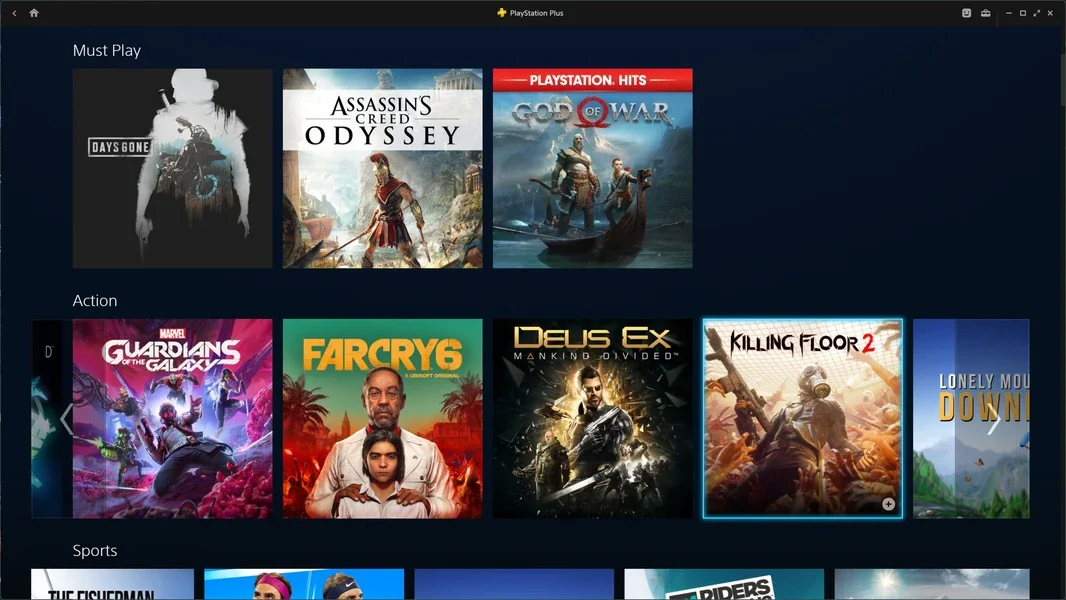
PlayStation Plus on Windows is Sony's official app for reaching PlayStation Plus on a PC and streaming selected games from the service. You log in with a PlayStation account, browse the titles on offer, and start a game without installing anything locally. That works on any PC, whatever its power, as long as the title supports streaming.
- A Premium subscription is required, along with an Internet connection and a controller.
- Broadband of at least 5 Mbps is needed. Sony suggests 15 Mbps for 1080p.
- The DualShock 4 and DualSense both work. An XInput-compatible controller might also work.
- Keyboard and mouse navigate the app but cannot stand in for a controller in a game.
- Local multiplayer on PC stops at two players. The app has no group chat.
- Add-ons and DLC are off the table while streaming.
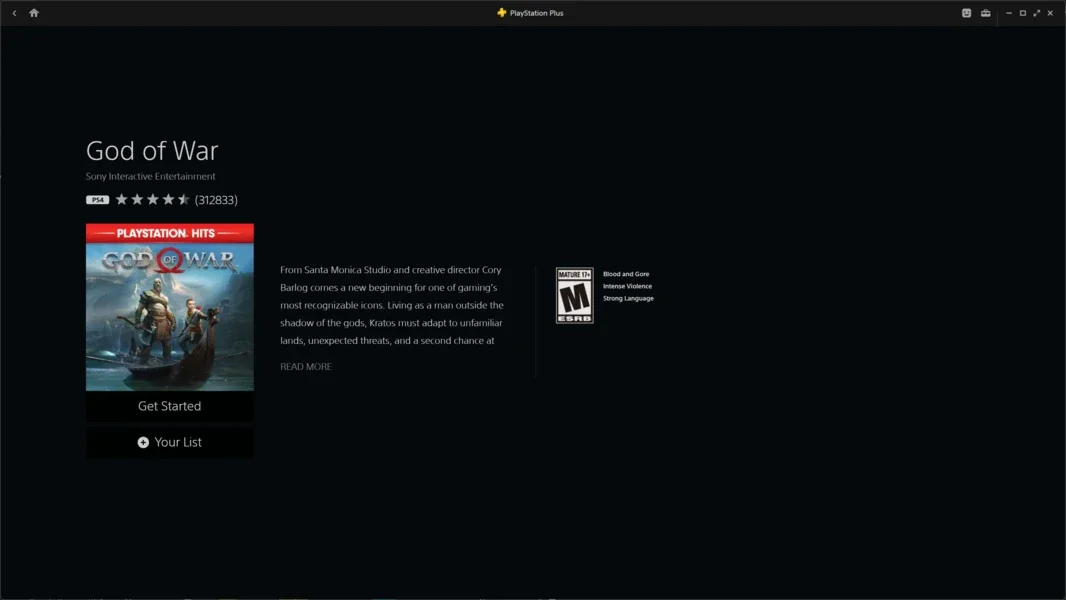
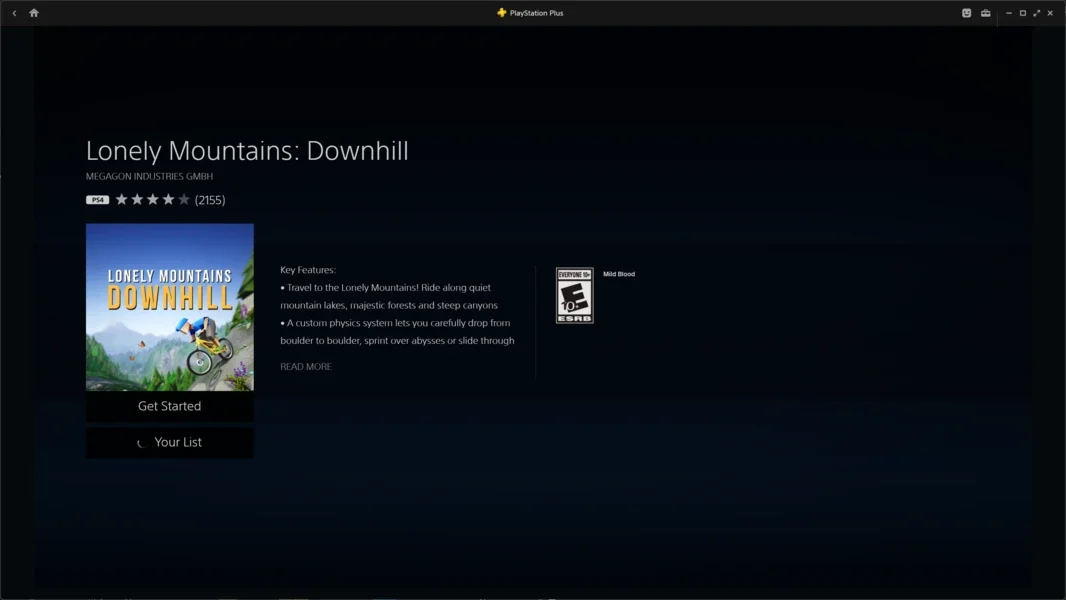
Games stream from PlayStation servers, and latency is unavoidable: around 40 to 60 ms from the reviewer's location, enough to bother competitive play but fine for other kinds of games. Hits do not always register on screen right away. On a 1 Gbps fiber connection, streaming held up. Audio comes out of speakers or headphones plugged into the PC. In the test, a DualShock 4 ran over Bluetooth and games launched from their profile pages; the reviewer moved between titles by leaving a match and going back to the catalog. Which titles can be streamed is set by the catalog and your location, and streamable titles may change. Not every catalog game supports PC streaming. A Premium subscription also opens the classics lineup and other top-tier benefits. Compatible games keep their online multiplayer modes when streamed. Saves carry across compatible sessions, so a game begun in streaming can be picked up on other supported devices. Some console features are absent from the streaming format. Check a game's specific features before starting a session. The reviewer wanted the catalog expanded and the app to mark more clearly, before a match, which games include streaming and multiplayer.
Download files
93dabd7a537a0b67a6732dcaf0f868199eb0e426c92f6d929fb1c93d32dcf0c1
Signed by Sony Interactive Entertainment LLC · valid until Jul 7, 20271851947288856004282e05f11cd3a3f333d140312fb139d48d8efc464b7ac8cb
Signed by Sony Interactive Entertainment LLC · valid until Aug 6, 2025f7a7589b60c84ad5e32757bf4207c85af136c0e9acf68a92a9433abd47384f18
Signed by Sony Interactive Entertainment LLC · valid until Jul 16, 2026bff099c942b16aeefa0a18146d06a9b32bc77fc5f9ba9119994906d78bae0fd9
Signed by Sony Interactive Entertainment LLC · valid until Jul 16, 2026System requirements
Available on:
Additional information
Developer
Latest release
Size
Category
File type
SHA-256
93dabd7a537a0b67a6732dcaf0f868199eb0e426c92f6d929fb1c93d32dcf0c1