
PS3 System Software Update 4.93 for Windows
Manual PS3 firmware update installed from a FAT32 USB drive
Screenshots
Description
PS3 System Software Update is the official update package for PlayStation 3. Plug in a USB drive formatted as FAT32, and the console will pick up the file and start installing on its own.
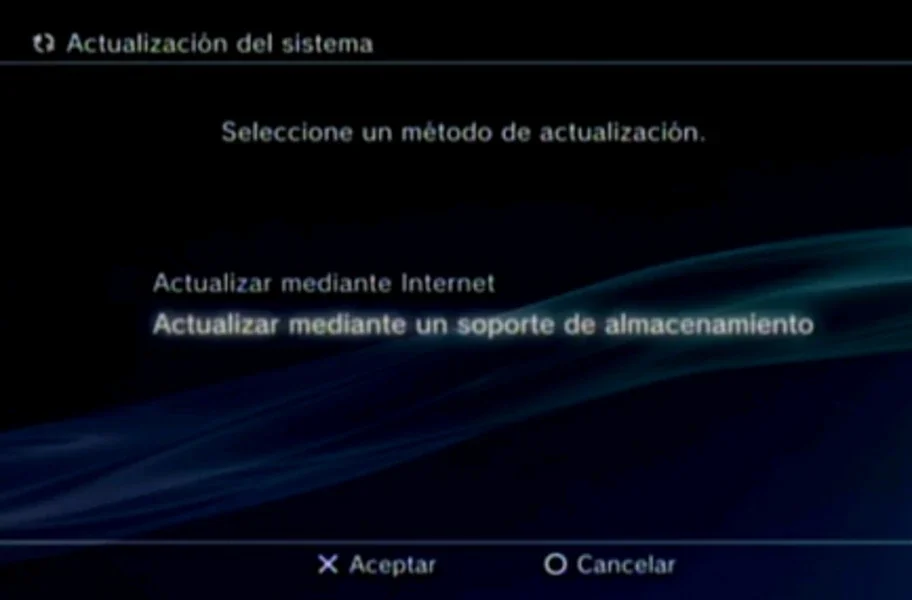
Set the drive up before you connect it. Make a folder called PS3 at the root, and inside that a folder called UPDATE. The downloaded file goes in there and has to be named PS3UPDAT.PUP exactly. With the drive connected, the path on the console runs Settings, then System Update, then Update via Storage Media. From there the console finds the saved file and installs the update data.
This route helps when the machine has no network connection, or when you would rather install from a USB drive. Plenty of PS3 systems can also update over the Internet. Either way, the package carries performance improvements, fixes, and supported console features.
Download files
986cc1daa080083ac6683b829de38a353d1204f836af1365a8196c06b99089a6
15ccb38bb2c176f73332e745207baa2614d1e1064eb068ae78042a81ddcef72f
519ee97ab99fc03875207989d24daf438227d279c1c17e9ee1b2aefbd1d398f3
ccb7b3176491b6ef34dced0ebafc6948945c0c554939d727300a245e7a9f4055
1016bd72819539ba43c09300b619f4b8f257e34fe07d8ecb4dcfc82428e35f1a
System requirements
Available on:
Minimum OS:
Windows XP or later
Additional information
Developer
Latest release
Size
Category
File type
SHA-256
986cc1daa080083ac6683b829de38a353d1204f836af1365a8196c06b99089a6