
QQPlayer 4.6.3.1104 for Windows
Plays video and audio, records the screen and edits clips
Screenshots
Description
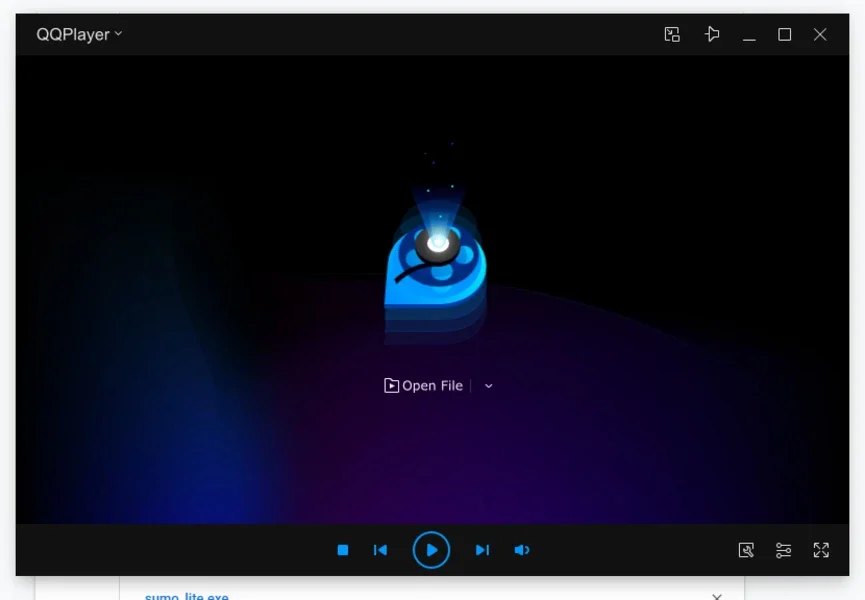
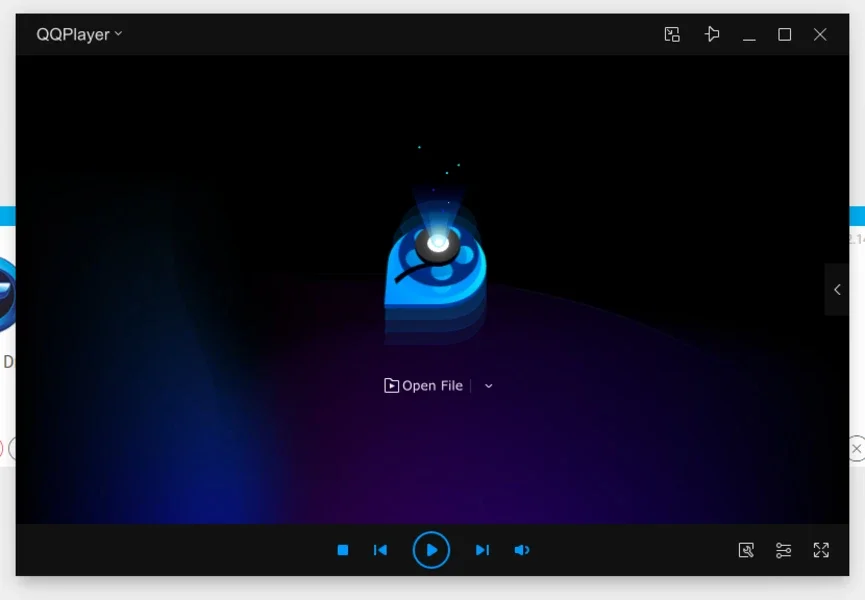
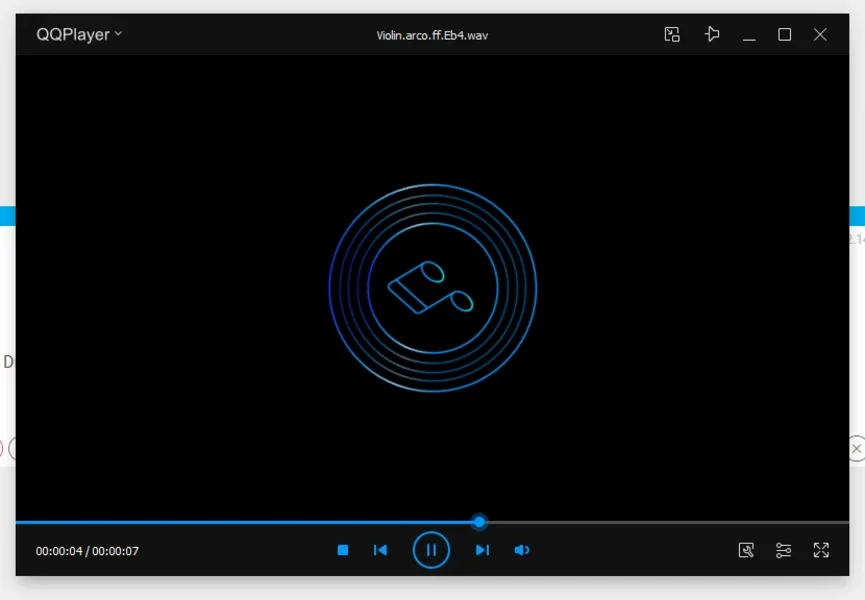
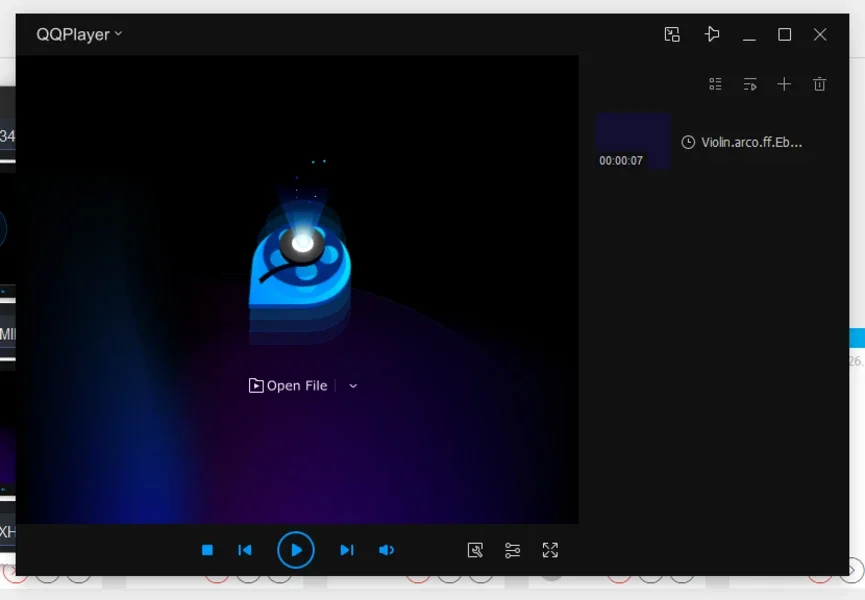
QQPlayer is a multimedia player for Windows. Drag a file onto the window to open it, or click the button in the middle of the window, which browses by folder. It handles many file formats, and you can set it as the default program for multimedia files.
Video playback is adjusted to the highest quality the file allows. The player also captures the screen at any time, and a recording can be turned into a GIF. Audio can be pulled out of a video.
Editing covers cutting and pasting audio and video clips. Splitting a large audio or video file into several clips is what the cutting tools are for, and several elements can be combined into a single file. Custom combinations of clips are yours to build, and the program converts between formats. It is free.
Download files
b07968cbb6195603b6f51271da027fcef2aee8d7a9dd50ab64c85cc6bbba8511
No digital signatured251eadc369dc3343a731e2c4eb7a021fac025a50ca573f0c1ea4570cab21570
No digital signatureSystem requirements
Available on:
Minimum OS:
Windows XP or later
Additional information
Developer
Latest release
Size
Category
File type
SHA-256
b07968cbb6195603b6f51271da027fcef2aee8d7a9dd50ab64c85cc6bbba8511