
QTranslate 6.10.0 for Windows
Desktop translation utility with hotkeys, OCR and speech output
Screenshots
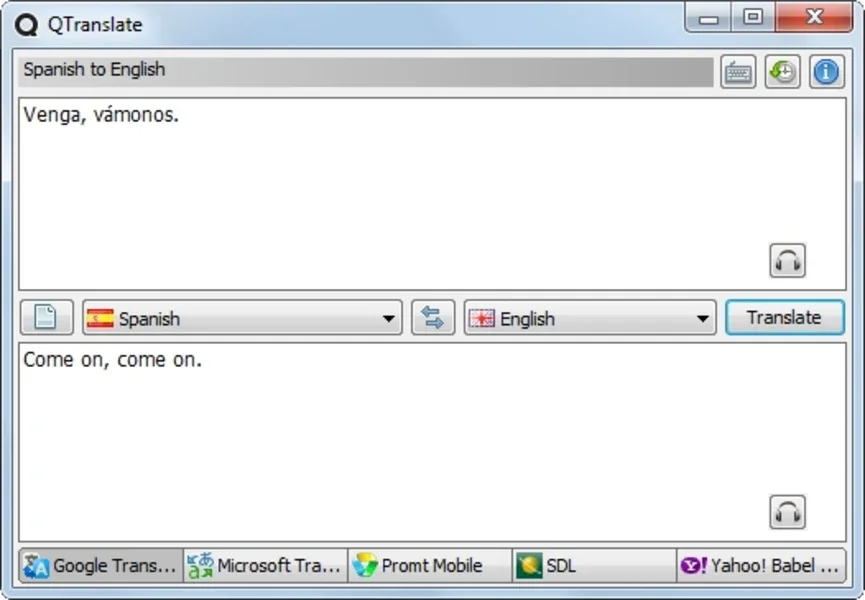
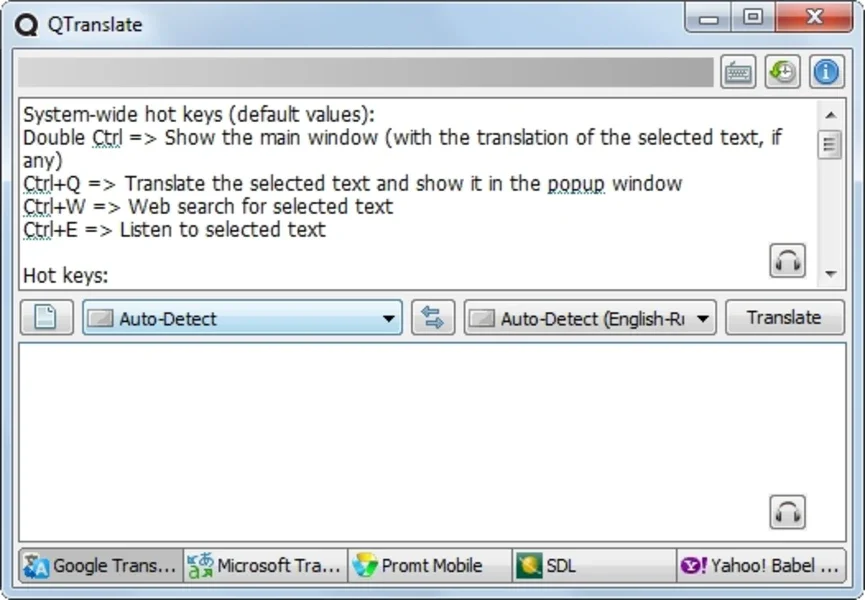
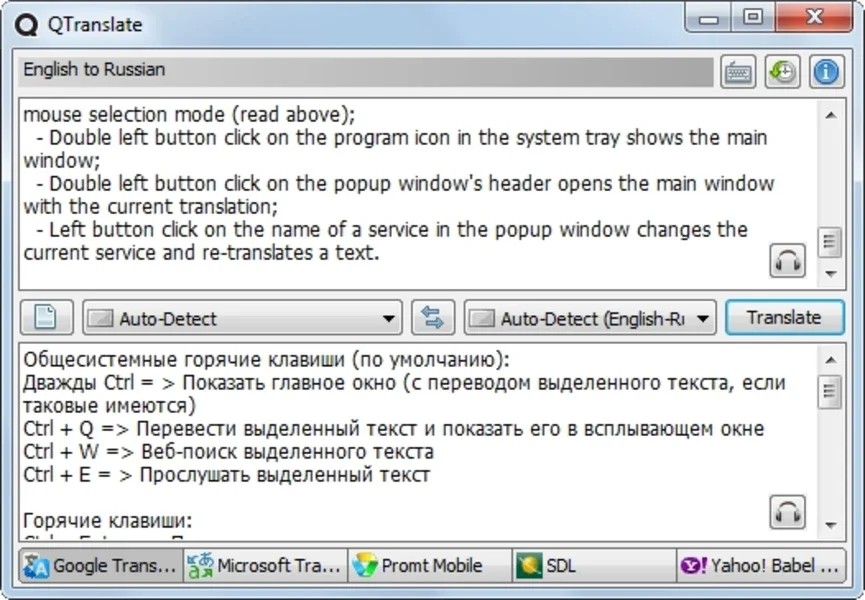
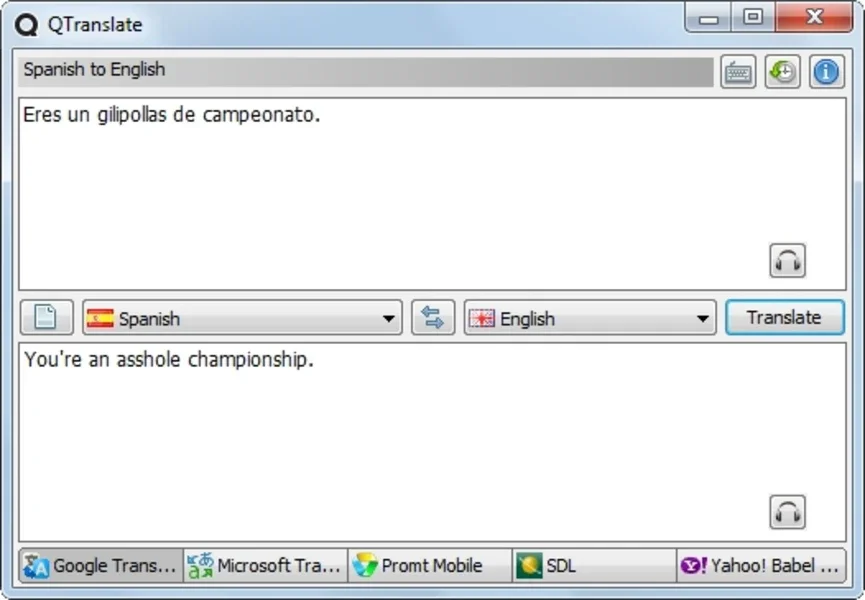
Description
Select text in any program and QTranslate translates it on the spot, using hotkeys rather than a copy-and-paste trip through a browser tab. The desktop utility runs alongside browsers, documents and other windows, which is where the translation is usually needed. Google, DeepL and Microsoft are among the engines it draws on, and full functionality depends on a stable internet connection. A history keeps earlier translations around for later reference, and spelling suggestions appear as you type. Text inside images can be read through OCR, so a screenshot or scanned page is not a dead end. Text-to-voice output reads translations aloud.
It runs on Windows and is free.
Download files
d395af3c10e18c944cf8ade76a650623dc23e050eaf652ff31056c84077a013c
No digital signatureb445e55ac779975e9c2276f804ba72909d3ec27bcf3bd27c303248438e5a3a06
c9c8239d64b95c0b284b5bf4c8d93f6e23e14a61a49d163642122ecae9bf44ec
269abb785575ebf59aa8ee5537b95591f48496bf1ddc37a757e0a1f4c54fc5aa
6e7c5dfb0aa3e035c32c545ad3468b5bb0bbfdda35c508f5027901db3a108fde
System requirements
Available on:
Minimum OS:
Windows XP or later
Additional information
Developer
Latest release
Size
Category
File type
SHA-256
d395af3c10e18c944cf8ade76a650623dc23e050eaf652ff31056c84077a013c