
Razer Synapse 4.0.86 for Windows
Configures Razer mice, keyboards, headsets and speakers
Screenshots
Description
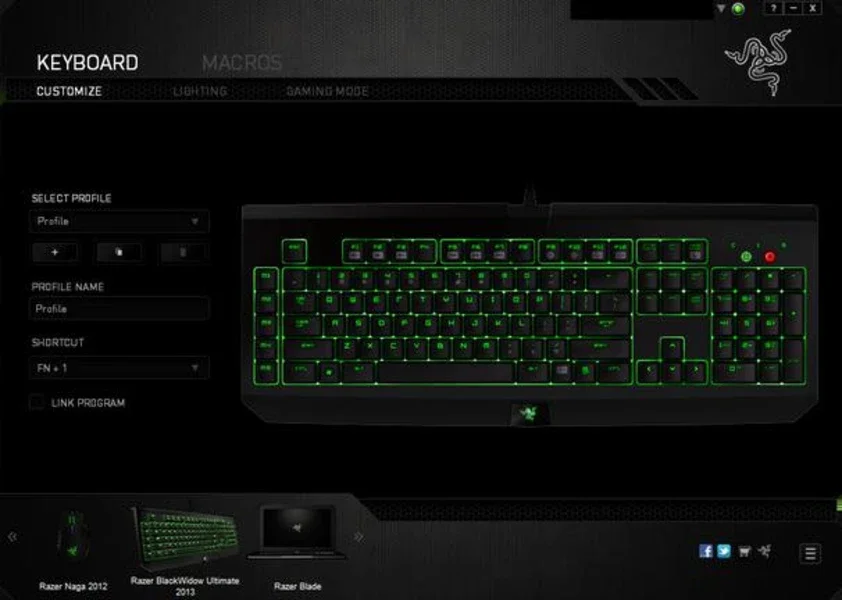
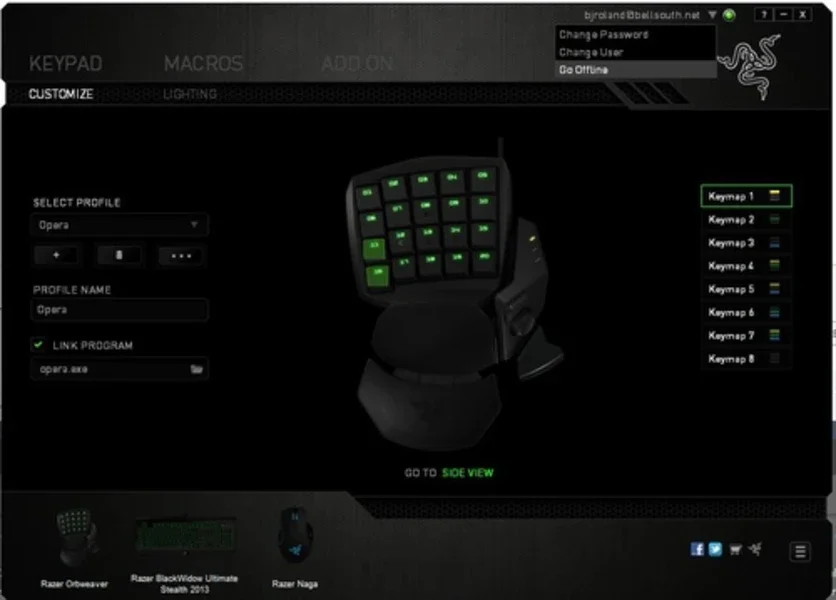
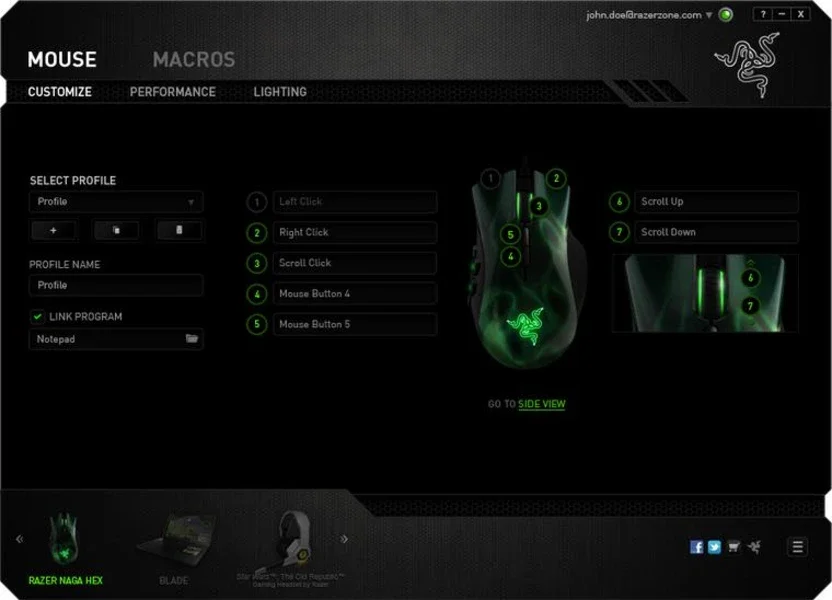
Razer Synapse is the official Razer application for synchronizing and configuring Razer devices. Once installed, it automatically shows detected hardware, typically mice, keyboards, speakers, microphones, and headphones, and it manages Razer mice, wireless headsets, speakers, keyboards, and other connected hardware. The program lets you customize options that usually cannot be customized. After installation, you can sign in with an official Razer account or use the app as a guest. The complete compatibility list can be consulted inside the app.
Getting it means installing Razer Installer first. That client also offers other company software such as Razer Chroma, Razer Axon, and Razer Cortex. To install only Razer Synapse, uncheck the other apps during installation.
Devices the app does not detect can be synchronized manually through the "Add WiFi Device" option. If manual synchronization fails, that device is not supported. Macros are created in the app's second tab, called Macro. Macro steps are arranged by dragging elements to the command chain, and the tab includes a PDF tutorial explaining step-by-step how to configure a macro for video games.
Download files
d407ada1a8b572be5e29b5c3a528d427b1b00d3b99eeb8537c25deb218a7d2d4
Signed by Razer USA Ltd. · valid until Apr 11, 2028f1eae958d41511e1ec7f7798d0e9f516e41625d1f53f152ac5d55a8a984a1da7
2fd29569403b05eaf6973b62a7c391f28006f1e35c6455d016f0047e9b2577e4
f051896ab2043d06236e047efd6a2a719a399bb99fc810e5a671412f0ec35dea
7603aaad2917e24afa37ec2e8b76ce0cb37ffb0ce96c4624538b6010873b462d
System requirements
Available on:
Minimum OS:
Windows XP or later
Additional information
Developer
Latest release
Size
Category
File type
SHA-256
d407ada1a8b572be5e29b5c3a528d427b1b00d3b99eeb8537c25deb218a7d2d4