Readest 0.12.20 for Windows
Open source e-book reader for Windows with sync and split-screen reading
You are on macOS — this is the Windows version. See the macOS version
Screenshots
Description
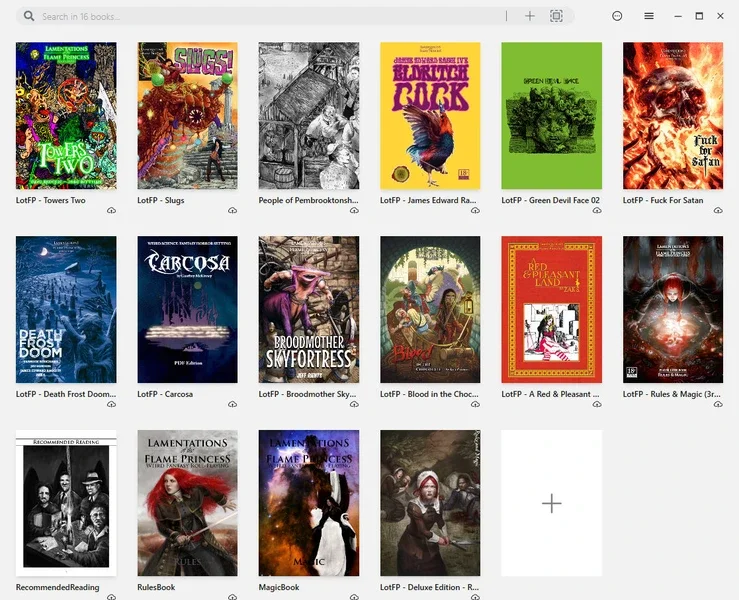
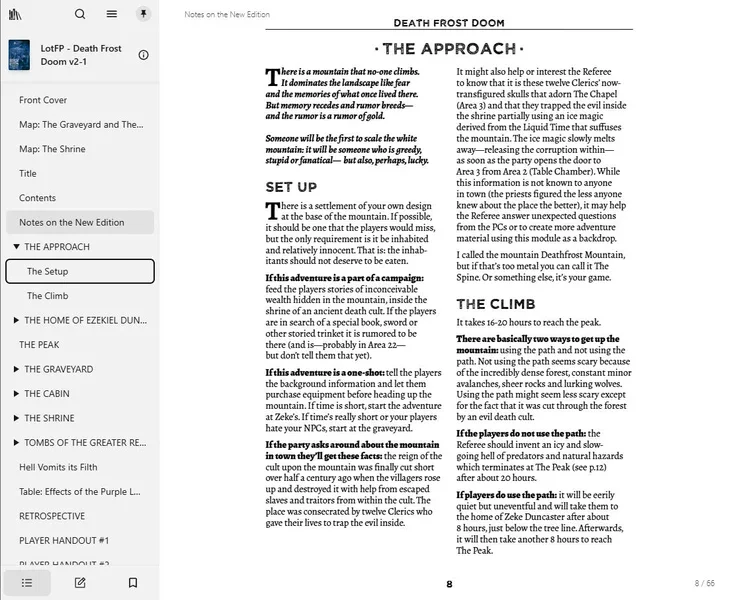
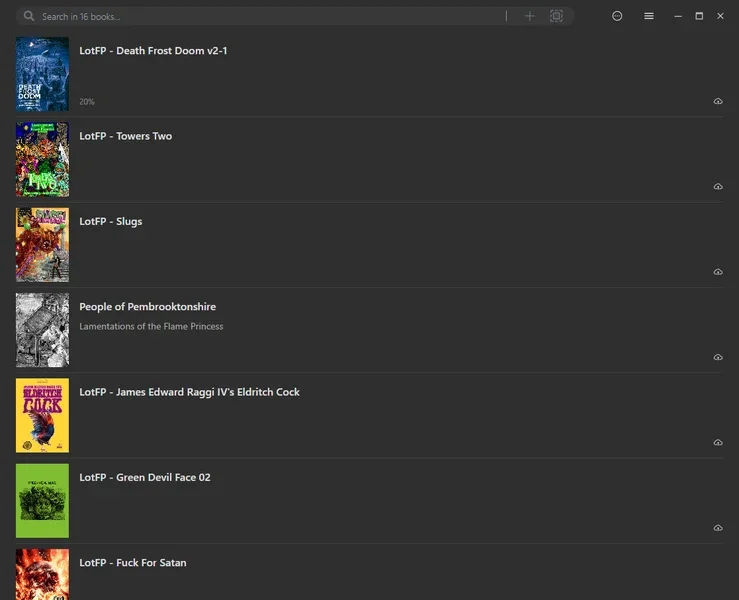
Readest is a free, open source e-book reader for PC. The Windows build syncs with the official Android app, so a book started on the desktop can be picked up on a phone, and logging in keeps progress and books in step across devices. Registration is not required to use it.
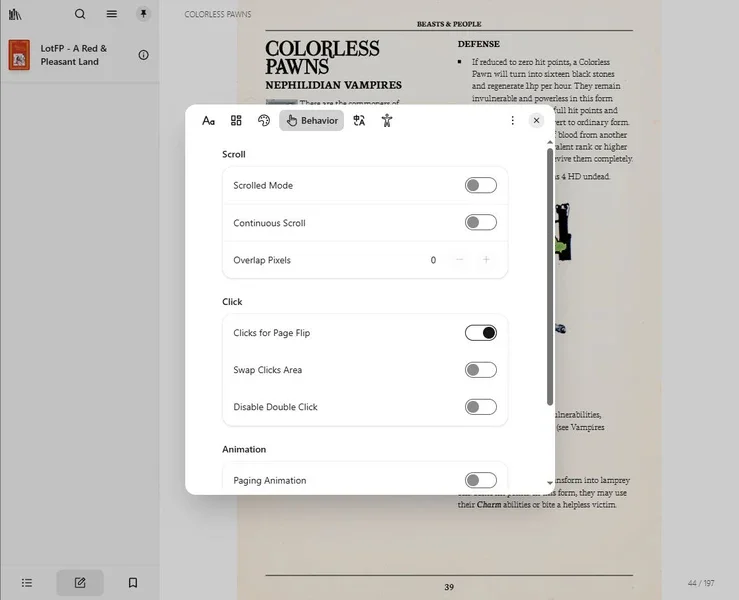
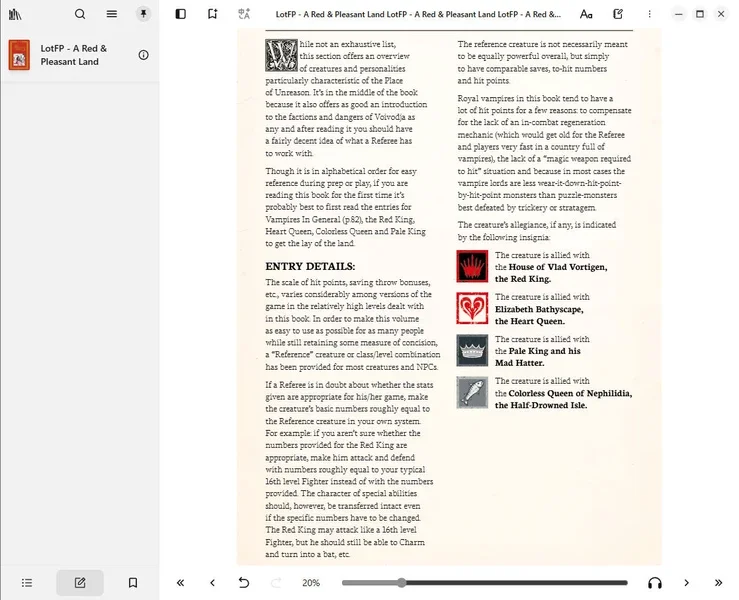
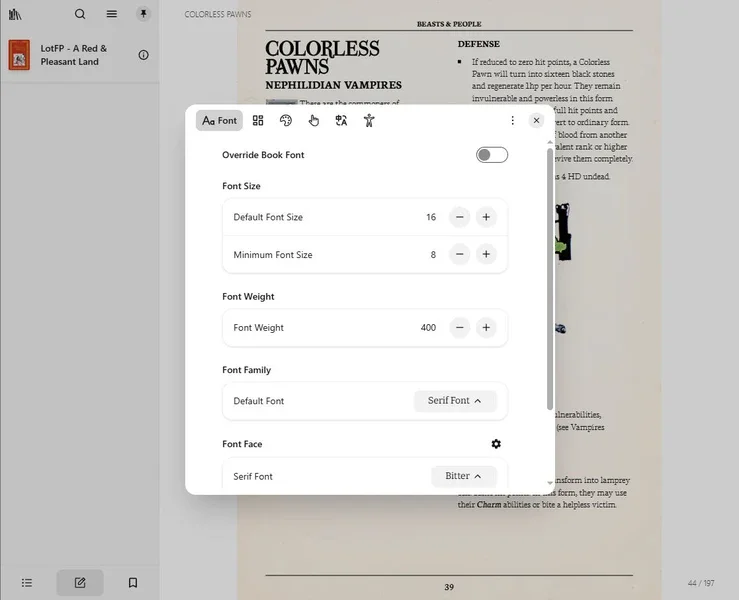
Parallel Reading puts two documents on a split screen with one page of each visible, which suits researchers and translators comparing two texts. Dozens of fonts can be selected, and both the minimum and maximum font sizes can be changed. Page margins and paragraph spacing are adjustable. More than a dozen visual themes are available, and Night Mode toggles with one click. Notes and bookmarks are saved. A browser version lets you reach your digital books from anywhere. The free version includes up to 500 MB of cloud storage, and the Plus plan raises that to 5 GB and adds AI narration for listening to books. On Plus, AI translation runs at a ceiling of 100,000 per day.
The Pro plan has 20 GB of cloud storage and a cap of 500,000 translations. Pro costs more than Plus.
Download files
34714298219311c2e7b233fe98ae98976108779b9a343d6f226b505c6387d643
No digital signature8f2856a2de3679c92639228064e8832a79011736762b0de9b7d3eb600911680a
No digital signaturead534a31239b651342a484e1af2c9d1038644143f26ca9eb3891a7d94b15a6c5
No digital signature785a429a3970224868dca231c1785d993893f098e2af0d4275ca4eb5a9001b05
No digital signatured8c2e134dfa1fd10da66665990b7e05caccc7d57d23faf5d6ea08a23c10da2a1
No digital signatureSystem requirements
Available on:
Additional information
Developer
Latest release
Size
File type
SHA-256
34714298219311c2e7b233fe98ae98976108779b9a343d6f226b505c6387d643