
Respondus Lockdown Browser for Windows
Locks a student's browser to the exam until it's submitted
You are on macOS — this is the Windows version. See the macOS version
Screenshots
Description
Respondus Lockdown Browser is a web browser built to make online exams more secure. An instructor sets a lockdown level for the exam type, and students work inside that browser until they submit the test for grading. While the exam is open, it blocks functions that could be used for cheating: new tabs and windows won't open, and keyboard shortcuts don't work. Once the exam is completed, all active restrictions are lifted.
- Respondus Monitor uses webcams to watch test takers, with AI observing for odd behavior.
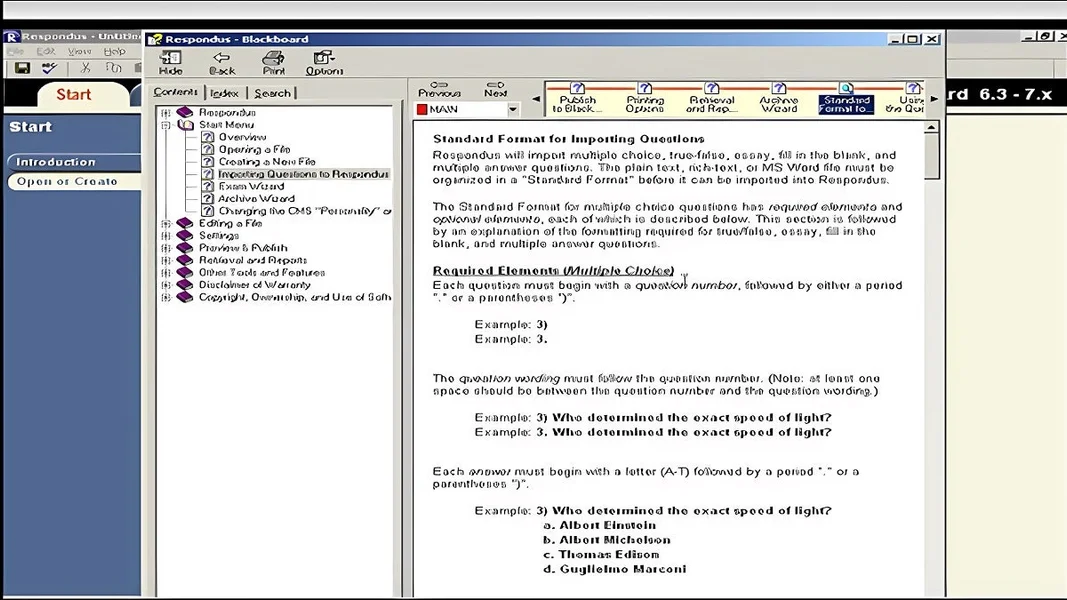
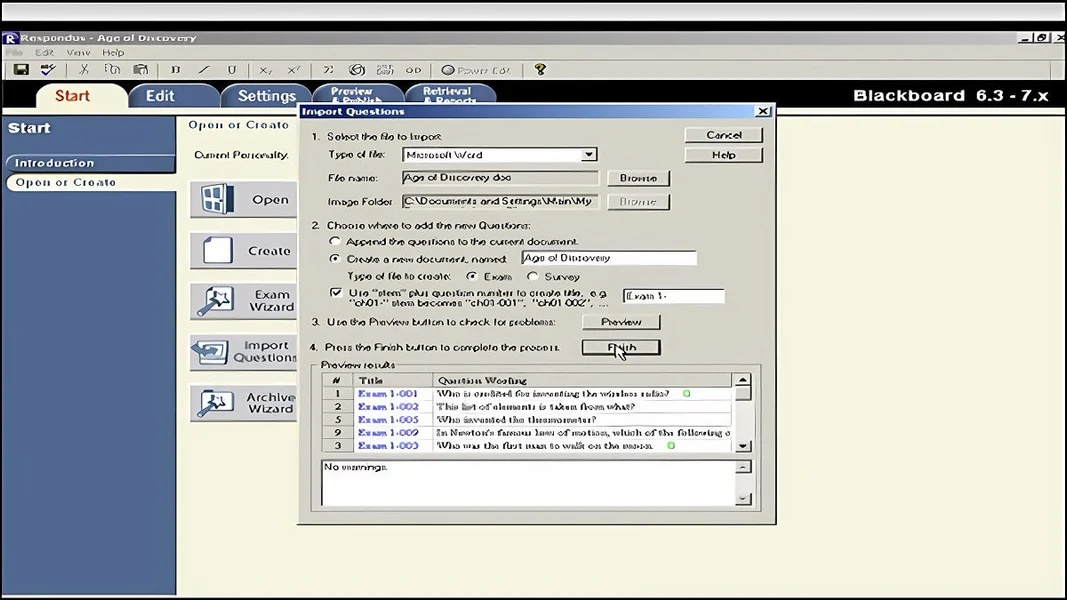
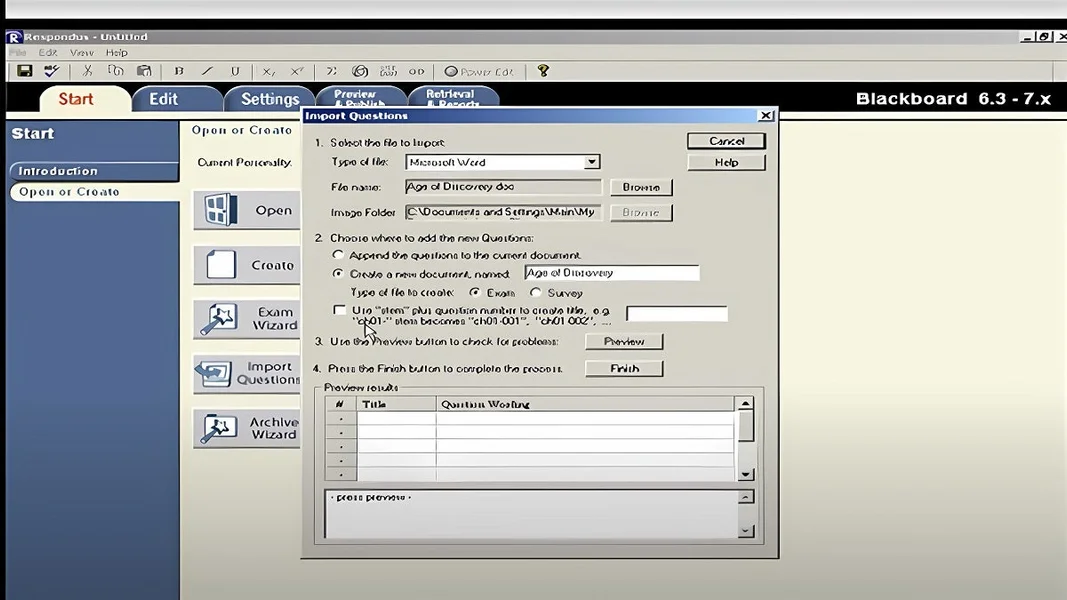
- Respondus 4.0, an assessment tool for question creation, test management and reporting, works alongside it.
- It integrates with an institution's learning management systems for deployment and management.
- It can be set up and implemented across multiple computers and classrooms.
Installation is simple and follows the provided instructions, though setup may require some familiarity and can challenge less tech-savvy users. Some users have reported technical glitches that could disrupt testing. The program receives ongoing updates to improve performance and keep assessments secure. It cannot stop students from using external devices such as smartphones or notes, and it works well where students can be managed and monitored, as in a classroom. Exams that require access to particular resources can be a poor fit, since the browser restricts what students can reach. Monitor often flags random movement and noise as suspicious when they are not. The interface is clean and intuitive, and it can be adapted to different subjects and topics.
Download files
No downloads on this page: this app is distributed by its publisher.
System requirements
Available on:
Additional information
Developer
Price
Platform
Report a problem
Nothing here yet.