
Revolver Office 8.12.5 for Windows
Finance reports and task tools in one two-section workspace
You are on macOS — this is the Windows version. See the macOS version
Screenshots
Description
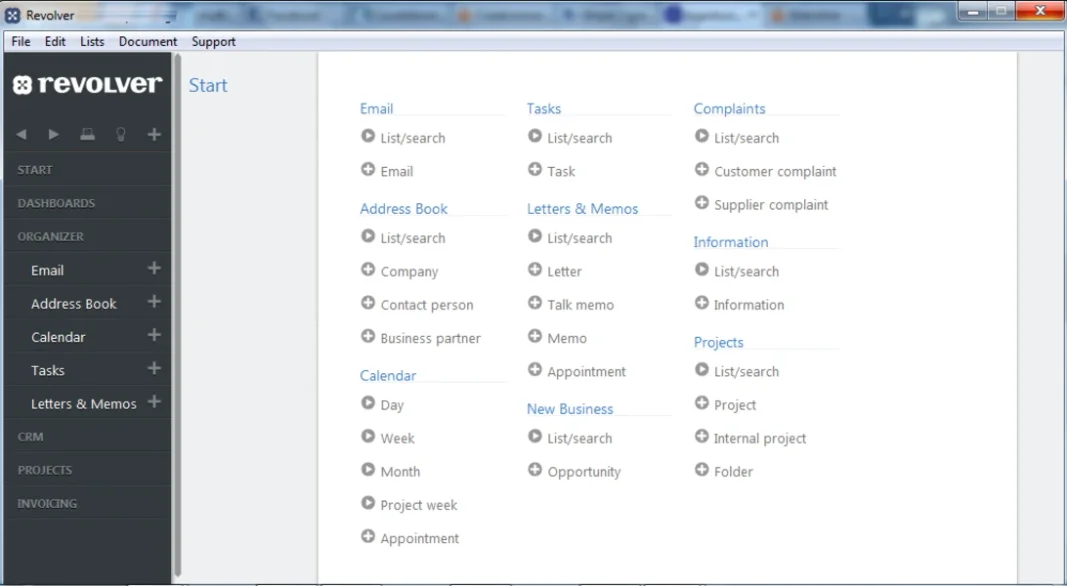
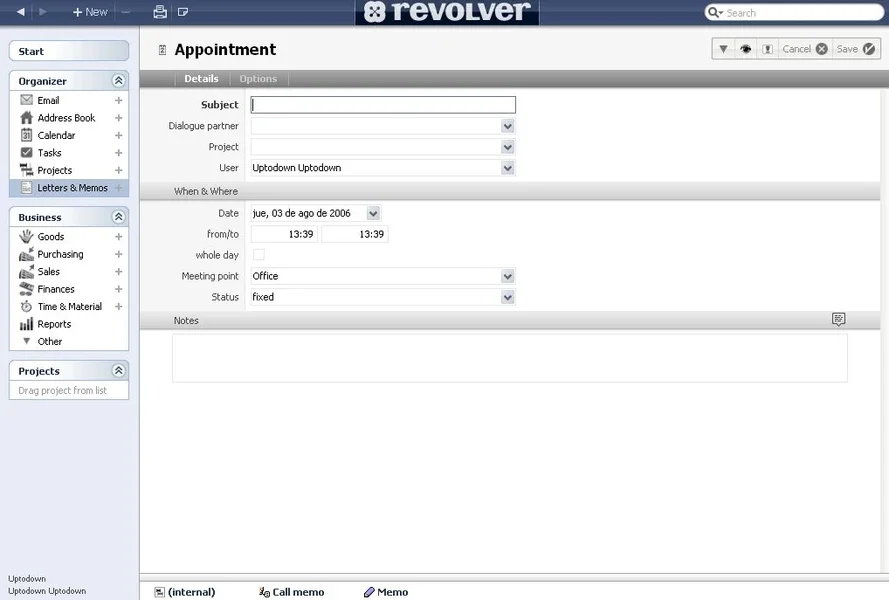
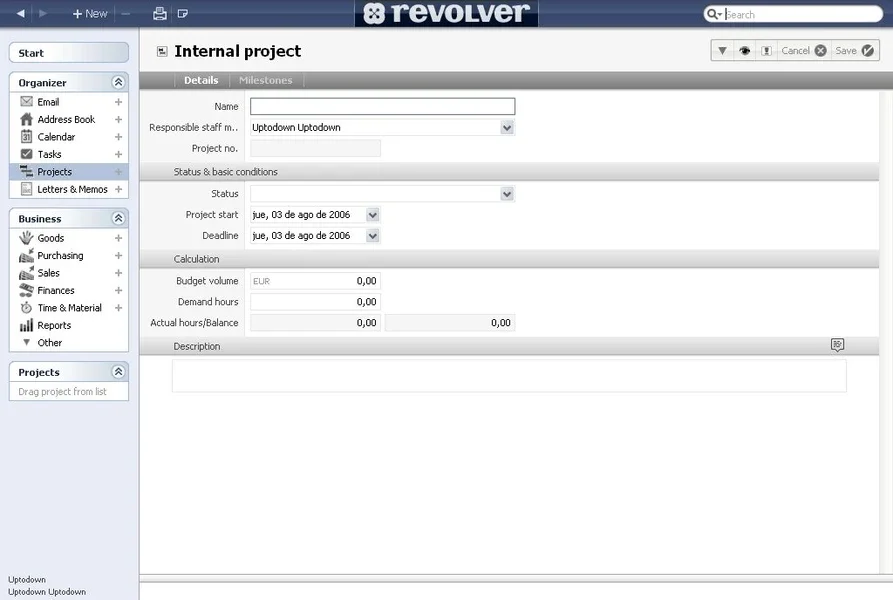
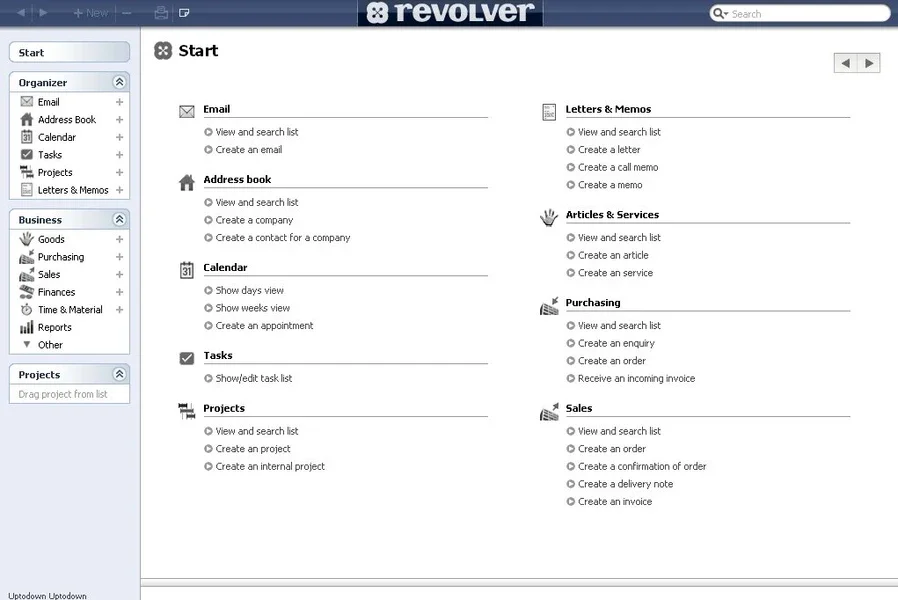
Revolver Office splits its interface into two main sections: one for organizing tasks, one for finances. The finance side manages sales and finances, creates lists of products and services, and produces reports, statements and stats on business performance. The task side manages professional projects, keeps an address book and calendar, sets up reminders, and manages emails with a specific client. Tools for communicating with clients and suppliers sit alongside the calendar, and the financial tools are part of the same suite.
The task section
Projects, contacts and schedules share one place, so an address book entry, a reminder and a client email thread are handled from the same section. The business calendar sits there too.
Download files
1395d3c01e6a2b32a8c63b4b52d52fbe35841b6ca88973570fb137415ac3f846
No digital signaturea9c4603d802c4eff94b3233d3540db5515d495d9d36c7b3167b593e973c5148c
f3aeb9a332c4b51c85774f57bcc22f7ee2e5d4b42cd6ac91ff3548d19b2a9c3c
2be4d5d52dc33c33893498edea3681f016c764f9a9457adcbde8303c7d218c57
aa7b7919b3818981c94eb4107ff556103edca9c75ce3a4eb7f39d4028c34dc29
System requirements
Available on:
Additional information
Developer
Latest release
Size
Category
File type
SHA-256
1395d3c01e6a2b32a8c63b4b52d52fbe35841b6ca88973570fb137415ac3f846