
SanityCheck 3.51 for Windows
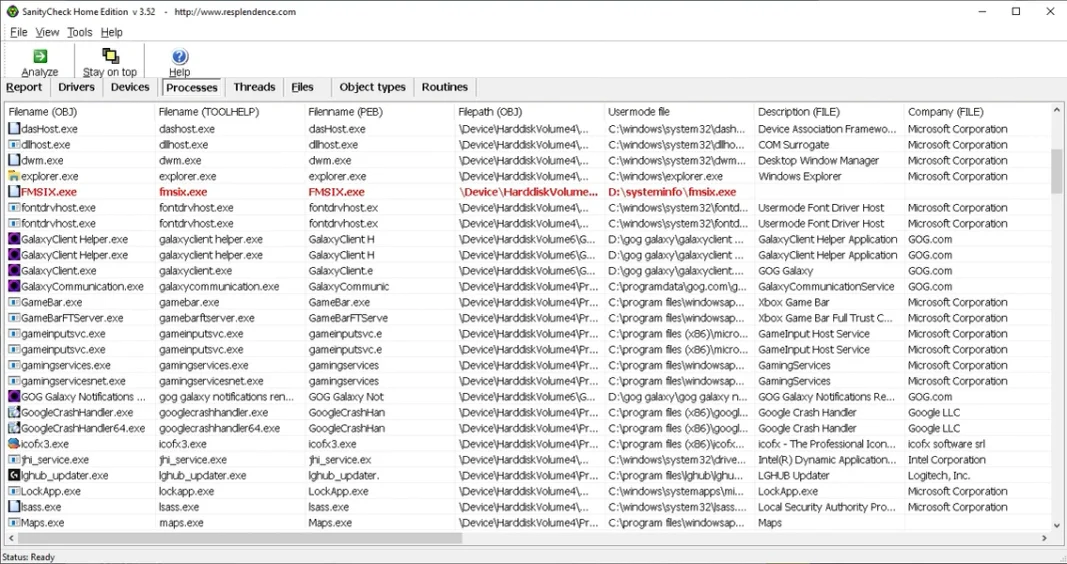
Scans for malware and rootkits, highlighting suspicious items in red
Screenshots
Description
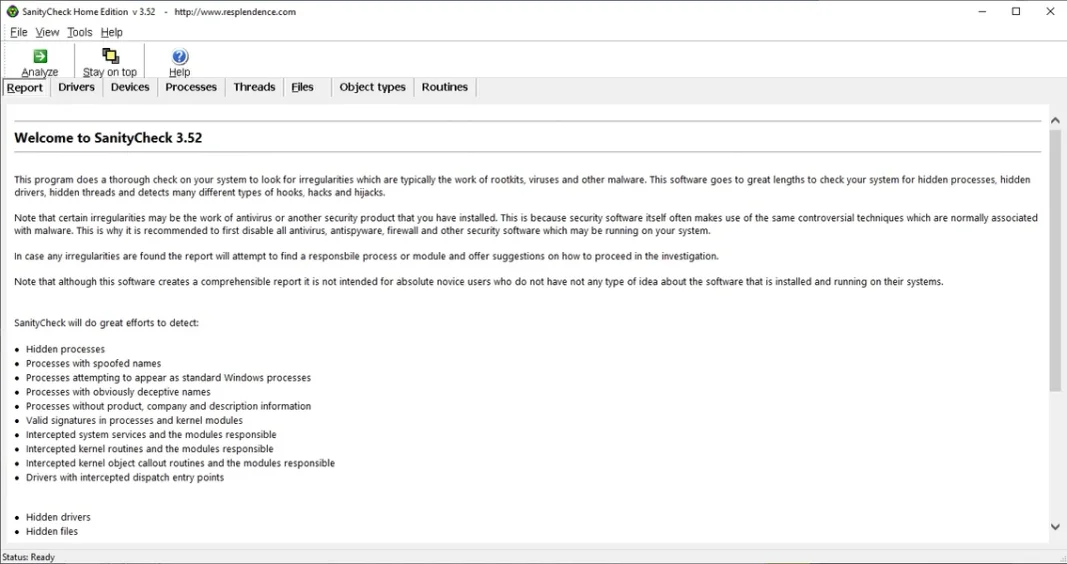
SanityCheck is a malware and rootkit detection tool that performs an in-depth scan of the system. It looks for threats and irregularities that could signal malicious agents on the computer. The program specializes in uncovering dangers concealed within fake processes and concealed areas of the system.
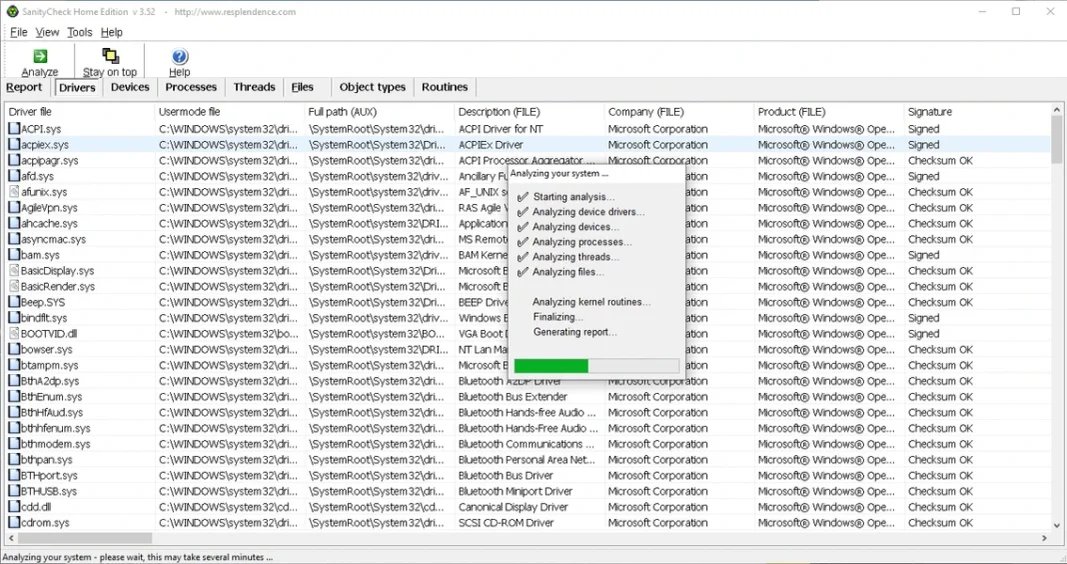
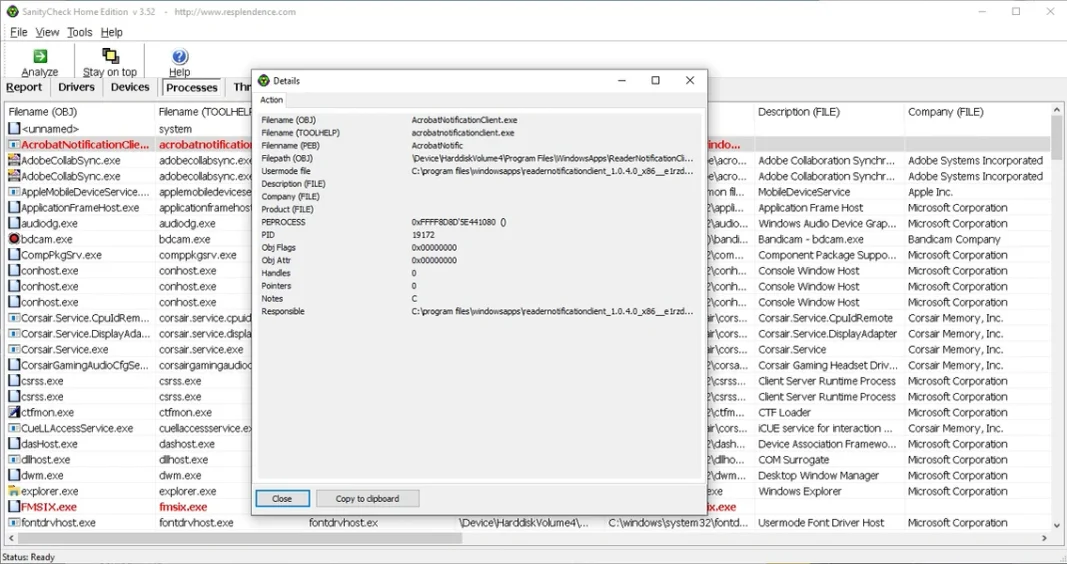
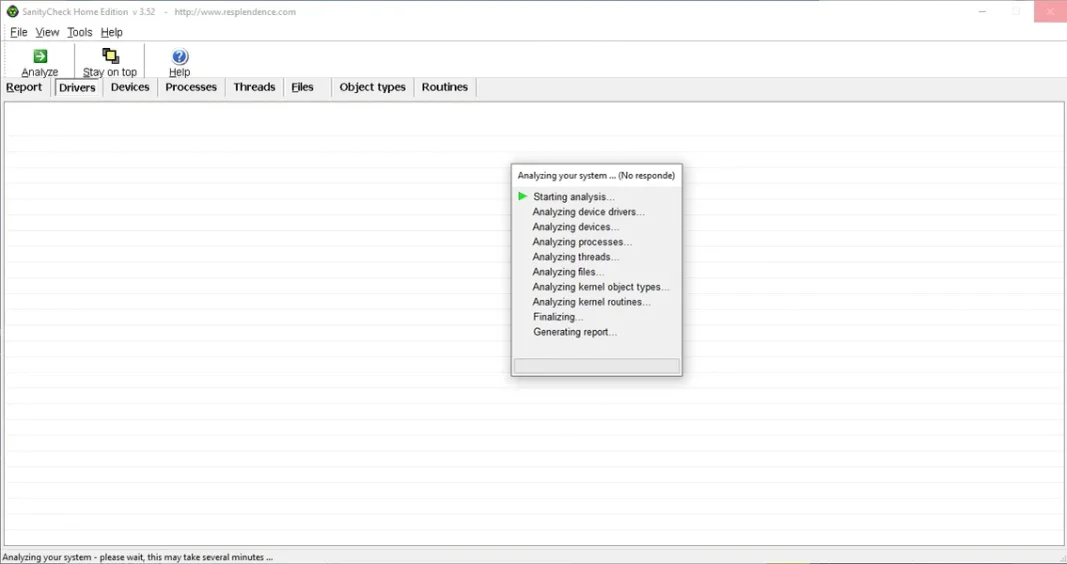
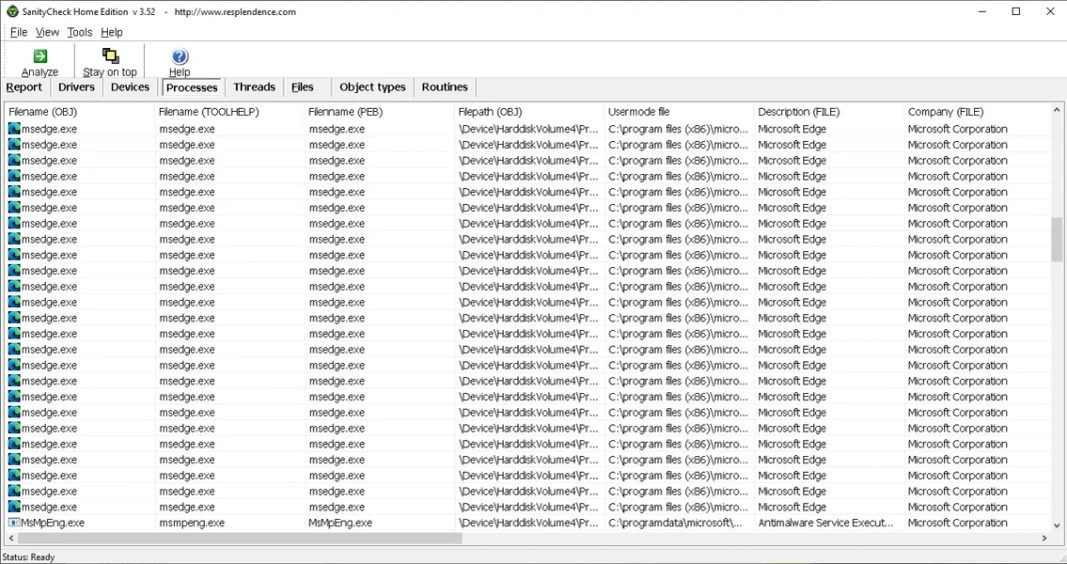
After installation, the only action needed is to click the Scan button. The scan can take anywhere from a couple of seconds to slightly over a minute, depending on the computer. The program may appear unresponsive during the scan but is still working, so it should be left to finish. Results are divided into tabs: processes, threads, devices, files and routines. Suspicious items in these lists are highlighted in red. Red highlighting only means an item is suspicious and should be watched, not that it is dangerous. SanityCheck offers suggestions for handling the threats it detects. It notes that trying to eliminate everything immediately is not always the best approach. The program is very easy to use, but it is not specifically recommended for inexperienced users.
Download files
688bb0cd1396d725d470e537c270b4f0def65fed1b982d110f3eaa144236b7ca
Signed by Daniel Terhell · valid until Feb 7, 2023System requirements
Available on:
Minimum OS:
Windows XP or later
Additional information
Developer
Latest release
Size
Category
File type
SHA-256
688bb0cd1396d725d470e537c270b4f0def65fed1b982d110f3eaa144236b7ca