
Shotcut 26.11.15 for Windows
Free video editor with drag-and-drop timeline, filters and export presets
You are on macOS — this is the Windows version. See the macOS version
Screenshots
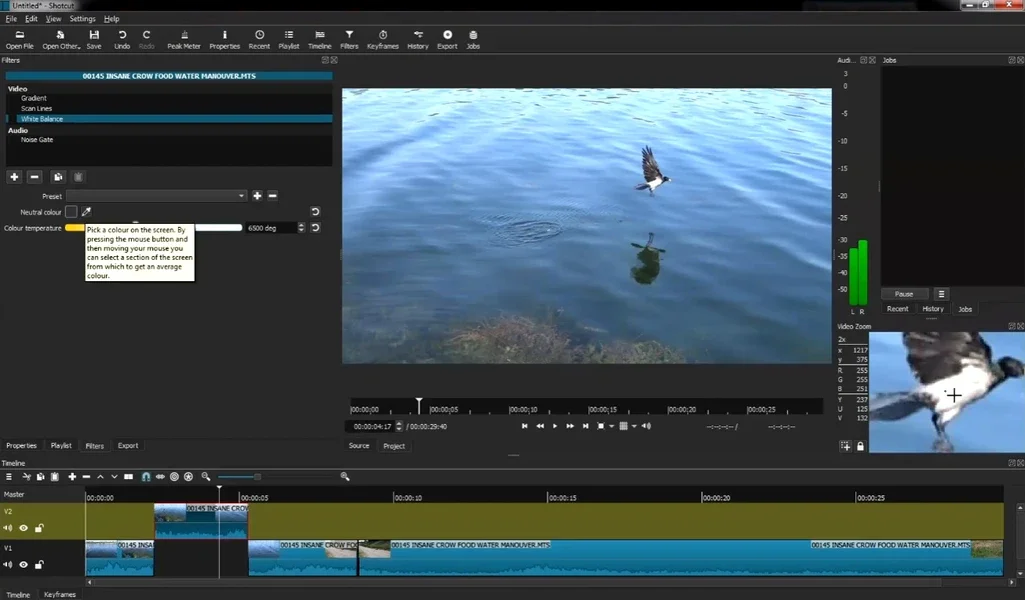
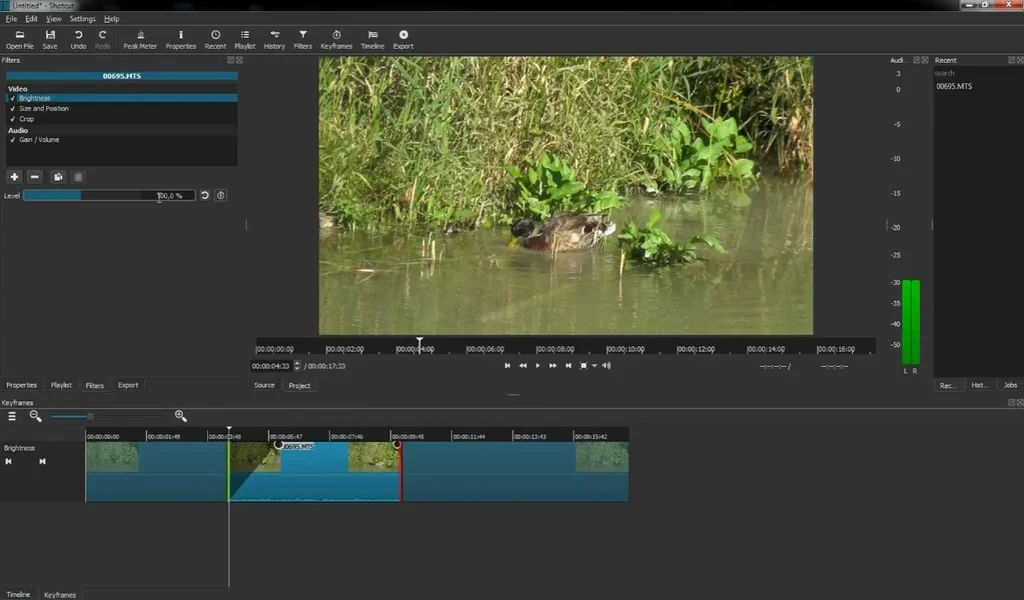
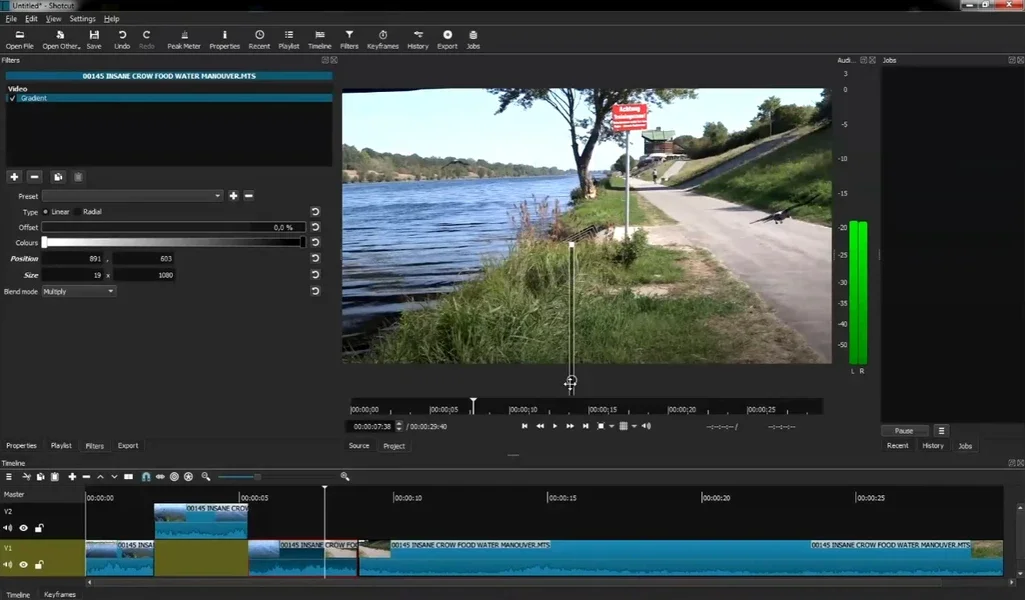
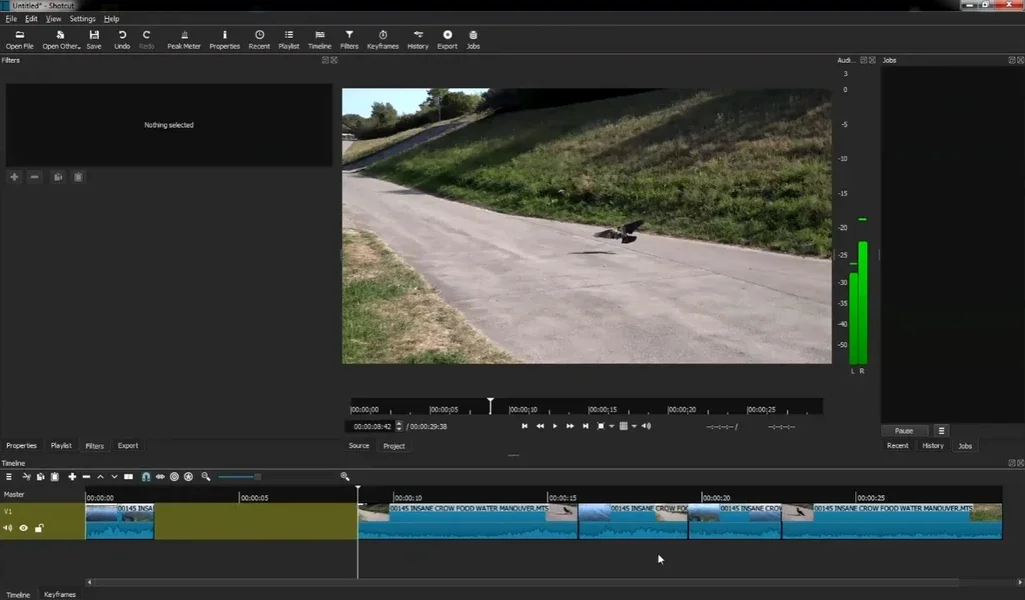
Description
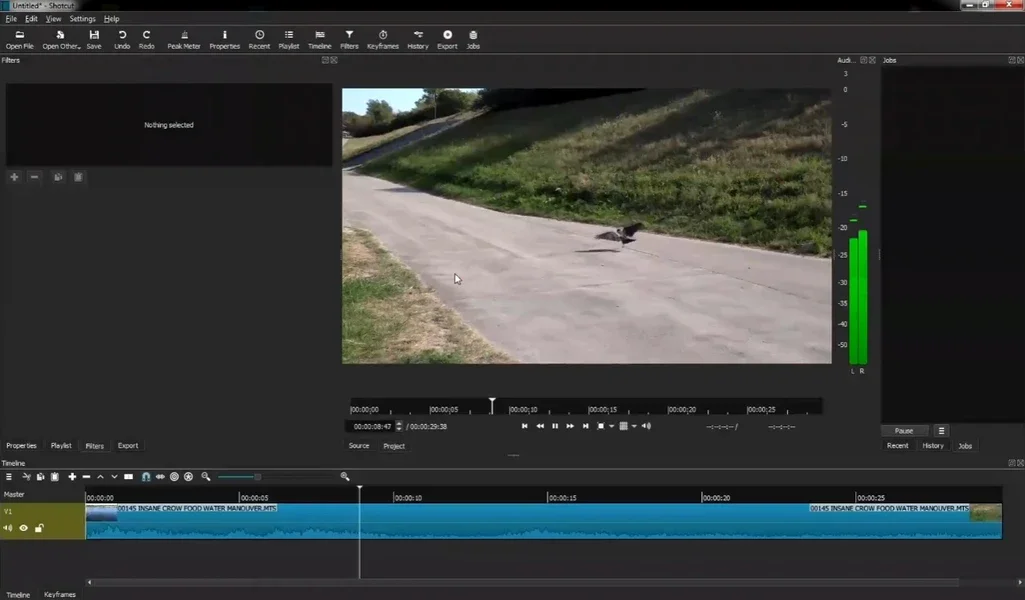
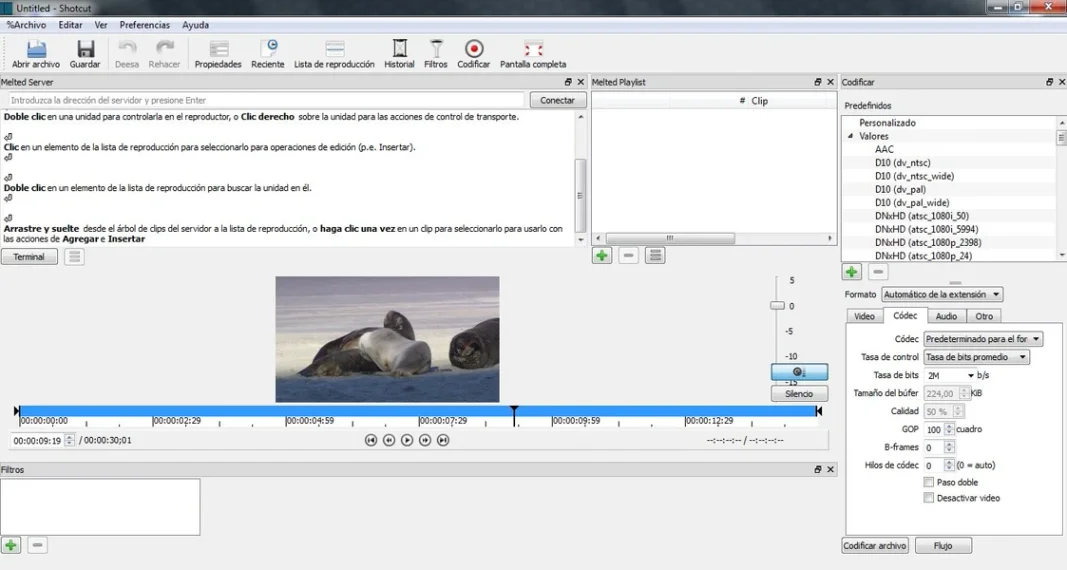
Shotcut is a free multimedia editing tool for Windows PCs from Meltytech, with visual and audio editing functions. Add media by dragging and dropping it, and drag files from one pane to another as needed. Each piece of media can be previewed on its own, with In and Out points set before it goes into the project. When you start a project, resolution can be left automatic, which picks the one recommended for the footage, or set to a specific dimension.
Transitions and layers
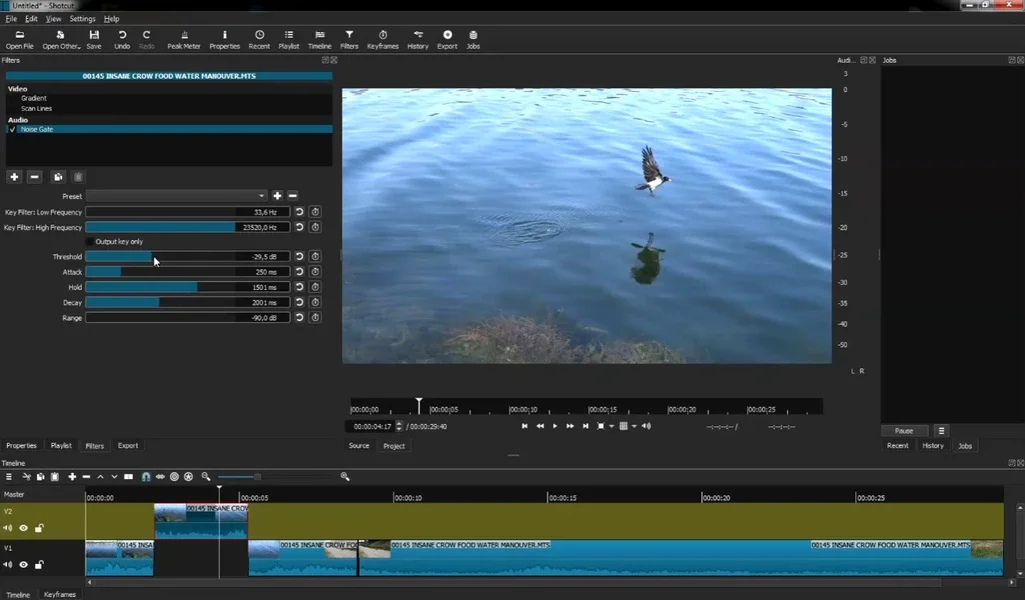
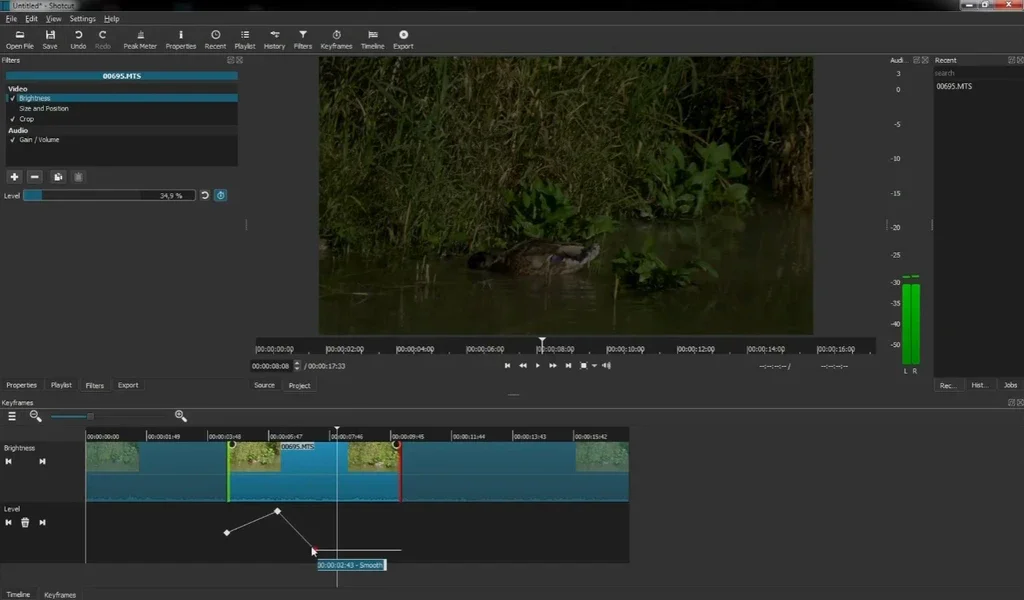
Move a clip in the timeline over another, and the default cross dissolve appears; drag further into the other clip to make the transition longer. Both clips must already sit in the timeline. Right-click the main transition and open Properties for the other transition options. Dragging a clip from the playlist onto another overwrites the existing clip in the timeline. Layers are added manually, and an infinite number can be added. Keyframes can be attached to any value and changed over time; double-click the line in the timeline to create more of them.
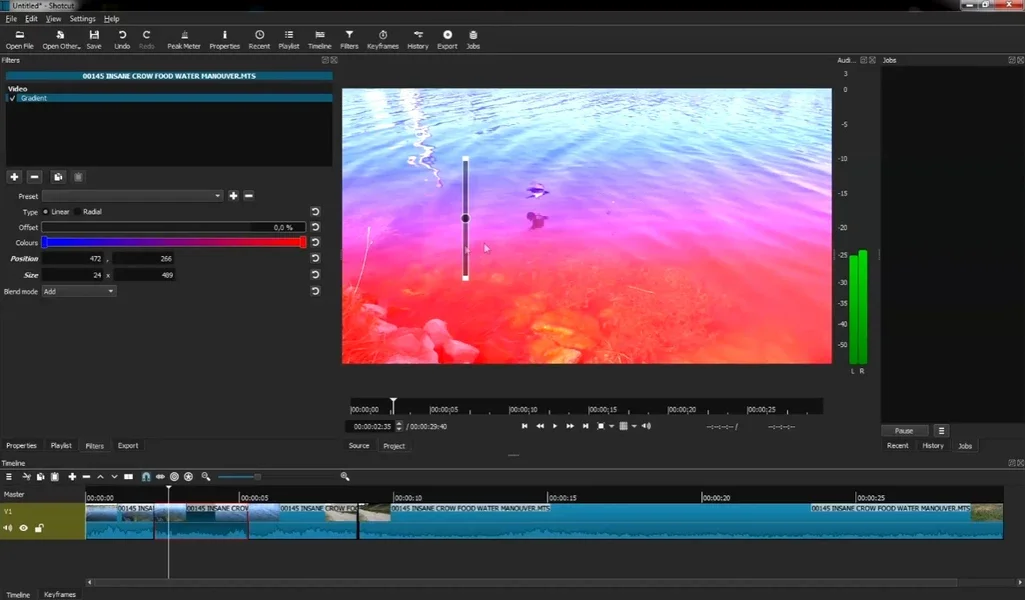
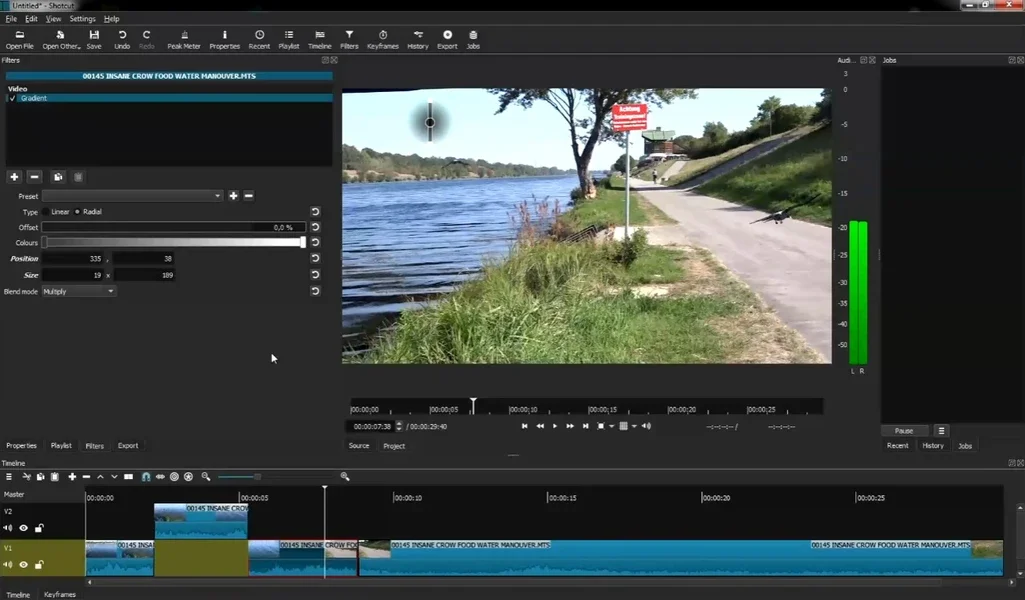
Effects go through the Filters tab at the bottom left or the Filters icon at the top, and the '+' icon opens the available filters, which sit in tabs including Favorites. Common ones are Chroma Key, Color Grading and Color Tint, along with positioning, cropping and color correction. Applying a filter with a keyframe shows it evolve as the playhead moves and the value changes, though the update can take a few seconds. The Advanced button fine-tunes a preset and is intended only for experienced users.
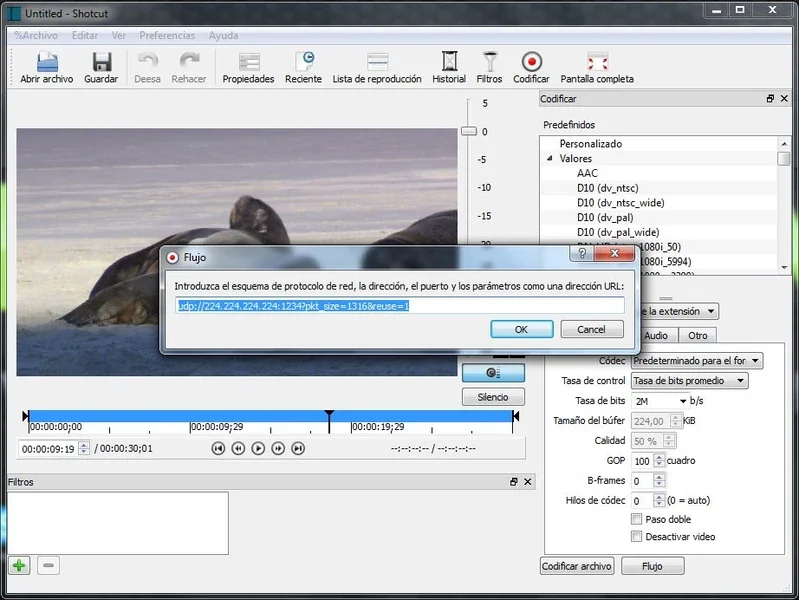
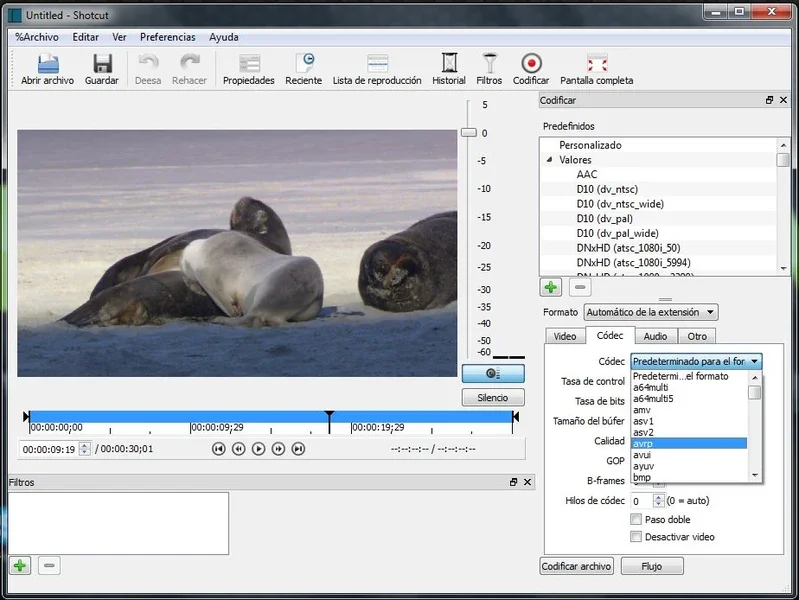
Export presets cover YouTube, H.264, animation, audio-only and camcorder output, and video presets include 4K. A custom resolution option takes an exact frame rate and resolution. Output is available in high quality. Tutorials are included for beginners. Text stays static, since animations are not supported in-app and require a third-party application; text animations cannot be downloaded for that purpose. The plugin library is thin, and some advanced features are absent.
Download files
f440b9b9aa9e92040683d43094502f6dcfa8ff4800fb80299f9402d1ac0df624
Signed by Meltytech, LLC · valid until May 29, 202777e1ee1f713d92bdbaff23266f416e33cde3d367f7ef518b1841ddc961d05af9
Signed by Meltytech, LLC · valid until May 29, 2027b72baa8253cc6112117badcacd9c2bc032b7dc4ce9b0ae58db9e9590efe47e99
Signed by Meltytech, LLC · valid until May 29, 202798cb37879c178c2eca8218fad94f09c3c4f0c2cfbefc6c920c334cad64d77426
Signed by Meltytech, LLC · valid until May 29, 202794daad5ffca5d54cdb62b320c19e8fec05e5e5f7572ed287340135c6416843f3
Signed by Meltytech, LLC · valid until May 29, 2027System requirements
Available on:
Additional information
Developer
Latest release
Size
Category
File type
SHA-256
f440b9b9aa9e92040683d43094502f6dcfa8ff4800fb80299f9402d1ac0df624