
SidekickBar 1.7.0 for Windows
Pins to the screen edge with 30+ AI assistants on call
You are on macOS — this is the Windows version. See the macOS version
Screenshots
Description
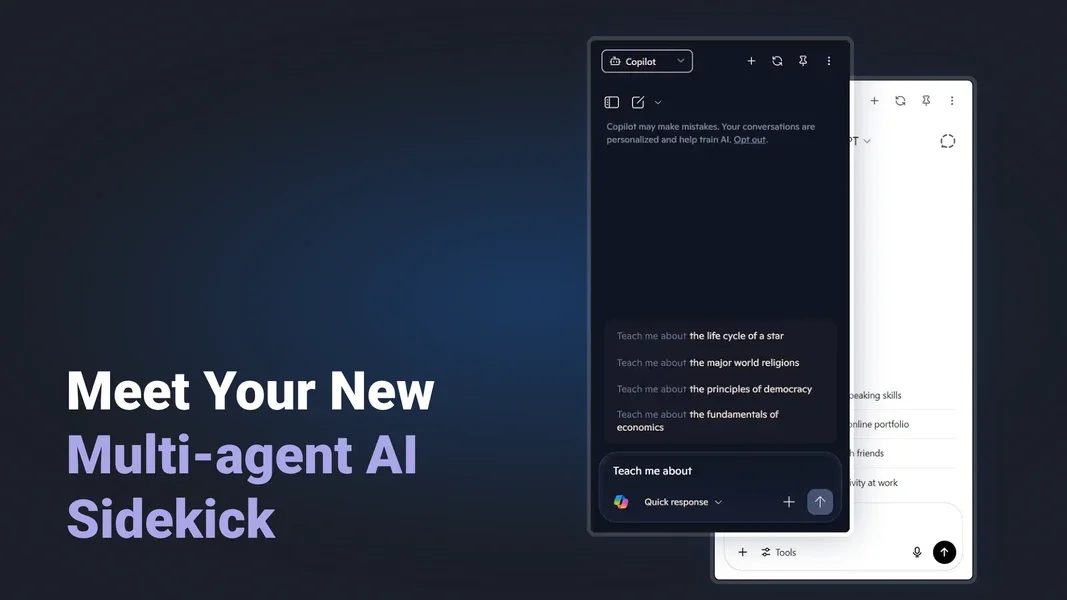
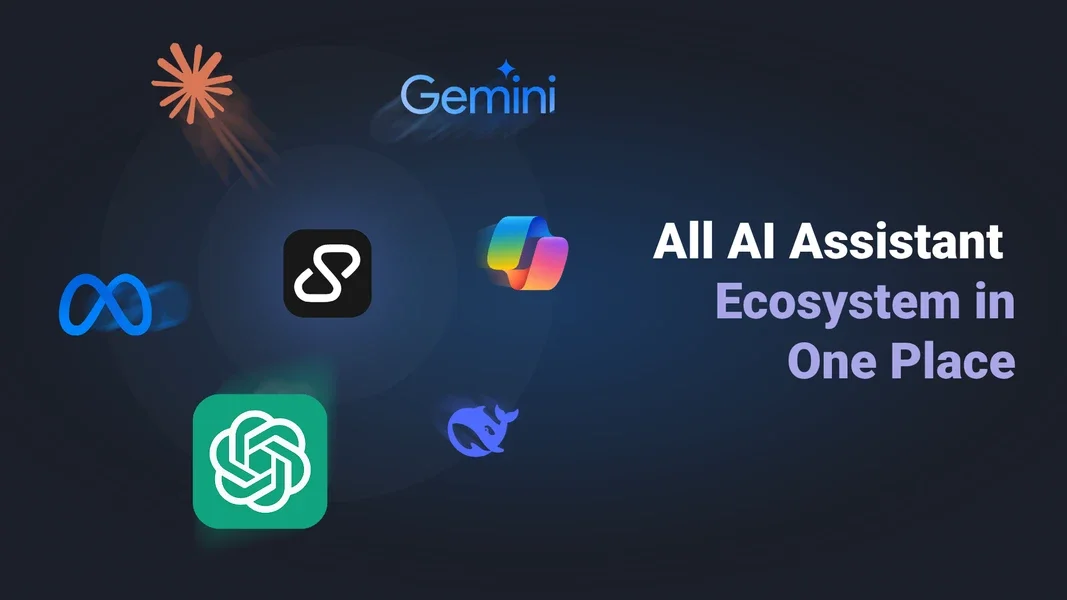
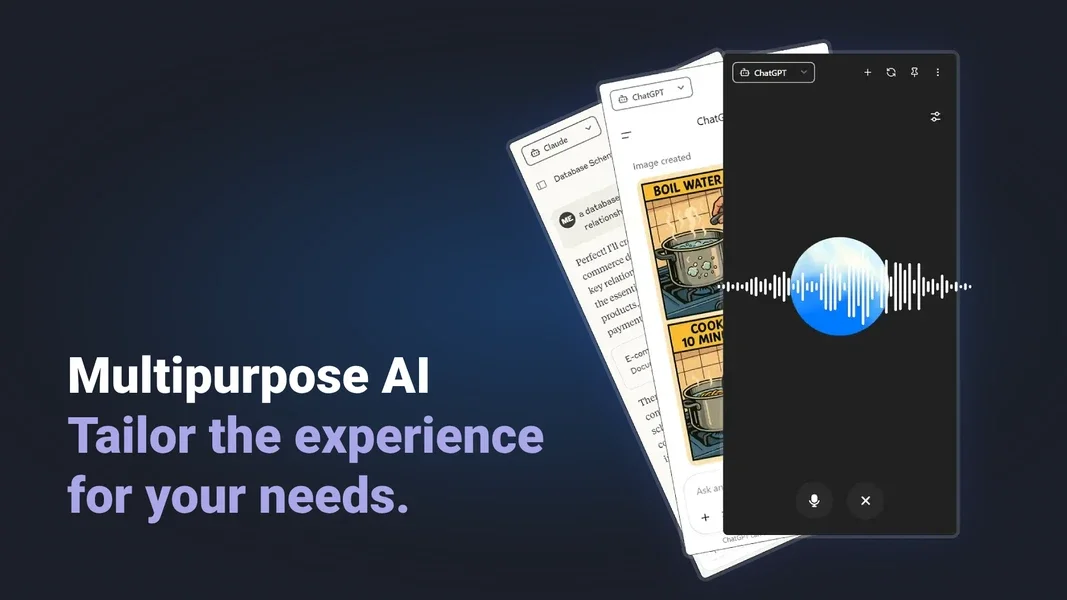
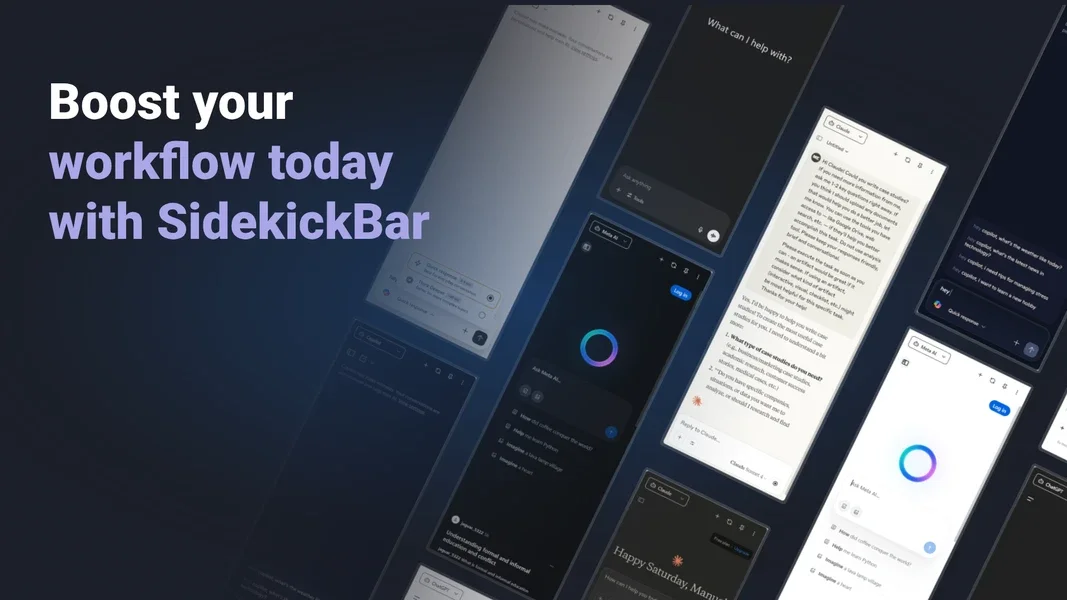
SidekickBar pins to the edge of the screen and puts more than 30 AI assistants within reach: ChatGPT, Copilot, Claude, Gemini, and local models among them. It is a productivity sidebar, so the assistants sit beside whatever you are doing rather than in a separate window. You can run several of them in parallel on the same task. The list of uses runs from brainstorming and writing to coding, translating, research, summarizing, and jokes. Local and custom models are supported alongside the hosted ones.
The interface has voice commands, drag & drop, and keyboard shortcuts.
It is available in 11 languages.
Download files
560c4005d48eb0b5002713d70944da2c8316c12294d9e38c9551ae61c3303ed3
No digital signaturedbc1d4f1277d19c75d610f47fea58bb338e252ab3ba3a321a1709a71450b8e2e
fe7ee73d38c88891cb107ae1521e33380ecfce70993c5002bbf304b4ffd83e5e
e6a09e8b28edacdae176a727d113af68bef056d8c805564b02ba12b81b8a5bc0
692281450a908d4fac8ad1e4db4c33a0fe04bda561da827be459330f39228e52
System requirements
Available on:
Minimum OS:
Windows XP or later
Additional information
Developer
Latest release
Size
Category
File type
SHA-256
560c4005d48eb0b5002713d70944da2c8316c12294d9e38c9551ae61c3303ed3