
Sigil 2.8.6 for Windows
EPUB editor with a live WYSIWYG view and a folder panel for navigation
You are on macOS — this is the Windows version. See the macOS version
Screenshots
Description
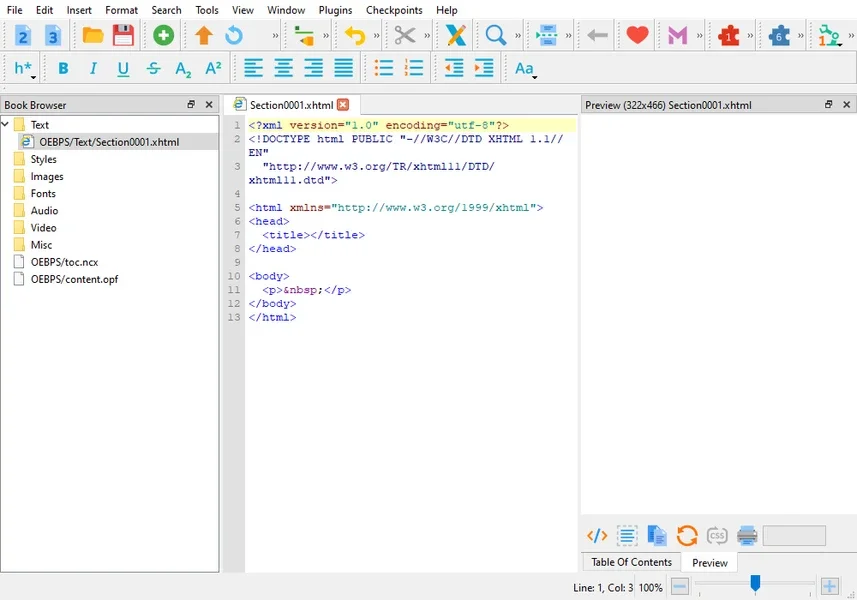
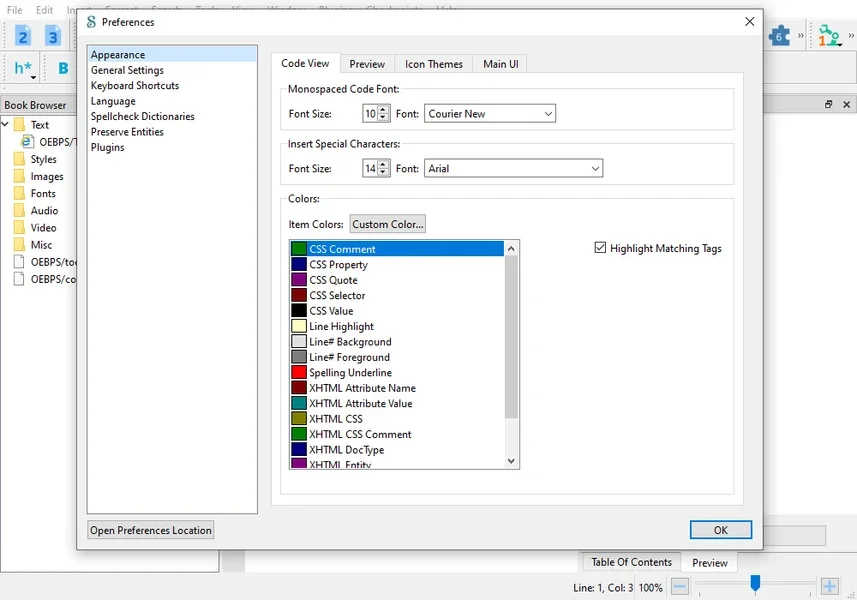
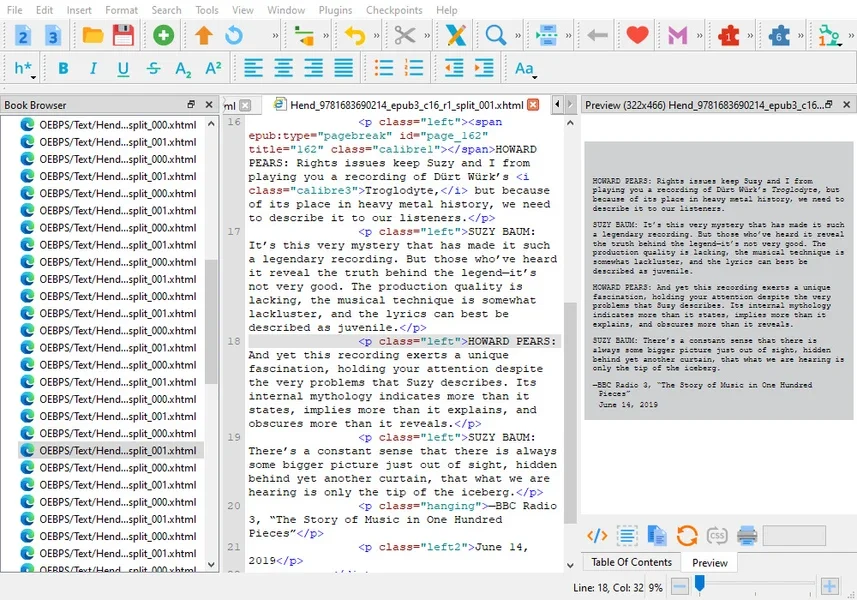
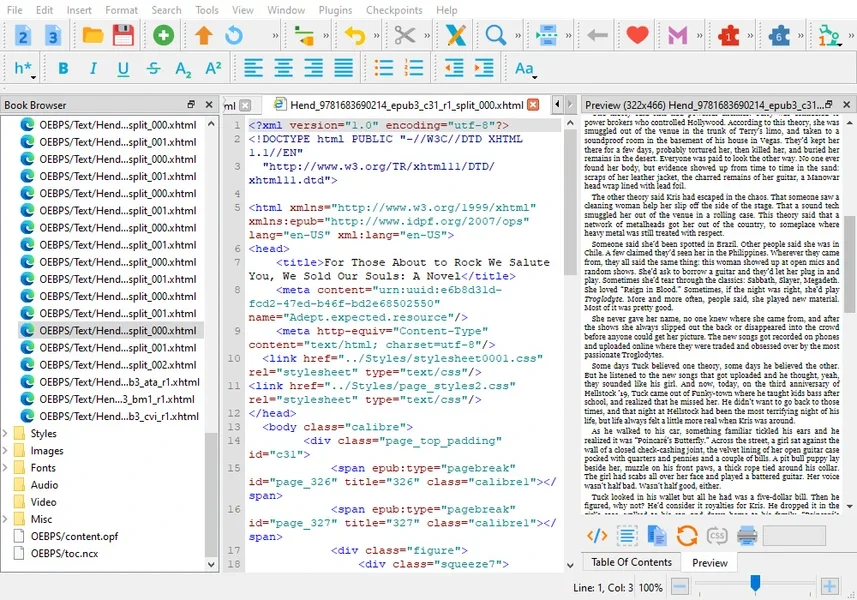
Sigil opens an EPUB file in a WYSIWYG editor, and the changes show up in real time as you type. Text, images, styles, fonts and metadata can all be edited from there. Fonts get swapped, page content restructured, images replaced. A side panel organizes elements into folders for navigation.
Interface and help
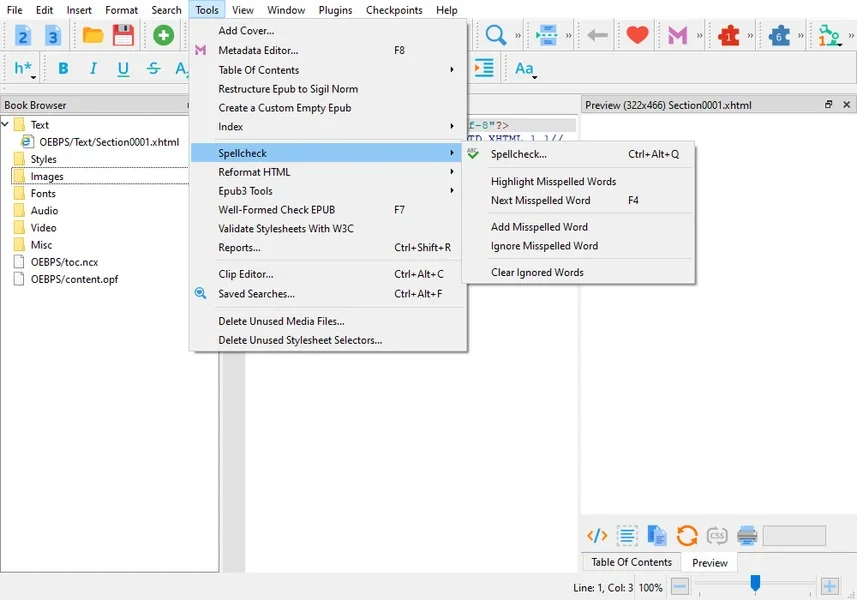
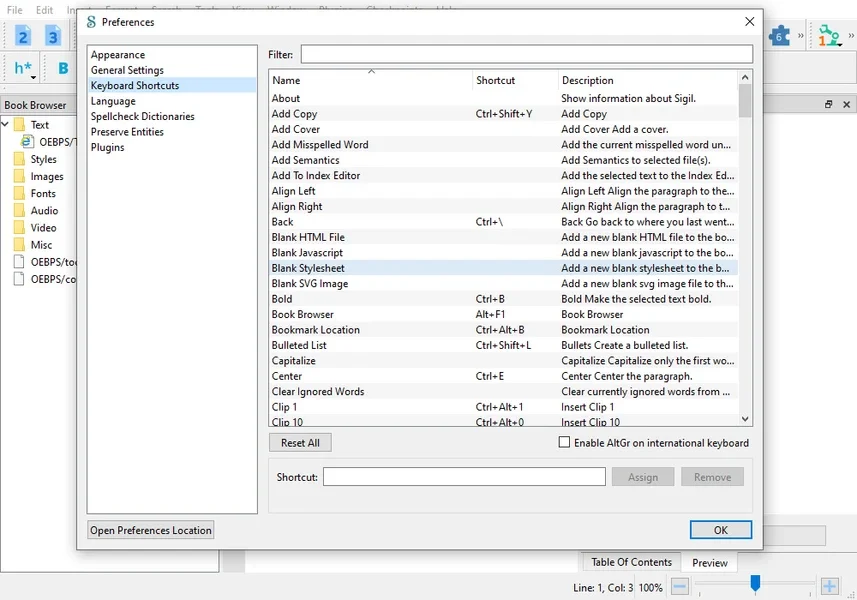
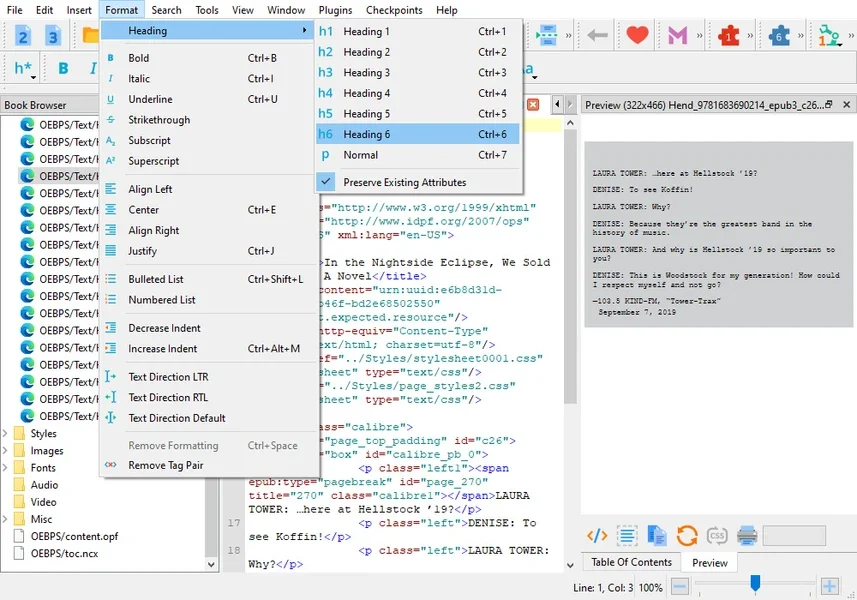
The interface has many icons and shortcuts and may look dense at first. Hover over most tools and a quick description appears. Pressing F1 opens documentation, guides and tutorials. Plugins from its official website extend what the program does. It runs on Windows, is free and open-source, and is backed by an active community.
Download files
95cf12e2611f5cbf38ba079281f7806f696c6e7c81ba5c52112508be2a482d6b
No digital signaturebe1138caa41e49b6a4aca564bd858a90454d640ae94c061878a33b3e8d90f1d6
No digital signature9370ffd21c2c650201019ab6b8b8bc2c28e142689cb62cfe77344d82e62a03d7
No digital signature389a43bba319e355788a25936fb9b3f0ea190c4607a60f753fda254c7d07dd69
No digital signature6015d5312e9ed45f84a763ff2a76d4ce74c69c0e40773ba94b69c5457a077692
No digital signatureSystem requirements
Available on:
Additional information
Developer
Latest release
Size
Category
File type
SHA-256
95cf12e2611f5cbf38ba079281f7806f696c6e7c81ba5c52112508be2a482d6b





