
Simple Photo Editor 11.1.0 for Windows
Background removal in a few clicks, plus text, crop and resize
Screenshots
Description
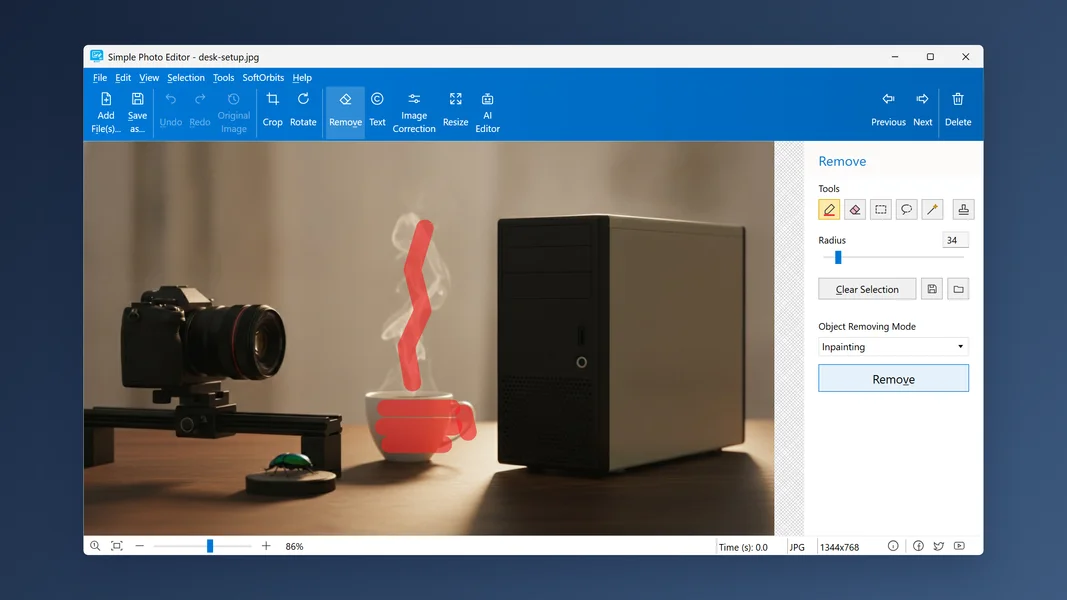
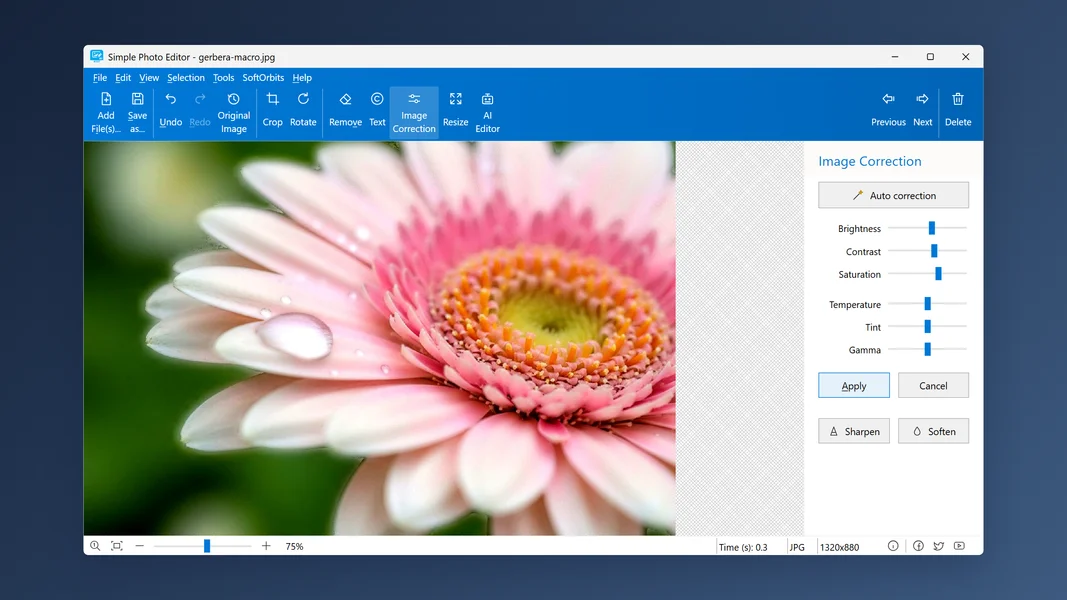
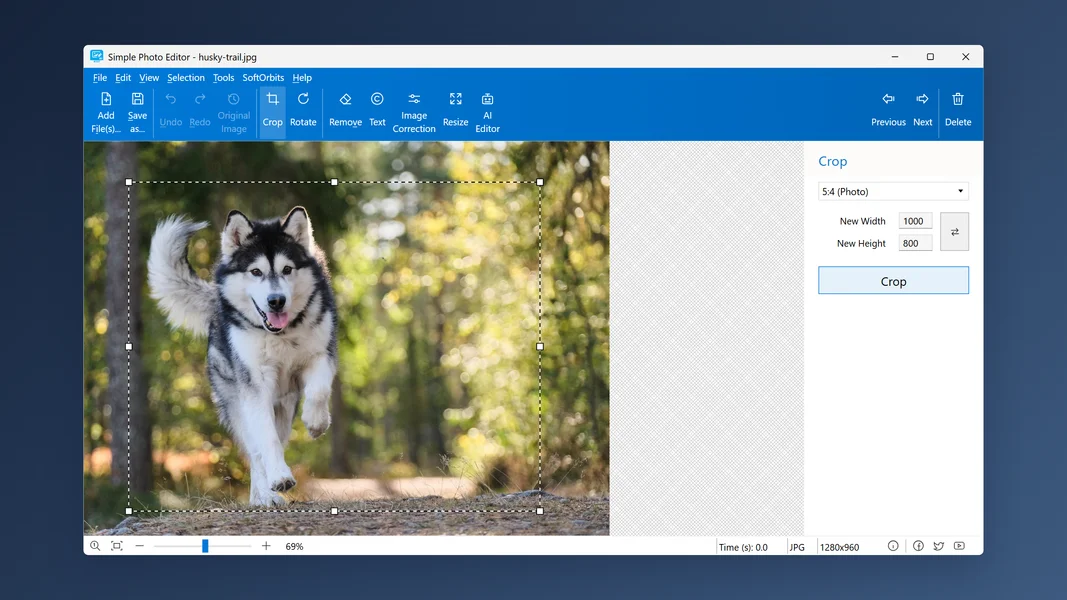
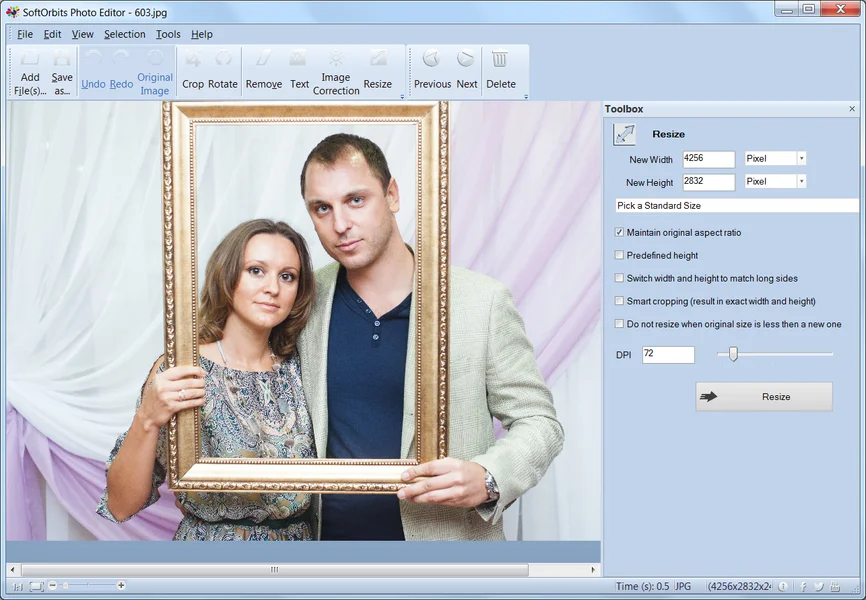
Select the foreground of a picture, click remove, and Simple Photo Editor takes out the background in a few seconds. The rest of the toolset covers text, image correction, resizing and cropping. Installing it takes a few minutes, and it is ready to use straight after.
The workspace and the tools
The window has a large canvas, a menu bar along the top, a command bar below that, and a Toolbox to the right of the canvas. In the Toolbox you get a clone stamp, an undo brush and a Red Eye feature. The concealer brush handles like an ordinary brush but is difficult to control. Brush size stops at 200, which makes selecting large sections of a picture hard. Hotkeys cannot be customized.
Photos cannot be saved until the program is purchased.
Download files
476f6ce8366315bbddd5609dd7051deb077e5adad06f6fbe39de541b8cbf8bef
Signed by SoftOrbits Company Limited · valid until Oct 9, 2027ea18e727d793843841ebcc4c8f4010917c2863d180031c1c74ec9ca6d2a57fcf
Signed by SoftOrbits · valid until May 28, 2018ce992129dced35fa8b5cf57f95cc2cc8c0b5cf6e2b7ebf866f5aca3519088e56
Signed by SoftOrbits · valid until May 28, 2018System requirements
Available on:
Additional information
Developer
Latest release
Size
File type
SHA-256
476f6ce8366315bbddd5609dd7051deb077e5adad06f6fbe39de541b8cbf8bef
Digital signature
Price
Report a problem
Nothing here yet.