SketchBook Pro for Windows
Sketch, paint and export PSDs with layers
You are on macOS — this is the Windows version.
Screenshots
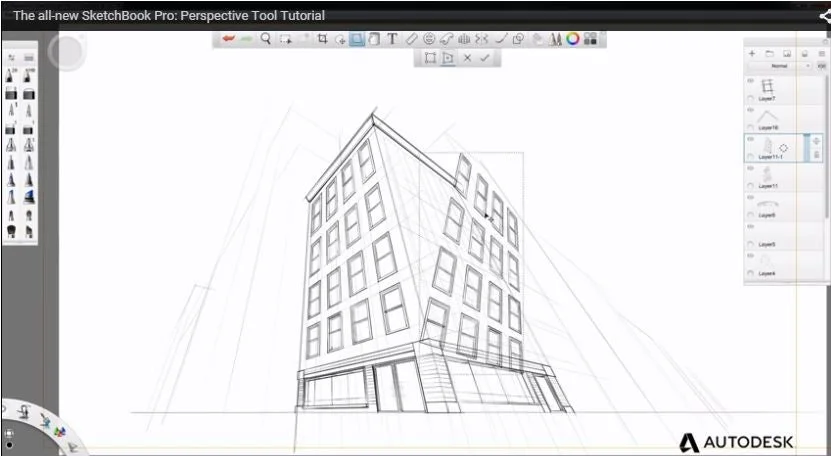
Description
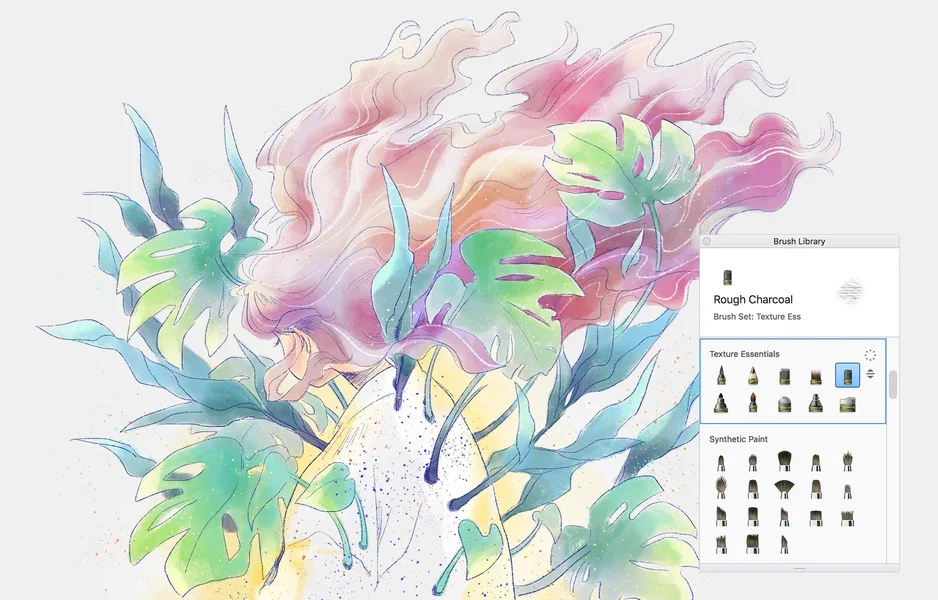
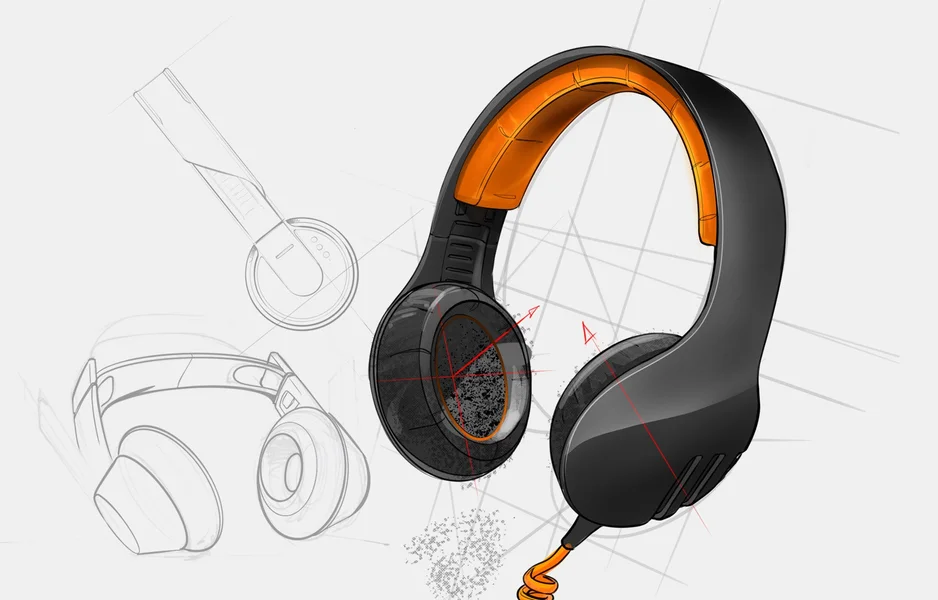
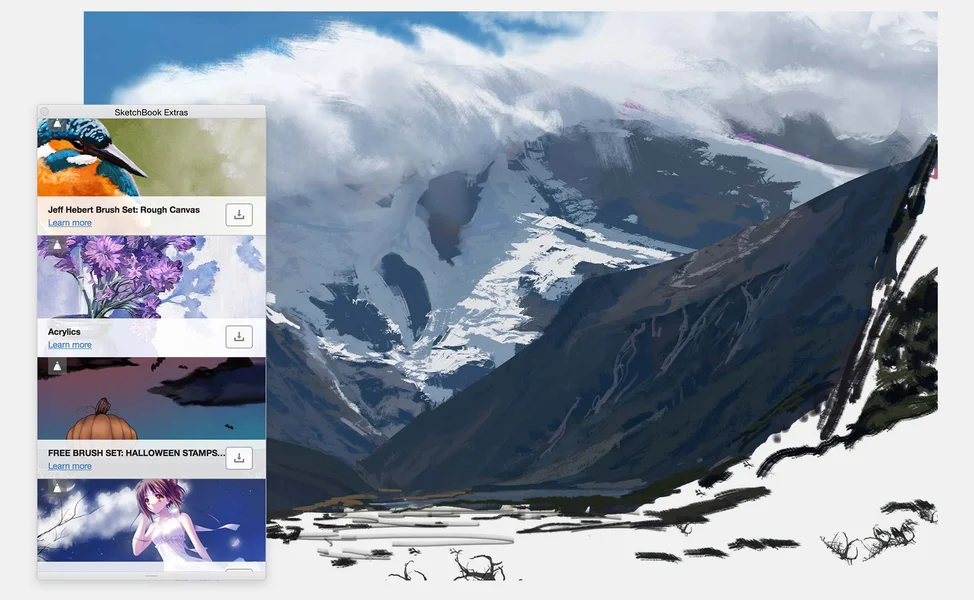
Illustrators and designers use SketchBook Pro to draw and paint on Windows. A free version covers essential features. The tools include Clipping Masks, Steady Stroke, various brushes, layers and customizable options, and recent updates added Clipping Masks, Steady Stroke and improved symmetry options. Clipping Masks and Steady Stroke, plus the symmetry options, came in recent updates. It works with the Apple Pencil and other digital pens and is available on multiple platforms. Sketchbook Inc. now manages it after the move from Autodesk. Artworks are stored locally, since there is no built-in cloud service; the local-only storage can be a drawback for users switching devices or wanting cross-platform access. Some users question how often it is updated and whether the upgrade cost is justified. Some users report performance inconsistencies, with some devices having more issues than others. New users may find the large number of features overwhelming at first. The interface is considered intuitive and user-friendly. You can export files in PSD format for use with other design software. A premium version adds advanced tools and functionalities on top of the free one. It includes tools for casual users and professional artists.
Download files
No downloads on this page: this app is distributed by its publisher.
System requirements
Available on:
Additional information
Developer
Price
Report a problem
Nothing here yet.