
SkyFonts 5.9.5.8 for Windows
SHA-256 listed
Install and sync Google fonts with automatic updates
You are on macOS — this is the Windows version. See the macOS version
All ages
Age rating
Screenshots
Description
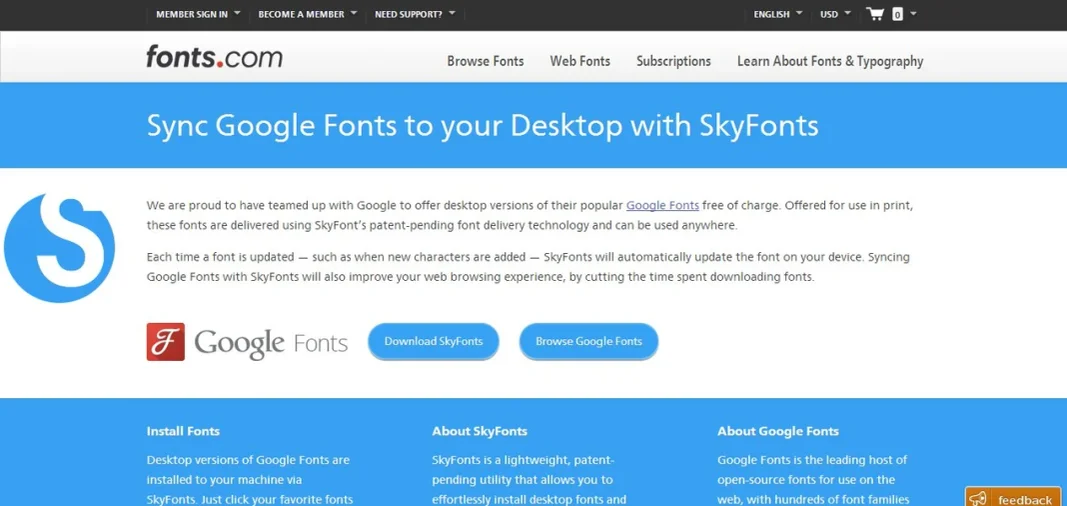
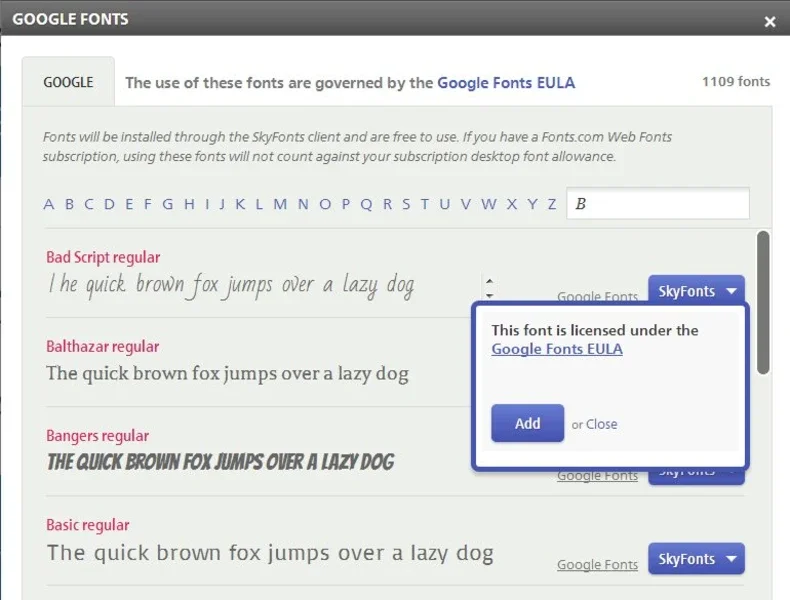
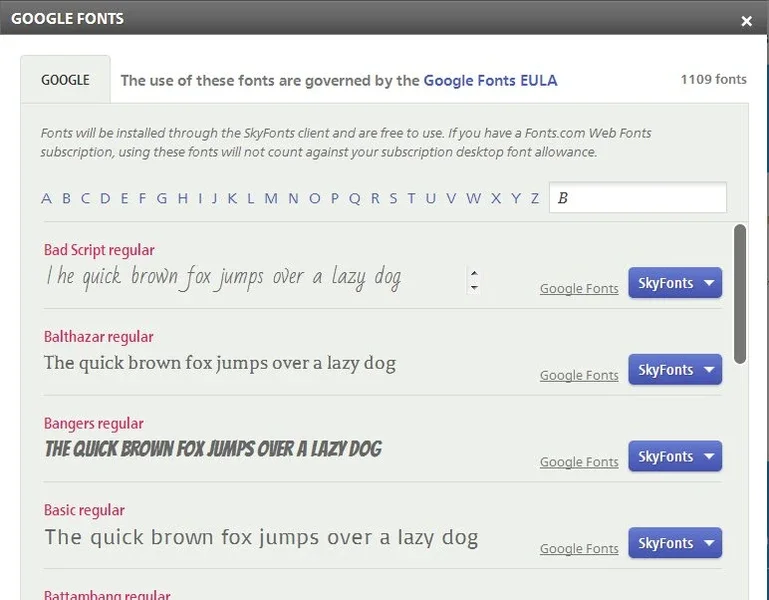
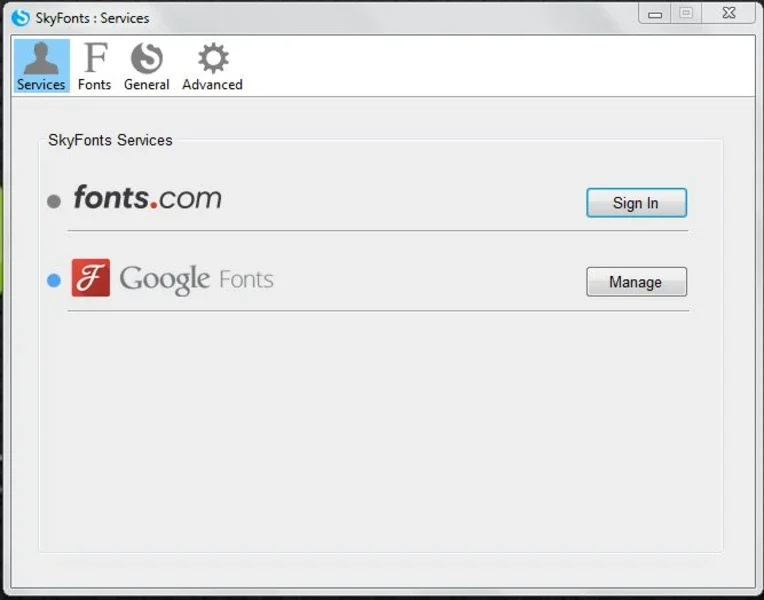
To get started with SkyFonts, visit www.fonts.com/web-fonts/google and pick 'Browse Google Fonts'. You choose fonts there, and they land in SkyFonts, which downloads them into the correct folder on your machine. The app comes from a partnership between Google and Fonts.com.
The catalog goes past 20,000 fonts, listed alphabetically. Some of them require payment, though many are free.
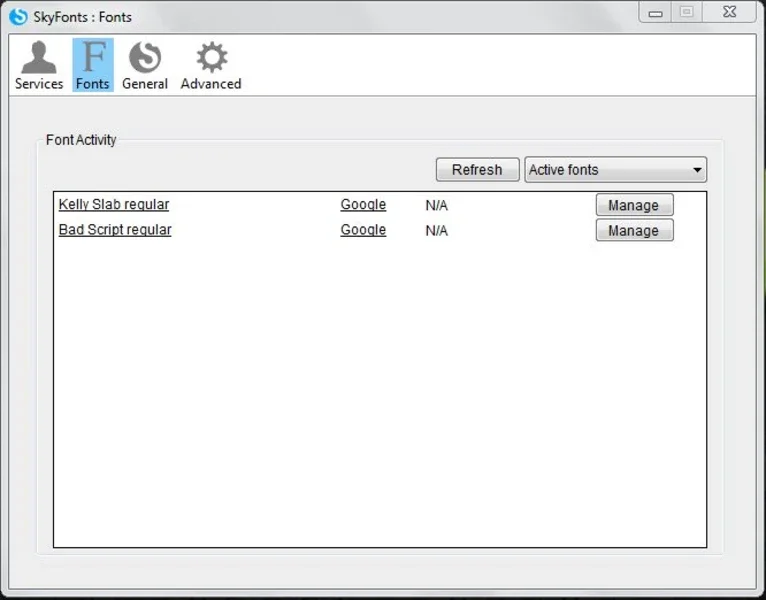
Once a font is installed, SkyFonts keeps it in sync with updates published by Google. There is no manual step to chase new versions.
Download files
System requirements
Available on:
Minimum OS:
Windows Windows 11 or later
Additional information
Developer
Latest release
5.9.5.8 · Jun 20, 2025
Size
4.7 MB
File type
ZIP
SHA-256
619943cc79cfea24e56674e72a4abc0b953930a3ac0d55dbfa0837316b89009a