
Smart Game Booster for Windows
Game utility that lifts CPU and GPU clocks and silences background apps in one click
You are on macOS — this is the Windows version.
Screenshots
Description
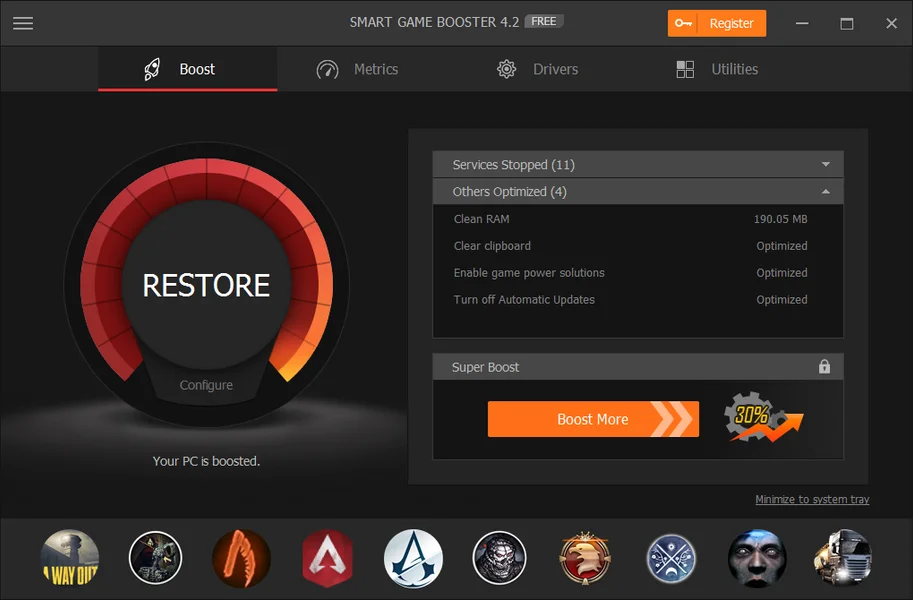
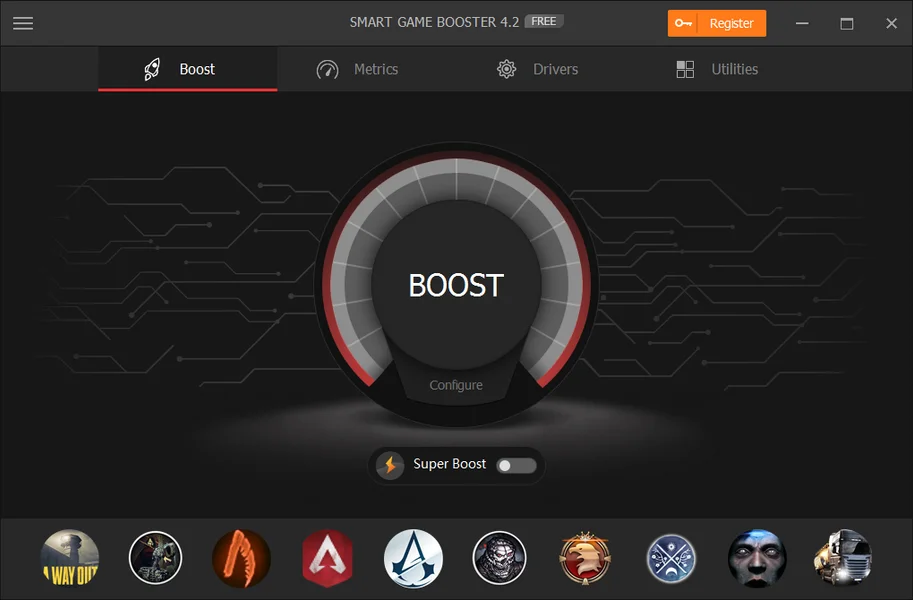
One click on the Boost button is the whole routine: Smart Game Booster reads the CPU and GPU, raises their frequency where the load calls for it, and switches the machine into gaming mode. That mode disables background programs, frees disk space and updates drivers. It is built for desktop users who want fewer interruptions while they play. The tool also works to keep the system steady so crashes during a session are less frequent.
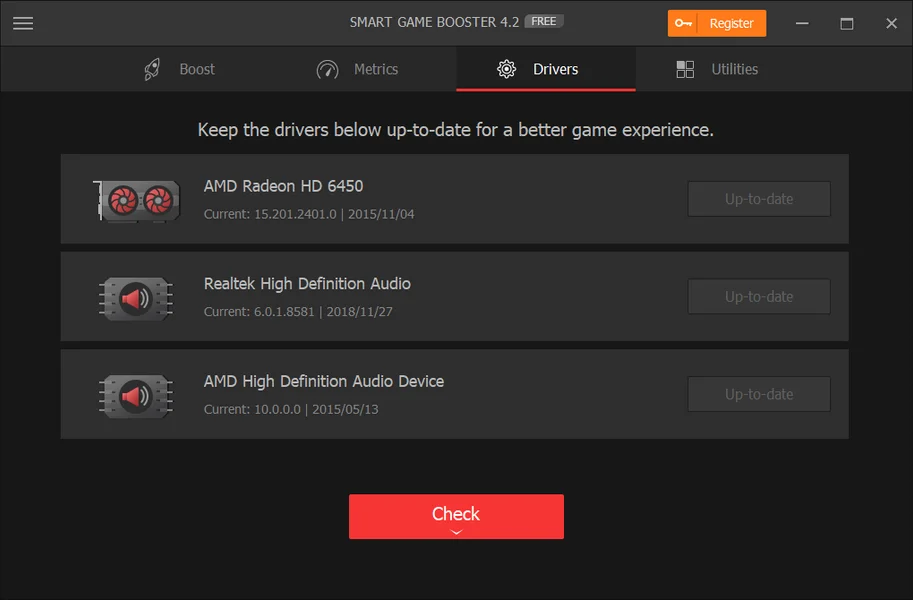
Raising FPS is the other half of the job. Smoother animation comes with it, and the picture tears less while the system answers with shorter latency. A free driver updater handles graphics and audio drivers, which can lift resolution and sound quality. Menu options are where you adjust overclocking settings.
Antivirus and firewall protection are included, aimed at keeping the game account away from hackers who watch online trading traces. Games from Steam, Ubisoft Connect and Origin can be searched from one place. It downloads and runs at no cost.
Download files
No downloads on this page: this app is distributed by its publisher.
System requirements
Available on:
Additional information
Developer
Price
Report a problem
Nothing here yet.