
Smilebox 1.13.6635.14 for Windows
SHA-256 listed
Makes albums, slideshows and cards from your photos in four steps
You are on macOS — this is the Windows version. See the macOS version
All ages
Age rating
Screenshots
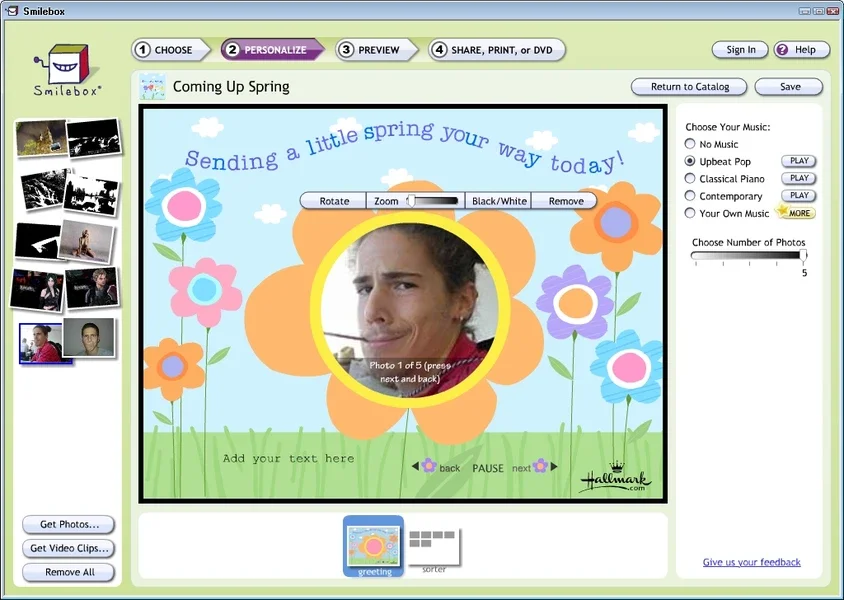
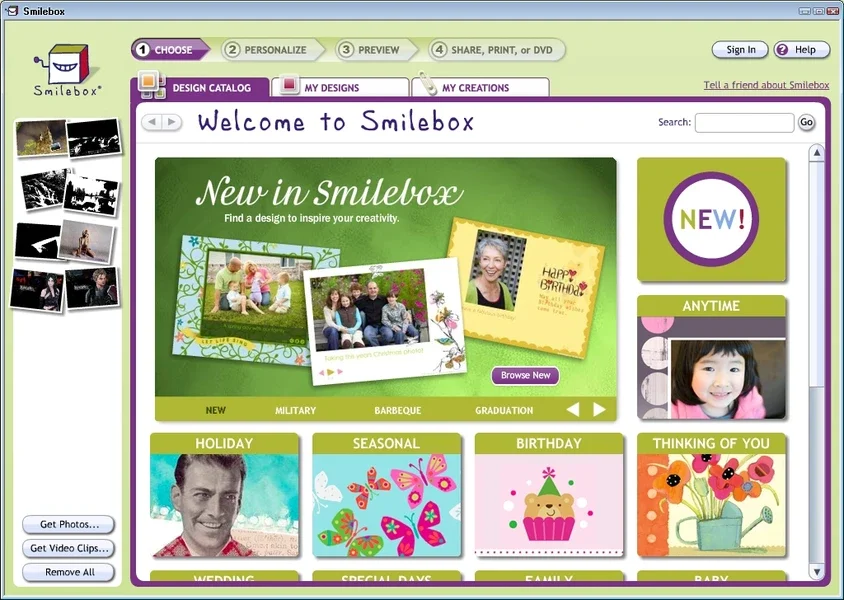
Description
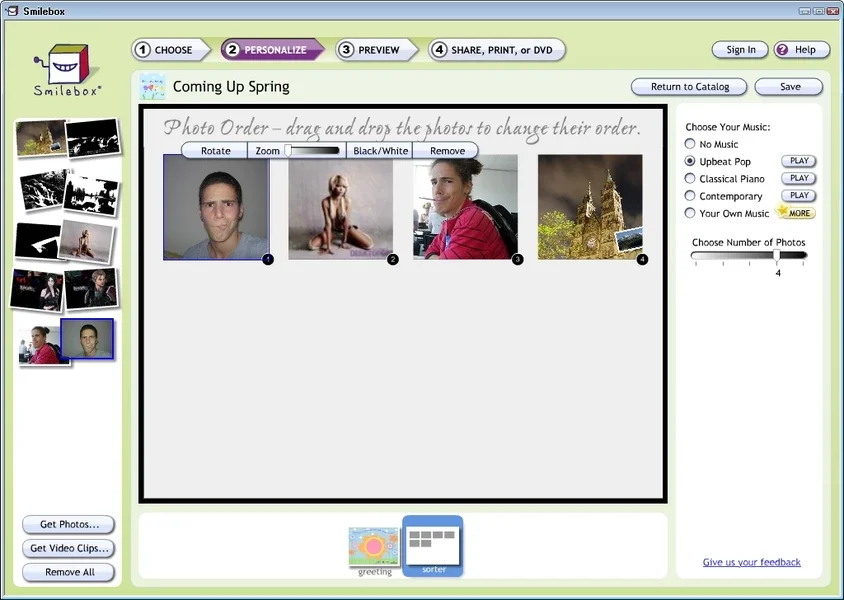
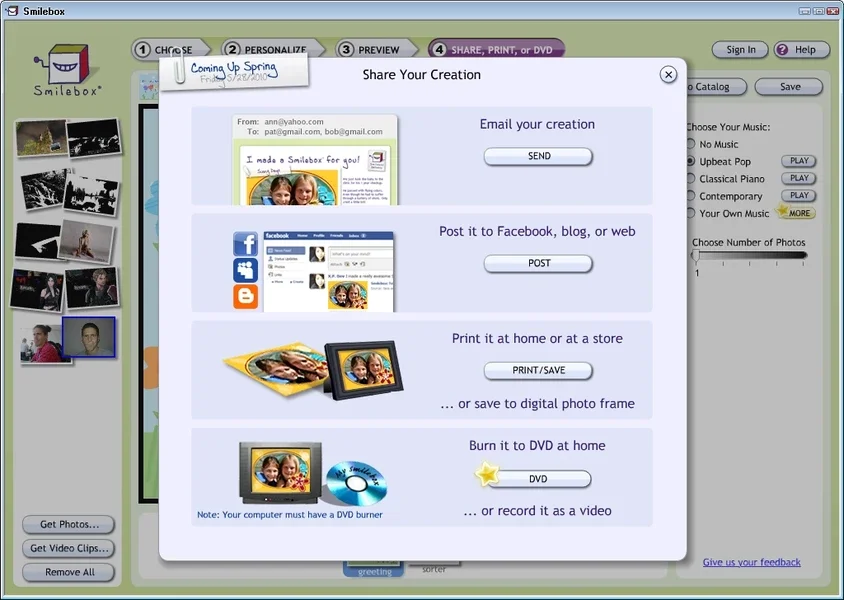
Smilebox is used by dragging photos into the program and picking a template. Making an item takes four steps from there.
You can put together a slideshow, an album, an e-card or a postcard for a special event. The program has over 900 templates to start from, and each one can be customized to fit what you need. Photos go in by drag and drop. The four steps carry the item from the first photo to the finished piece.
It runs on Windows and is free.
Download files
FileSmilebox_V1.13.6635.14.exeEXE
Version1.13.6635.14
ReleasedSep 7, 2026
Size881.8 KB
SHA-256
Get
61fce2c2bf32be7503c8bb8610e00ac4d2aa00750f96dfd3dffe5a31685ce731
Signed by Smilebox, Inc. · valid until Mar 20, 2018Filesmilebox-.exeEXE
Version
ReleasedMay 31, 2010
Size361.5 KB
SHA-256
Get
3886059886c17c1dee5e3882bd6cae075d7cdb728f838124499f494a08f815fe
Signed by Smilebox, Inc. · valid until Mar 11, 2011FileSmileboxInstaller.exeEXE
Version1.0.0.31034
ReleasedUnknown
Size869.3 KB
SHA-256
Get
655a42099ede33f2f6fb54d7fe459700fb57181dea19ca3fdbacd5ce8470eb0d
Signed by Smilebox, Inc. · valid until Mar 20, 2018FileSmilebox_v1.0.0.31483.exeEXE
Version1.0.0.31483
ReleasedUnknown
Size872.2 KB
SHA-256
Get
35972c887a2540a334b4111beb600d46c50f772c5aa6eda8824751c7b0f18b1b
Signed by Smilebox, Inc. · valid until Mar 20, 2018System requirements
Available on:
Minimum OS:
Windows Windows Vista or later
Additional information
Developer
Latest release
1.13.6635.14 · Sep 7, 2026
Size
881.8 KB
Category
File type
EXE
SHA-256
61fce2c2bf32be7503c8bb8610e00ac4d2aa00750f96dfd3dffe5a31685ce731
Digital signature
Signed by Smilebox, Inc. · valid until Mar 20, 2018