
SnipSVG 2.3.0 for Windows
Captures screenshots and edits them as scalable SVG vectors
You are on macOS — this is the Windows version. See the macOS version
Screenshots
Description
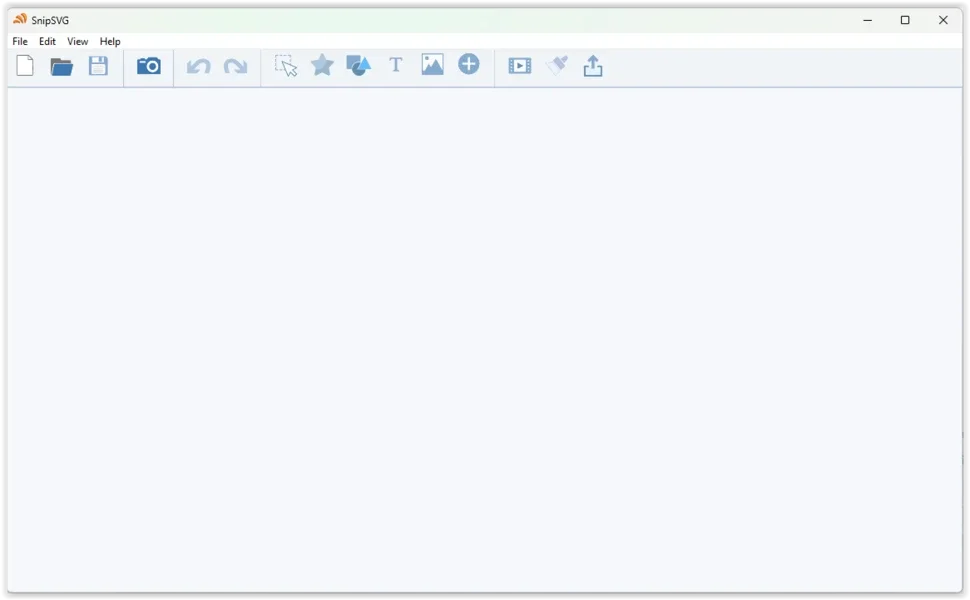
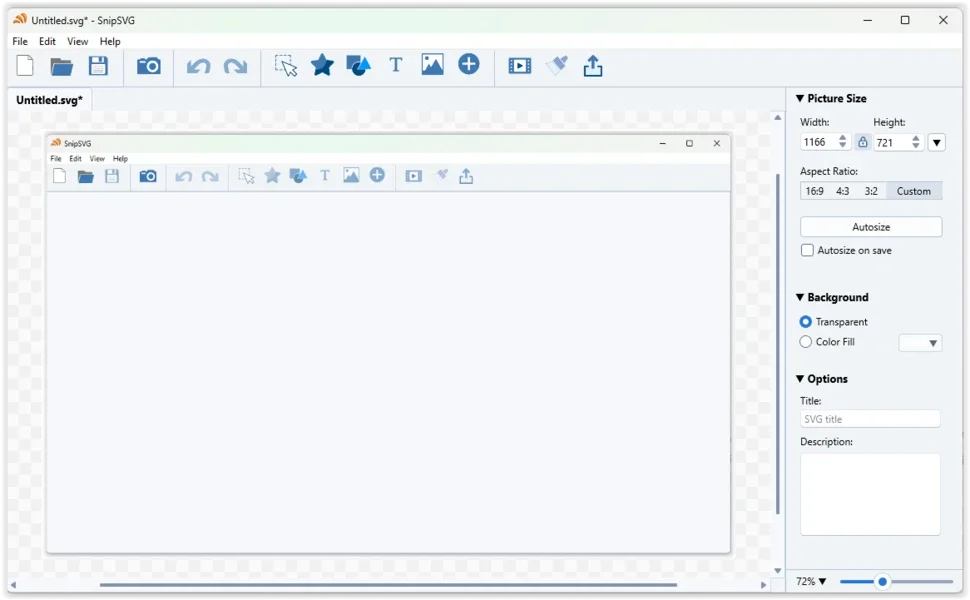
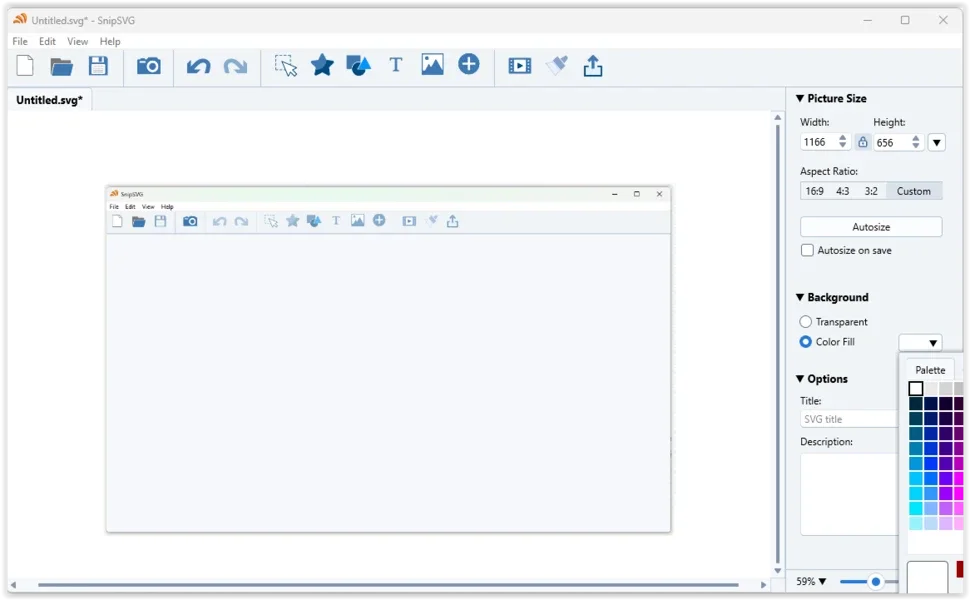
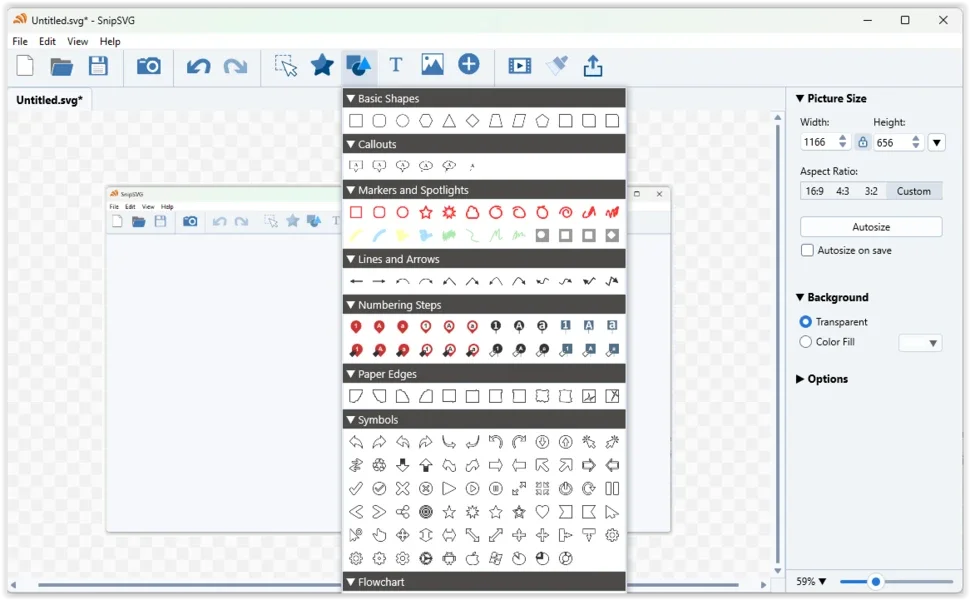
SnipSVG takes screenshots of the full screen, the active window, or a region you select, and edits them as SVG vector images. You can assign your own keyboard shortcut to the capture, choose whether the cursor appears in the shot, and set a slight delay before it fires. Editing happens in a vector environment, so image quality stays sharp at any zoom level. The tools cover cropping, blurring sensitive information, and resizing images.
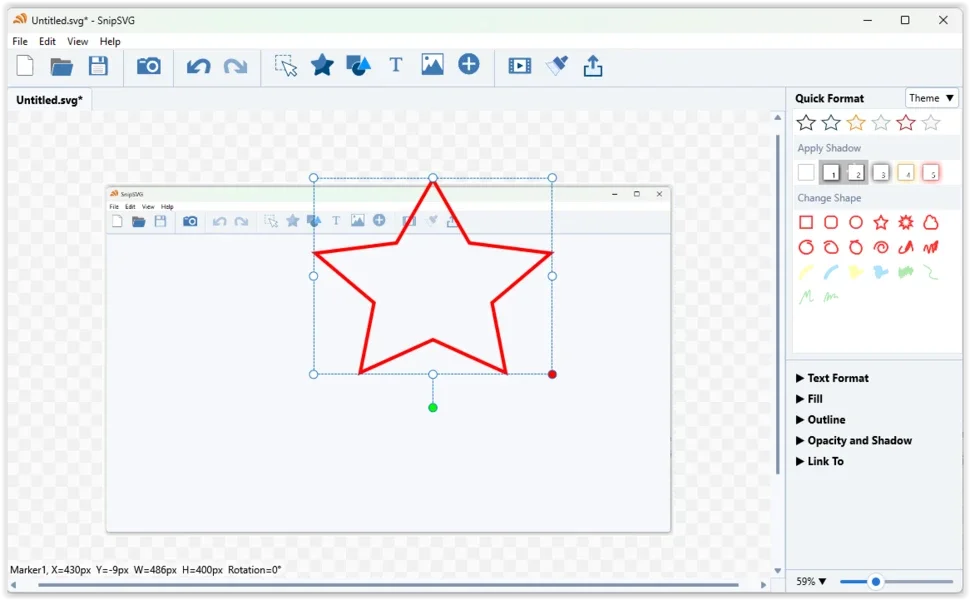
For annotation, it has shapes, arrows, highlighters, and labels that number themselves automatically. You can place annotations anywhere on the image and add HTML-formatted text. It runs on Windows and is free.
Download files
1546edd60ad2a57b07e994f2315007a4a157709601630ac2ea29d1db076dfa76
Signed by EC Software GmbH · valid until Feb 12, 20278b88186b1ff276169ae29d3d1b08eee0009c085b10b90989c10221ac20b93f08
Signed by EC Software GmbH · valid until Feb 12, 2027ac542e61d79729f17693b2e91f886031a8b698cadb83bf8bb53bcf27bc960270
System requirements
Available on:
Additional information
Developer
Latest release
Size
Category
File type
SHA-256
1546edd60ad2a57b07e994f2315007a4a157709601630ac2ea29d1db076dfa76