SpeedFan 4.52 for Windows
Reads fan speeds, temperatures, voltages and SMART status
Screenshots
Description
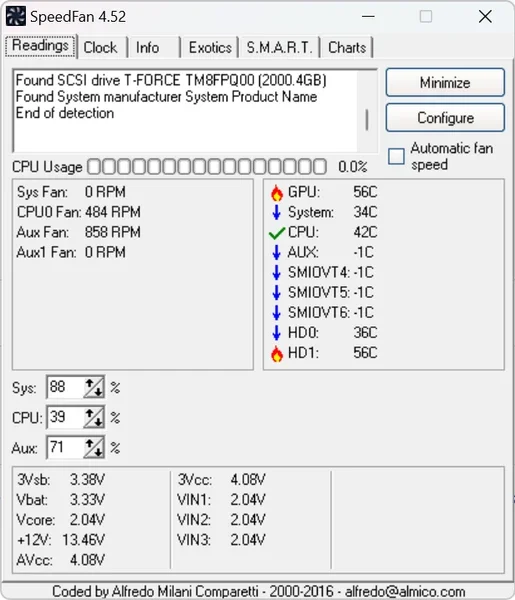
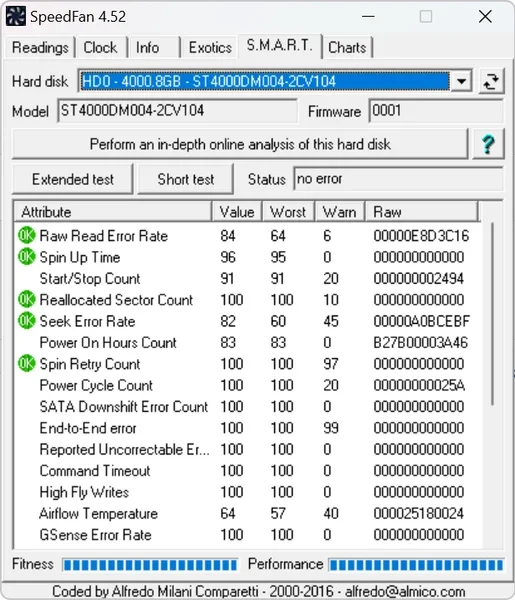
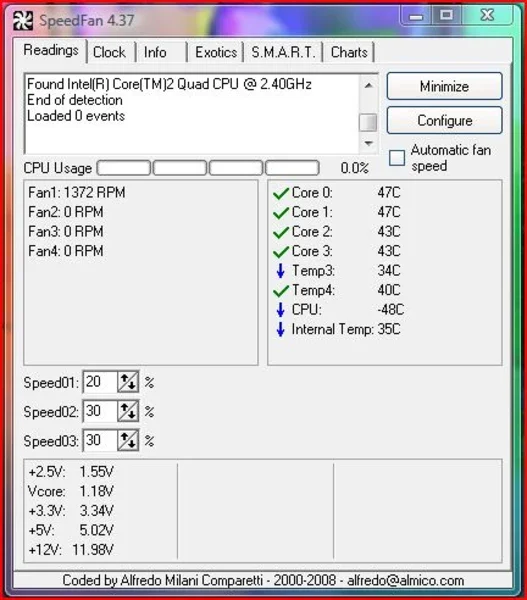
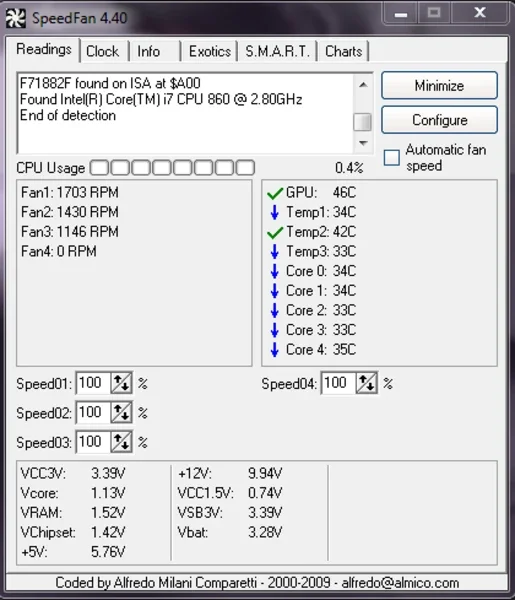
SpeedFan is a hardware monitoring program for Windows. You open it and the opening screen shows the readings it collects. The readings screen covers temperatures of CPU, GPU, motherboard, hard drives and SSD drives, fan speeds, and CPU usage in real time. The bottom of the screen shows real-time voltages of PC components along with the percentage at which system fans are spinning. SMART shows the status of storage drives.
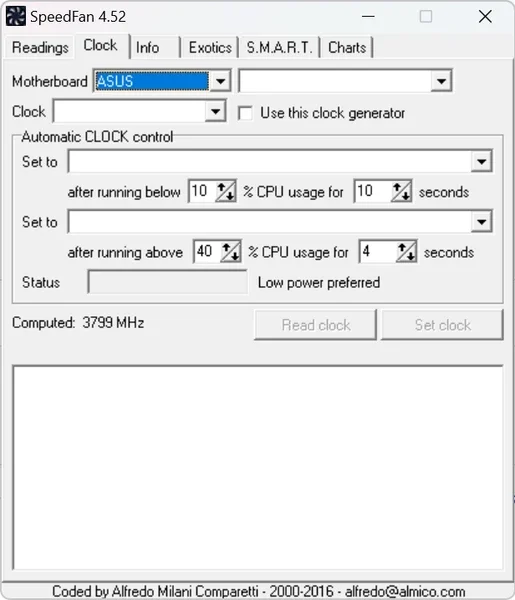
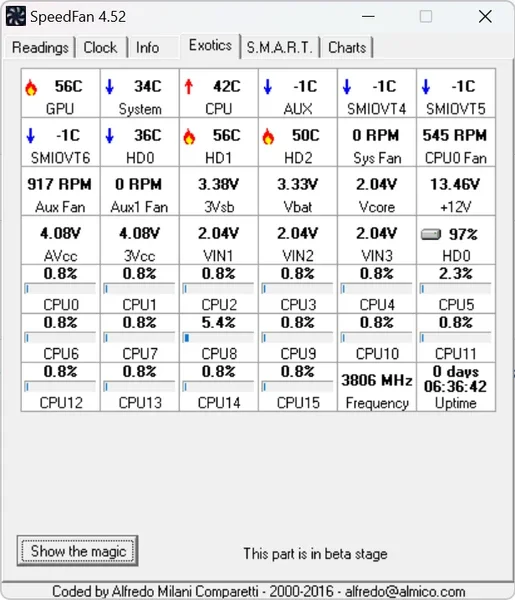
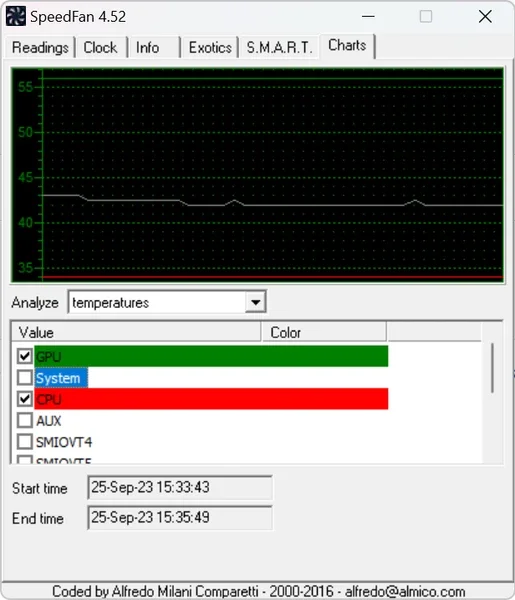
Fan speed can be changed for some types of connected fans. Only PWM-compatible fans can have their speed controlled. PWM-compatible fans have a four-pin connector and are connected to such a connector on the motherboard. You can see how fan speed affects component temperature and fan noise. A graph section shows temperature changes over recent seconds and minutes. Some motherboard and chipset settings can be controlled. You can create a screen showing data for chosen components, and a component's temperature can be shown in the taskbar without opening the program.
The program runs on Windows. It is free to use.
Download files
e2ccb3c0d23f0d04ee8057f5ce3861eea952fb20694c1656c9805b1d4cd922ff
Signed by SOKNO S.R.L. · valid until Mar 25, 2017e2ccb3c0d23f0d04ee8057f5ce3861eea952fb20694c1656c9805b1d4cd922ff
Signed by SOKNO S.R.L. · valid until Mar 25, 20176bab5d8fe541fb6d70858cfb184a1e5f713e4343a02f86b389f834571b9a6d8f
7f3381b2e3f87245be298f0962de328894db68b26fa390660b4e710302a3cc19
b85877d2cca7ab4e05cd33c8dcf9129407bfbbbf4ad0a1fa115ccf13078a6104
System requirements
Available on:
Minimum OS:
Windows Windows Vista or later
Additional information
Developer
Latest release
Size
Category
File type
SHA-256
e2ccb3c0d23f0d04ee8057f5ce3861eea952fb20694c1656c9805b1d4cd922ff