StationRipper 2.99.2 for Windows
Records internet radio streams to your hard drive with one button press
Screenshots
Description
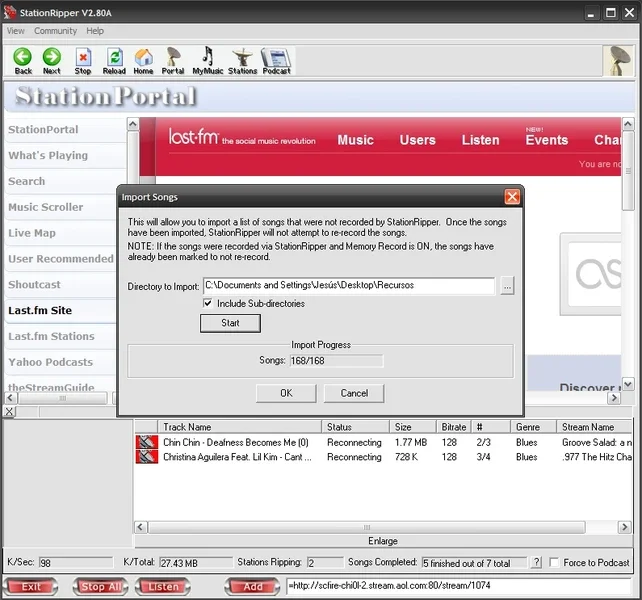
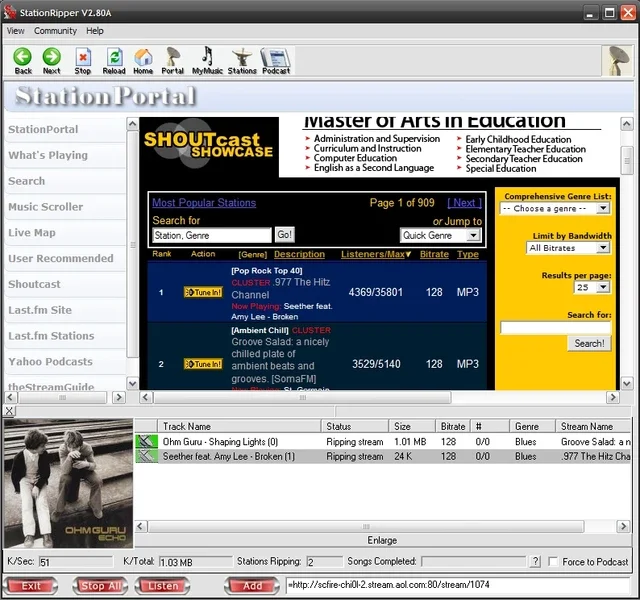
Press the record button and StationRipper saves the radio programs you listen to on your computer to your hard drive. Playback happens as normal; the ripping runs alongside it.
One recording at a time is the usual starting point, but the program can handle up to 600 streams simultaneously. That figure matters if you want to leave several stations running overnight, or if you keep a list of shows that overlap and would otherwise have to be caught one by one. Each stream is captured as it plays, so the machine needs to be on and connected while the recording runs. Files land on the hard drive, which means you can play them back later or move them elsewhere.
The interface is described as intuitive and easy to learn on first use, which fits a tool built around a single record button.
Download files
f620c925b82a788cefc4cca416b7cde7dbae5982da6a7a0c61cd28fe31f5acef
No digital signaturee9d00836f71c254a55b48f38d4922e58961dc3a2a1956a1ac2504f7230fa1a9b
No digital signaturebea1ae73072c444ed45277b39d9b18730355627a10ebdebb3a2886822b3a0136
2c9a485ffaba4346330615cb66658695350326251cd06f46ea51edc9885904d9
8b7b10960fcea8ced94d365305fa5d533f525b45b3dd04535cf434ed246d6b54
System requirements
Available on:
Minimum OS:
Windows Windows Vista or later
Additional information
Developer
Latest release
Size
Category
File type
SHA-256
f620c925b82a788cefc4cca416b7cde7dbae5982da6a7a0c61cd28fe31f5acef