
Steam Library Manager 1.7.2.0 for Windows
Moves, copies and checks Steam game folders across drives
Screenshots
Description
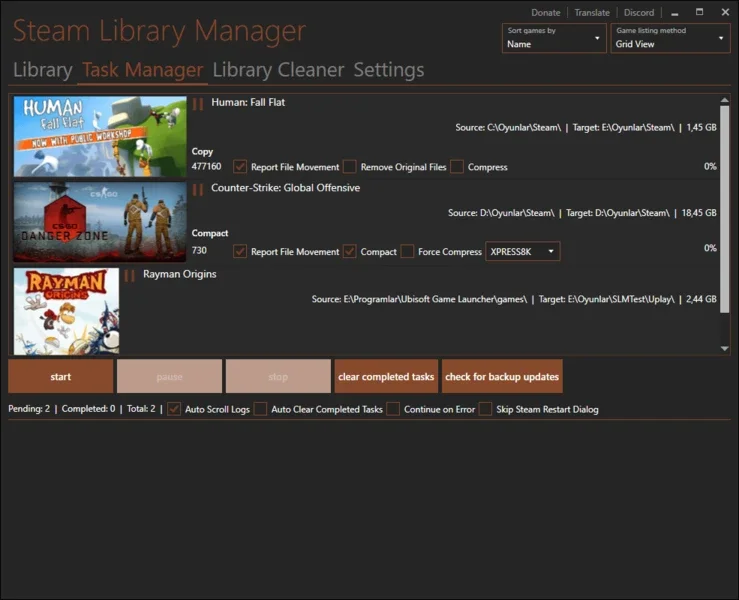
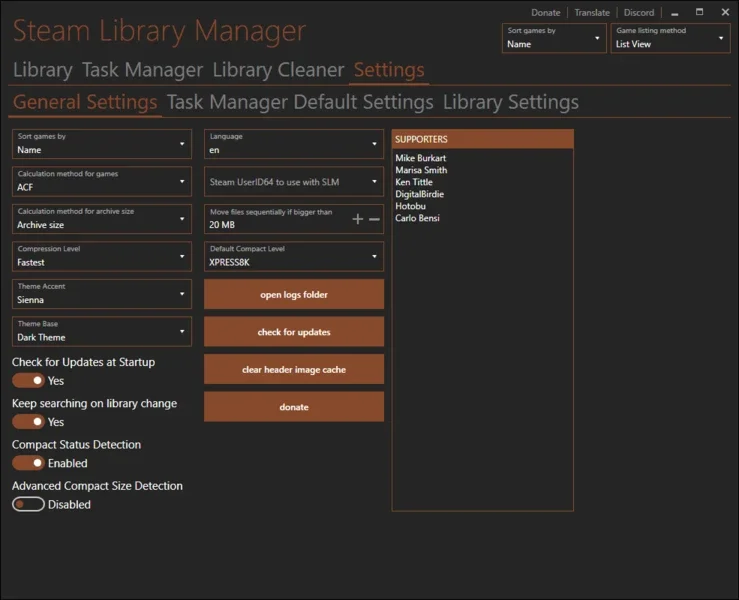
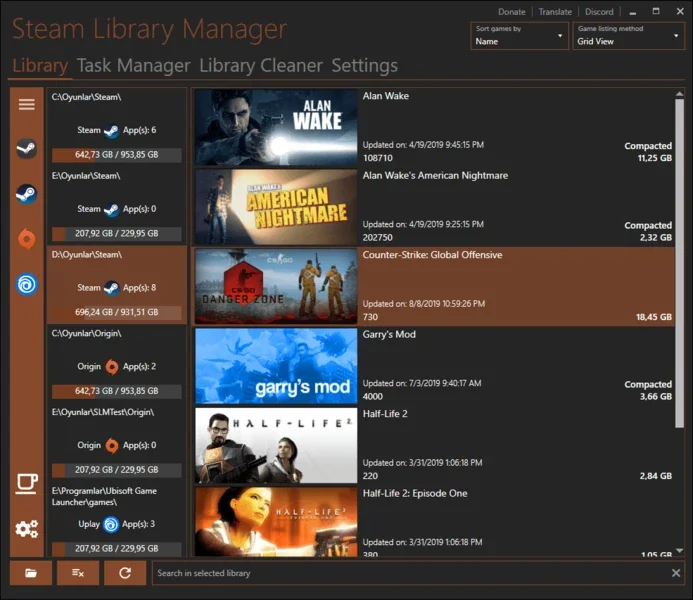
Steam Library Manager moves a game's installation folder from one drive to another, and you can do it by dragging and dropping. Game folders can sit on different physical drives, and new installation routes are created at the top of the screen. The program lists installed games and where each one lives, and a search engine finds a game by name or ID.
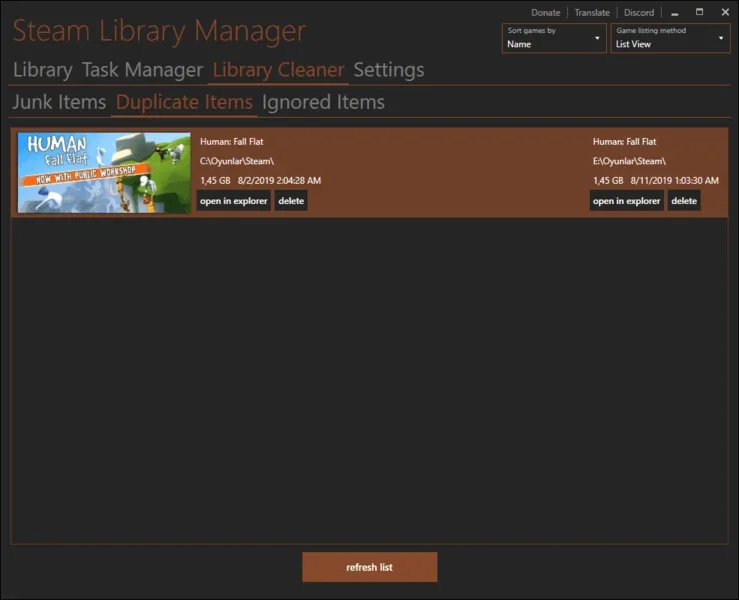
It is an external tool for Steam, and Steam does not need to be running in the background while you use it. Content can be duplicated to create backup files, and files can be validated to check whether they are corrupt. It can also check whether the minimum requirements for a game are met, and it can uninstall a game from the library.
The setup where it earns its keep: games over 30 gigabytes and a poor Internet connection.
Download files
091d35d34be4a0263ca0883085ddc1767d7b5ef08391826b33b966c65d6058ef
dfcf9cff89b7d0c682f3b895a64397bff307eca853d340f8dac4d58c2c0f70f3
5e3adddd71718e1742b87614fc97739fec15dd40fc6c31405f7e7f15227678c8
42ef820f24bc8a4d8f8c6a281ace26b1643f58e11ed3407e6268e235c7c41ca6
627b6c086ee314c9eef6b3b9ee23b904fdd3c318e826e64e9995101e3516df70
System requirements
Available on:
Additional information
Developer
Latest release
Size
Category
File type
SHA-256
091d35d34be4a0263ca0883085ddc1767d7b5ef08391826b33b966c65d6058ef