StickyWords 3.0.0 for Windows
Keeps a study note on top of other windows and quizzes you on paired facts
Screenshots
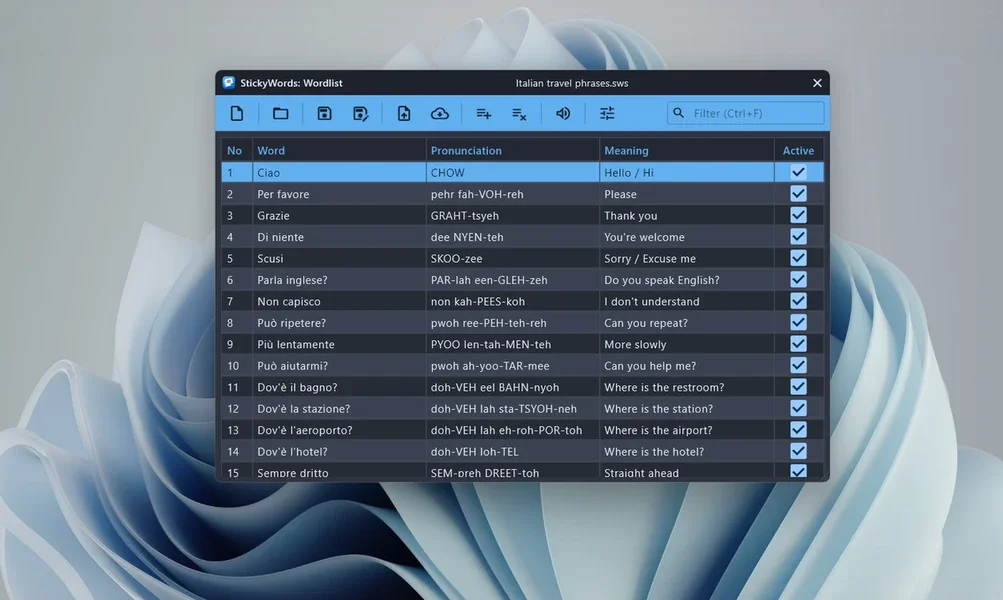
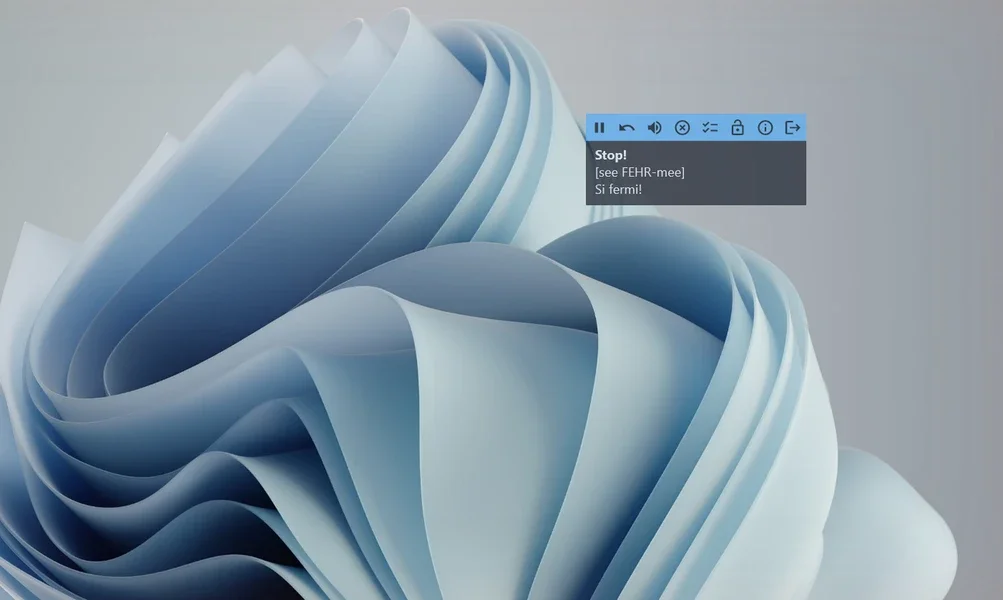
Description
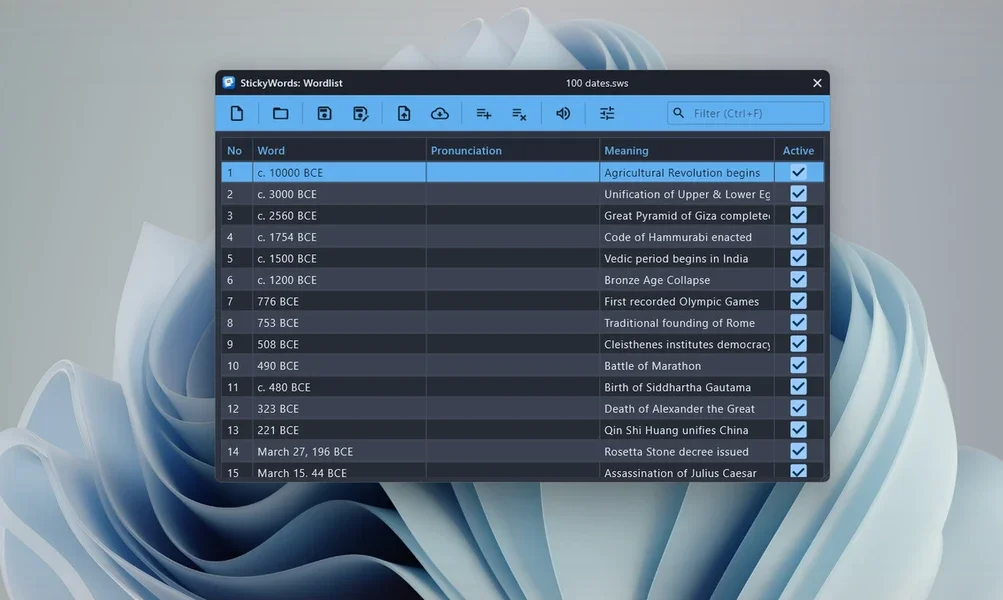
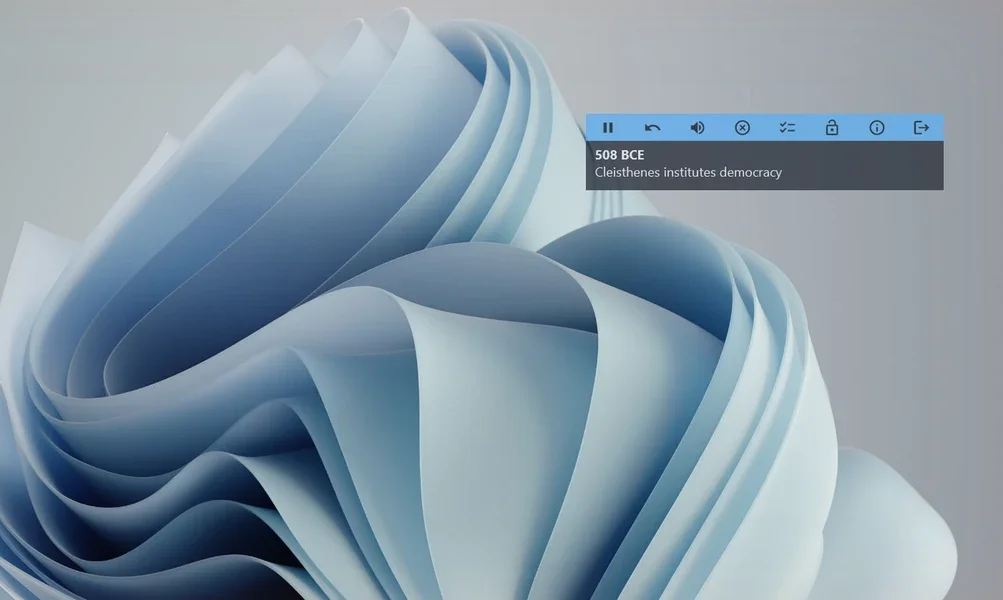
StickyWords keeps a study note over other windows. It sits in a corner and every few seconds shows the next item from a pair: a word and its meaning, a country and its capital, a date and its event, a formula, a term and its definition. If both halves are left showing, the material stays visible, and when the answer is held back for a moment the note quizzes you.
How the note behaves
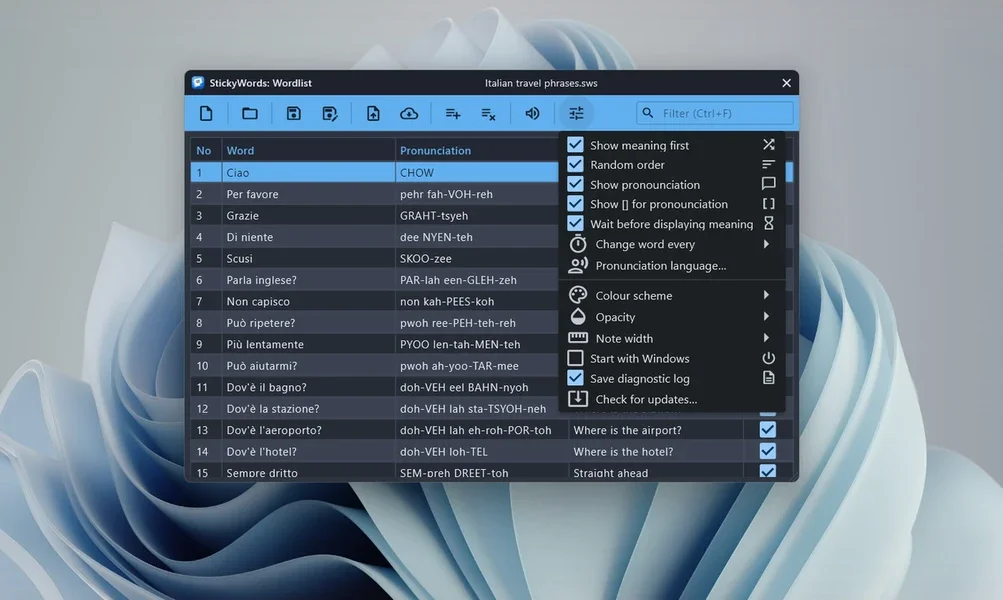
The pointer coming near pauses it. There is no title bar, the toolbar shows up only on hover, and it stays off the taskbar and out of Alt-Tab. Words can be read aloud with voices already installed in Windows. Known words can be retired from the note.
Lists
Six lists ship with it, among them Spanish and Italian travel phrases. You can type a list straight into the grid, import one from CSV with the column roles picked above the preview, and lists are ordinary files to copy, back up or share. It works offline, has no sessions, streaks or account, and is free with no ads and no in-app purchases. Windows 10 or 11 is required.
Download files
45ab74e4d11da10b374402b29a92153305ce8ab537955abe92b93b2a3a804a99
System requirements
Available on:
Minimum OS:
Windows XP or later
Additional information
Developer
Latest release
Size
Category
File type
SHA-256
45ab74e4d11da10b374402b29a92153305ce8ab537955abe92b93b2a3a804a99