
Study flow pro 1.2.0 for Windows
Academic planner with a floating Pomodoro timer and day-by-day timeline
Screenshots
Description
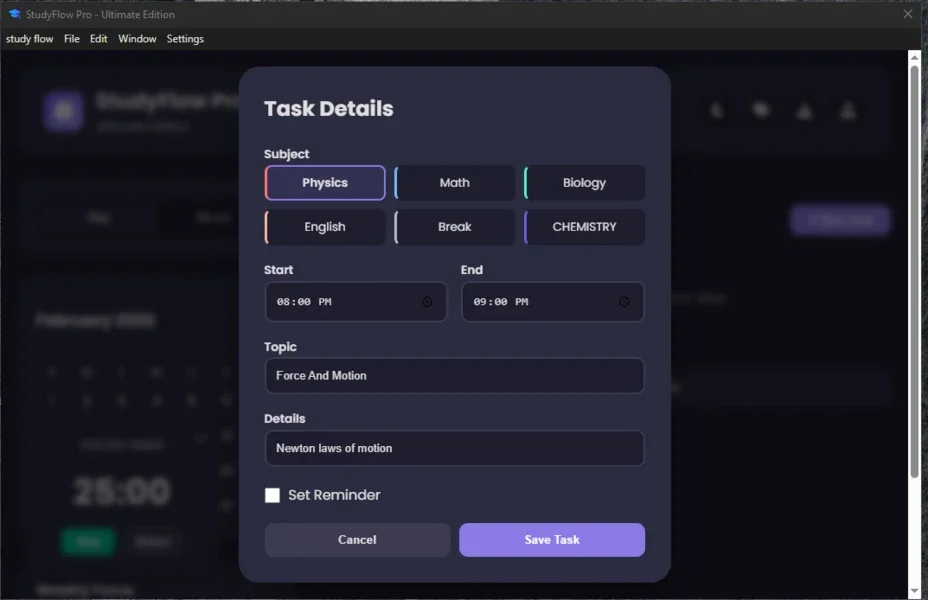
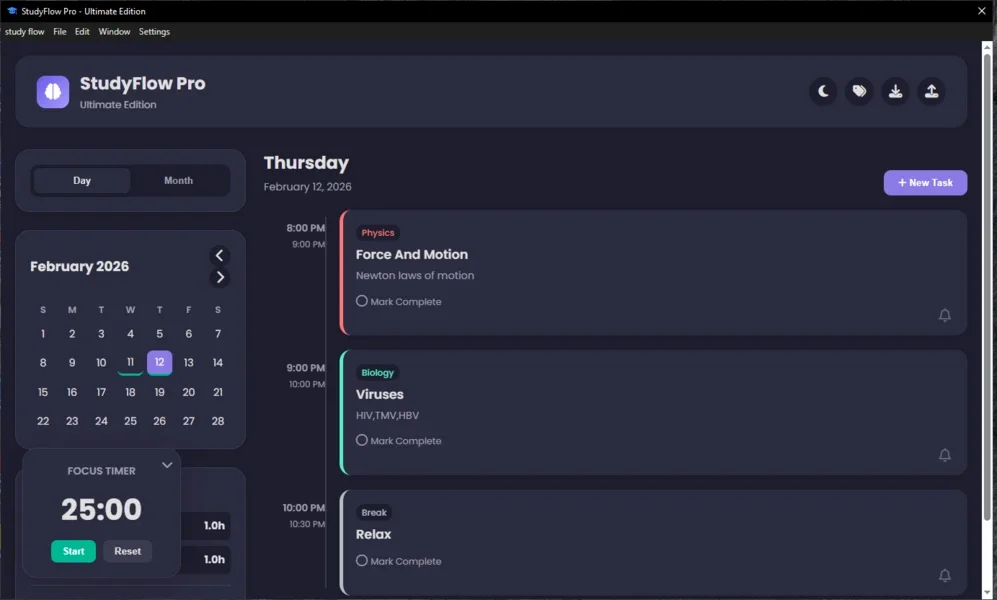
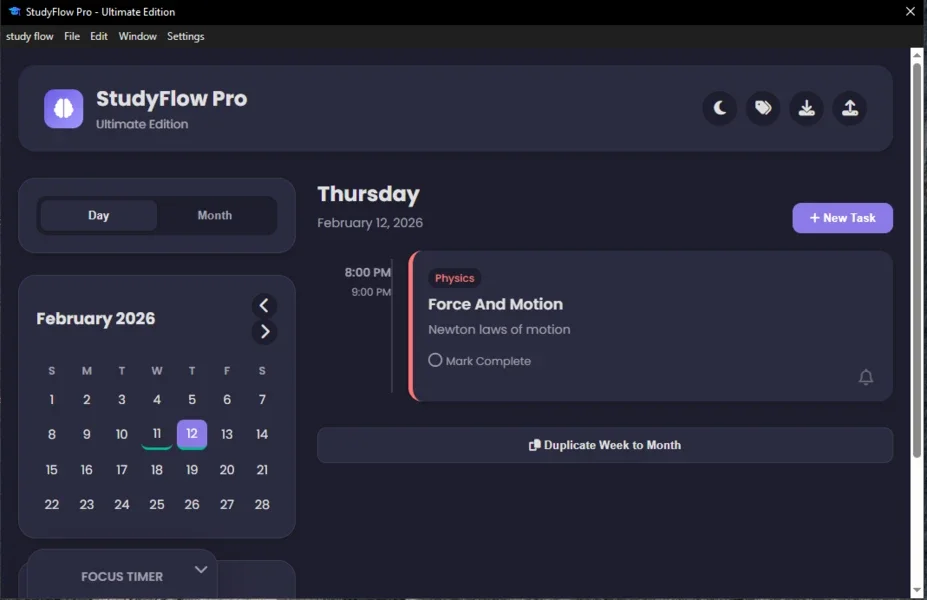
Study Flow Pro is an academic planner for organizing study sessions and managing assignments. It runs as a Web App or as a native Android app through a WebView, and it is built with HTML5, CSS3, and Vanilla JavaScript. A timeline view shows study blocks day by day, and you can create your own subjects and give each one a custom color code. The planner combines scheduling with focus techniques: a floating Pomodoro timer runs 25-minute intervals while you work. Motivational quotes can be attached to specific study blocks. On the Android version, alerts use sound and vibration, including when the app is in the background.
The schedule warns you when two tasks land at the same time, and notifications arrive 10 minutes before a session and again at its start. A weekly routine can be copied to the whole month with one click. The stats dashboard tracks hours per subject, like 5.5h on Physics in a week. The schedule exports to a JSON file and imports again, and it works offline once resources are cached. There are Light and Dark modes, no ads, and no social feeds. All data stays on the device.
Download files
2fd1a64a0140db3e8263fdd51cff87e00de49197f778f9c3d8644b14b5854e0b
Signed by Todesktop Limited · valid until Mar 21, 2027System requirements
Available on:
Minimum OS:
Windows 7 or later
Additional information
Developer
Latest release
Size
Category
File type
SHA-256
2fd1a64a0140db3e8263fdd51cff87e00de49197f778f9c3d8644b14b5854e0b