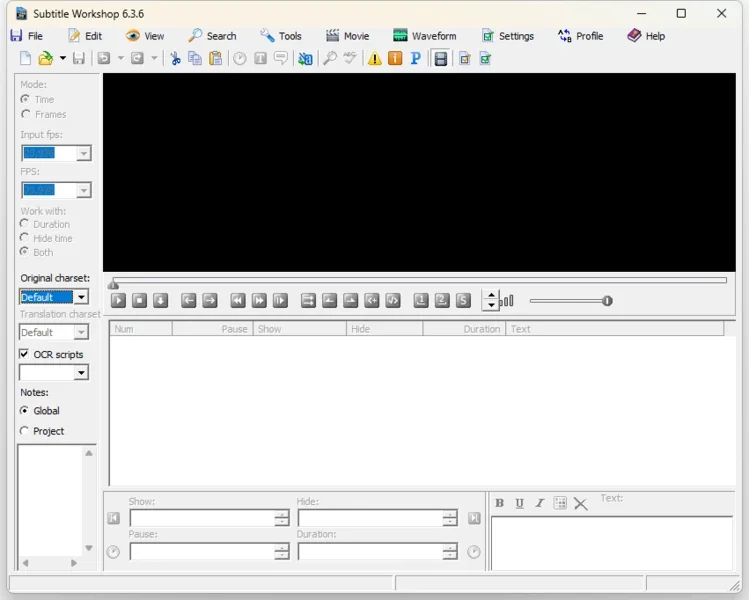

Screenshots
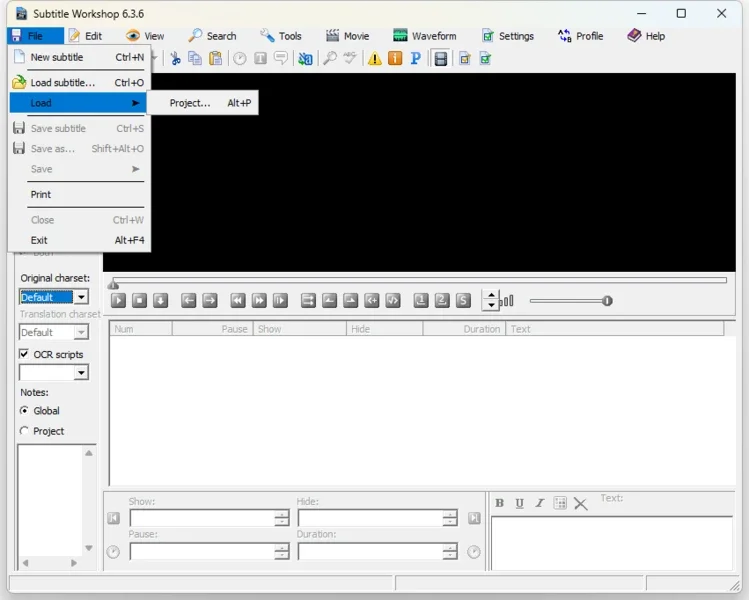
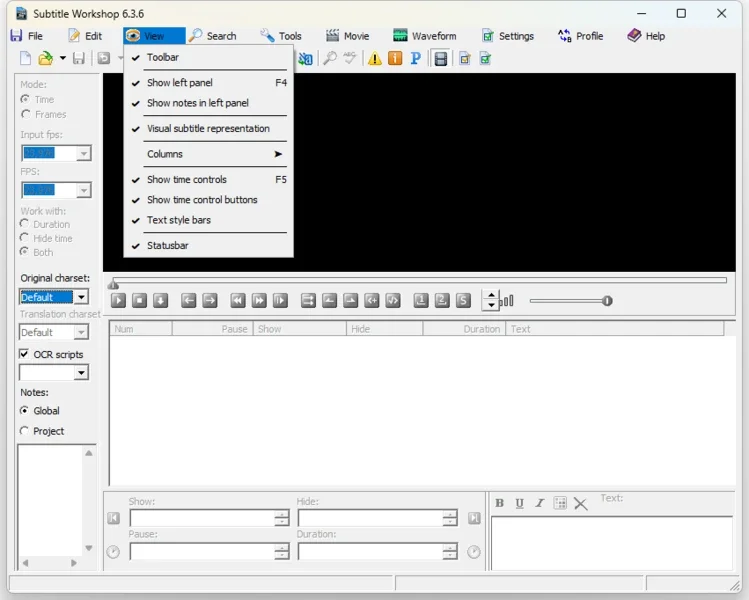
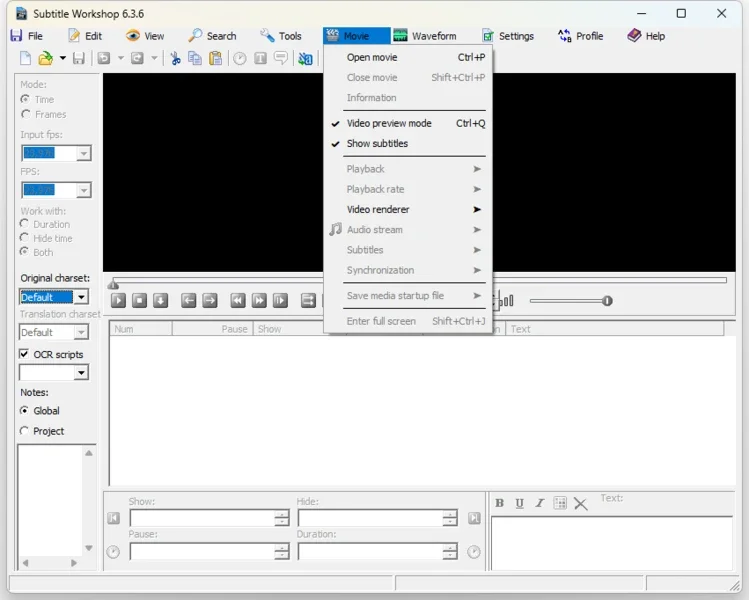
Description
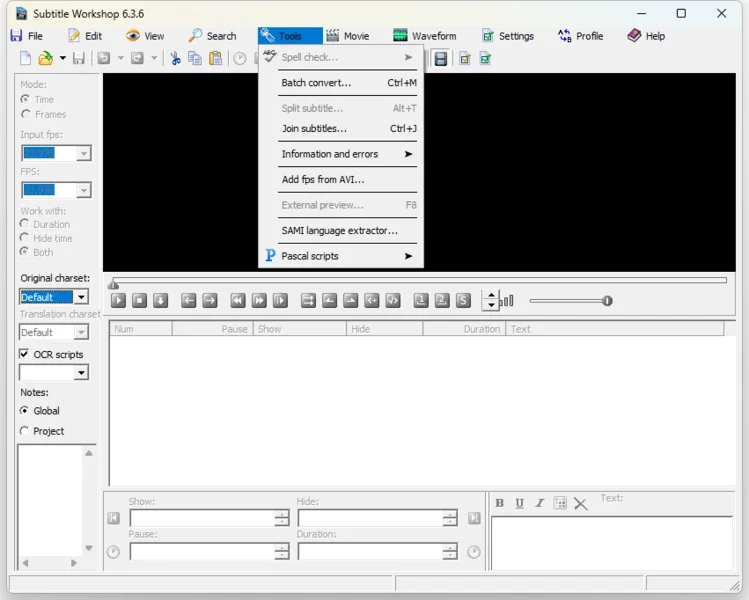
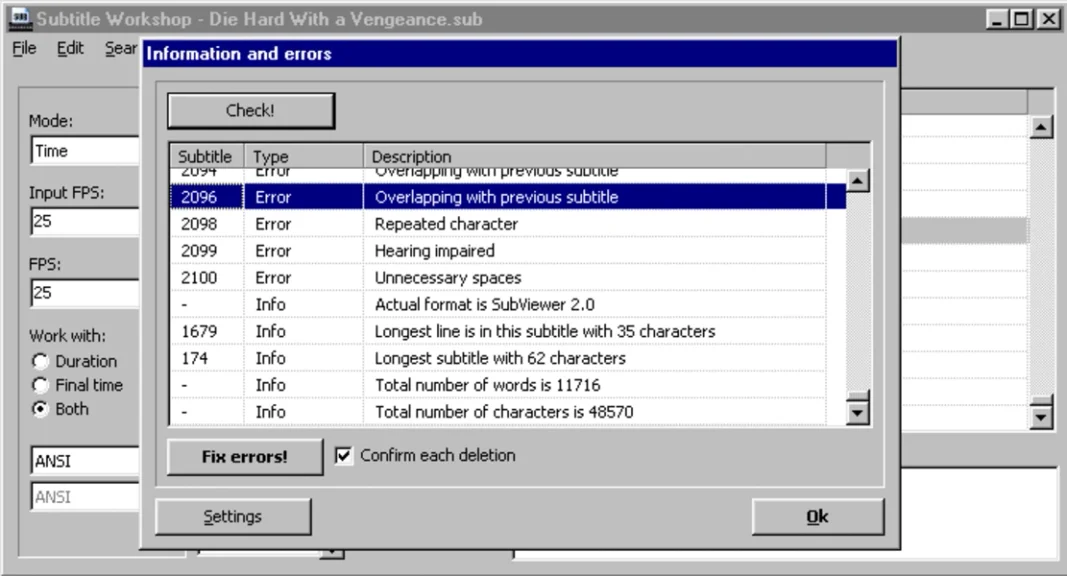
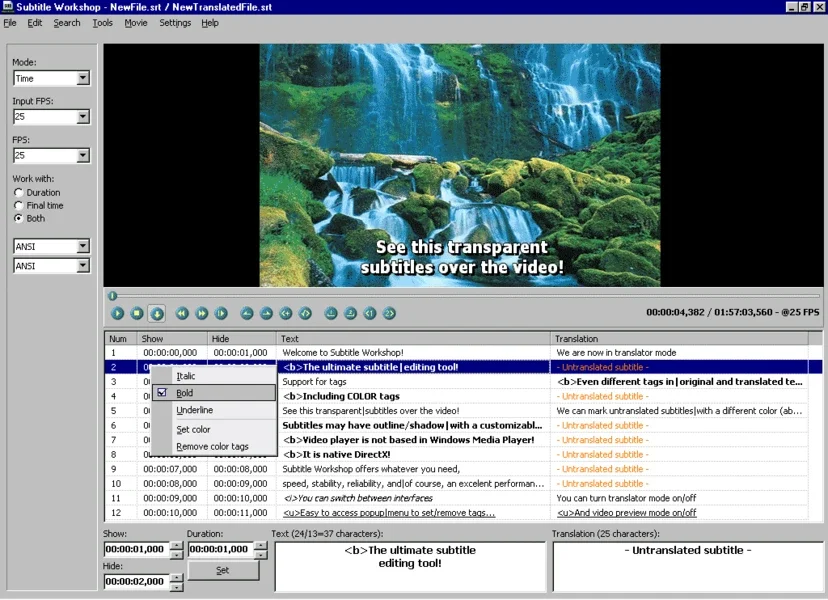
Subtitle Workshop lets you line up subtitles with the video before anything is saved. Load a file and the preview shows how the text sits on the picture, so you can adjust position and timing and see mismatches between the dialogue and what is on screen. Timing is adjustable both ways: you set the exact moment each line appears and disappears, and you can slow down the speed at which sentences appear. You can also type the text for each subtitle line yourself, make the on-screen text larger or smaller, and run a spell checker over the content.
The program creates, edits and converts subtitle files, whether you start from scratch or rework an existing one. Importing and saving cover ASS and AQT, plus TXT and ASC, along with DKS, SUB and MPL, and also PSB, SMI, STL, VSF and ZEG; other formats work too. Files from different players, programs and sources can be used.
It is a specialized tool with few capabilities beyond modifying subtitles. Subtitle Workshop is free, open-source and runs on Windows.
Download files
f2b6a69e3d5d247b483efdfd691ba76285602a826fcf81531a0f8463e201db3f
No digital signature5f57084a8e4cad7f077affaa8e7669f028126227b057c387a289e232294da326
No digital signature37ca0b388197f7aa164078a4908ec087d509a779f3532b0d981128e668d650d2
d21d377f966e5b3997c837828430280ea73ac4de960b78b559d9b93a483ee256
bf2ecad98f1965d04ca24a4b40834fd0bc75a98b7436fda2daba7a77d97296a6
System requirements
Available on:
Minimum OS:
Windows XP or later
Additional information
Developer
Latest release
Size
File type
SHA-256
f2b6a69e3d5d247b483efdfd691ba76285602a826fcf81531a0f8463e201db3f