
Sunshine 2026.914.233613 for Windows
Turns your PC into a game streaming server for Moonlight clients
You are on macOS — this is the Windows version. See the macOS version
Screenshots
Description
Sunshine turns a Windows PC into a game streaming server. It only does the server side, so you need Moonlight for Windows or Moonlight for Android on the device you watch from. The two work together to stream games from the PC to a remote location. Your own PC is the server, which means no cloud service subscription is needed.
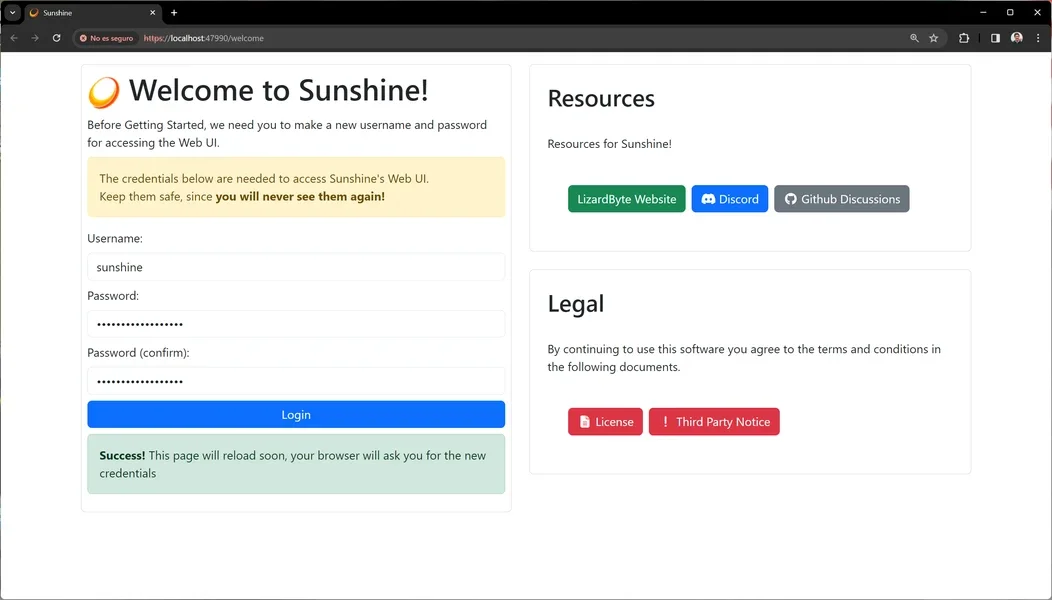
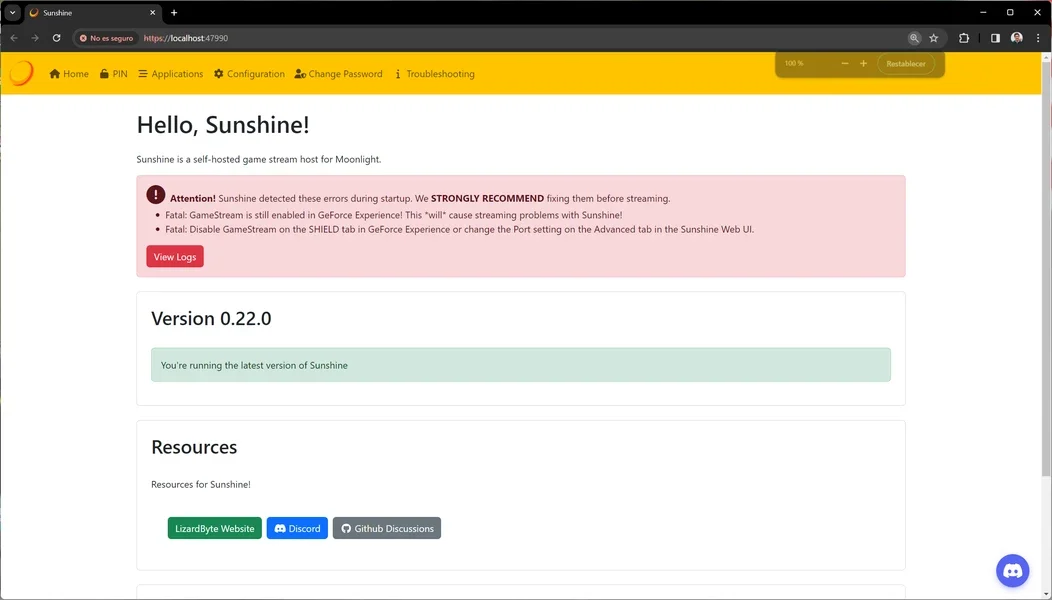
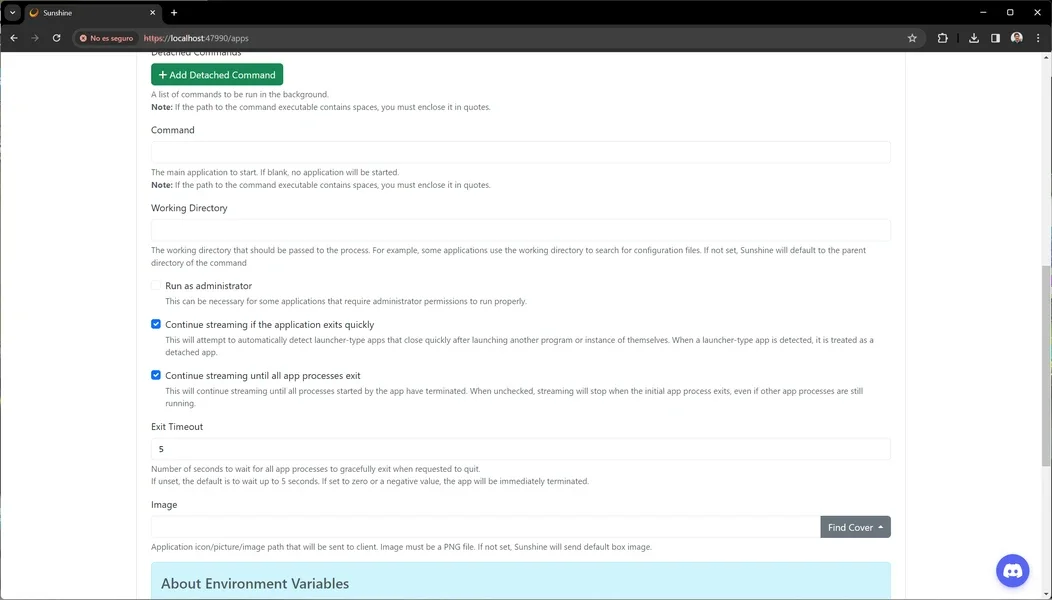
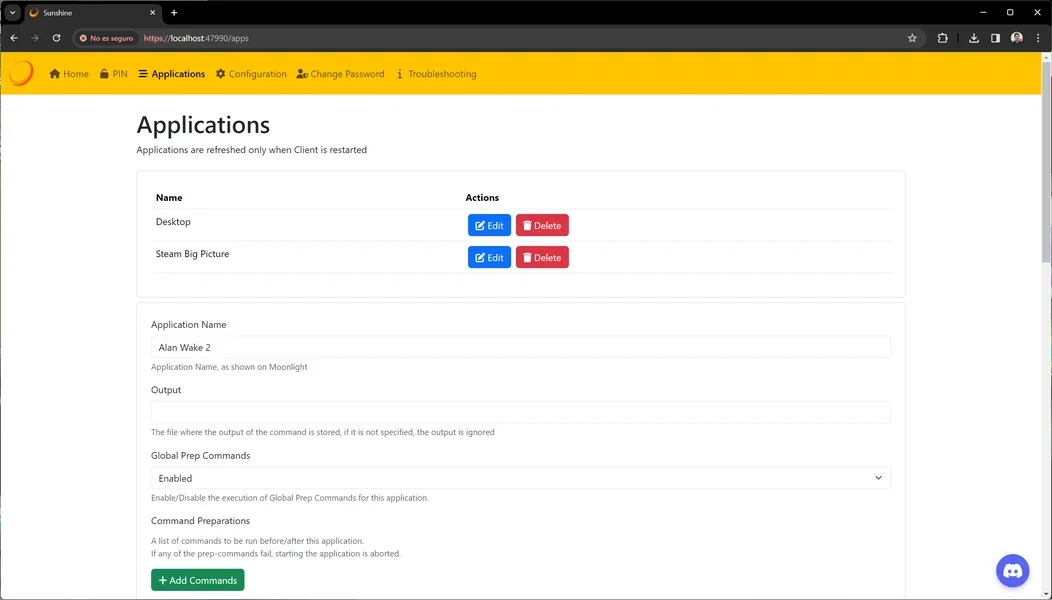
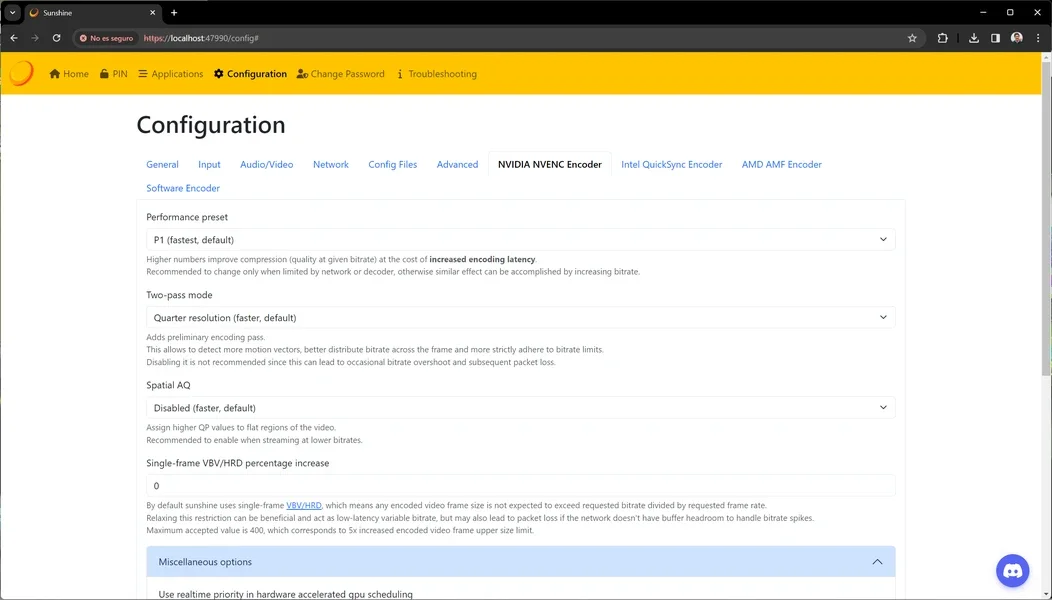
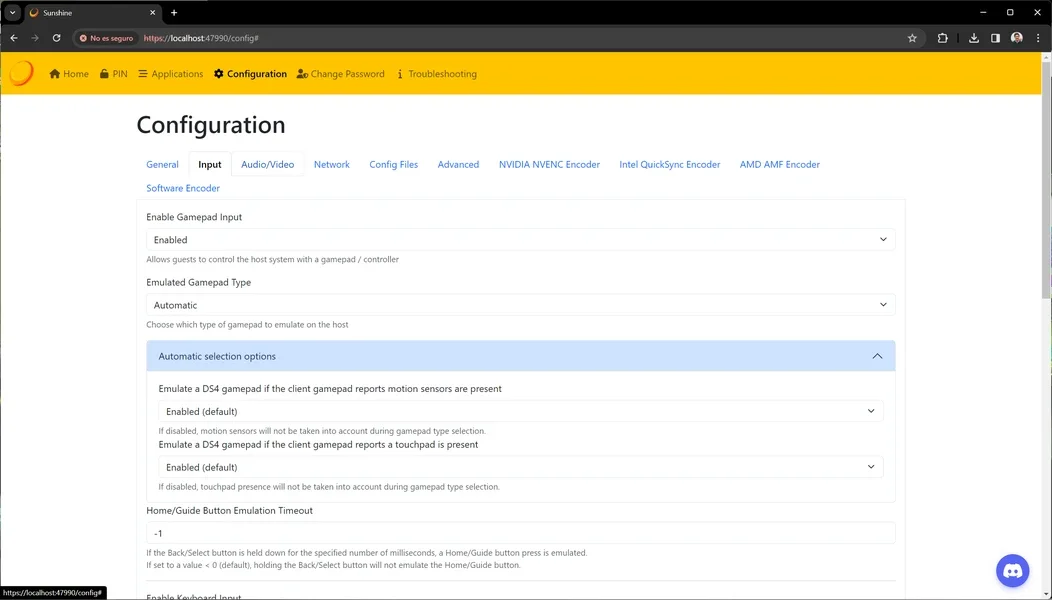
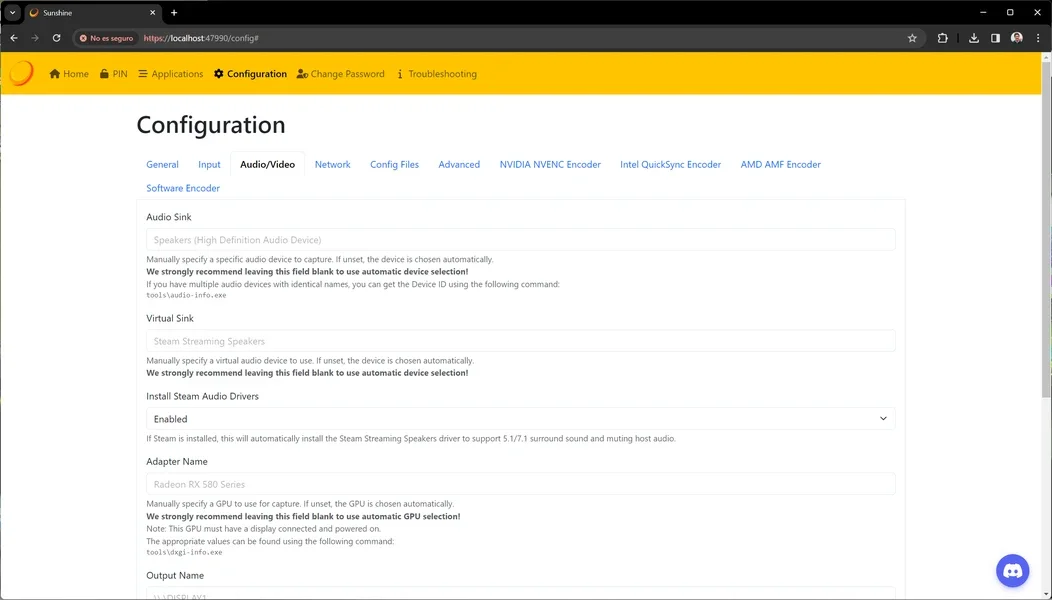
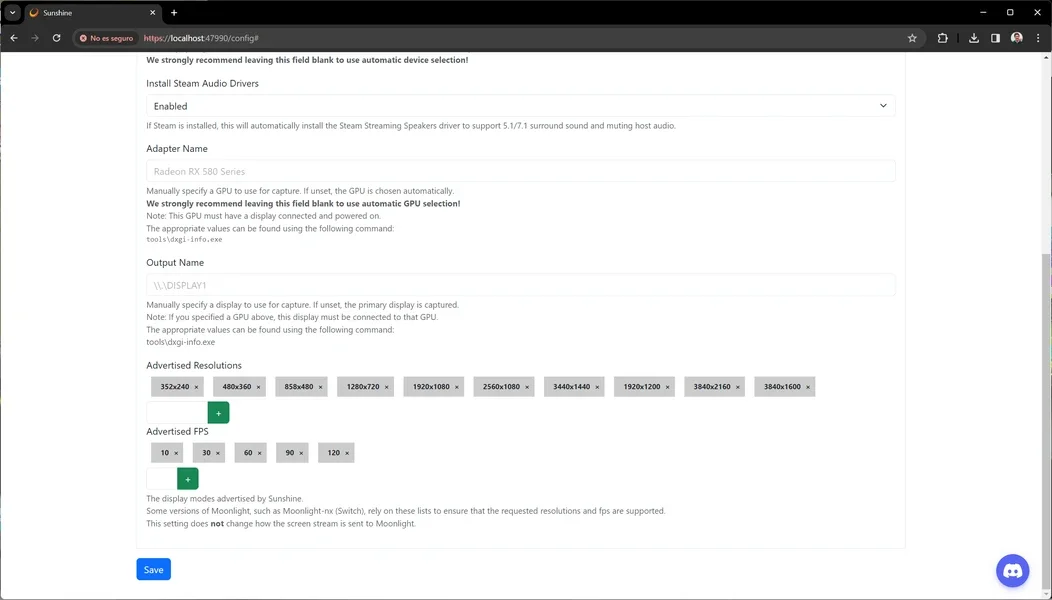
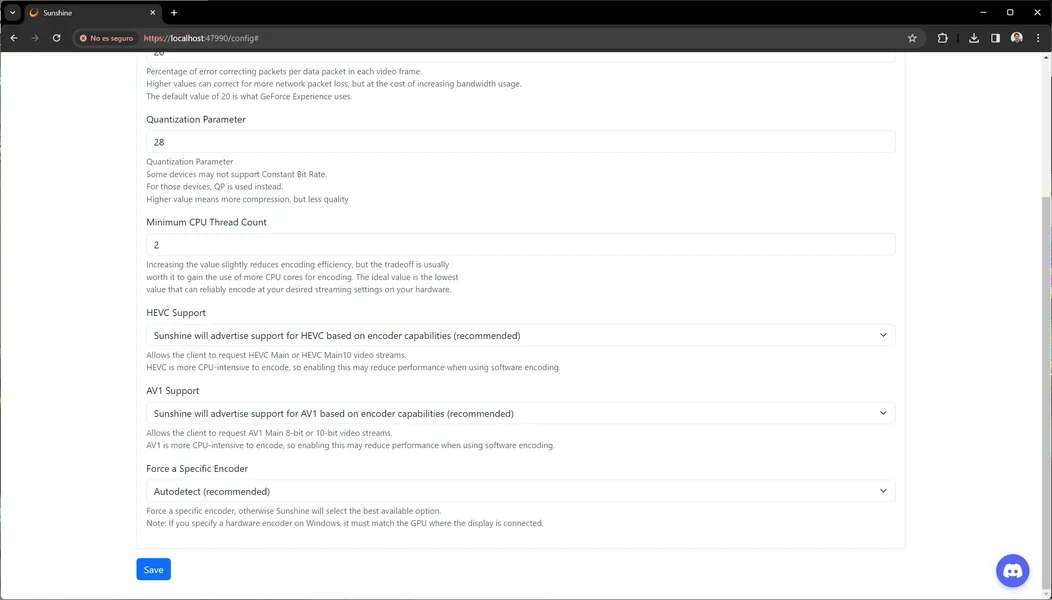
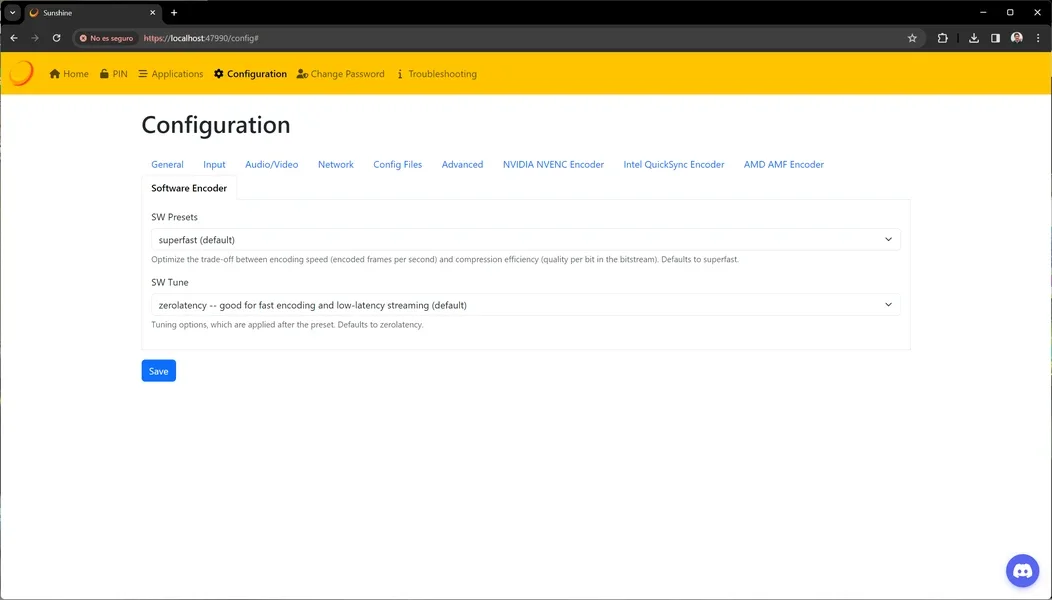
After installation, you manage settings from a web menu at https://localhost:47990/. You create a username and password there for secure access. From the same menu you can change the access port, encryption, and encoder options, and pick a resolution and frame rate. Hardware encoding is available on NVIDIA, AMD and Intel graphics cards and reduces resource use; software encoding is also an option. Sunshine has low latency. Once you are connected, the games installed on the PC are visible and can be accessed remotely, and a controller or keyboard and mouse can be used.
The program is free and runs on Windows. The current version is 2026.914.233613, released under GPL 3.0 by LizardByte.
Download files
1d7fed8beecd5889dc7ff14cf9f42d6d38f37c3066c13c6c2a5f4e91847e0ccf
Signed by David Lane · valid until Sep 16, 202659ed473a5bd77c6886f74674d9424336e829bae40494c76f9d69b3d5bd2bc89d
Signed by David Lane · valid until Sep 7, 202625266f759e2ea974a31d9520ca8756f08ed643f250e00b170491b2fd0cfb4d17
Signed by David Lane · valid until May 18, 202651b62bb830fd2a4dd4aeb1caf418876b0a2c1ebf38d33d8a4294521f61516c13
7f8d4579102d9e8769bea62e3928bb7fc576edc56d26938068dbfab063563f32
System requirements
Available on:
Additional information
Developer
Latest release
Size
Category
File type
SHA-256
1d7fed8beecd5889dc7ff14cf9f42d6d38f37c3066c13c6c2a5f4e91847e0ccf