
SysInfo AOL Mail Backup Tool 26.0.8 for Windows
Save AOL mailbox data offline and keep folders organized
Screenshots
Description
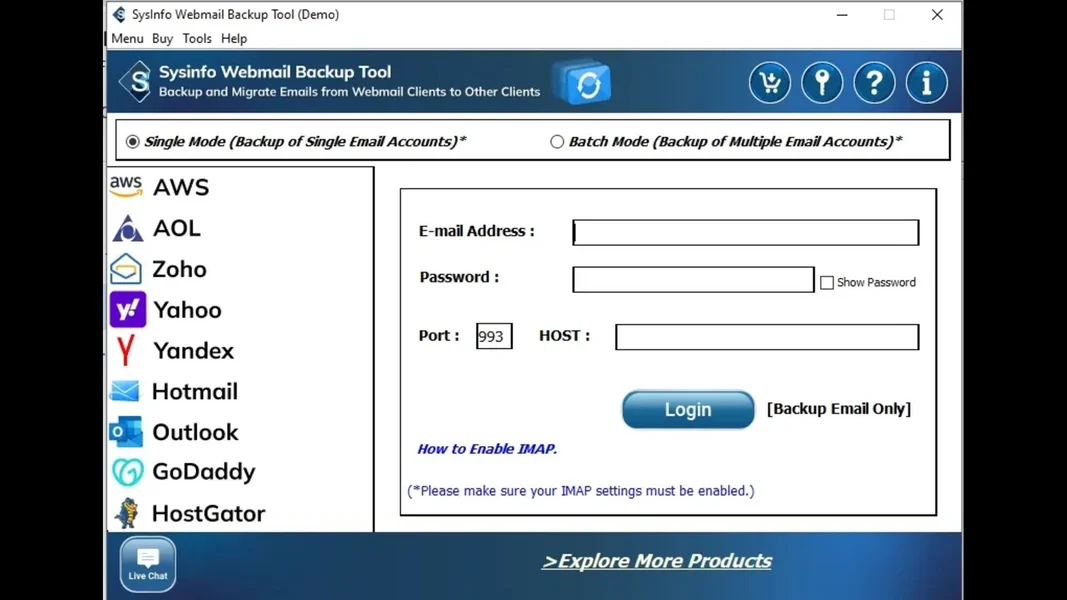
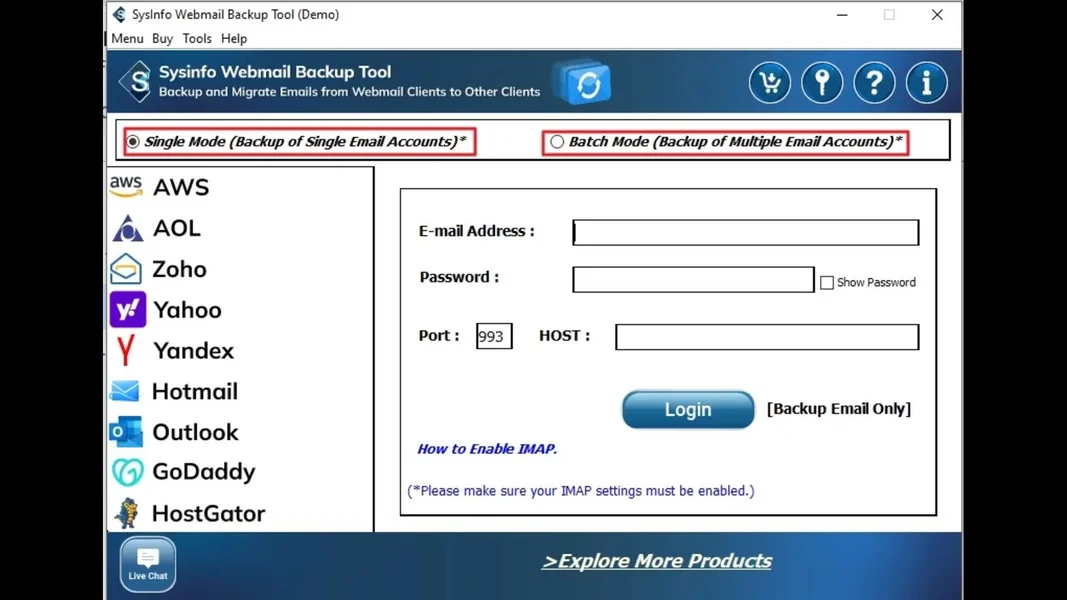
SysInfo AOL Mail Backup Tool saves AOL mailbox data to your own storage. Connect the AOL account, authenticate, scan the mailbox, review the folders, pick your backup options and start the job. Emails stay in their original folder layout, so the archive is easy to browse later.
What you can choose to back up
You can take the whole mailbox or only specific folders and messages. Inbox, Sent Items, Drafts, Trash and other folders are all available. A date-range filter narrows the backup to a particular period instead of the complete mailbox, which cuts down on unnecessary processing and keeps archives focused. Attachments can be kept with their messages depending on the option you select.
Data can be saved in multiple formats and to multiple destinations. Original email information is kept so the archive is easier to review and manage afterwards. The same backup can serve as an offline copy of your AOL mail or as a download before migrating to a new account. The workflow needs no advanced technical knowledge, and it processes large mailboxes in a structured way rather than saving messages one by one. Review the options and pick the settings that match what you need.
Download files
0ca1c1196b6e0236f87ad1e49b7bf43549bd16c88a0a2b2150b50f39eb268935
Signed by Aryson Technologies Private Limited · valid until Jul 23, 2027System requirements
Available on:
Architecture:
64-bit
Additional information
Developer
Latest release
Size
File type
SHA-256
0ca1c1196b6e0236f87ad1e49b7bf43549bd16c88a0a2b2150b50f39eb268935
Digital signature
Languages
Price
Report a problem
Nothing here yet.