
Screenshots
Description
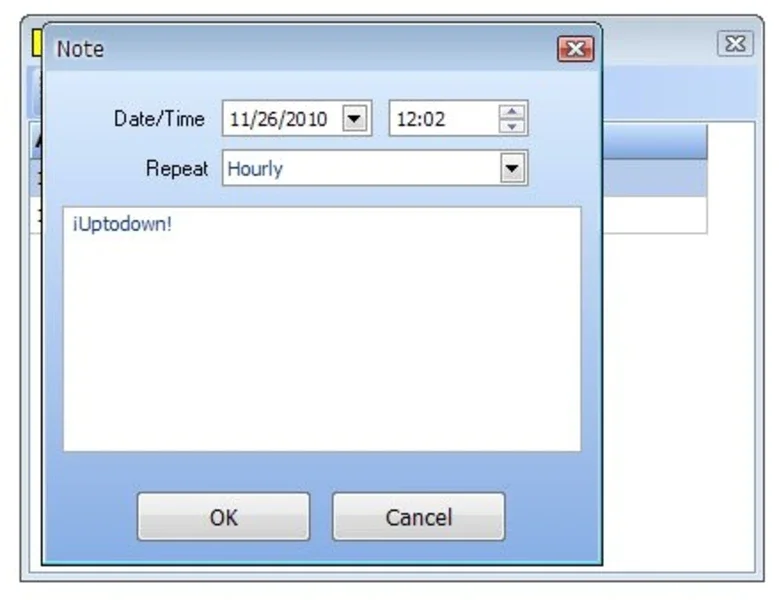
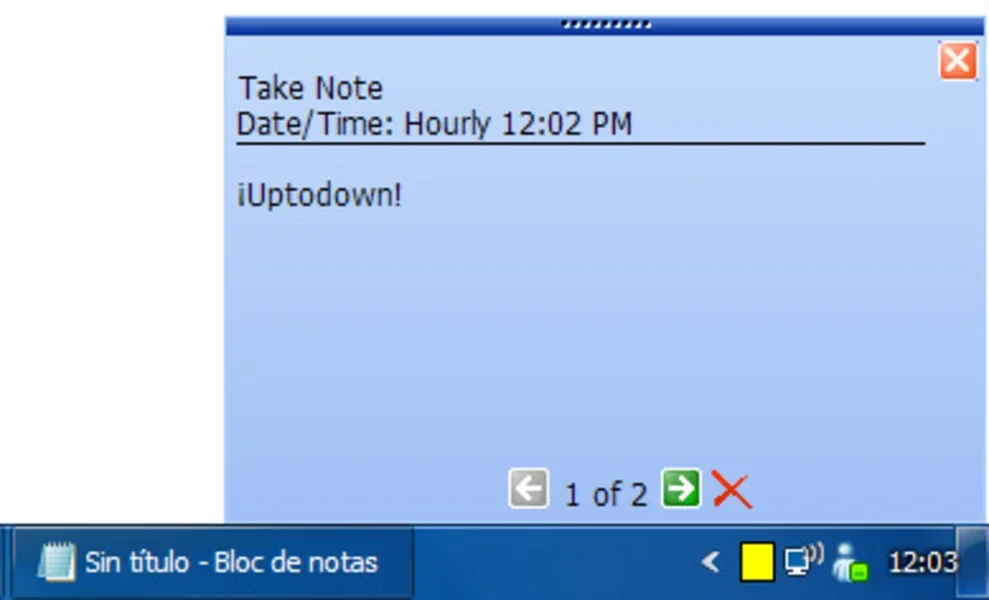
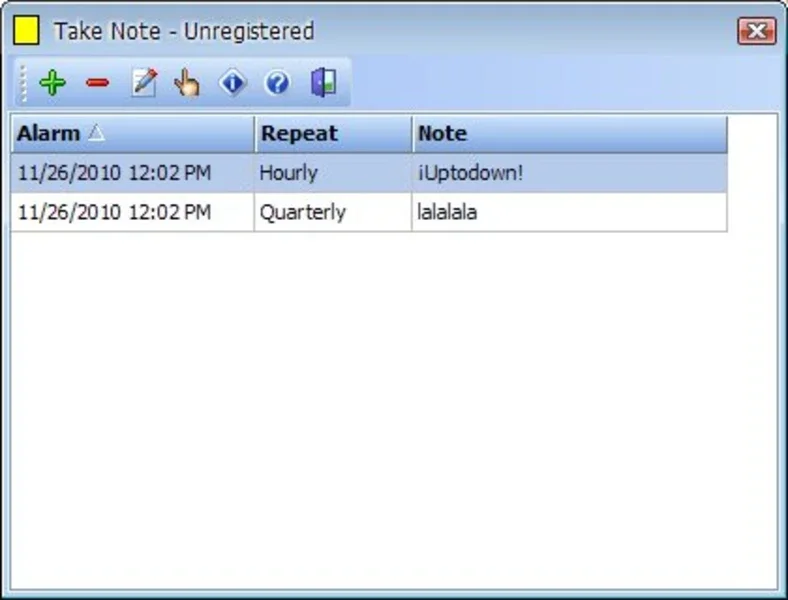
Take Note schedules notifications that pop up from the system tray. You write the text each notification will contain and set an exact time for it to appear. Any number of notifications can be programmed, and each one repeats on an interval you choose: daily, weekly, hourly, or something else. Once the notifications are scheduled, the application stays minimized in the system tray. When a notification's time arrives, a pop-up window appears from the tray.
Download files
File1.0.1EXE
Version1.0.1
ReleasedNov 26, 2010
Size1.5 MB
SHA-256
Get
cd5e54545188b6dfda709a3a93eb0a5be456c1f2b6f7c74de8d0e14b0e10c784
No digital signatureSystem requirements
Available on:
Additional information
Developer
Latest release
1.0.1 · Nov 26, 2010
Size
1.5 MB
File type
EXE
SHA-256
cd5e54545188b6dfda709a3a93eb0a5be456c1f2b6f7c74de8d0e14b0e10c784
Digital signature
No digital signature