
TaskSwitchXP 2.0.11 for Windows
SHA-256 listed
Alt+Tab task switcher with thumbnails, no install needed
3+
Age rating
Screenshots
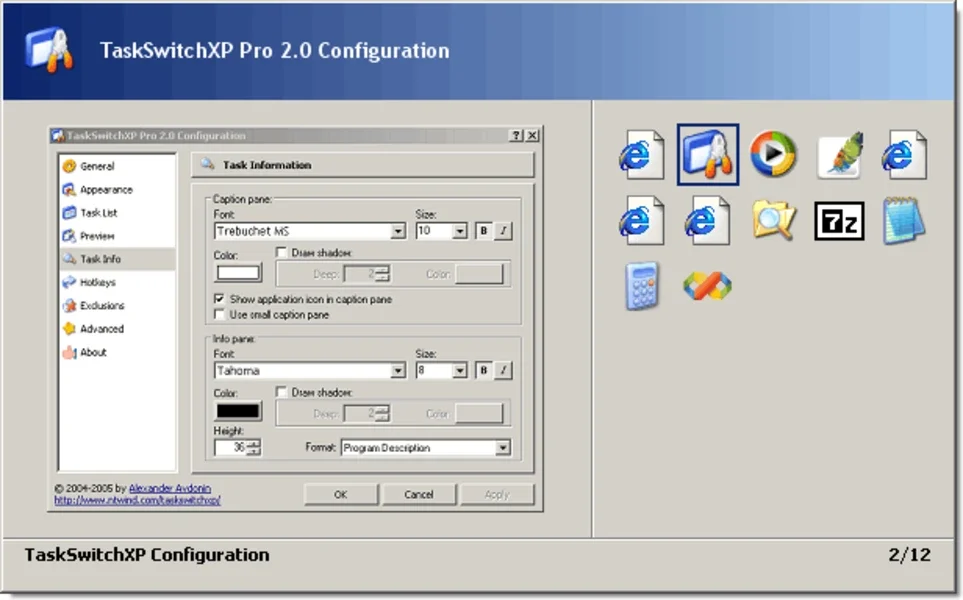
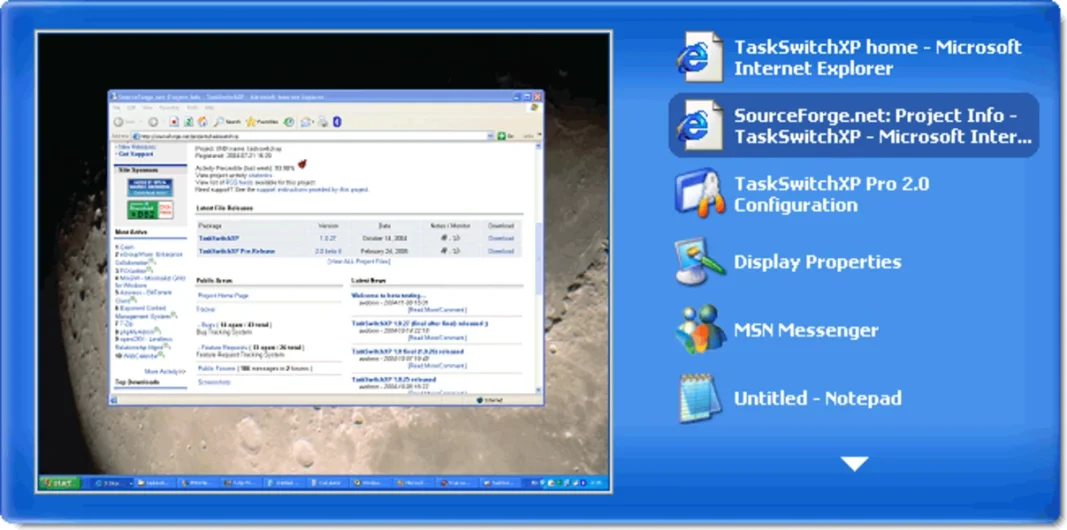
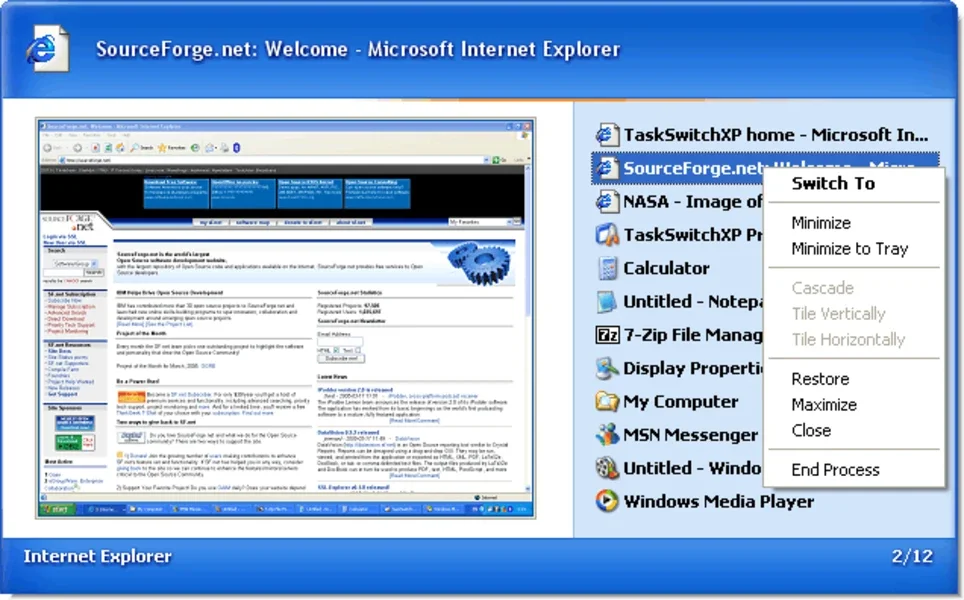
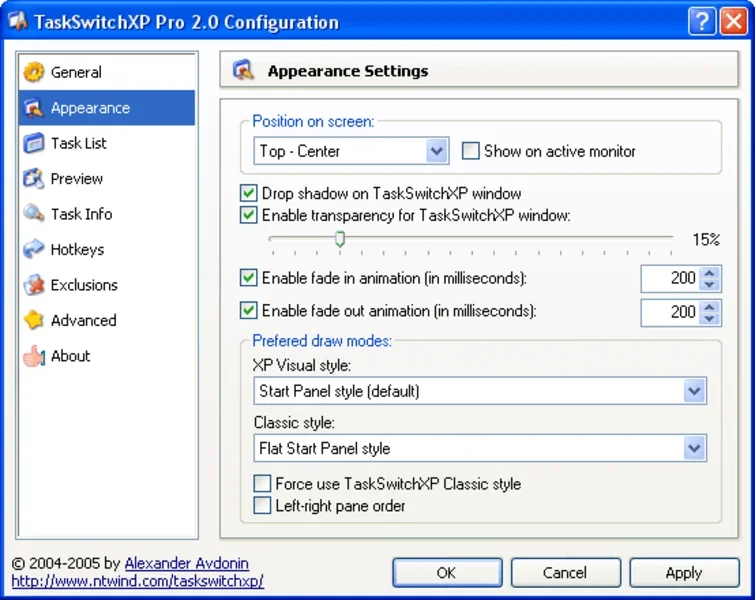
Description
Hold Alt and press Tab to open the TaskSwitchXP window, and keep pressing Tab until you reach the task you want. The window shows a thumbnail view of running or inactive applications. It closes on its own once you switch.
- Click the taskbar icon to open the window instead of using the keyboard.
- Use the same icon to pick an application with the mouse.
- Folders and applications currently in use are reachable directly, like a Windows XP feature.
TaskSwitchXP keeps the Windows styling so it blends into the operating system. The program is free and requires no installation. By default, the function is accessed by holding Alt + Tab.
Download files
File2.0.11EXE
Version2.0.11
ReleasedAug 16, 2006
Size394.0 KB
SHA-256
Get
c306ae721c046eb3246e863b7bd4f1fdecb4dac5c1ed04c06f29c582443a389c
No digital signatureSystem requirements
Available on:
Minimum OS:
Windows Windows 2003 or later
Additional information
Developer
Latest release
2.0.11 · Aug 16, 2006
Size
394.0 KB
Category
File type
EXE
SHA-256
c306ae721c046eb3246e863b7bd4f1fdecb4dac5c1ed04c06f29c582443a389c
Digital signature
No digital signature