
TAudioConverter 0.9.9 for Windows
SHA-256 listed
Converts audio, rips CDs and pulls soundtracks from video
All ages
Age rating
Screenshots
Description
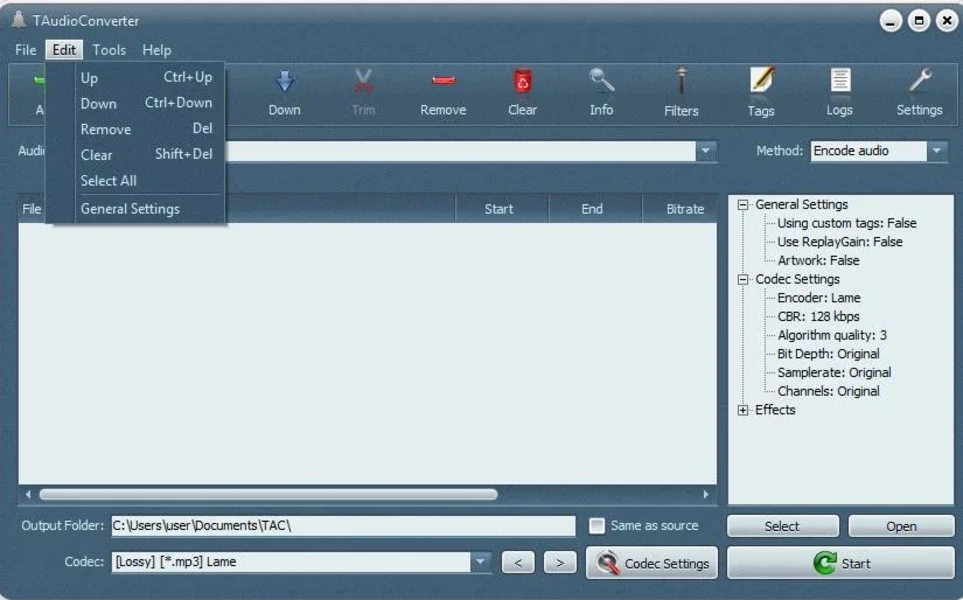
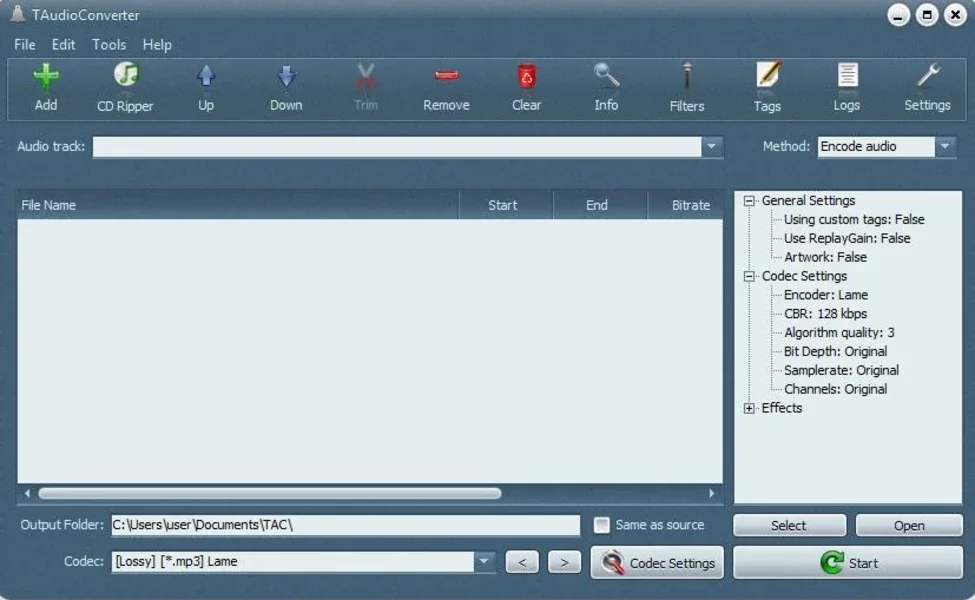
Drop audio files on TAudioConverter and pick an output format. MP3, M4A, FLAC and WAV are among the supported formats, and the program also does batch conversion, so you can queue up several files and let it work through them. Up to eight tracks convert at once.
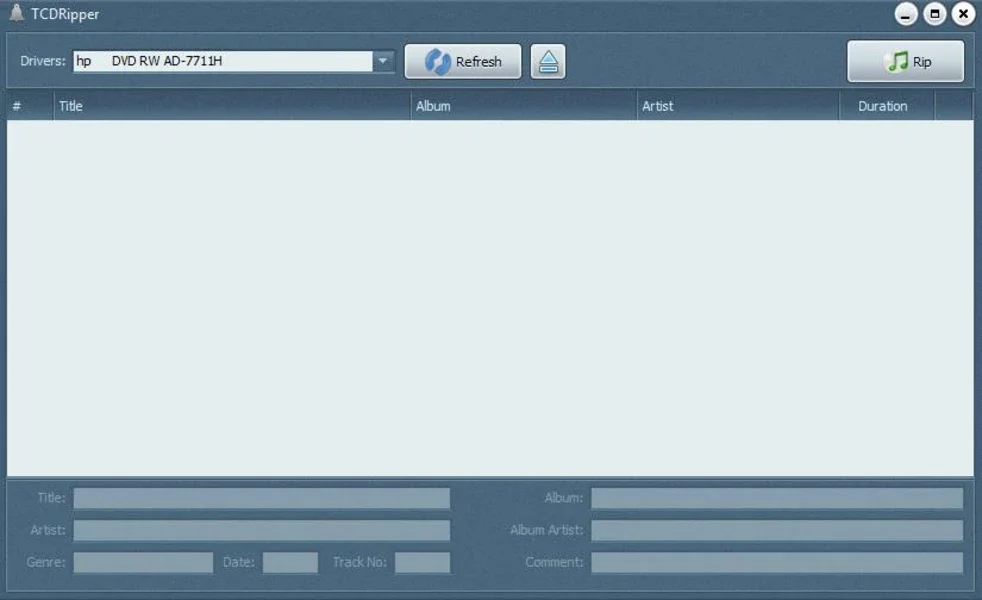
The same window handles sources that are not audio files to begin with. It can extract the soundtrack from any video, and it can pull tracks from any CD. Output goes wherever you point it, saved in the format you chose.
Windows only, and it is free.
Download files
File0.9.9 (32-bit)EXE · 32-bit
Version0.9.90.9.9 (32-bit)
ReleasedJun 8, 2015
Size26.3 MB
SHA-256
Get
853b4de9d3a4eda2e996bf10511f1cafdc97c04c99731c161c7d7ca088fefc18
No digital signatureFiletaudioconverter-0.9.8.exeEXE
Version0.9.8
ReleasedJan 14, 2015
Size19.6 MB
SHA-256
Get
5151a38a01f1a9adfad6004b114cd97e887039e4006d7fc2a29fb92e0efb036a
Filetaudioconverter-0.9.6.exeEXE
Version0.9.6
ReleasedAug 22, 2014
Size19.6 MB
SHA-256
Get
3f58cbd6a5d2ecc24f591b75757344d82decce4c1b7c0abc982181a46937be62
Filetaudioconverter-0.9.2.exeEXE
Version0.9.2
ReleasedMar 3, 2014
Size19.8 MB
SHA-256
Get
4b7f8f64bcf68f40e4e54a40083f94bbf30e66915b3c2fa5663a2557d7670649
System requirements
Available on:
Architecture:
32-bit
Additional information
Developer
Latest release
0.9.9 · Jun 8, 2015
Size
26.3 MB
Category
File type
EXE
SHA-256
853b4de9d3a4eda2e996bf10511f1cafdc97c04c99731c161c7d7ca088fefc18
Digital signature
No digital signature