
TeamSpeak (Server) 3.13.7 for Windows
Runs a personal TeamSpeak voice server on your own PC
You are on macOS — this is the Windows version. See the macOS version
Screenshots
Description
TeamSpeak (Server) is the application you need to set up a personal TeamSpeak server. It is a Windows program and it is free.
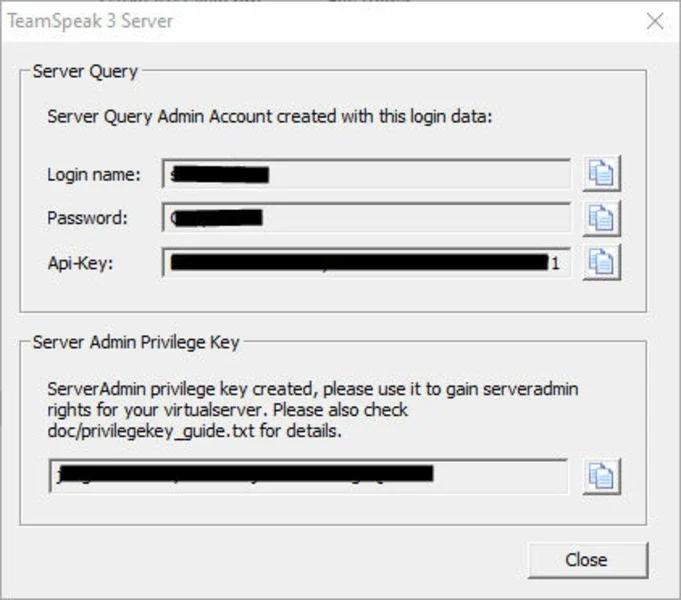
Setup is a matter of extracting the compressed file to any folder on the PC and double-clicking ts3server.exe. A window then shows the login name, password, API key, and Server Admin Privilege Key; copy these to a notepad and keep them. Entering the Server Admin Privilege Key makes that user the administrator of the server. To connect, open the TeamSpeak client, click Connect, enter localhost as the address, enter the username, and click Connect again. The server supports up to 32 people, and it can be customized by creating channels, naming the server, password-protecting channels, banning addresses, and setting rules. Bandwidth usage depends on how many users are on the server, and the program can consume a large amount of bandwidth.
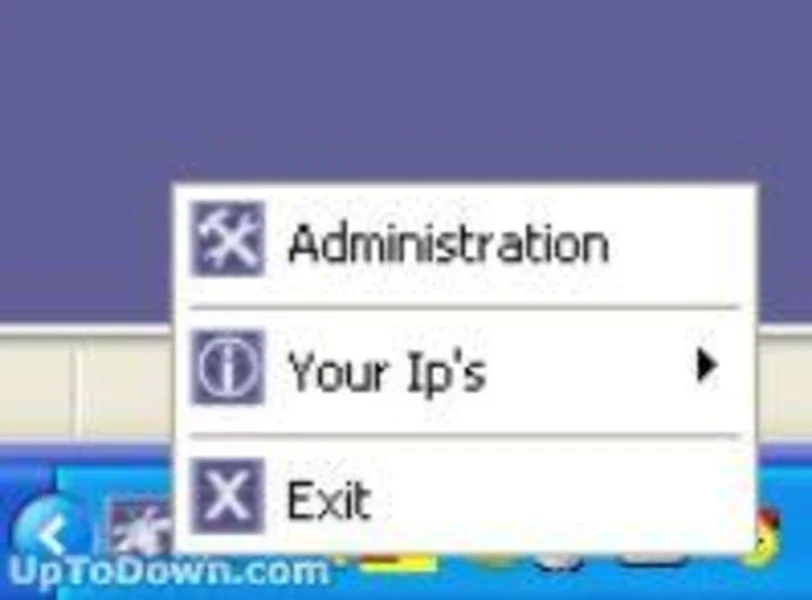
The main advantage is not having to rent a server, since it belongs entirely to the user. The main drawback is that the PC must always be turned on for the server to work, and the program must stay open in the background for the server to remain online.
Download files
489f6f02b336f80812ad0307897e072c37042d1c39341e4efbe7c09d1e100f59
6ffe2fad26cd68cbd8c23f7361469f7eaba9b267f320daf9cce90ed28e4b3bca
62555b3617384ddcca5b125e7866bc12fe53f7bf91b125548e8fdb2da2bd3c72
f69c37d4f755d432523b431396834836da30841a4fc4f2fd62b22a33e89f4e7e
5249920ae19208beaf1f30f328e9affd4464243f607d2a9b4c7c47603cd9b8fc
System requirements
Available on:
Additional information
Developer
Latest release
Size
Category
File type
SHA-256
489f6f02b336f80812ad0307897e072c37042d1c39341e4efbe7c09d1e100f59