
Toastify 1.11.2 for Windows
SHA-256 listed
Open source
Pop-up track info and hotkeys for Spotify
All ages
Age rating
Screenshots
Description
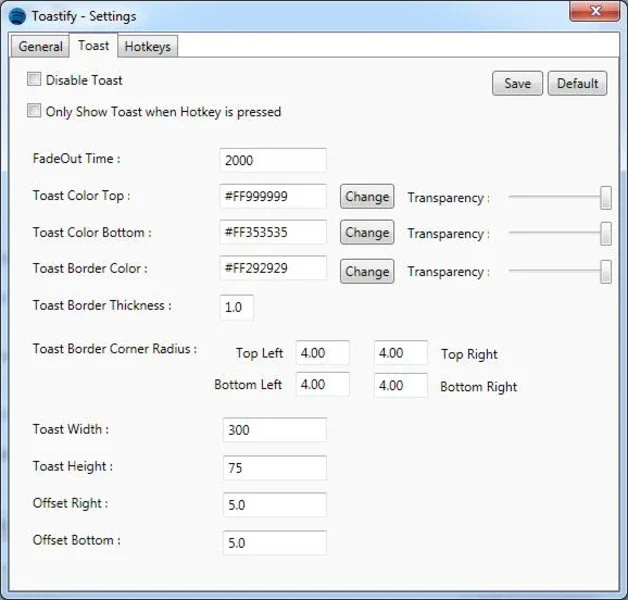
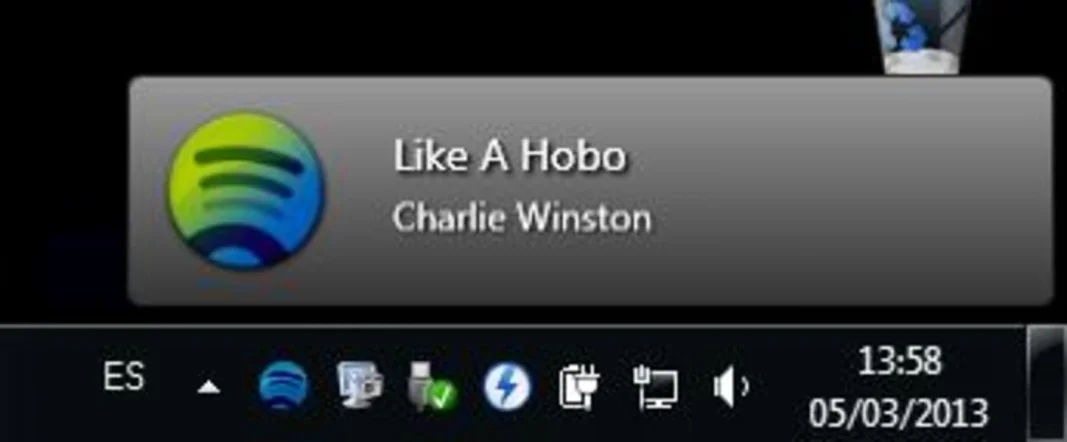
Toastify shows a pop-up window naming the song that is playing, then it disappears. You can set its color, how long it stays up, when it vanishes, and where it sits on screen.
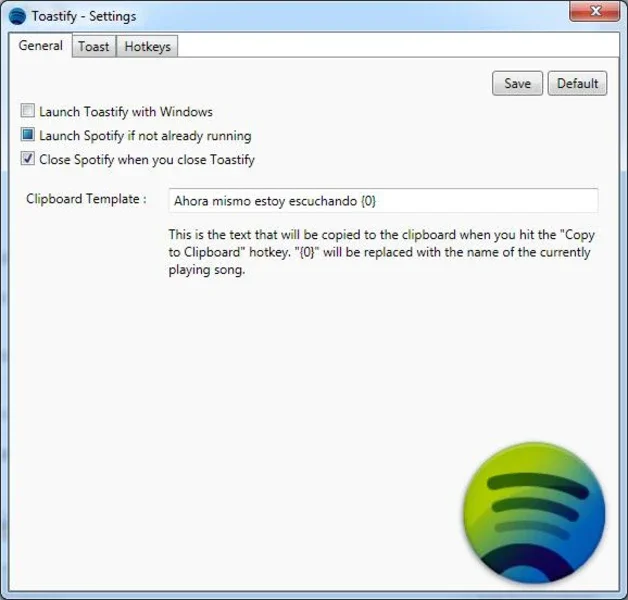
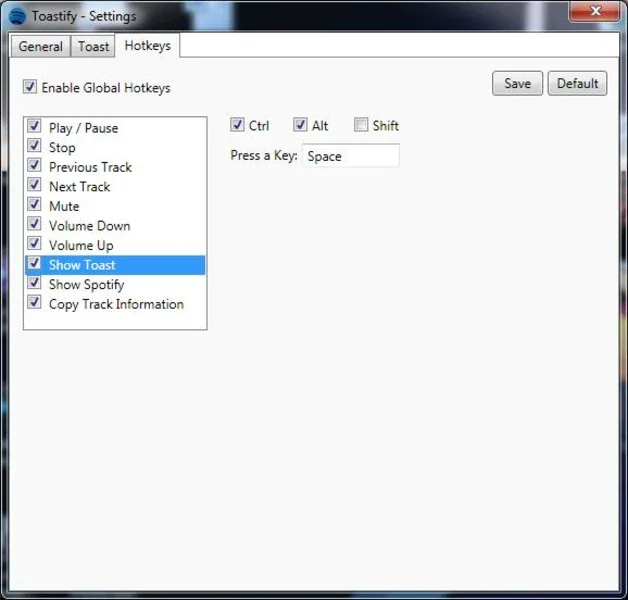
Music playback is controlled with keyboard shortcuts, and a shortcut copies song names to the clipboard. Running Toastify opens Spotify automatically, so you do not open both by hand. Toastify can also be set to launch at Windows startup. All of these options can be customized.
It is free and runs on Windows.
Download files
File1.11.2EXE
Version1.11.2
ReleasedNov 5, 2025
Size2.6 MB
SHA-256
Get
1701e58bb19fa3381a7692bef7aaa91982637106de974339b55f1e3868f4c6dc
No digital signatureFiletoastify-1.5-Beta.exeEXE
Version1.5 (Beta)
ReleasedMar 5, 2013
Size441.4 KB
SHA-256
Get
1befcf52455609fd2092d3e4bbf53585f9514fad22d777dee6685b273db89358
Filetoastify-1.5.exeEXE
Version1.5
ReleasedUnknown
Size206.9 KB
SHA-256
Get
1d977614c02ef999fea446776584c7404d073f4e645ba6d6dc3925fde6726b62
No digital signatureSystem requirements
Available on:
Minimum OS:
Windows Windows 11 or later
Additional information
Developer
Latest release
1.11.2 · Nov 5, 2025
Size
2.6 MB
Category
File type
EXE
SHA-256
1701e58bb19fa3381a7692bef7aaa91982637106de974339b55f1e3868f4c6dc
Digital signature
No digital signature