
Tor Browser 16.0.1 for Windows
Browses the web through volunteer relays that hide your location
You are on macOS — this is the Windows version. See the macOS version
Screenshots
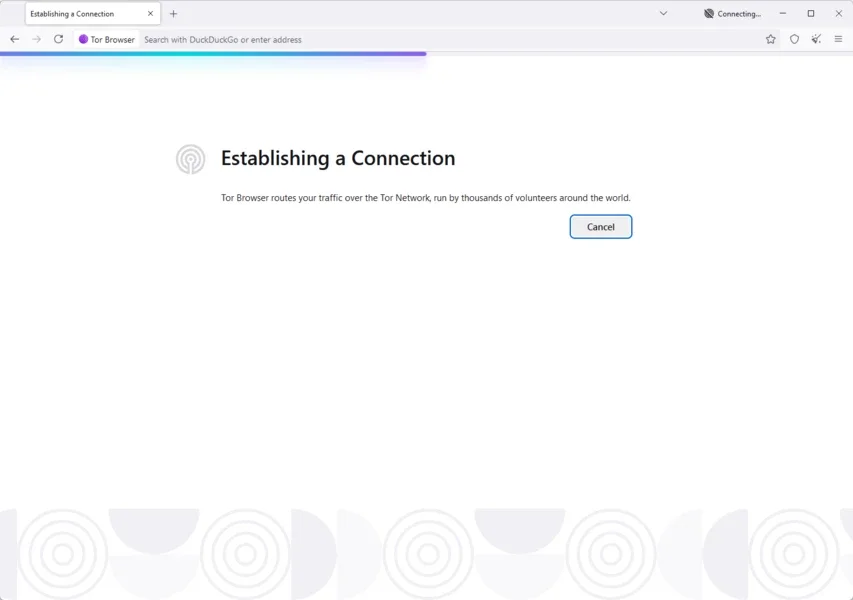
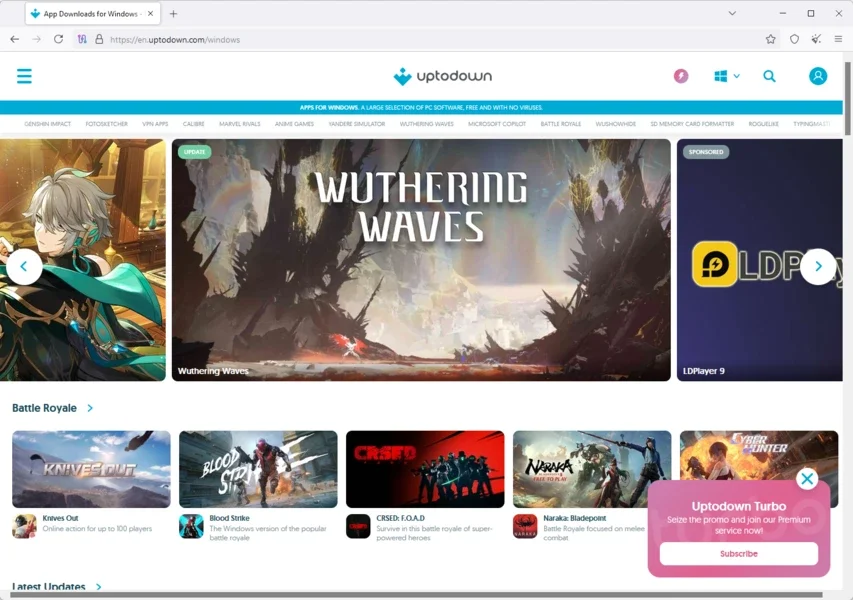
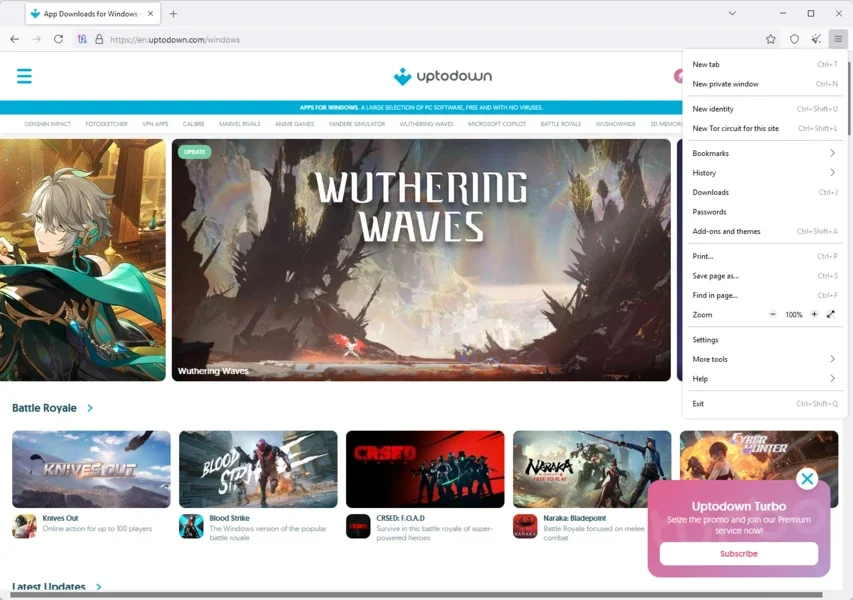
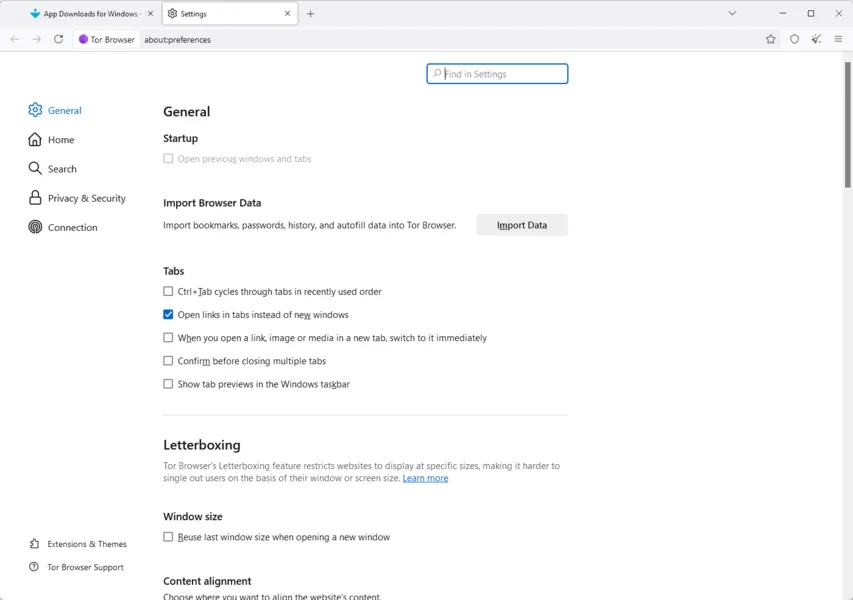
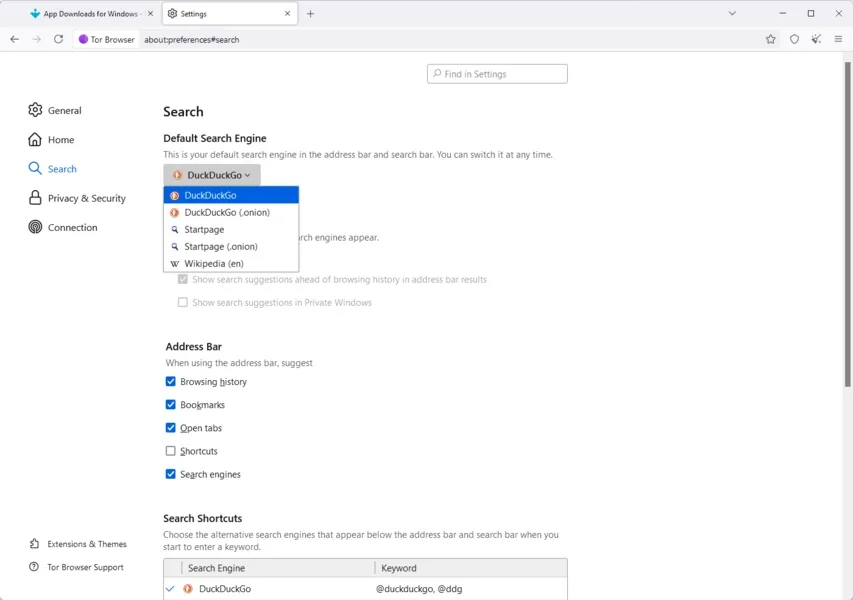
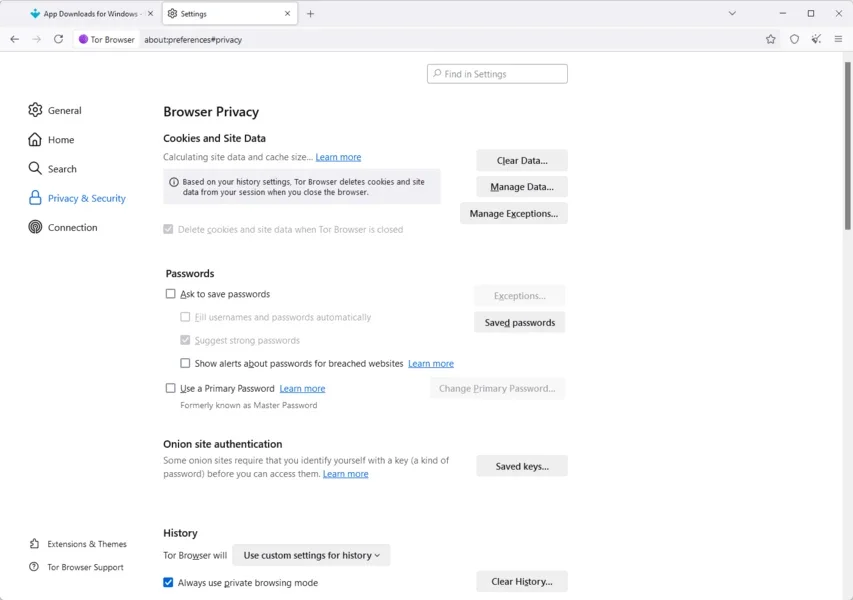
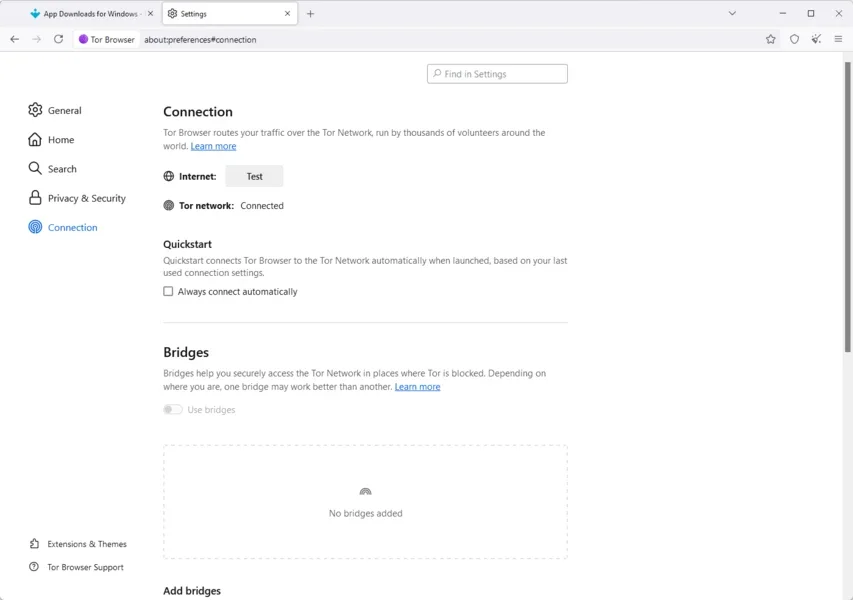

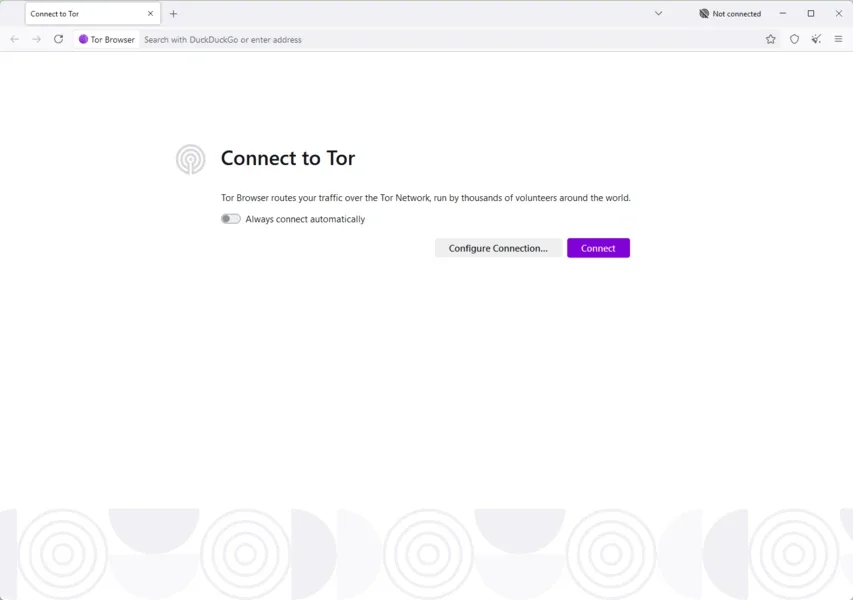
Description
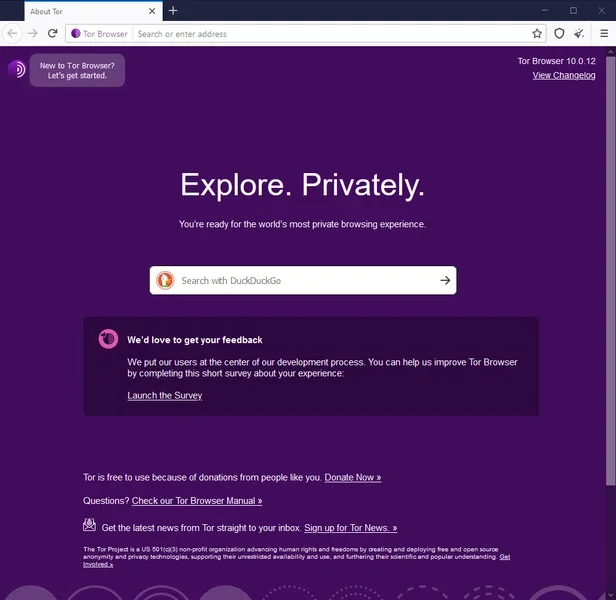
Tor Browser routes web traffic through the Tor overlay network so your location stays hidden and activity is hard to track. Tor stands for The Onion Router, and the network it relies on has thousands of volunteer-operated relays worldwide. Your device follows a random path through a network of more than 7,000 relays. Each relay adds another encryption layer, so the origin is virtually impossible to trace by the time data reaches its destination. A relay only knows the location of the previous and following relays, except the exit node, which strips the final layer and can in theory watch activity on unsecured HTTP sites, though not your location or IP address. More than 6,000 volunteers keep the Tor Project, the developer, going.
Setup and day-to-day use
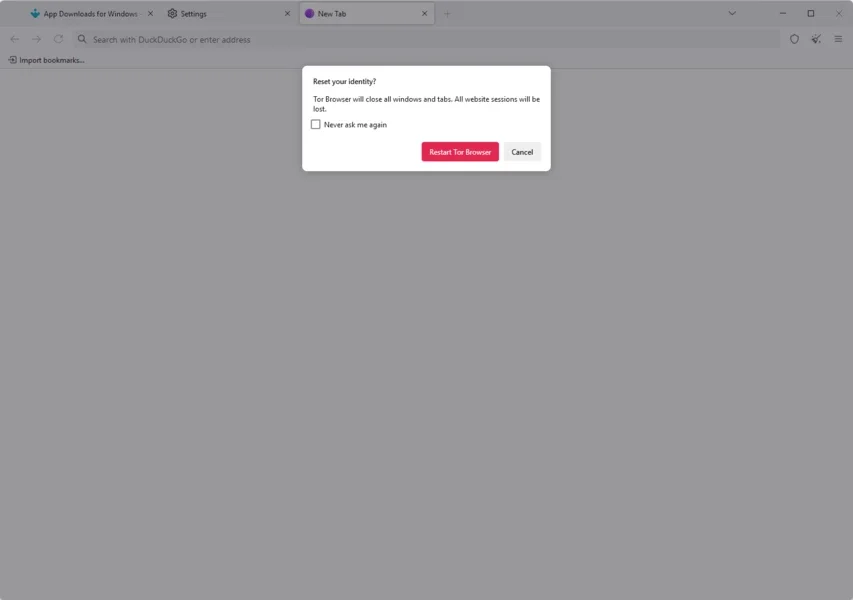
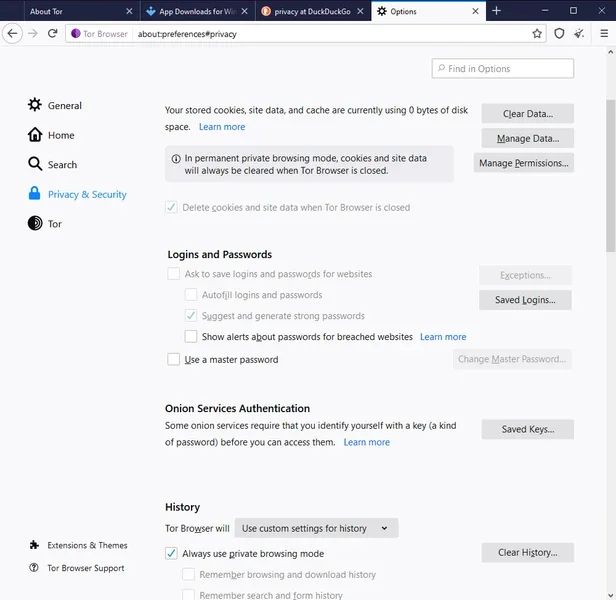
Installing it works much like installing Chrome or Firefox, and each launch takes a few moments to configure itself. No restart is needed. Each relay adds another encryption layer, so the origin is virtually impossible to trace by the time data reaches its destination. A relay only knows the location of the previous and following relays, except the exit node, which strips the final layer and can in theory watch activity on unsecured HTTP sites, though not your location or IP address. The interface is clean and uncomplicated, and you can switch between anonymous and non-anonymous browsing. You can pick from several proxy tunnels shown on a geographical world map. It is light on system resources and does not affect computer performance. Browsing is slow because traffic bounces through multiple volunteer-operated relays, and performance varies between them as users crowd the network. Connecting to sites can take some time, and gaming or streaming is not recommended. It does not protect data at its entry and exit points, and it is not 100% secure; it can suffer the same attacks as other browsers. Plugins and scripts can be switched off, which can expose information such as your IP address.
Download files
fbef840ba111409213dec2291e3594a43b82525545cdef0490a5750f24f5f232
Signed by THE TOR PROJECT, INC. · valid until Jan 1, 20285bb6b180ff9f37535cc033821b3d94401e44df159dce9ffabaf3446b66ec940b
Signed by THE TOR PROJECT, INC. · valid until Jan 1, 202837c2201f31f2fd9ea8470cf8f3cafc8dd3cd92d9ed9109b3913e1105b47d2af5
Signed by THE TOR PROJECT, INC. · valid until Jan 1, 2028948f79f7312c7b62dffeb1d65a51d49ea6bcb22b47b271fdd2edee9d5e22d561
Signed by THE TOR PROJECT, INC. · valid until Jan 1, 2028a549824c31dd9ee8143ecc6bc97b8f2d5fd5cba8b13f528f1444a0b769758c6c
Signed by THE TOR PROJECT, INC. · valid until Aug 31, 2026System requirements
Available on:
Architecture:
64-bit
Additional information
Developer
Latest release
Size
Category
File type
SHA-256
fbef840ba111409213dec2291e3594a43b82525545cdef0490a5750f24f5f232