
Trinus VR Server 2.0.6 for Windows
Android phone as a VR headset for PC games on Windows
Screenshots
Description
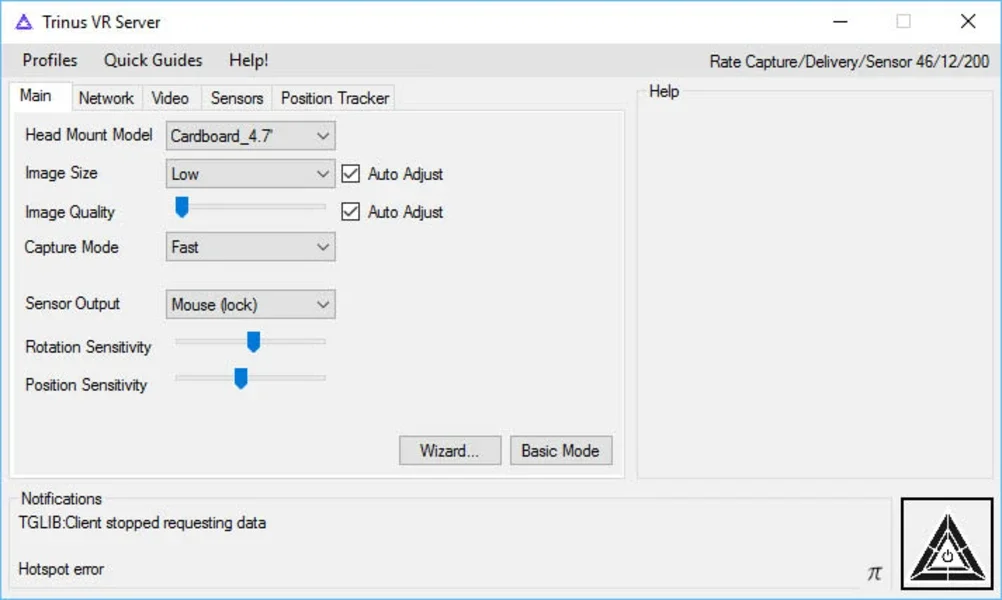
Trinus VR Server is a Windows utility that lets an Android smartphone act as a virtual-reality headset for PC games. Using it requires installing the official client through the app and software that connects the phone to the desktop computer. Both devices must be on the same network, and launching both applications at the same time makes them sync.
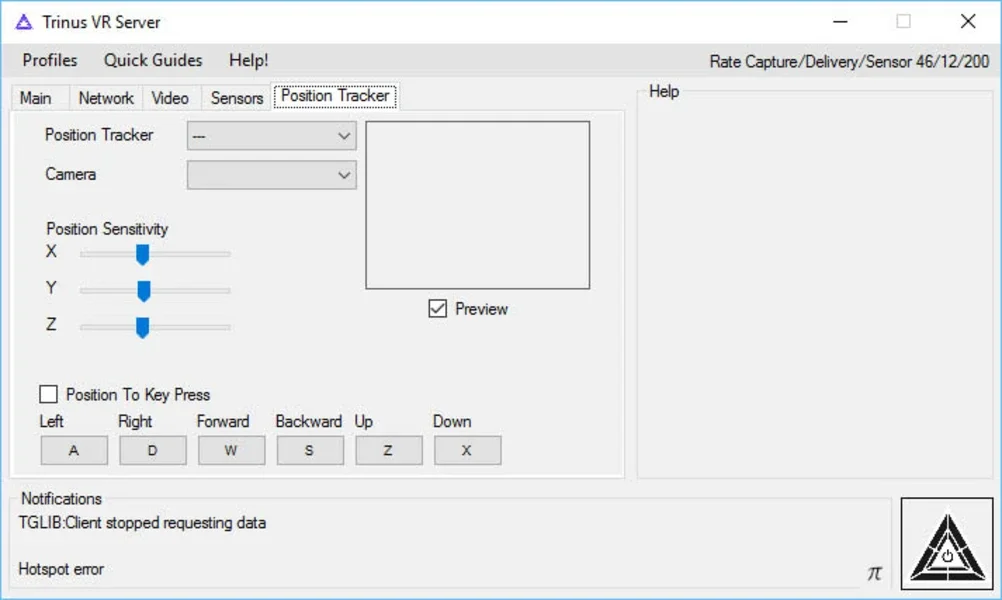
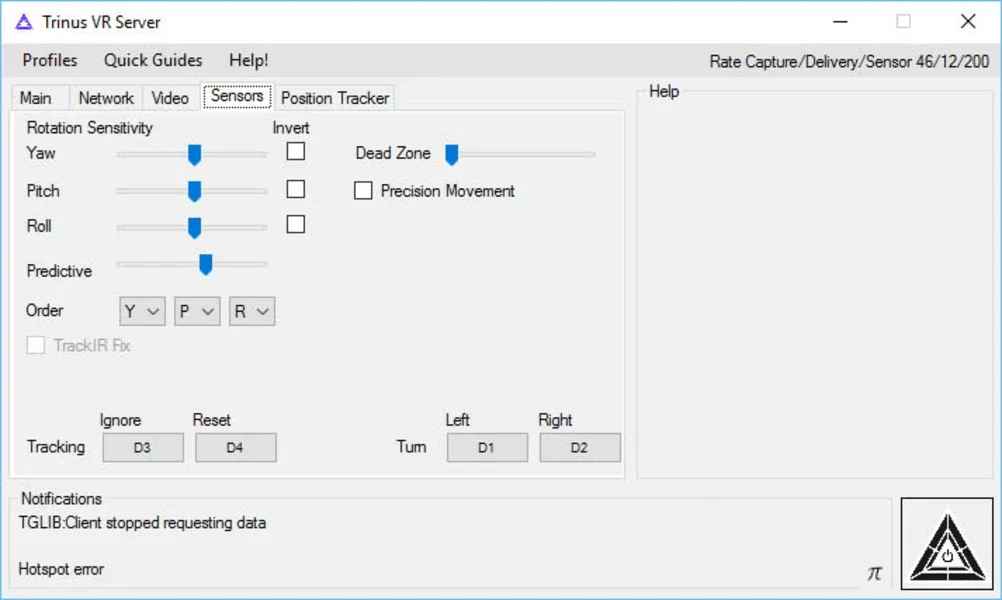
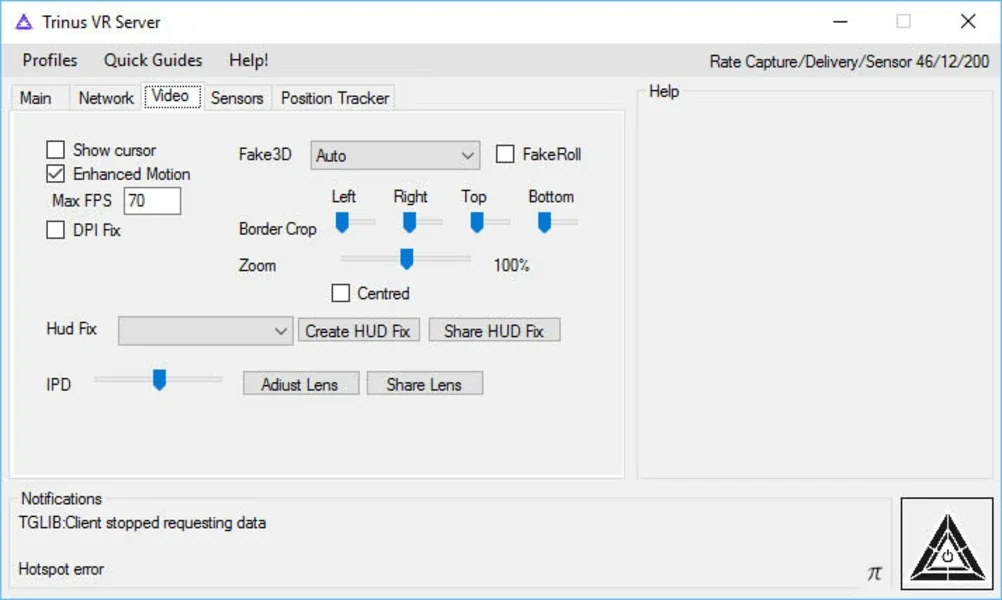
The gyroscope built into the smartphone tracks head movement, which suits first-person action games. By default the screen shows the currently open window. After installation, many parameters can be configured, including signal quality, gyroscope calibration and input simulation. Signal quality requires balancing graphic power against response time. Other settings let it work with other kinds of games, and several settings are specific to each game.
Games such as Skyrim and Grand Theft Auto can be played without a problem, among many others.
Download files
ac2de4a7d3d07e84ba64c8df68e692816f7ef93c651f11157f175142fa45e16d
No digital signatureSystem requirements
Available on:
Additional information
Developer
Latest release
Size
Category
File type
SHA-256
ac2de4a7d3d07e84ba64c8df68e692816f7ef93c651f11157f175142fa45e16d